
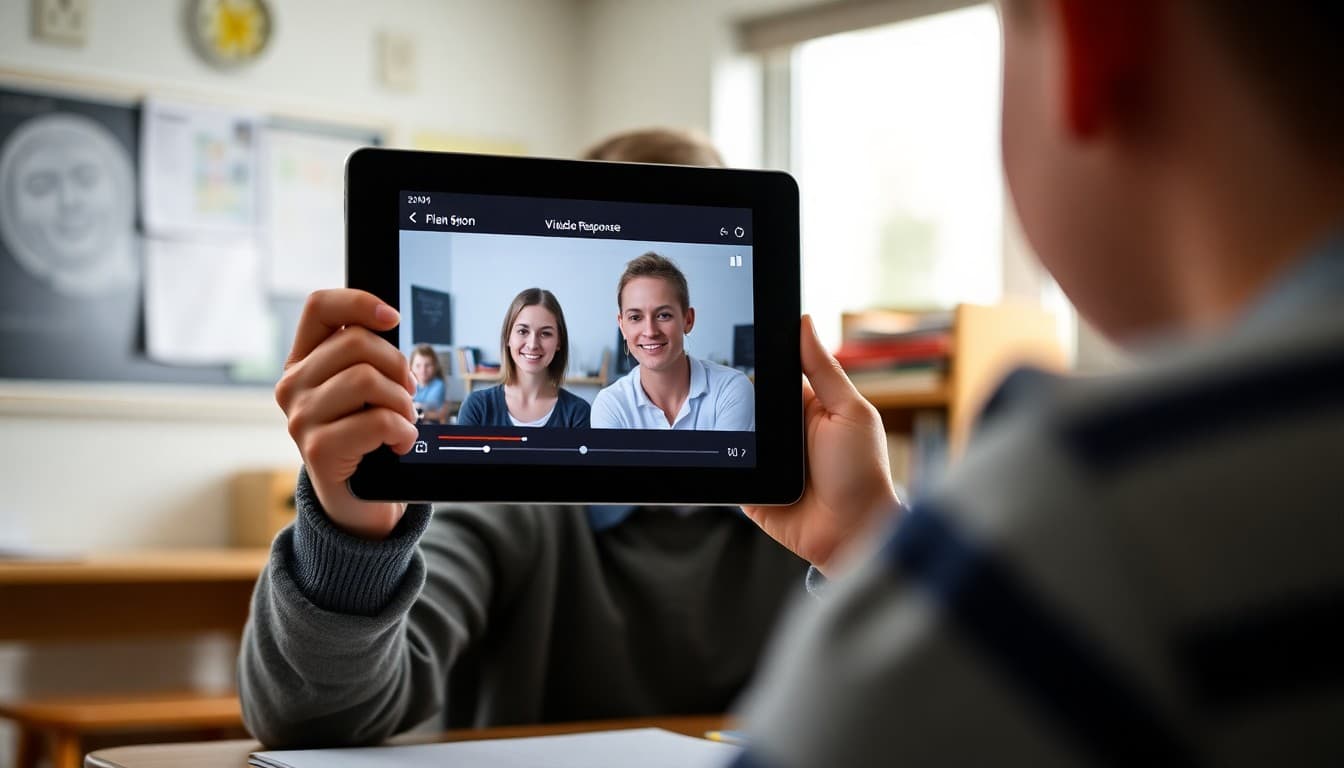
How to Explain Flipgrid Video Responses to Families in Your Teacher Newsletter
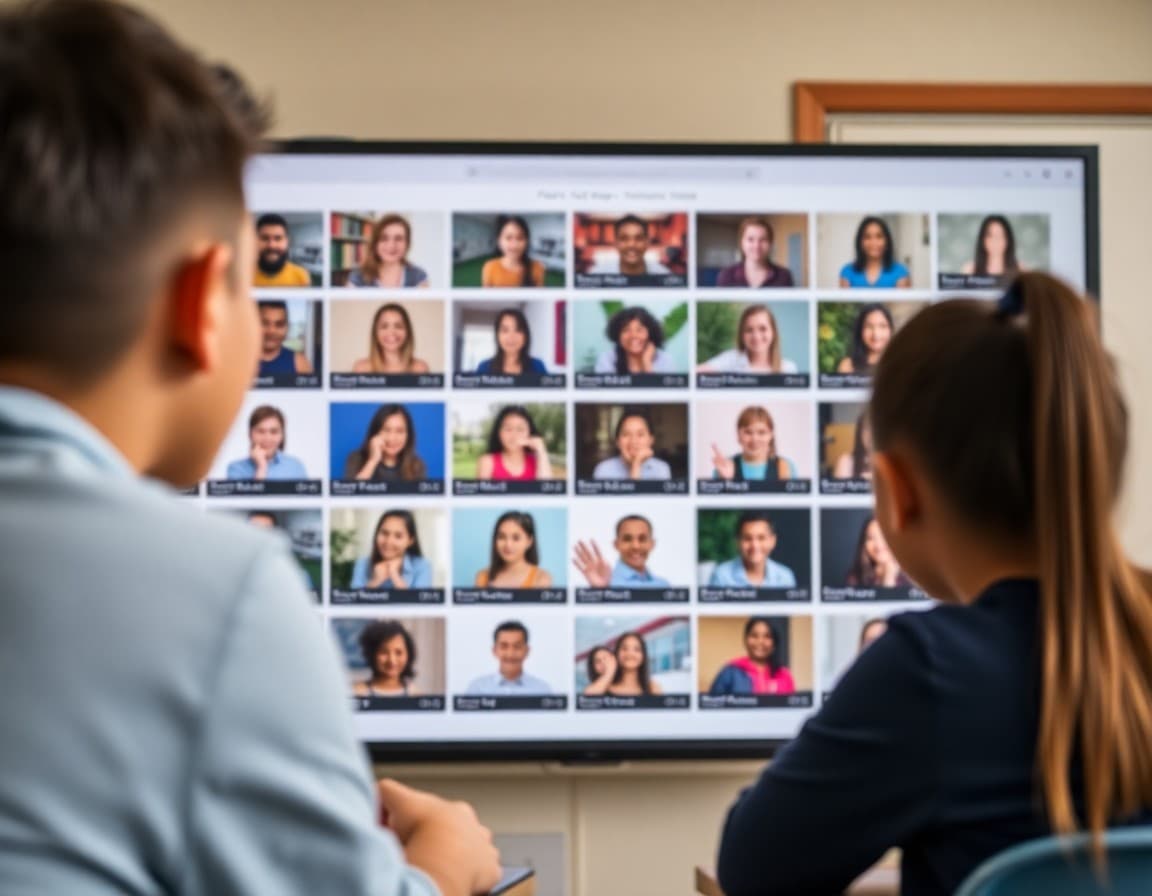
Flipgrid is a video response tool that makes student verbal thinking visible in a way that writing does not. When students record a short video explaining a concept, sharing a book recommendation, or responding to a discussion question, they are practicing communication skills that sit at the intersection of knowledge and expression. Families who hear "we did Flipgrid" often have no idea what their student actually said or what the discussion was about. A newsletter that shares the topic and links to the grid changes that.
Explain what Flipgrid is
"Flipgrid is a platform where I post a discussion topic and students record a short video response, usually one to three minutes. The responses appear in a grid that the class can watch, react to, and reply to. I use it for book talks, science concept explanations, historical perspective-taking, and reflection on projects. The format requires students to organize their thinking well enough to say it clearly without reading from notes or getting a second draft."
Tell families what the most recent topic was
"This week's Flipgrid topic was a book recommendation. Each student chose a book from independent reading and recorded a two-minute pitch to convince a classmate to read it. The requirements were: summarize the story without giving away the ending, name one specific reason a classmate should choose it, and read one short passage that shows the author's style. The grid is linked below if you want to watch your student's recommendation."
Explain why verbal communication is a learning skill
"A student who writes a book review demonstrates one kind of understanding. A student who records a book pitch demonstrates a different kind: the ability to organize and deliver thinking in real time without editing. Speaking clearly about a book requires internalized understanding in a way that rereading and copying notes does not. Students who can explain something on video almost always understand it better than students who can only fill in a worksheet about it."
Share observations from this round of responses
"The quality of the book pitches this week was the strongest of the year. Students who recorded second or third takes , Flipgrid allows multiple attempts before submitting , produced noticeably more organized and confident pitches than students who submitted the first take. That pattern tells me something about the value of low-stakes revision. I will build in explicit re-take time in the next Flipgrid activity."
Tell families how to watch and respond to their student's video
"Use the link below to access the class grid. Find your student's video. After watching it, ask: what was the book about? Why did you recommend it? What would you do differently in the recording? The third question is often the most interesting. Students who can identify what they would improve have already started developing the self-evaluation skills that make them better communicators over time."
Address any concerns about privacy or comfort with video
"If your student is uncomfortable recording on camera, please reach out. I have options for students who need alternatives: audio-only with a still image, an avatar, or a written submission for students with significant video anxiety. The learning goal is verbal communication and explanation. The camera is the tool, not the requirement."
Linking to the class Flipgrid grid in a Daystage newsletter is one of the few ways families get to actually hear their student explain what they know, which is a very different experience from reading a quiz score.
Get one newsletter idea every week.
Free. For teachers. No spam.
Frequently asked questions
What is Flipgrid and how do students use it in class?
Flipgrid (now called Flip) is a video response platform where teachers post a discussion prompt and students record short video responses. Each student's response appears in a grid that the class can watch and reply to. It is used for discussions, reflections, book talks, science explanations, and any activity where the teacher wants students to communicate verbally rather than only in writing.
Why have students record videos instead of just writing?
Video responses require verbal communication skills that writing does not: speaking clearly, organizing thoughts without the ability to edit, explaining a concept without visual aids, and presenting with appropriate confidence and pace. These are presentation and communication skills that students need and that written work does not develop the same way.
Can families see their student's Flipgrid video?
Yes, if the teacher shares the topic link with families. Flipgrid grids can be set to class-only or visible to anyone with the link. When teachers share the link in a newsletter, families can watch their student's response and the responses of classmates. Teachers can also set responses to be viewable only by the teacher if privacy is a concern.
What if a student does not want to be on video?
Teachers can accommodate this. Flipgrid allows students to record audio only with a still image, use an avatar, or record from behind an object. Some teachers also allow written text as an alternative for students with video anxiety. The platform is flexible about how students present their thinking.
Can Daystage help teachers share Flipgrid video topics with families in newsletters?
Yes. A Daystage newsletter with a link to the class Flipgrid grid and an explanation of the discussion prompt gives families a window into the verbal learning happening in the classroom, which is rarely visible to them otherwise.

Adi Ackerman
Author
Adi Ackerman is a former classroom teacher and curriculum writer with 8 years in K-8 schools. She writes about school communication, parent engagement, and what actually works in real classrooms.
More for Classroom Teachers
How to Explain Padlet Activities to Families in Your Teacher Newsletter
Classroom Teachers · 6 min read
How to Explain Student Digital Portfolios to Families in Your Teacher Newsletter
Classroom Teachers · 6 min read
How to Explain Student Screencasts to Families in Your Teacher Newsletter
Classroom Teachers · 6 min read
Ready to send your first newsletter?
3 newsletters free. No credit card. First one ready in under 5 minutes.
Get started free