
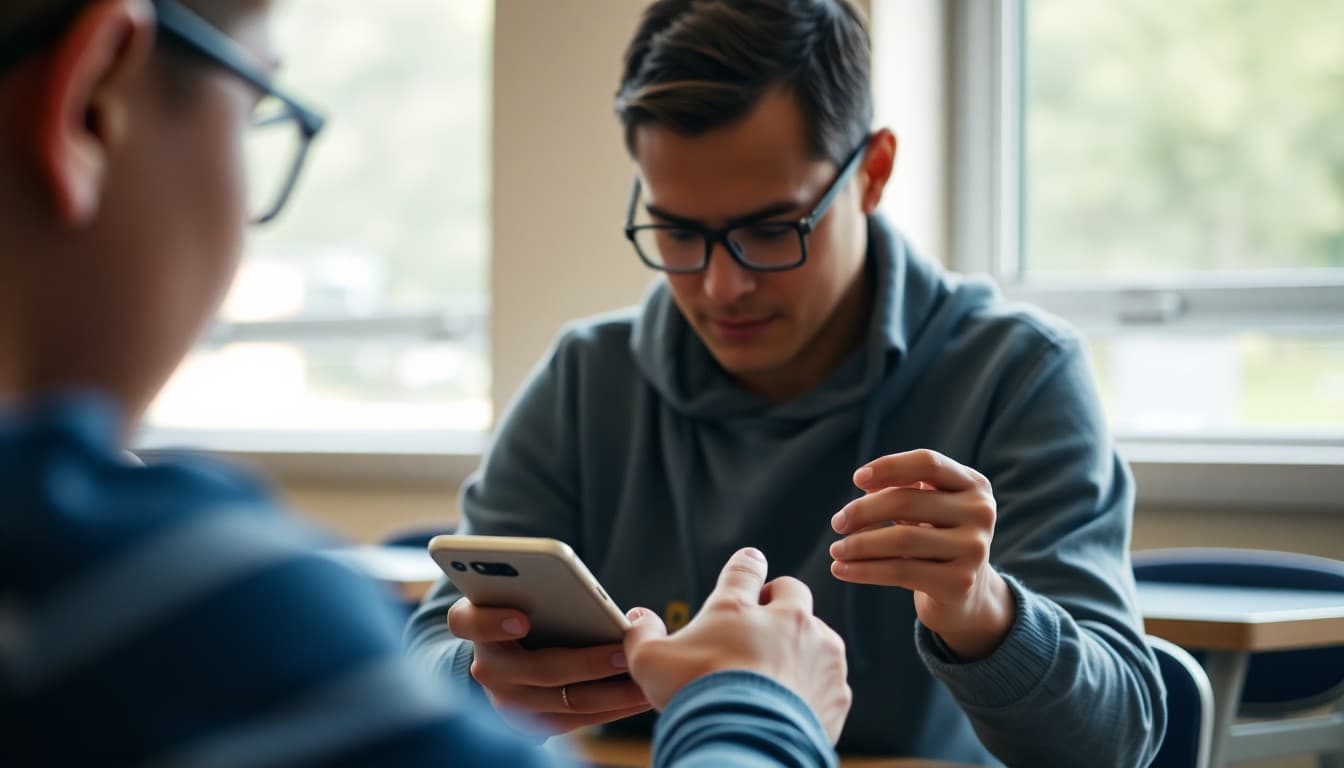
How to Write a Remind App Introduction Newsletter to Families

Getting families set up on Remind is one of those early-year tasks where a clear newsletter pays dividends all year. Families who receive your classroom announcements through Remind are more informed, more responsive, and more connected than families who are only reached through paper notes that sometimes do not make it home. A clear introduction newsletter makes the setup process easy enough that families actually complete it.
Explain what Remind is and why you chose it
Start with the purpose and the reasoning. Remind is a messaging platform built specifically for school communication. It keeps your personal phone number private, reaches families directly on their phones, and makes it easy to send quick updates that families see in real time rather than finding a week later in a school bag. Tell families why you chose it over other options.
Give clear signup instructions
Include your class code or invite link and walk families through the signup process step by step. Download the app or go to the website, create a free account, join your class using the code or link. Three steps, clearly written. Families who have a specific path to follow complete the setup. Families who receive vague instructions often do not.
Explain the privacy protections
The privacy feature is one of Remind's strongest selling points and families appreciate hearing about it clearly. Neither you nor the family can see each other's phone numbers. All communication goes through the Remind platform. This protects you from calls at 11 p.m. and protects families from feeling that their personal number is shared with a school database.
Tell families what to expect to receive
Describe the kinds of messages you will send. Reminders about upcoming field trips or due dates, quick schedule change notices, important announcements. Also tell families approximately how often they will hear from you. A teacher who sends one or two messages a week is very different from one who sends several daily messages, and families need to calibrate their expectations.
Clarify the response configuration
Whether families can reply to your Remind messages is something you control. If replies are on, let families know they can reach you this way. If you have set Remind to one-directional announcements only, let families know how to contact you for questions (direct email, conference request, etc.). Ambiguity about response expectations leads to ignored questions or frustrated families.
Note translation support
Remind's translation feature is valuable for multilingual families. If you have families who speak languages other than English, note that Remind can translate messages automatically when families set their language preference. This feature is a genuine equity tool and worth highlighting in your introduction.
Provide an alternative for families who cannot use the app
Not every family has a smartphone or reliable data. Your newsletter should note how you will keep these families informed alongside your Remind communications. Whether that is a weekly paper summary, email, or direct calls, having an alternative shows that your communication strategy includes every family.
Daystage pairs well with Remind for a layered communication strategy: Remind for quick, real-time updates and Daystage for richer newsletter content that families can read and reference on their own schedule. Both tools together give every family multiple ways to stay connected.
Get one newsletter idea every week.
Free. For teachers. No spam.
Frequently asked questions
What should a Remind app introduction newsletter include?
What Remind is and why you chose it, how to sign up (including your class code or invite link), what types of messages families will receive, how often you will send updates, the privacy protections built into the platform, and how families can respond or reach you through the app.
How does Remind protect teacher and family privacy?
Remind keeps phone numbers private from both teachers and families. Teachers send messages through the platform and families receive them without either party sharing their actual phone number. This is one of the platform's strongest selling points and worth highlighting clearly in your introduction newsletter.
Can families reply to Remind messages?
Families can reply to Remind messages and the teacher sees those replies through the app without the family's phone number being exposed. You can configure whether replies are received or whether the channel is one-directional. Clarifying your configuration in the newsletter sets the right expectation for response behavior.
How is Remind different from text messaging or email?
Remind is purpose-built for school communication with privacy protection, translation support, and message scheduling. It also keeps school communication separate from personal texts, which families appreciate. Unlike email, Remind messages arrive as push notifications with a higher open rate for time-sensitive information.
What tool helps teachers send Remind setup guides to families?
Daystage is a great complement to Remind. Use Daystage for rich, formatted newsletter content and Remind for quick, time-sensitive announcements. Sending your Remind setup instructions through Daystage gives families a clear, formatted document they can follow step by step.

Adi Ackerman
Author
Adi Ackerman is a former classroom teacher and curriculum writer with 8 years in K-8 schools. She writes about school communication, parent engagement, and what actually works in real classrooms.
More for Classroom Teachers
Ready to send your first newsletter?
3 newsletters free. No credit card. First one ready in under 5 minutes.
Get started free