

How to Write a ClassDojo Introduction Newsletter to Families
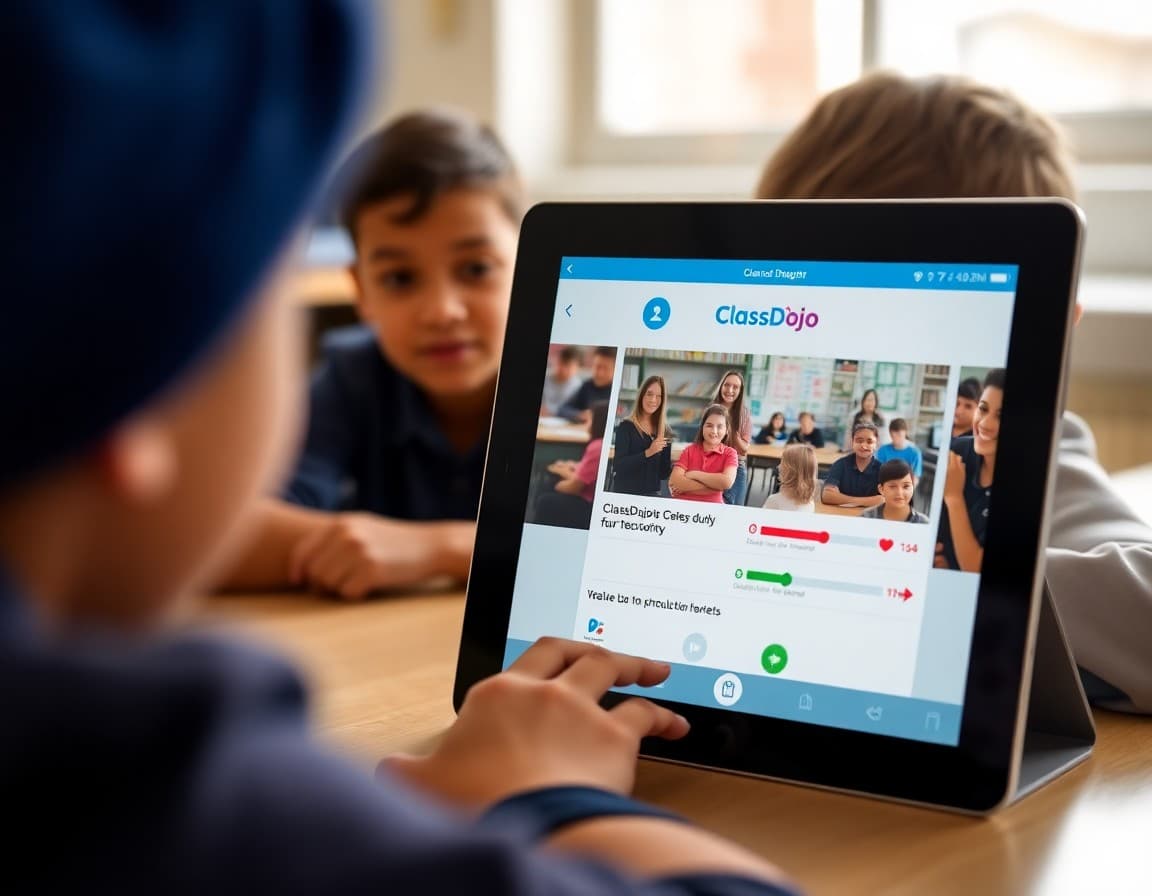
A ClassDojo introduction newsletter does two things. It gives families the practical information they need to connect to your classroom successfully. And it sets expectations for how the platform will be used throughout the year so families know what to look for and how to interpret what they see. Get both right and your ClassDojo connection rate goes up significantly from the first week.
Explain what ClassDojo is and why you use it
Start with the purpose. ClassDojo is a communication platform that lets you share classroom photos, send announcements, communicate with individual families, and track behavior feedback in one place. Tell families why you chose it over other options. A brief explanation signals that this is a deliberate choice, not just another app they will need to manage.
Walk through the connection steps
Include the specific invite link or QR code in your newsletter. Write out each setup step in plain terms: download the app, create a free account using your email or Google, tap the invite link or enter your classroom code, and connect to your class. The simpler and more specific the instructions, the higher your setup rate will be. Do not assume families have done this before.
Describe what families will see in the app
Tell families what ClassDojo in your classroom actually looks like. Will you post photos from class activities? Will there be announcements about upcoming events? Will you send individual messages about specific student achievements or concerns? Families who know what to expect check the app regularly rather than opening it once and forgetting it exists.
Explain the behavior point system
If you use ClassDojo's behavior points feature, explain what it means in your classroom specifically. Some teachers use points as positive-only recognition. Others use a full positive and negative system. Some tie points to a class economy or reward system. Some use points as internal teacher data and do not emphasize them with families at all. Families who understand your specific approach are not confused or alarmed by point notifications.
Set communication expectations
Tell families how often you will post to ClassDojo and what kinds of content to expect. Will there be a weekly photo update? Daily announcements? Messages only when something notable happens? Families who have calibrated expectations check the app at the right frequency and are not concerned when they go a few days without a notification.
Address privacy questions proactively
Some families will have questions about data privacy, especially if they are not familiar with ClassDojo. Note that ClassDojo is designed to comply with student privacy laws and that you will not post identifiable student photos publicly. Invite families to reach out if they have specific privacy concerns. Proactive acknowledgment of the concern reduces the number of families who quietly opt out of the platform.
Note alternatives for families who cannot use the app
Not every family can download an app or access a smartphone. Your newsletter should note how you will communicate with families who cannot connect through ClassDojo. Paper updates, email, or phone calls as needed. Inclusive communication language ensures every family feels served regardless of device access.
Daystage works well alongside ClassDojo for formal classroom newsletter communication. Use ClassDojo for daily updates and messaging and Daystage for more structured newsletters that families can reference throughout the year.
Get one newsletter idea every week.
Free. For teachers. No spam.
Frequently asked questions
What should a ClassDojo introduction newsletter include?
What ClassDojo is and why you chose it, how families sign up and connect to your classroom, what families will see in the app, how often you will post updates, what the behavior point system means in your classroom, and privacy information reassuring families about how their data is handled.
How do I get families to actually download and set up ClassDojo?
Make setup as frictionless as possible in your newsletter. Include the specific invite link or QR code, write out the exact steps for connecting to your classroom, and note that setup takes less than five minutes. The easier the path to setup, the higher your connection rate will be.
How should I use ClassDojo points and how do I explain that to families?
Explain whether points in your classroom are used for individual recognition, class economy, or simply as positive feedback without redemption. Families who understand what points mean in your system do not misinterpret them as formal grades or punishments.
How do I address ClassDojo privacy concerns?
Acknowledge that some families may have questions about data privacy and point them to ClassDojo's student privacy policy, which is designed to comply with COPPA and FERPA. Your newsletter can note the safeguards briefly and invite families to reach out if they have concerns.
What tool helps teachers send ClassDojo setup newsletters?
Daystage is a great complement to ClassDojo for formal newsletter communication while ClassDojo handles day-to-day updates and messaging. Sending your ClassDojo setup instructions through Daystage gives families a clean, formatted document they can refer back to during setup.

Adi Ackerman
Author
Adi Ackerman is a former classroom teacher and curriculum writer with 8 years in K-8 schools. She writes about school communication, parent engagement, and what actually works in real classrooms.
More for Classroom Teachers
Ready to send your first newsletter?
3 newsletters free. No credit card. First one ready in under 5 minutes.
Get started free