

Recommending a Reading App to Families in Your Teacher Newsletter
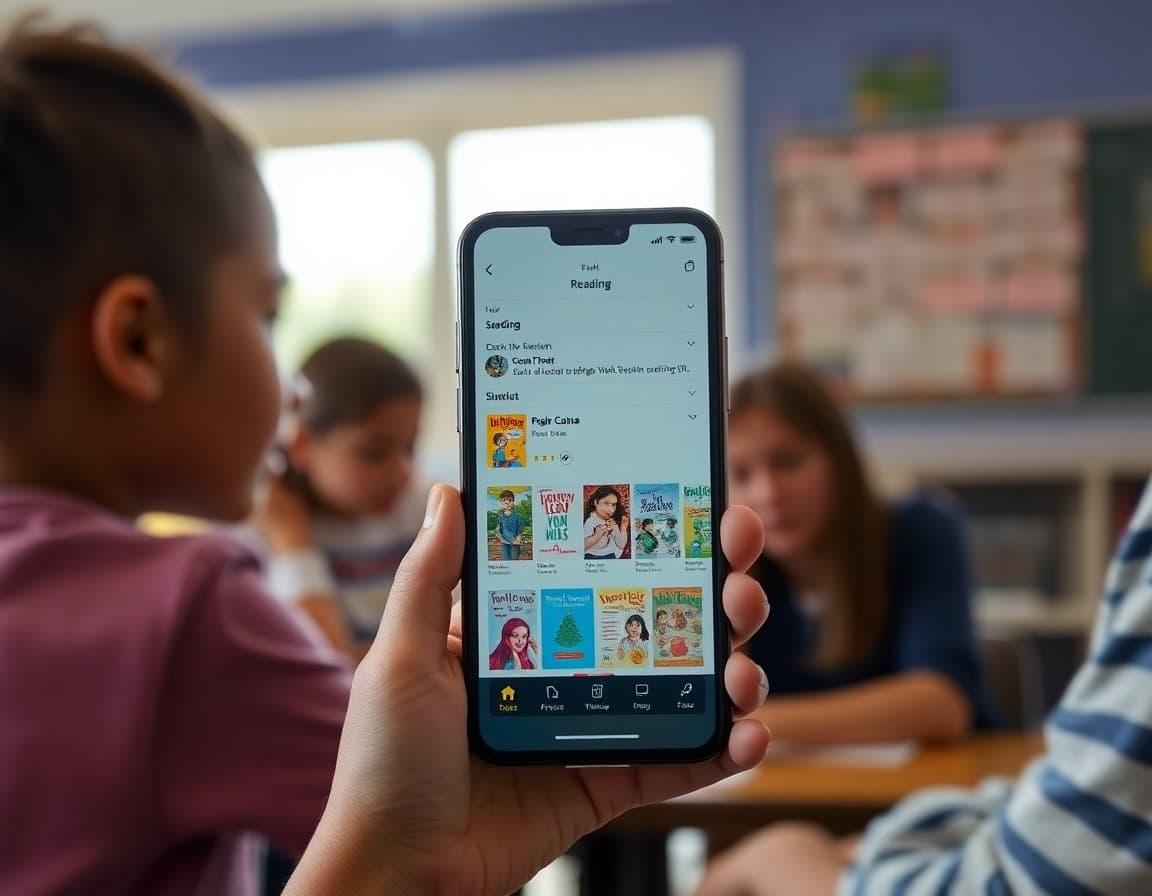
A reading app recommendation in your newsletter has the potential to shift a student's daily screen time toward something genuinely beneficial. Most families are already managing device time. A teacher recommendation of a specific reading app gives them an easy replacement for passive content and a way to support literacy without adding another tutoring commitment. The recommendation works best when it is specific, honest, and connected to what students are working on.
Lead with what the app does, not what it is
Name-dropping an app without explaining it does not generate downloads. Tell families what the app actually does. "Epic! is a digital library with thousands of books across genres and reading levels. Your student can search by reading level, genre, or topic and read any book in the library for free. Teachers can create a classroom account that gives students free access at home." That description tells families exactly what they are getting before they tap the link.
Explain why you are recommending it now
A reading app recommendation that connects to the current moment is more compelling than a general endorsement. "We are working on fluency this month and this app includes a read-along mode where students hear the text while following along. It is a good at-home complement to what we are doing in class." Timing the recommendation to classroom learning gives it a specific and immediate purpose.
Describe what the free version includes
Be explicit about what families get without paying. "The free version of Raz-Kids includes a set of leveled readers and a reading quiz for each one. It does not include the full library. For most families the free tier is a good starting point before deciding whether the paid version is worth it." Families appreciate honesty about limitations more than they appreciate overselling.
Include setup instructions for classroom-linked apps
If the app links to your classroom account and students need a code to set it up, include clear instructions. "To access the classroom account in Epic!, tap 'I'm a student' and enter the class code: ABC123. This gives your student free home access through June." Simple numbered instructions reduce setup abandonment, which is the most common reason an app recommendation goes unused.
Suggest a time and context for using the app
Families who are told specifically when to use an app are more likely to build the habit. "Twenty minutes with this app before bedtime replaces a similar amount of time with YouTube and builds the reading stamina we are working on in class." Concrete usage guidance removes the ambiguity that keeps families from starting.
Invite feedback after a few weeks
A brief follow-up invitation in the next newsletter shows families their experience matters and helps you calibrate future recommendations. "If anyone has tried the reading app I mentioned last week, I would love to hear how it went. Reply to this email with what your student thought." The responses are useful and families who share feedback feel heard.
Daystage newsletters are well-suited for technology recommendations. The clean layout supports app screenshots and structured descriptions that make the recommendation easy to act on from a phone.
Get one newsletter idea every week.
Free. For teachers. No spam.
Frequently asked questions
How do I choose which reading app to recommend in my newsletter?
Choose apps you have actually used with students or tested yourself. Consider whether the free tier is genuinely useful, whether the app is appropriate for your grade level, and whether it reinforces the reading skills you are currently focusing on in class. An app that earns your genuine endorsement is more valuable than one you have only heard good things about.
Should I recommend paid or free reading apps?
Free apps first, with an honest note about any limitations. If a paid app is significantly better than available free options, recommend it but note the cost clearly. Many reading apps have free trials, which you can recommend as a low-risk way to evaluate the tool before purchasing.
How do I recommend a reading app without making families feel like they need to buy something?
Frame it explicitly as an optional addition to what your student is already doing. 'If your student enjoys reading on a device and you are looking for something to use during screen time, this app is worth considering.' Families who are not interested can skip it without feeling like they are missing something required.
What if a reading app I recommended does not work well for some students?
Follow up briefly in the next newsletter. 'A few families mentioned the reading app I recommended last month was too easy for their student. If that was your experience, try adjusting the level settings or check the app's library for higher-level content.' The follow-up shows families you are responsive and keeps the recommendation credible.
Can Daystage help teachers share reading app recommendations in newsletters?
Yes. Daystage supports app screenshots, direct download links, and structured descriptions that make a reading app recommendation look professional and easy to act on.

Adi Ackerman
Author
Adi Ackerman is a former classroom teacher and curriculum writer with 8 years in K-8 schools. She writes about school communication, parent engagement, and what actually works in real classrooms.
More for Classroom Teachers
Ready to send your first newsletter?
3 newsletters free. No credit card. First one ready in under 5 minutes.
Get started free