
Teacher Newsletter Photos Tips: What to Shoot and How to Share
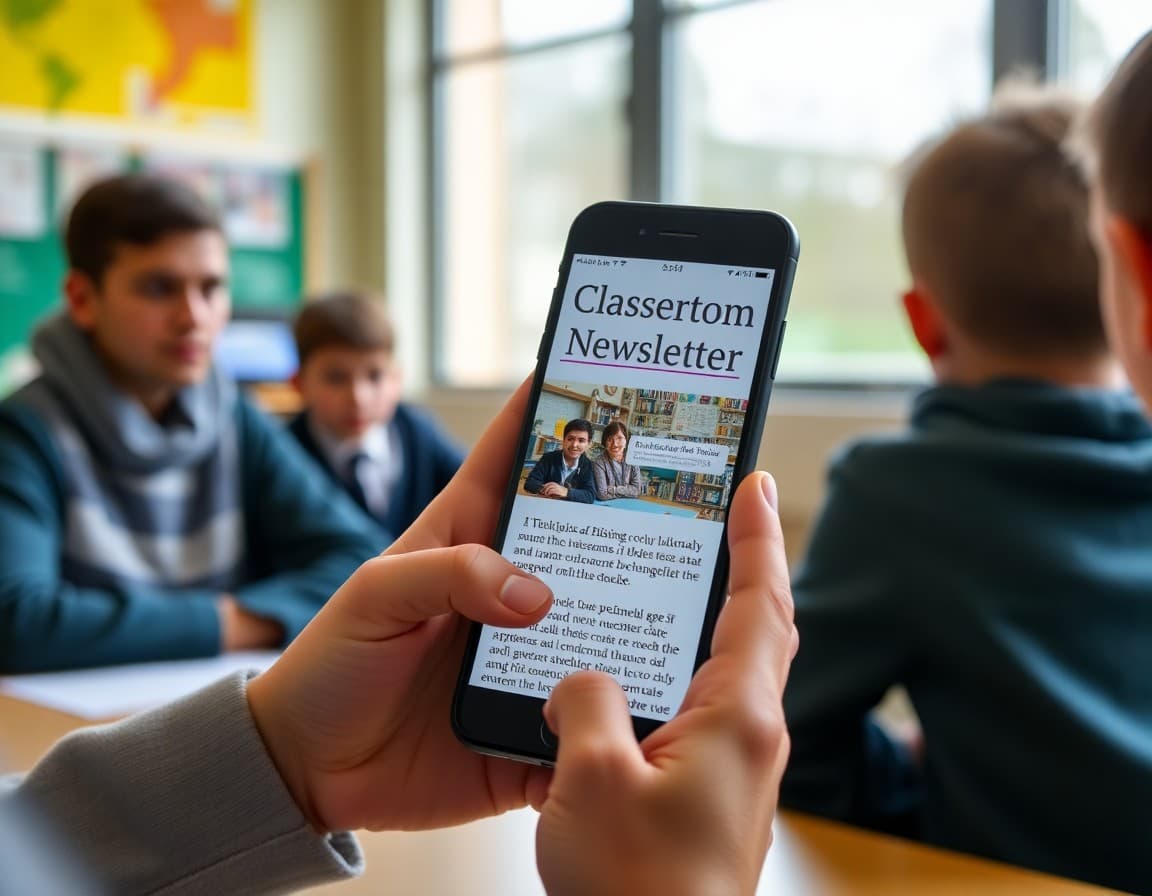
Photos are the single highest-impact addition to a classroom newsletter. A newsletter with one good photo gets more opens, more read-throughs, and more family responses than the same newsletter without one. The practical challenge is knowing what to capture, what you are permitted to share, and how to make it work in your regular routine.
Check Permissions Before You Share Anything
Every school has a media release policy. Most families sign it at enrollment, but the permissions can vary significantly. Some releases cover photos used in school publications only. Others are broader. Before you include any identifiable student photo in a digital newsletter, confirm what your school's policy allows and whether that policy covers digital distribution. If you are unsure, photograph student work or classroom environments without students in frame. No permission complexity, still highly engaging for families.
What to Photograph in the Classroom
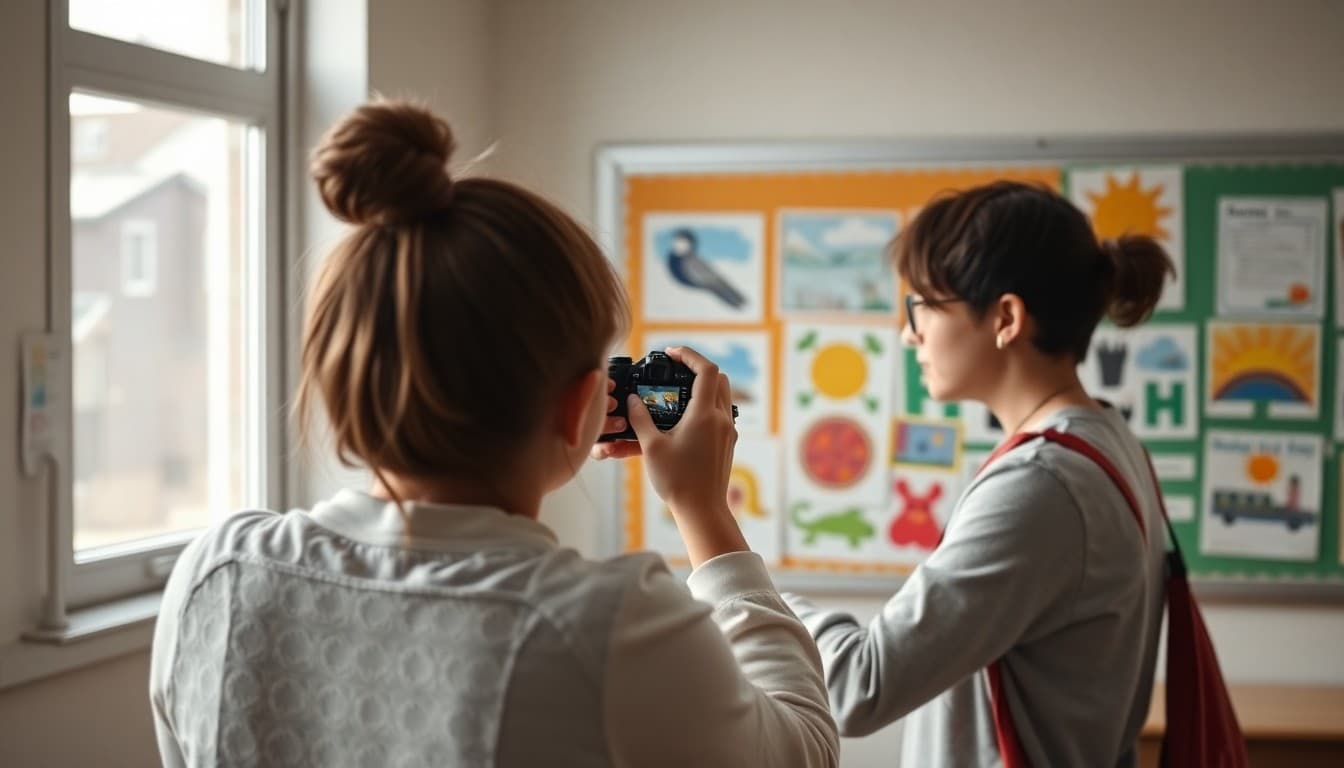
The most engaging classroom photos are candid moments of students working, not posed group shots. A student deeply focused on a project, a pair of students collaborating on a problem, a finished piece of student work displayed on the wall, these images feel real and tell families something true about what their child's day looks like. You do not need to interrupt a lesson to get a good photo. The best classroom photos happen when you just pick up your phone during a work period.
Photograph the Work, Not Just the Event
Many teachers default to capturing field trips and special events, which are worth photographing. But the most useful photos for a weekly newsletter are the ordinary ones: a math manipulative setup that explains what students are working on, a completed writing piece with a student's thought visible, a science experiment in progress. These photos show families the texture of the everyday classroom, which is actually what most families are most curious about.
One to Three Photos Per Newsletter
More than three photos per newsletter competes with the text content and can make the newsletter feel unfocused. One strong photo that connects to the main content of your newsletter is the ideal. Two or three photos work well for an event recap or a project milestone update. If you have significantly more photos to share, link to a photo gallery or album rather than embedding all of them inline. The goal of the newsletter is communication, not documentation.
Write a Caption That Adds Context
A photo without a caption loses most of its value. A caption does not need to be long. "Students working on their watershed maps during science block" tells families what they are looking at. "Third graders in the middle of our ecosystem field study" places the photo in context. Captions that describe the learning are more useful than captions that just label who is in the photo.
Build a Simple Photo Habit
The teachers who consistently include good photos in their newsletters are not photographers. They have a habit. A practical one is to spend two minutes during an independent work period once a week capturing two or three images. You do not need them to be perfect. You need them to be genuine. A blurry photo of engaged students beats a sharp photo of an empty desk. Build the habit before the school year is fully in motion and it stays all year.
Year-End Reflection Photos
If you have been consistently photographing classroom life throughout the year, your end-of-year newsletter has something most teachers do not: a visual record of the year. Even a three-photo selection from September, January, and May tells a story of growth that parents will keep. That kind of newsletter gets printed out and put in a drawer. It is one of the most memorable things you can send.
Get one newsletter idea every week.
Free. For teachers. No spam.
Frequently asked questions
Should teachers include photos in newsletters?
Yes, when permissions allow. A single good classroom photo increases engagement more than almost any other newsletter element. Families respond to images of the learning environment. Even a photo of work displayed on a wall, with no students visible, adds significant engagement value.
What photo permissions do teachers need before including student photos in a newsletter?
Most schools have a general media release in the enrollment forms. Read it carefully. Some permissions cover in-school publications only. Others cover broader sharing. If your newsletter goes to email or a public URL, confirm your school's specific policy on digital sharing before including identifiable student photos.
What makes a good classroom newsletter photo?
Natural, candid images of students working beat posed group photos. Student work displayed on walls, active project moments, and in-progress learning photos perform better than anything staged. You do not need a professional camera. A phone camera with good light is all you need.
How many photos should go in one teacher newsletter?
One to three photos per newsletter. More than three and the newsletter starts to feel like a photo dump rather than a communication. One strong photo is better than five mediocre ones. If you have many photos from an event, a gallery link or a separate photo update works better than embedding all of them inline.
Does Daystage make it easy to add photos to teacher newsletters?
Yes. Daystage has photo and gallery blocks that let you add one hero image or a small photo set without formatting hassle. Images display correctly on every device, which is not always the case when photos are pasted into plain emails.

Adi Ackerman
Author
Adi Ackerman is a former classroom teacher and curriculum writer with 8 years in K-8 schools. She writes about school communication, parent engagement, and what actually works in real classrooms.
More for Classroom Teachers
Ready to send your first newsletter?
3 newsletters free. No credit card. First one ready in under 5 minutes.
Get started free