
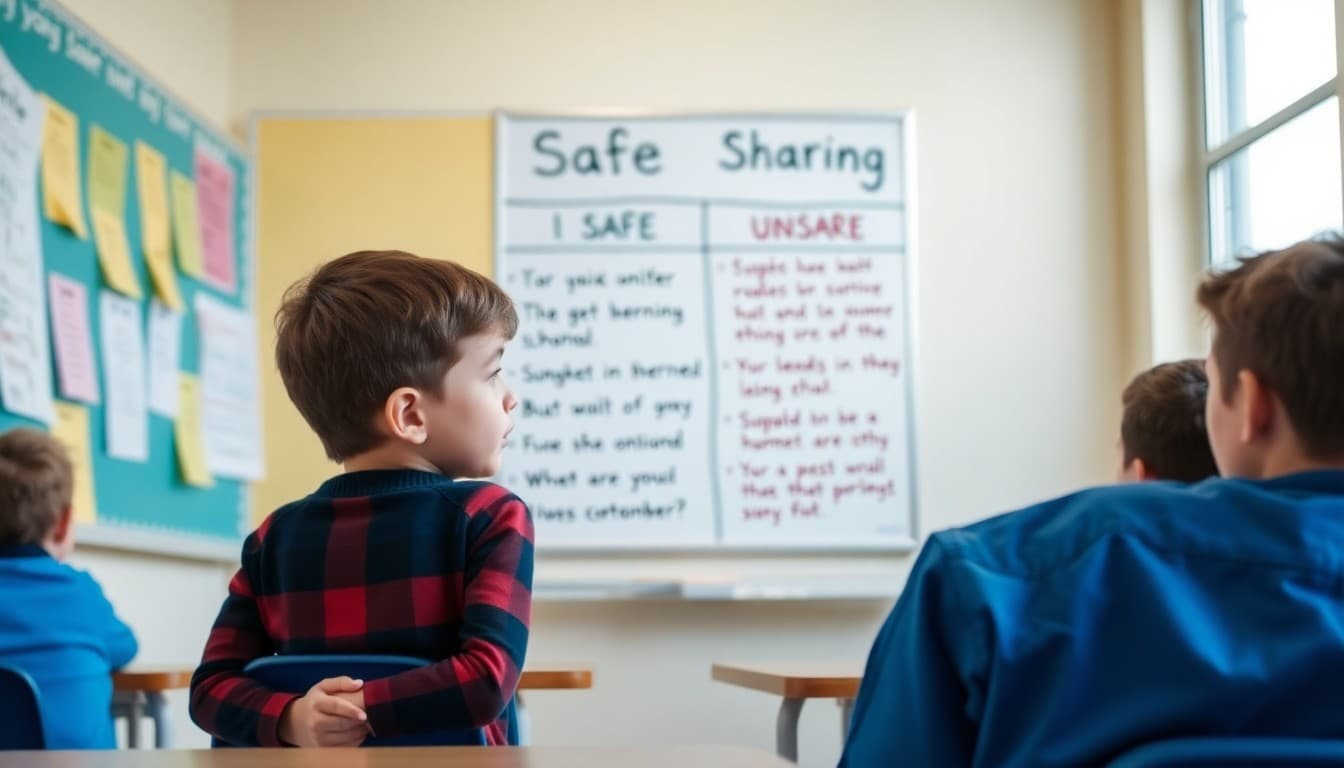
Teacher Newsletter for an Internet Safety Unit: What to Tell Families

Internet safety is one of the rare units where what you teach at school and what families do at home are equally important. Students who learn the rules in your classroom and then go home to unsupervised device use with no family framework are at real risk. Your newsletter is the bridge between the lesson and the home environment. Use it to build that bridge clearly.
Explain What the Unit Covers
Give families a specific list of topics. Personal information: what is safe to share and what is not. The permanence of digital content: screenshots exist forever, deleted does not mean gone. Recognizing unsafe online situations: what an unsafe message looks like, what to do when something feels wrong. Cyberbullying: what it is, how to recognize it on both sides, and how to report it. These topics are not abstract. They are things your students will encounter this year.
Define the Key Vocabulary
Send home the vocabulary students are learning: digital footprint, phishing, spam, cyberbullying, privacy settings, anonymous, permanent record. When families know these terms, they can use them at home: "What is your digital footprint right now? What does your privacy setting look like on that app?" That language transfer from school to home is one of the most effective reinforcement tools available.
Tell Families What the Rules Are
State the rules you are teaching plainly so families can reinforce them: never share your full name, address, phone number, or school name with someone you met online. Never agree to meet someone in person who you only know online. If something feels wrong, tell an adult immediately. These are simple enough to post on a refrigerator. Give families permission to do exactly that.
Address the Reporting Barrier
The biggest obstacle to internet safety is that children do not report problems because they fear their device will be taken away or they will get in trouble. Ask families to separate reporting from punishment: "If your child tells you about something that happened online, thank them for telling you before you respond. The goal is to keep communication open. A child who knows they can tell you without immediate punishment will tell you." That is the entire safety infrastructure.
Provide Practical Home Actions
Give families two or three specific actions they can take this week. Review the apps on your child's device and look up the minimum age requirement for each one. Talk about one rule from the unit at dinner. Ask your child to show you their privacy settings on any social app they use. These actions take minutes and create far more safety than any single classroom lesson.
Recommend Trusted Resources
Point families to resources you trust. Common Sense Media provides age-appropriate guides for families on every platform and app their child might use. The National Center for Missing and Exploited Children has a parent internet safety guide. You do not need to cover everything in your newsletter. Pointing families to the right resources is enough.
Keep the Conversation Open
Close your newsletter by making clear that this is an ongoing conversation, not a one-time lesson. "As your children encounter new apps, platforms, and online experiences, new questions will come up. I am happy to talk through any specific situations or concerns. You are welcome to reach out." That openness keeps families engaged with the topic beyond the newsletter itself.
Get one newsletter idea every week.
Free. For teachers. No spam.
Frequently asked questions
What should a teacher newsletter about internet safety include?
Include the specific topics covered, the vocabulary students are learning, a summary of rules you are reinforcing in class, and concrete actions families can take at home to continue the conversation around device use and online behavior.
What age-appropriate internet safety topics should I cover in upper elementary?
Personal information protection, recognizing phishing and scams, the permanence of digital content, cyberbullying recognition and reporting, the difference between a public and private online space, and how to respond when something online feels wrong. Upper elementary students are at the age when real online experiences start to intersect with these risks.
How do I talk to families about screen time without being preachy?
Stay practical. 'We are teaching students how to use online tools safely and critically. The goal is not to restrict screen time but to make the time they spend online more intentional. Here are two things you can do at home that take under five minutes each.' That framing is collaborative, not prescriptive.
What should families do if their child encounters something inappropriate online?
Give them a protocol: close the device, tell a trusted adult immediately, do not share the content further. Also tell families to respond without blame when a child reports something. Shame is the reason most children stay silent. A family that reacts calmly gets reported to. One that reacts with punishment does not.
Can I send an internet safety unit overview to families through Daystage?
Yes. Daystage is well-suited for this kind of unit communication. You can include the lesson topics, add links to trusted resources like Common Sense Media, and track whether families are opening the message. A direct link to a family guide is more effective than a printed flyer.

Adi Ackerman
Author
Adi Ackerman is a former classroom teacher and curriculum writer with 8 years in K-8 schools. She writes about school communication, parent engagement, and what actually works in real classrooms.
More for Classroom Teachers
Ready to send your first newsletter?
3 newsletters free. No credit card. First one ready in under 5 minutes.
Get started free