

Coding Unit Teacher Newsletter: What Families Need to Know
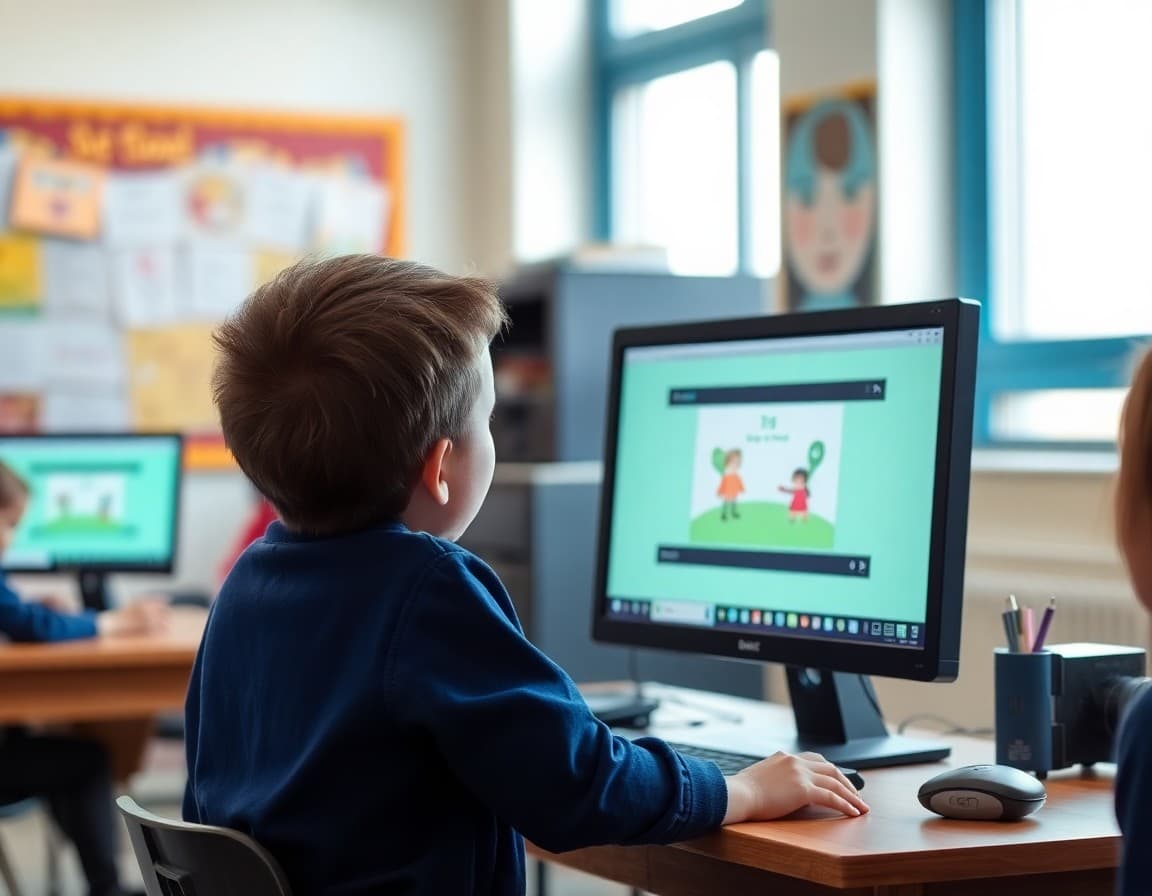
Coding units generate more parent questions than almost any other curriculum topic. Families who are not tech-savvy worry they cannot support their child. Families who are tech-savvy sometimes want to jump in and do the work for them. A good introduction newsletter addresses both groups and sets the right expectations for what a coding unit actually teaches.
Lead With the Skills, Not the Technology
Start your newsletter by describing what the coding unit actually develops as thinking skills. "Our coding unit builds logical sequencing, debugging habits, and the ability to break a complex problem into small, manageable steps. Students also learn persistence: code rarely works perfectly the first time, and working through errors is a central part of the process." Families who are not technical can engage with these skills. Families who are technical understand you are teaching more than syntax.
Name the Platform and What It Does
Tell families exactly what tools students will use. "We will be working in Scratch, a visual block-based coding platform developed by MIT. Students drag and snap code blocks together to create animations, stories, and games. No prior experience is required." Including the platform name gives curious families a way to explore it themselves and gives students something to search for at home if they want to keep working.
What Students Will Create
Describe the end product. "By the end of our four-week unit, each student will have created an interactive animation in Scratch. Some will create a game, others a story, others a digital art piece. The form is their choice. The project will be shared at our class coding showcase on March 14th." A concrete end product makes the unit feel purposeful and gives families a milestone to look forward to.
What Families Should and Should Not Do
This is important. "If your child wants to explore coding at home on Code.org or Scratch, that is great. If they are working on their class project, please let them problem-solve independently. Watching them struggle with a bug is actually the most important part of the learning. Solving it for them removes the core educational experience." That kind of direct guidance prevents the well-meaning parent who does their child's debugging for them.
The Debugging Mindset
Prepare families for the frustration that comes with coding. "Students will hit moments where their code does not work and they do not immediately know why. That frustration is intentional and important. If your child comes home complaining that their code is broken, ask them 'what have you tried so far?' rather than jumping to fix it. That question builds the exact problem-solving habit we are trying to develop." Giving families a specific response to student frustration is more useful than telling them to "be supportive."
Connection to Other Subjects
If your coding unit connects to something else you are studying, make the link explicit. "Some students will use their Scratch projects to tell a story from our history unit or illustrate a concept from science. Coding is a medium for expression and communication, not just a technical skill." That framing helps families understand why a literacy teacher or a social studies teacher might be running a coding unit.
Showcase or Sharing Plan
Tell families how projects will be shared. If there is an in-class showcase, give the date and any family invitation details. If projects will be shared digitally, explain how families can access them. "At the end of the unit, students will share their projects with a partner class. I will share a link to view the finished projects the week after completion." A clear sharing plan makes the unit feel complete and gives families something to look forward to seeing.
Get one newsletter idea every week.
Free. For teachers. No spam.
Frequently asked questions
What should a coding unit newsletter explain to families?
What coding platform or language students are using, what they will create by the end of the unit, the problem-solving and logical thinking skills the unit builds beyond just the code itself, and how families can engage with what their child is working on.
How do I explain coding to families who are not tech-savvy?
Focus on the thinking skills, not the technology. 'Coding teaches students to break a problem into small steps, test solutions, identify errors, and try again. These are problem-solving habits that apply everywhere, not just in computer science.' That framing resonates with families who feel intimidated by the technical aspect.
What coding platforms are most commonly used in elementary classrooms?
Scratch, Code.org, Tynker, and Scratch Jr. for younger students. If your school uses one of these, naming it gives families a chance to explore it at home and understand what their child is working in.
Should students be coding at home during the unit?
Only if you explicitly assign it. If you do assign home coding, make sure families know the platform, how to access it, and what students should be working on. Vague 'practice coding' instructions result in neither practice nor coding.
How does Daystage help communicate STEM unit updates to families?
Daystage lets you send unit newsletters with links to student projects, curriculum overview blocks, and photos from the classroom so families stay connected to what their child is learning without needing a technical background.

Adi Ackerman
Author
Adi Ackerman is a former classroom teacher and curriculum writer with 8 years in K-8 schools. She writes about school communication, parent engagement, and what actually works in real classrooms.
More for Classroom Teachers
Ready to send your first newsletter?
3 newsletters free. No credit card. First one ready in under 5 minutes.
Get started free