
How to Share a Student Animation Unit in Your Teacher Newsletter
Student animation units produce some of the most exciting work families see all year, and they are often the least understood in terms of the learning involved. A newsletter that introduces the animation unit clearly, explains the curriculum connection, and previews what families will see at the end gives families the context to appreciate the work at a deeper level than "my kid made a video."
Name the type of animation students will create
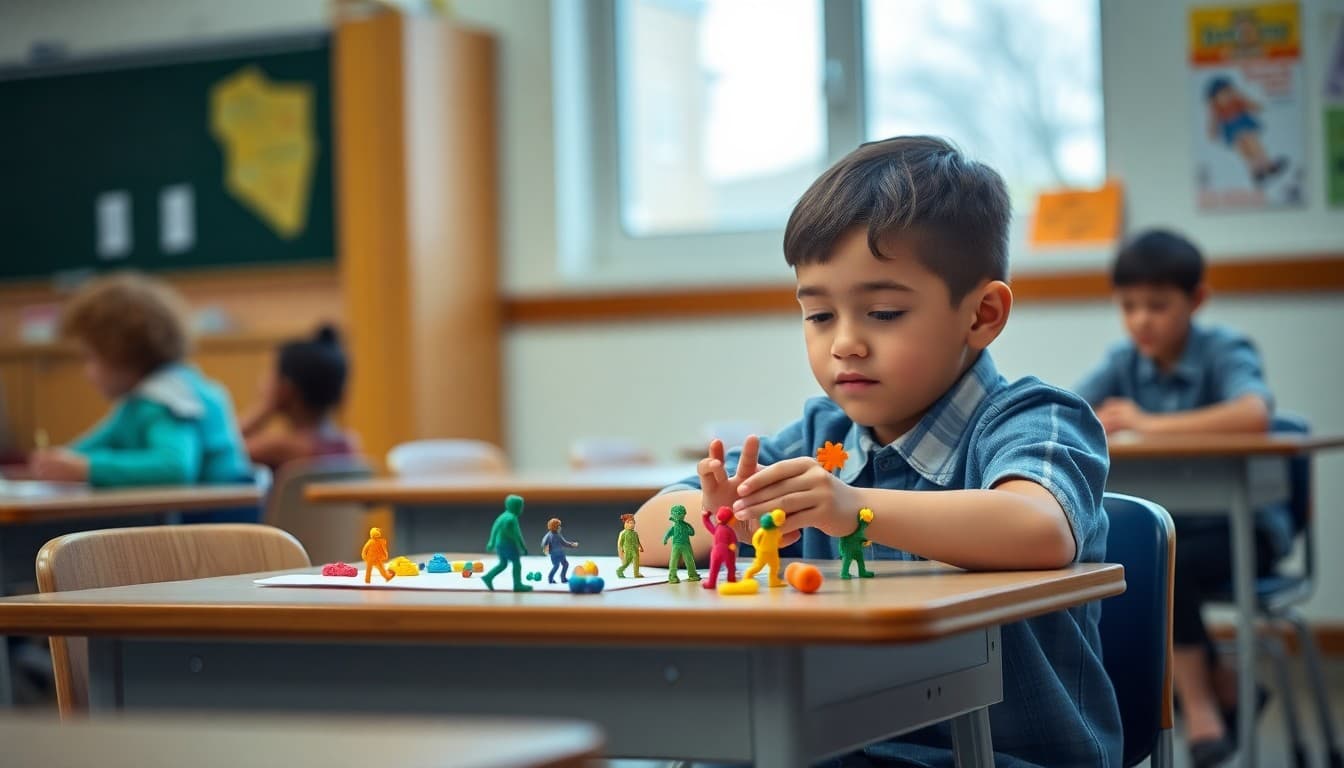
There are several types of student animation and they look very different. Tell families which one is being used and why. "Students will be creating stop motion animations using tablet cameras and materials from the classroom makerspace. Stop motion is chosen because it requires students to plan scenes physically before shooting them, which enforces the storyboarding and sequencing skills we are focused on this unit." A brief rationale for the format connects the medium to the learning goal.
Connect the animation to curriculum content
Families who see a curriculum connection understand that animation time is academic time. "Students will animate a scene that demonstrates one concept from our earth science unit: erosion, deposition, or weathering. The animation must accurately represent the scientific process over time, which means students need to understand the concept before they can animate it effectively." The curriculum connection transforms a fun project into a rigorous assessment.
Walk families through the production process
Animation has a clear multi-stage process. Describing it positions the work as serious. "Students begin with a storyboard: six to eight panels describing each scene. They then build or arrange the physical materials for the animation. Recording happens over two class sessions. Editing and adding a narration track is the final step. The whole process takes about three weeks."
Address the sharing plan
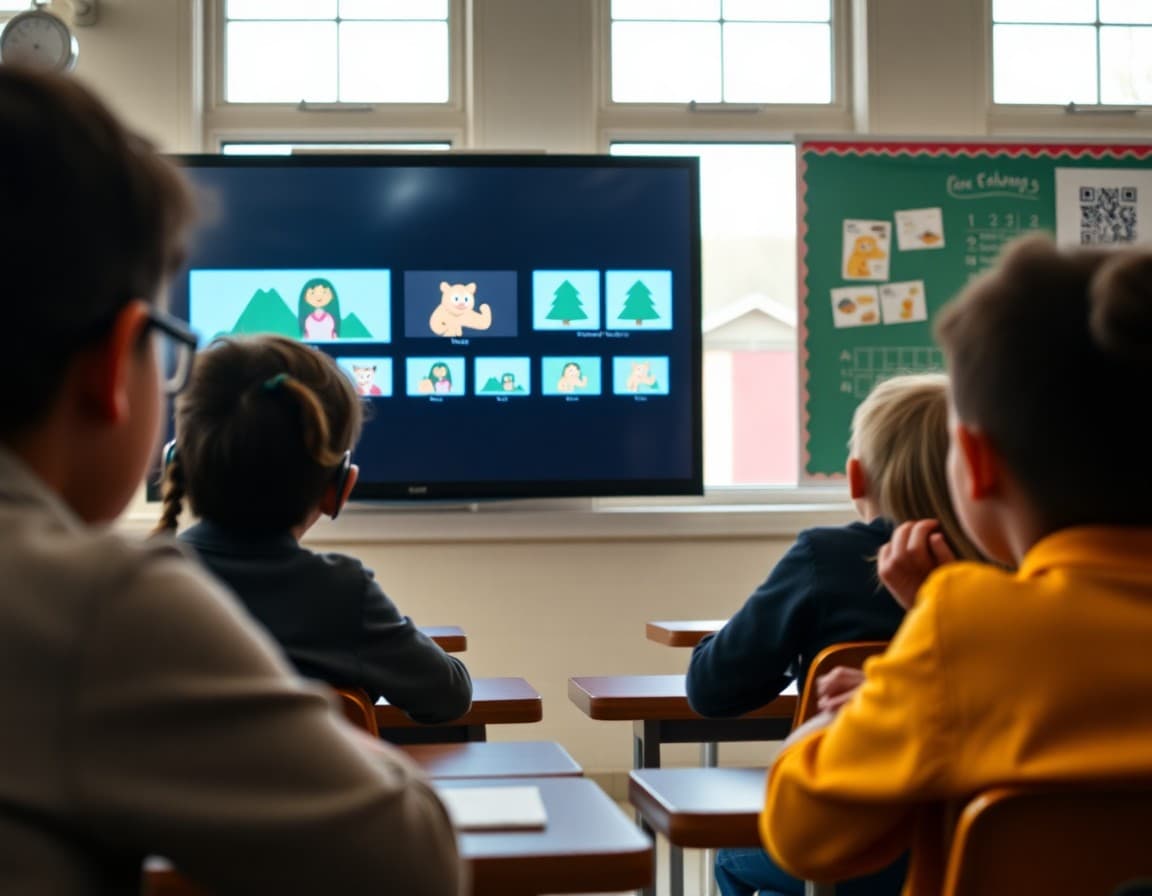
Families want to see the finished work. Tell them when and how. "Finished animations will be shared in a link in the newsletter during the last week of the unit. They are hosted in a private, families-only playlist and will not be shared publicly. If you prefer your student's animation not be shared even within the class, please email me this week." Transparent sharing plans with opt-out options build family trust.
Tell families what questions to ask about the project
Families who engage with the animation at home will help students articulate the learning behind it. "When your student shows you their finished animation, ask: what concept were you animating? How did you decide how to show it? What did you have to change from your first idea? Those questions unlock the thinking behind the images."
Celebrate the effort the unit requires
Stop motion animation is painstaking work. Acknowledge that. "Stop motion requires patience. A five-second scene might involve sixty individual photographs. Students who complete this unit have practiced perseverance in a way that only this kind of meticulous work provides. The finished videos are impressive, but the process is the real point."
Teachers who share student animation work through Daystage newsletters report some of the highest family engagement of the year. Visual, student-created media is compelling in a newsletter in a way that text alone is not.
Get one newsletter idea every week.
Free. For teachers. No spam.
Frequently asked questions
What types of animation units work well in elementary and middle school classrooms?
Stop motion animation using tablets and classroom materials is accessible for grades 3 and up. Digital 2D animation using tools like Scratch or FlipaClip works well for grades 4 through 8. Whiteboard animation or Powtoon-style presentations work for middle school. The technology should match what students can learn in the time available.
What learning standards does an animation unit address?
Animation units can connect to narrative writing standards through storyboarding, sequencing, and story arc. Science and social studies content can be explained through animated explainer videos. Math can use animation to show geometric transformations. The curriculum connection depends on how the unit is designed.
How long does a typical classroom animation unit take?
Three to five weeks for a unit with genuine depth. One to two weeks for a shorter animation project connected to another subject. The newsletter should specify the actual timeline so families know when to expect finished work.
Can I share student animations with families through a newsletter?
Yes, with consent. A newsletter link to a class YouTube playlist (set to unlisted), a shared Google Drive folder, or another protected sharing platform allows families to view the work. Always confirm media consent before sharing student-produced videos publicly.
Can Daystage help teachers share student animation videos with families?
Yes. You can include a video link or thumbnail in a Daystage newsletter. Families who click through can watch the full animation on whatever platform you have used to share it.

Adi Ackerman
Author
Adi Ackerman is a former classroom teacher and curriculum writer with 8 years in K-8 schools. She writes about school communication, parent engagement, and what actually works in real classrooms.
More for Classroom Teachers
How to Announce a Student Podcast Unit in Your Teacher Newsletter
Classroom Teachers · 6 min read
How to Explain Multimedia Projects to Families in Your Teacher Newsletter
Classroom Teachers · 6 min read
How to Explain Student Digital Portfolios to Families in Your Teacher Newsletter
Classroom Teachers · 6 min read
Ready to send your first newsletter?
3 newsletters free. No credit card. First one ready in under 5 minutes.
Get started free