
How to Introduce a 3D Printing Unit to Families in Your Teacher Newsletter
A 3D printing unit is one of those classroom projects that students talk about at home with unusual enthusiasm. Families who receive a newsletter that explains what the unit involves and why it is educationally valuable arrive at dinner conversations with the right context. Without that context, families hear "we are using a 3D printer" and have no idea whether it is a toy or a serious learning tool. The newsletter makes the case for serious learning.
Explain what 3D printing actually is
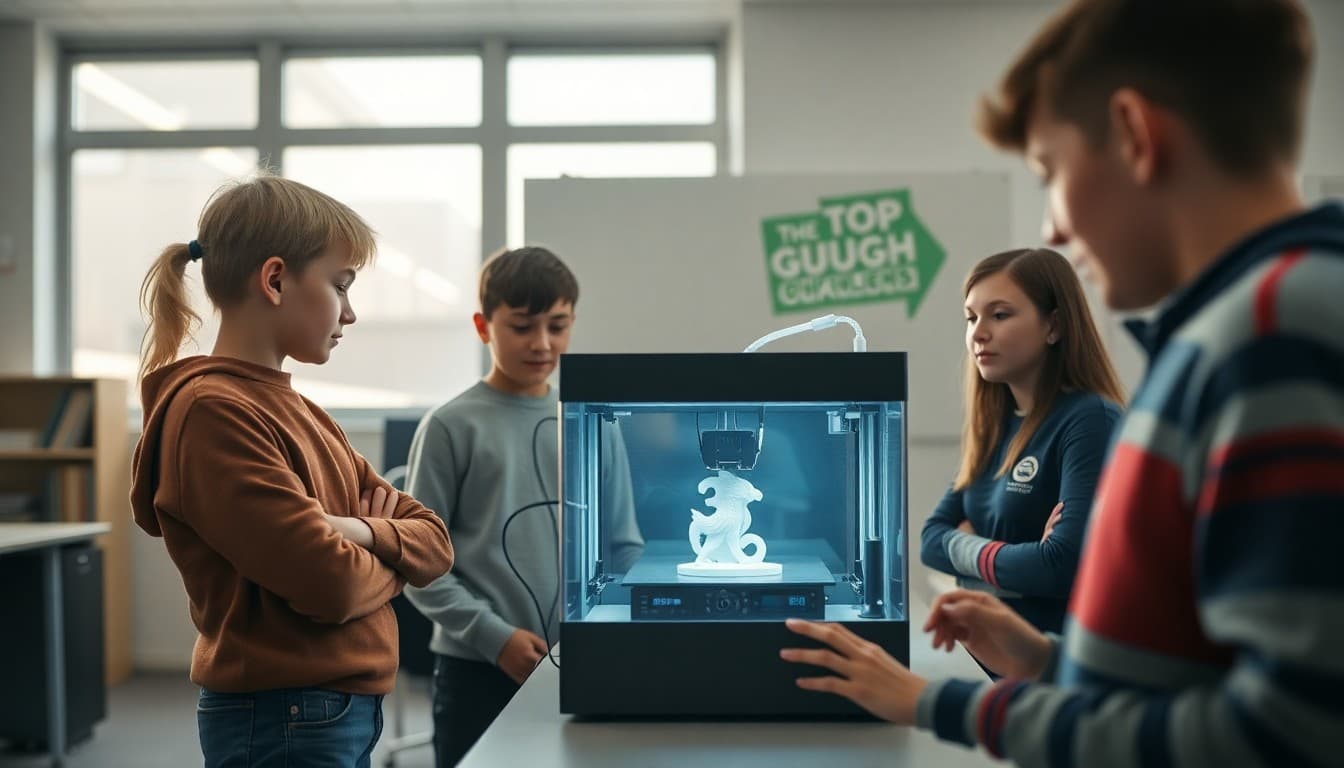
Not all families are familiar with 3D printing beyond a vague sense that it involves technology. A brief plain-language explanation is worth including. "3D printing is an additive manufacturing process that builds objects layer by layer based on a digital design file. Students design their objects in a 3D computer-aided design program, export the file, and the printer builds the physical object. The result is a tangible three-dimensional model of what the student designed in software."
Connect the unit to curriculum goals
Establish the learning purpose clearly. "Our 3D printing unit connects to the geometry and spatial reasoning standards we cover in the fourth quarter. Students will practice measuring, dimensioning, and thinking in three dimensions while designing objects that serve a functional purpose. The design process also reinforces iterative thinking: design, test, revise, reprint." Curriculum connection makes the technology time feel academically accountable.
Describe what students will be designing
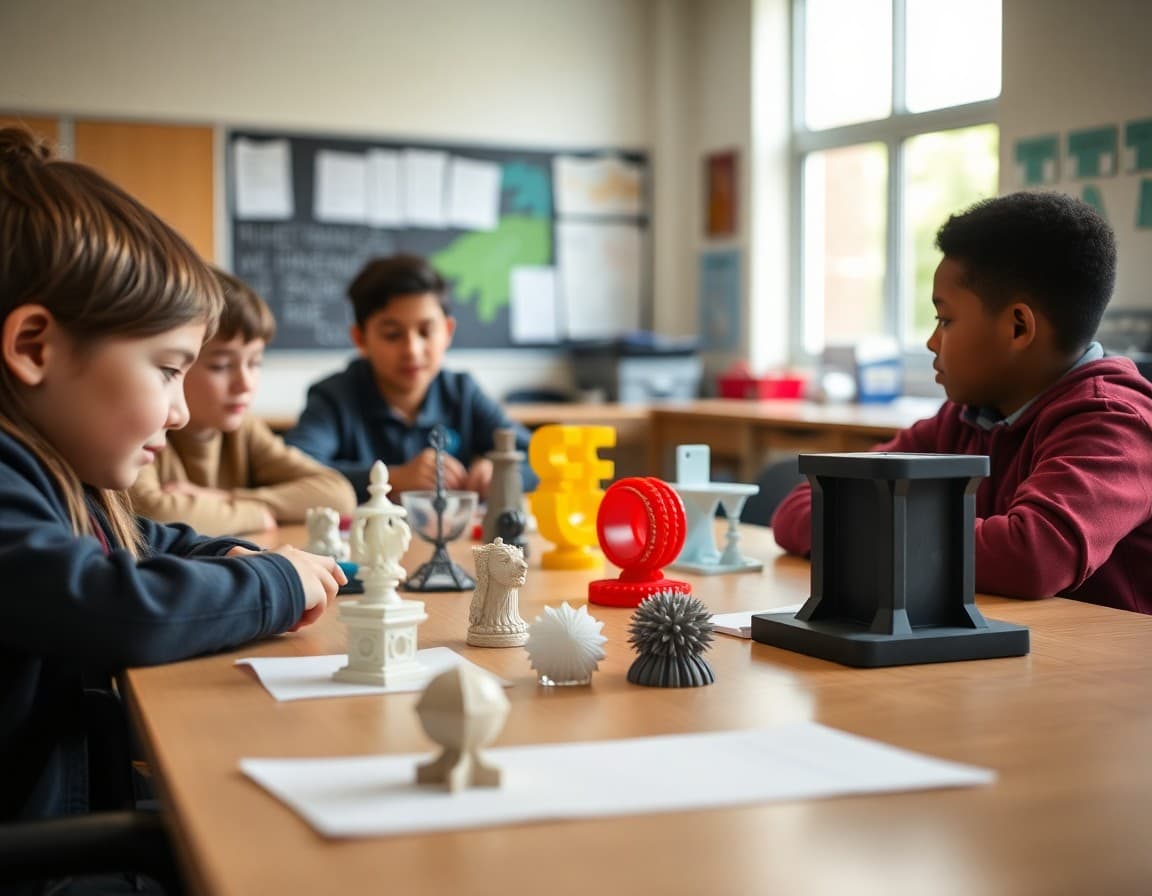
Families want to know what their student will create. Be specific. "Each student will design a functional object of their choosing within certain constraints: it must have at least three dimensions greater than one centimeter, it must serve an identifiable purpose, and it must include at least two geometric forms we have studied. Past projects have included custom pencil holders, replacement parts for broken toys, and miniature architectural models." Specific examples make the abstract concrete.
Set expectations about the timeline and print queue
The reality of 3D printing in a classroom is that the printer is shared and prints take time. Families who expect their student to come home with a finished object after day one need to know the actual timeline. "Designs will take one to two weeks to complete. Printing is scheduled in a queue based on design completion. Each print takes between two and six hours. Most students will have their finished object by the end of week four."
Tell families how to talk with their student about the design
Family conversation can deepen the learning. "Ask your student: what object are you designing and what does it need to do? What measurements does it need to have? What is the hardest part of working in three dimensions? These questions prompt students to articulate their design thinking, which is a core part of the unit."
Invite families to the showcase if one is planned
If the unit ends with any kind of display or sharing, mention it in the launch newsletter. "Finished objects will be displayed during our technology showcase on May 20. Families are welcome to attend." Closing the launch newsletter with a future event gives families a reason to stay engaged throughout the unit.
Daystage newsletters are a natural fit for technology unit introductions. Including a photo of a past 3D printing project alongside the unit description drives family interest before the unit even begins.
Get one newsletter idea every week.
Free. For teachers. No spam.
Frequently asked questions
What should a 3D printing unit newsletter include?
What 3D printing is and how it works at a basic level, what the educational purpose of the unit is, what students will be designing, the timeline and expected outputs, any safety considerations, and how families can support the project at home.
How do I explain the educational value of 3D printing to skeptical families?
Connect it to specific learning standards and the design skills that transfer beyond the classroom. '3D design software requires students to think spatially, plan iteratively, and communicate design intent through dimensions and measurements. These are geometry and engineering skills in a context that students find intrinsically motivating.' The skill transfer argument is more persuasive than the novelty argument.
What do families need to know about the 3D design process before their student starts?
That designs must be created in a CAD program before anything can be printed, that each print takes significant time (sometimes hours) so students need to plan ahead, and that the first print is rarely the final design. Managing family expectations about the timeline and process prevents frustration.
How do I handle the wait time involved in 3D printing in my newsletter communication?
Be honest about it. 'Each print takes two to four hours so not every student will see their design printed in class during the unit. Students will rotate through printing and the finished objects will be distributed over two weeks.' Families who expect overnight results need a realistic timeline.
Can Daystage help teachers share 3D printing unit information with families?
Yes. Daystage newsletters support photos, design previews, and unit timelines that make a technology unit newsletter engaging and informative.

Adi Ackerman
Author
Adi Ackerman is a former classroom teacher and curriculum writer with 8 years in K-8 schools. She writes about school communication, parent engagement, and what actually works in real classrooms.
More for Classroom Teachers
Ready to send your first newsletter?
3 newsletters free. No credit card. First one ready in under 5 minutes.
Get started free