
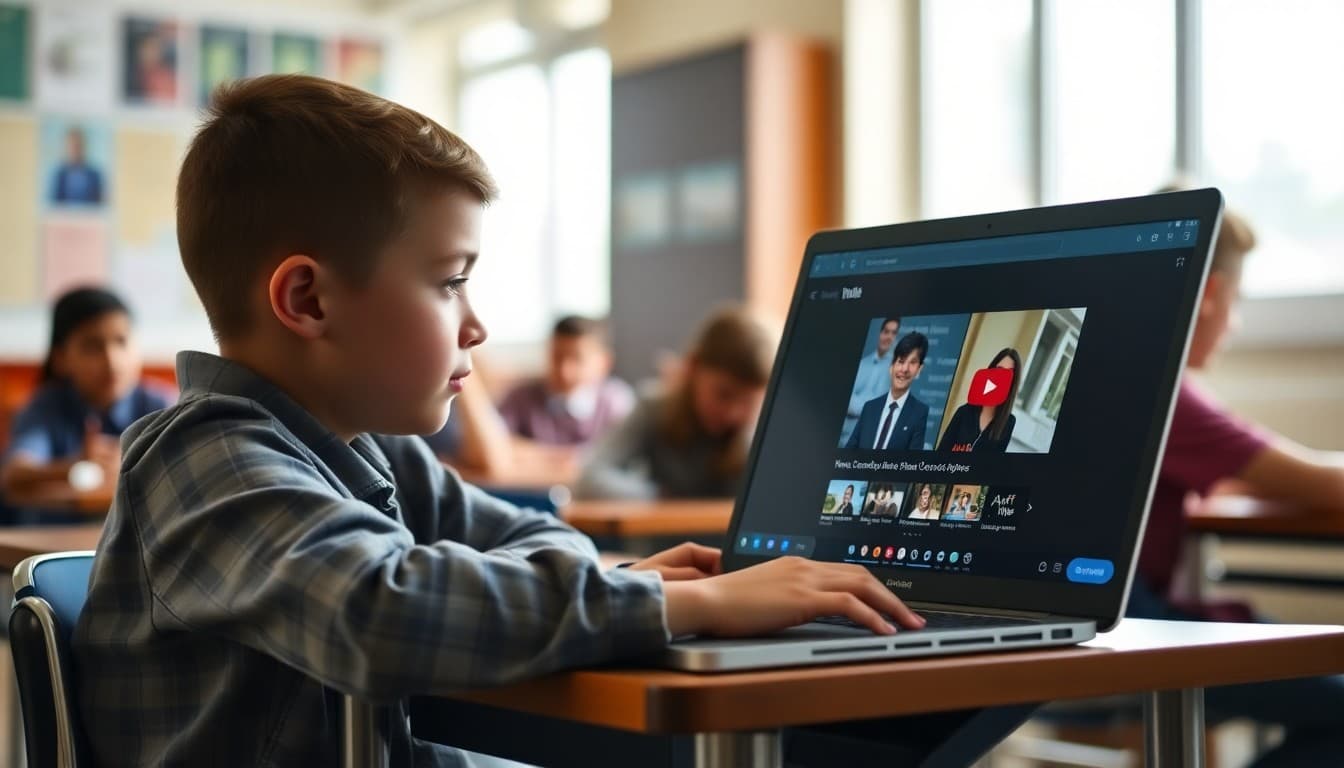
YouTube and the School Newsletter: What Families Need to Know

YouTube is one of the largest repositories of educational content in the world. It is also a platform with billions of videos that have nothing to do with school. When teachers start using YouTube in the classroom, families often have questions that range from curiosity to genuine concern. A school newsletter that addresses the YouTube question directly, explains what safeguards are in place, and helps families manage the platform at home turns anxiety into informed partnership.
How Teachers Use YouTube in the Classroom
The way YouTube gets used in schools varies significantly by teacher and grade level. In many classrooms, the teacher selects and previews specific videos before showing them to students as part of a lesson. A science teacher might show a three-minute explanation of how photosynthesis works because the animation communicates the concept more clearly than a diagram. A history teacher might show a documentary clip to establish historical context before a discussion. This supervised, curated use of YouTube is meaningfully different from giving students open access to search the platform independently. Your newsletter should make this distinction explicit so families understand what their child is actually experiencing.
What Content Filters Are in Place at School
School networks typically run content filtering software that blocks entire categories of content regardless of the platform. This filtering applies to YouTube just as it does to websites. Within YouTube specifically, schools using Google Workspace for Education can restrict students to YouTube videos that have been approved for educational use, preventing them from accessing the broader platform. If your district has these restrictions in place, explain them clearly. Families who know that the YouTube their child sees at school is significantly more restricted than the YouTube they see at home will have very different concerns than families who imagine their child has unrestricted access.
YouTube at Home for School Assignments
When a teacher assigns a YouTube video as homework, families need to be able to access that content at home. This creates a tension for families who have YouTube restricted on their home network or devices. A practical newsletter solution is to include the specific channel name and video title for any assigned content so families can find it precisely without their child needing to browse the platform. Some teachers maintain a curated YouTube playlist for their class that families can bookmark. If your teachers do this, share those playlist links with families in your newsletter. It removes the friction of finding specific content while limiting exposure to unrelated videos.
Setting Up YouTube Safely at Home
Families often appreciate practical guidance on managing YouTube outside of school. Restricted Mode is a YouTube setting that filters out content that may not be appropriate for younger viewers. It is not perfect, but it significantly reduces exposure to mature content. Once Restricted Mode is enabled, families can lock it with their Google account password so children cannot turn it off. For younger students, YouTube Kids is a separate app with a more curated content library and parental controls. A newsletter that walks families through these options in plain language gives them tools they can actually use rather than general advice to "monitor screen time."
When a Video Is Shown That Should Not Have Been
It happens in every school eventually. A video that seemed appropriate in preview contains unexpected content, a recommended video autoplays before a teacher can stop it, or a student finds something problematic while using school devices. Your newsletter should include a clear process for families to report these incidents and a statement of how the school handles them. Transparency about the process reassures families that there is a system in place and that their concerns will be taken seriously. It also removes the assumption that incidents are being hidden.
YouTube Literacy as an Educational Goal
Beyond policy and safety, there is an educational dimension to YouTube that is worth communicating to families. Learning to evaluate video sources, recognize sponsored content, identify misleading thumbnails and titles, and distinguish educational from entertainment content are genuine skills. Many teachers who use YouTube in class do so partly to build these critical media literacy skills in a supervised setting. Framing YouTube this way, as something students are learning to evaluate critically rather than simply consuming, reframes the conversation from risk management to education. Families who understand this dimension often become more supportive of thoughtful classroom use.
Creating a School Channel for Educational Content
Some schools create their own YouTube channel to share school events, virtual school tours, and teacher-created instructional content with their community. If your school has or is considering a channel, your newsletter is the right place to announce it, share the subscriber link, and explain the privacy settings that govern what is posted publicly versus kept unlisted. A school YouTube channel, managed well, becomes another touchpoint in your communication strategy and gives families a way to stay connected to school life through a platform many already use daily.
Get one newsletter idea every week.
Free. For teachers. No spam.
Frequently asked questions
How should schools communicate their YouTube policy to families?
Be specific about where and how YouTube is used. Explain whether teachers show curated videos they have previewed, whether students search for educational content independently, or both. Describe the content filtering your district uses and what categories are blocked. Families who understand the distinction between supervised classroom use and unsupervised student browsing are much less anxious about YouTube in school.
What YouTube safety measures should schools describe in a newsletter?
Explain the filters your district has in place on the school network, how teachers curate or approve videos before showing them, and whether students are using YouTube Kids, standard YouTube with restrictions enabled, or no YouTube access at all. If your district uses a tool like Google Workspace for Education, explain how that limits the YouTube experience compared to the public site.
How can families manage YouTube at home for school assignments?
If teachers assign videos from YouTube, families may need to allow access at home even if they have content restrictions set. A newsletter can give families the specific channel names or playlist URLs so they can whitelist those sources specifically. For families concerned about auto-play and recommended videos, suggest enabling Restricted Mode on YouTube and setting it with a password so kids cannot disable it.
Should schools have a newsletter about YouTube specifically?
A dedicated newsletter makes sense when your school is introducing YouTube as a classroom tool, when you are changing your policy, or when families have raised concerns about video content. An ongoing technology newsletter that mentions YouTube policies alongside other digital tools also works well. The key is making sure families know what the school controls and what they need to manage at home.
How does Daystage help schools communicate about digital media policies?
Daystage lets you build clear, organized newsletters that explain technology policies with links to supporting resources, video tutorials for parents, and FAQs all in one place. When families get a well-organized newsletter from Daystage about your YouTube approach, they come away informed rather than worried.

Adi Ackerman
Author
Adi Ackerman is a former classroom teacher and curriculum writer with 8 years in K-8 schools. She writes about school communication, parent engagement, and what actually works in real classrooms.
More for Technology
Ready to send your first newsletter?
3 newsletters free. No credit card. First one ready in under 5 minutes.
Get started free