
School VR and Immersive Learning Newsletter: Communicating New Technology to Families
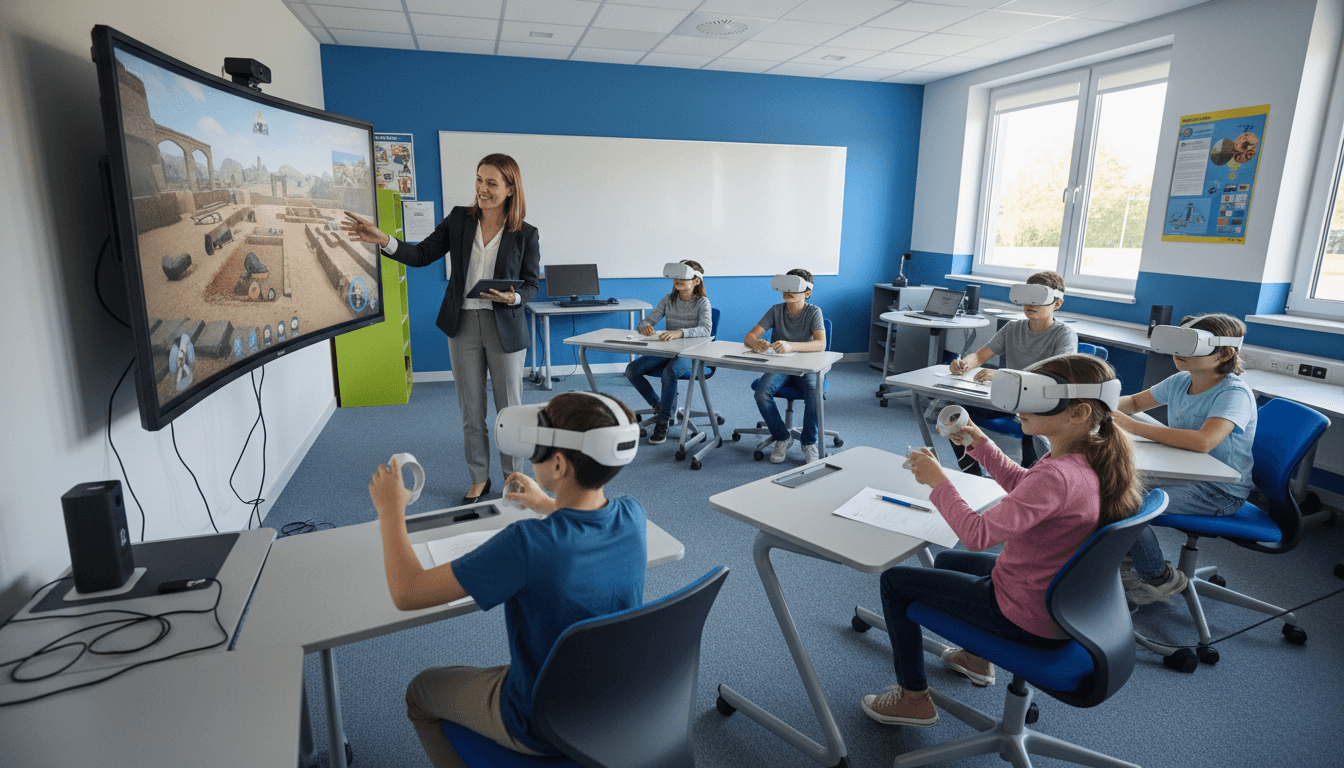
Virtual reality in schools gets strong reactions. Some families are excited by the idea of their child exploring the Roman Colosseum or observing a simulated cell division in three dimensions. Others have questions about headset hygiene, motion sickness, and whether this is an appropriate use of school time and budget. Both reactions are reasonable. The communication challenge is addressing them in the same newsletter without dismissing either side.
This guide covers what families need to know before their child uses a VR headset in school: what VR is used for in educational settings, what the health and age considerations are, how consent works, what equity considerations look like in a sharing model, and what families should know before the first session.
What VR is used for in schools
School VR use falls into a few distinct categories. Your newsletter should name which ones apply to your program:
- Virtual field trips. Students visit locations that are geographically or historically inaccessible in person. The Great Wall of China, the surface of Mars, the Great Barrier Reef, or a reconstructed ancient city. Platforms like Google Expeditions and Discovery VR are common choices for this use.
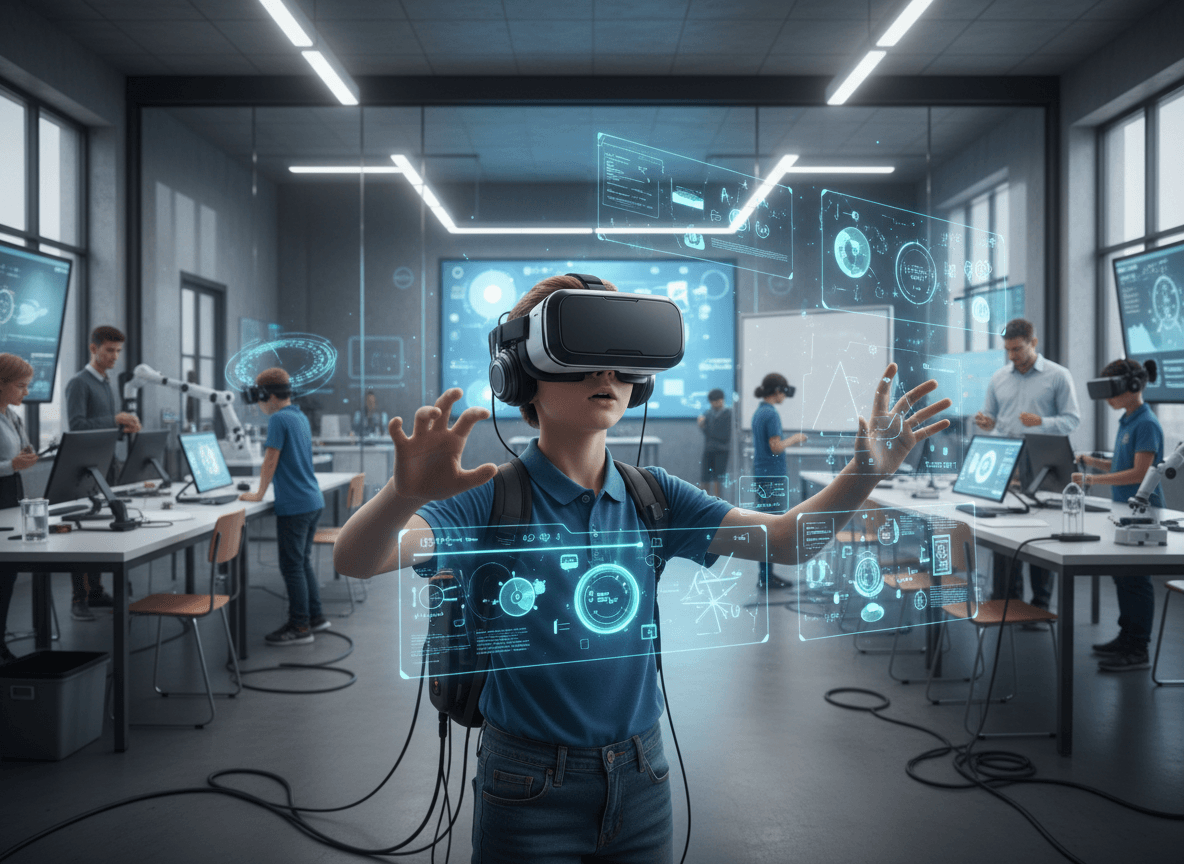
- Science simulations. Students explore concepts that are difficult to visualize in two dimensions. The interior of a cell, the solar system to scale, molecular bonding, or human anatomy in three-dimensional cross-section.
- History and social studies immersion. Students stand inside historical environments, observe events from a first-person perspective, or experience perspective-taking exercises designed to build empathy and historical understanding.
- Skills training simulations. In career and technical education, VR is used for vocational skill simulations including automotive, medical, and construction training scenarios.
Health and age considerations families deserve to know
VR headset manufacturers, including Oculus (Meta Quest) and Google Cardboard, publish age recommendations for their hardware. Most manufacturers recommend headsets for children 13 and older. Some platforms and headset makers note that younger children are not recommended due to concerns about eye strain and developing visual systems.
Be honest about this in your newsletter. If your school uses VR with students below the recommended age, explain what precautions are in place: shorter session times, increased breaks between uses, and monitoring for discomfort. If your program follows manufacturer age guidelines strictly, state that.
Motion sickness is a real experience for a subset of VR users. Typically five to fifteen percent of users experience some level of discomfort. Describe your process for managing this: students can remove the headset at any time, sessions are kept short (typically under ten minutes for most school uses), and students who experience discomfort are not pressured to continue.
Consent for VR use
VR use in schools is a context where explicit family consent is worth obtaining, even if not strictly required under existing law. A family who learns after the fact that their child used a VR headset, and who has concerns about it, will feel more frustrated by the lack of advance communication than by the activity itself.
Your newsletter should tell families that VR use is planned, describe the specific headsets and platforms being used, and include an opt-out path for families who do not want their child to participate. An alternative activity should be available and presented as a genuine option, not a penalty for opting out.
Headset hygiene and sharing
Most school VR programs operate with a small number of shared headsets rather than individual devices. Families will reasonably ask about hygiene, particularly if the program runs classes back-to-back with the same headsets. Describe the cleaning protocol: disposable or washable face gaskets, cleaning with alcohol wipes between sessions, and any storage or ventilation practices between classes.
If students with glasses need special accommodation, address that. Most modern headsets accommodate glasses but it is worth noting what the process looks like.
Equity in a sharing model
When a school has three to five VR headsets for a class of thirty students, the experience is necessarily rotational rather than simultaneous. This creates equity questions worth acknowledging. Which students get priority access? Are students with disabilities who may not be able to use the headset given an equivalent experience? Is the rotational schedule managed fairly across the class?
Being transparent about how access is managed in a scarcity model is more reassuring than leaving families to wonder. A simple explanation of the rotation system and confirmation that no student is excluded from the learning objectives due to equipment scarcity goes a long way.
What families should tell their child before the first session
A brief section of family preparation tips helps students arrive ready. Suggest families tell their child three things:
- You can take the headset off at any time if you feel dizzy or uncomfortable. Just raise your hand and tell the teacher.
- Do not touch anything in the room while you are wearing the headset. The teacher will be nearby.
- Tell a parent or the teacher afterward if anything in the experience felt upsetting or confusing.
Communicating after the experience
After a major VR unit or field trip, a follow-up newsletter section that shares what students experienced, what they created or learned, and any standout reactions gives families a window into the learning they could not observe directly. Daystage lets teachers share newsletter updates with photos from the classroom session alongside a brief summary of what the VR experience was and what concepts it supported. That follow-up communication transforms VR from a one-time novelty into a documented learning event families can reference and celebrate.
Get one newsletter idea every week.
Free. For teachers. No spam.
Frequently asked questions
When should schools communicate VR use to families?
Notify families before the first VR session, not after. A family who learns after the fact that their child wore a headset, and who has concerns about age recommendations or health effects, will be more frustrated by the lack of advance communication than by the activity itself. Include an opt-out path as part of the advance notice so it reads as genuine information, not a retroactive disclosure.
What should a school VR newsletter include?
Describe what specific VR platforms and headsets are being used and what educational purposes they serve. Address the age recommendations from manufacturers directly, including what precautions are in place if students fall below the recommended age. Cover headset hygiene and the cleaning protocol between classes, how motion sickness is handled, how access is managed fairly across a shared set of devices, and the three things families should tell their child before the first session.
How should schools explain VR health considerations to parents?
Be honest about the age guidelines and motion sickness statistics rather than minimizing them. Most manufacturers recommend headsets for students 13 and older. Motion sickness affects roughly five to fifteen percent of users. Stating these facts and describing the precautions in place, short sessions, immediate opt-out option, no pressure to continue if uncomfortable, is more reassuring than a newsletter that oversells the technology.
What are common communication failures when schools introduce VR?
The most consistent gap is introducing VR to students without telling families in advance, which creates surprise and suspicion rather than excitement. A second failure is not explaining the rotational access model in a shared-headset program. Families who do not know their child is in a group of six waiting to rotate through three headsets will assume every student has individual access and be confused when their child's experience sounds different.
How can schools use Daystage to follow up after a VR learning experience?
After a major VR unit, schools using Daystage can send a follow-up newsletter with photos from the session and a brief description of what concepts the experience supported. That follow-up transforms VR from a novelty into a documented learning event families can reference and celebrate, and it gives the program the visibility it needs to justify continued investment.

Adi Ackerman
Author
Adi Ackerman is a former classroom teacher and curriculum writer with 8 years in K-8 schools. She writes about school communication, parent engagement, and what actually works in real classrooms.
More for Technology
School Technology Safety and Internet Filter Newsletter: What Families Need to Know
Technology · 5 min read
School Blockchain Digital Credentials Newsletter: Communicating Verified Student Achievements to Families
Technology · 5 min read
School Digital Portfolio Newsletter: Communicating Student Portfolio Programs to Families
Technology · 5 min read
Ready to send your first newsletter?
3 newsletters free. No credit card. First one ready in under 5 minutes.
Get started free