
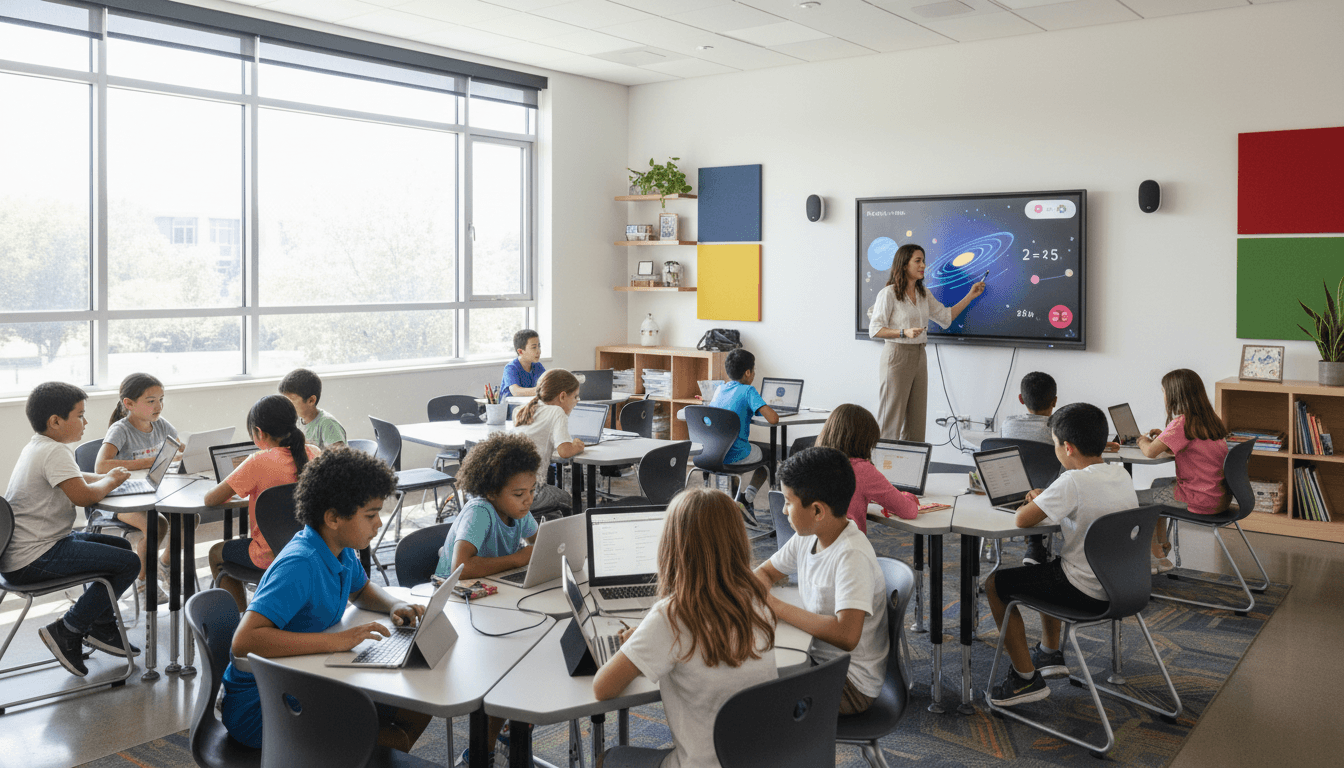
School Technology Newsletter: How to Communicate Digital Programs and Device Policies to Families

A school technology newsletter sits at the intersection of two things families often feel uncertain about: how schools spend money and how their children interact with screens. That combination requires more care than a field trip reminder or a calendar update. Get it wrong and you generate anxiety. Get it right and you build the kind of trust that makes every subsequent tech decision easier to roll out.
This guide covers what a school technology newsletter needs, how to calibrate your message for a parent audience that spans tech skeptics and tech enthusiasts, and how to communicate both the opportunity and the guardrails without sounding like either a sales pitch or a warning label.
What families actually need to know
Most school technology newsletters bury the lede. They open with mission statements about preparing students for a digital future and land on logistics four paragraphs later. Families read in reverse: they want to know what this means for their child this week before they care about the philosophy behind the program.
Lead with the concrete. What device is involved, what grade level, what it will be used for, and when. Then layer in context. A family who understands the operational reality of a program is much more receptive to the vision behind it.
Acknowledging the fear-vs-curiosity divide
Your parent community is not a monolith. Some families celebrate any digital initiative. Others are worried about screen time, data collection, inappropriate content, and whether their child will use the device for anything school-related once it leaves the building. Both audiences will read the same newsletter.
Write for the skeptic first. A parent who is curious about new tech does not need reassurance. A parent who is anxious about it does. If your newsletter answers the skeptic's questions clearly, the curious parent will feel informed. If it only speaks to the curious parent, the skeptic will disengage or escalate.
Communicating device programs with specificity
Whether you are launching a 1:1 initiative, introducing classroom sets of tablets, or expanding an existing device program, families need four things spelled out:
- What the device is and what it does. Name the device, describe its primary classroom use, and note what content filters and monitoring software are active.
- Who owns it and who is responsible. Is this a school-owned device or a bring-your-own program? Who covers damage? What is the return process at the end of the year?
- What happens if something goes wrong. Technical support contacts, the process for reporting damage, and the loaner device policy if applicable.
- What families should do at home. Charging expectations, appropriate home use, and whether the device should be used for personal activities outside school work.
Digital citizenship deserves its own section
Families hear "digital citizenship" and often picture a one-day internet safety assembly. When your newsletter explains that digital citizenship is a structured curriculum covering online privacy, cyberbullying prevention, media literacy, and digital footprint awareness, families understand they are getting education, not a checkbox event.
Name the curriculum if you use a recognized program. List the grade levels and approximate timing. Include one or two specific concepts students will encounter so families can follow up at home with real questions.
Platform privacy disclosures families deserve
Parents increasingly ask which platforms collect data on their children and what those platforms do with it. FERPA governs what student data schools can share, but most families do not know the law applies to third-party vendors.
Your newsletter should name the primary platforms students use, confirm that each has signed a data processing agreement with the district, and explain what data is collected and why. This is not a legal disclosure. It is a transparency gesture that prevents the kind of parent-forum panic that starts when someone sees an unfamiliar app on the school's device and assumes the worst.
Communicating tech support so families do not feel stranded
A school technology newsletter that explains the program but not the support structure leaves families on their own the first time something breaks. Include a clear tech support contact, expected response times, and a brief troubleshooting list for the most common issues: device will not connect to home Wi-Fi, password reset, account locked out. These three cover the majority of after-hours parent messages to classroom teachers.
Frequency and format that fits the audience
Technology programs do not need weekly communication once established. They need a clear launch newsletter, a follow-up after the first month, and periodic updates when something changes. For major launches, a dedicated newsletter sent two weeks before rollout and again on rollout day works well. For ongoing updates, a technology section in the regular school newsletter keeps the topic present without overwhelming families with separate sends.
Platforms like Daystage make it straightforward to create a tech-specific newsletter that matches your school's visual brand, so families recognize it immediately rather than treating it as an unsolicited mass email.
What not to include
Avoid educational technology jargon that families cannot act on. Phrases like "leveraging asynchronous learning modalities" or "digital differentiation pipelines" read as corporate noise. Write as if you are explaining the program to a parent at a school pickup who has thirty seconds and no background in education technology. If the sentence would confuse them, cut it or rewrite it in plain language.
Do not oversell. Parents who receive a newsletter that sounds like a product launch will be skeptical by default. Lead with what the program does for students, be honest about limitations, and treat families as partners who deserve the full picture.
Get one newsletter idea every week.
Free. For teachers. No spam.
Frequently asked questions
When should schools send a technology newsletter to families?
Send a dedicated technology newsletter two weeks before any major program rollout and again on rollout day. For ongoing updates, a technology section in the regular school newsletter keeps the topic present without overwhelming families with separate sends. Programs already in place only need communication when something changes, not weekly maintenance updates.
What should a school technology newsletter include?
Lead with the concrete: what device, what grade level, what it is used for, and when. Then cover content filters and monitoring software, who is responsible for damage, tech support contacts, and what families should do at home. Include a digital citizenship section that names the specific curriculum rather than describing a generic internet safety assembly, and name which platforms students use with their data processing agreement status.
How should schools write for both tech-skeptic and tech-enthusiast parents?
Write for the skeptic first. A parent who is curious about technology does not need reassurance. A parent who is anxious about screen time, data collection, and inappropriate content does. If the newsletter answers the skeptic's questions clearly, the enthusiastic parent still feels informed. If it only speaks to the enthusiastic parent, the skeptic disengages or escalates.
What are common mistakes in school technology newsletters?
Burying the operational details four paragraphs into a mission statement is the most consistent problem. Families read in reverse: they want to know what this means for their child this week before they care about the vision behind the program. A second common failure is educational technology jargon that sounds like a vendor pitch and tells families nothing they can act on at home.
How does Daystage help schools create technology newsletters families actually open?
Daystage lets schools create technology newsletters that match the school's visual brand, so families recognize the communication immediately rather than treating it as a mass email from an unfamiliar sender. A school technology newsletter that looks like it belongs to the school, not a vendor, gets opened at a meaningfully higher rate than a generic formatted send.

Adi Ackerman
Author
Adi Ackerman is a former classroom teacher and curriculum writer with 8 years in K-8 schools. She writes about school communication, parent engagement, and what actually works in real classrooms.
More for Technology
School Coding Program Newsletter: Communicating Computer Science Education to Families
Technology · 7 min read
School Digital Library Newsletter: Communicating Online Resources and eBooks to Families
Technology · 7 min read
School Tech Fair Newsletter: Communicating Student Technology Showcases to Families
Technology · 5 min read
Ready to send your first newsletter?
3 newsletters free. No credit card. First one ready in under 5 minutes.
Get started free