

School Remote Learning Newsletter: Communicating During Snow Days, Illness, and Hybrid Schedules
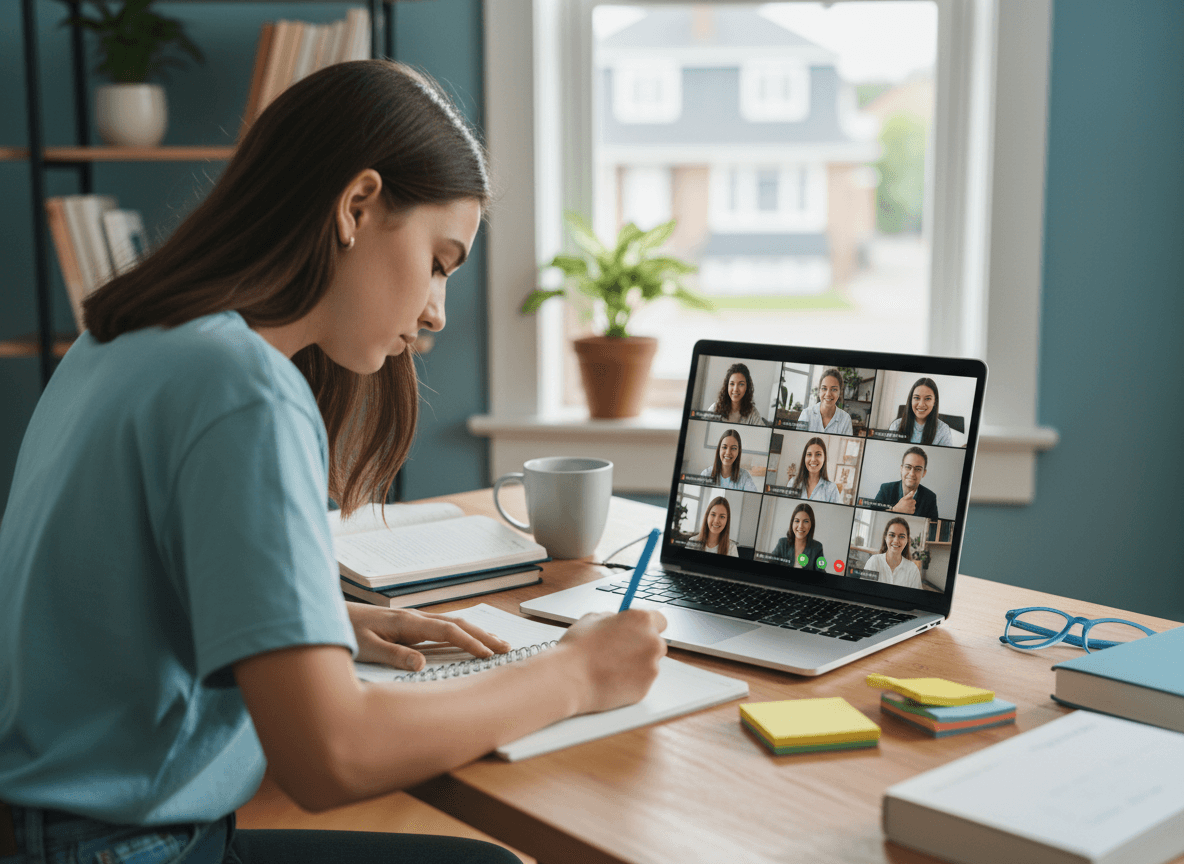
Remote learning communication has two modes and they require different approaches. Planned remote days, whether for hybrid schedules or pre-announced virtual events, allow time to prepare families well in advance. Emergency remote days, like unexpected snow closures or sudden illness outbreaks, require fast communication with minimal friction.
Both modes share one non-negotiable: families need to know what they are responsible for before the remote day starts, not during it. This guide covers how to structure remote learning communication for planned days, how to handle short-notice situations effectively, and how to address the mental health dimension of extended remote periods.
What families need before a remote day
Remote learning breaks down when families discover mid-morning that they do not have what they need. Prevent this with a pre-remote checklist communicated at least 24 hours in advance when possible:
- Platform access. Which platform will teachers use for live instruction? Is the login the same as the regular school login? Is there a specific meeting link families should save?
- Schedule. Are classes happening at the regular school schedule times or is this an asynchronous day with no live sessions? If synchronous, will every class meet or only some?
- Teacher availability. How can students reach teachers if they have questions during asynchronous work? Email only? Office hours via the LMS? A messaging tool?
- Attendance expectations. Does the school take attendance on remote days? How? Does logging into the platform count, or is a separate attendance check-in required?
- Technical backup plan. What should a family do if their internet is down or their device fails? Is there a way to pick up printed work? Is there a grace period for assignments?
Sync versus async remote days
Not all remote days look the same. A synchronous remote day replicates the live classroom online, with video instruction happening on a schedule. An asynchronous remote day gives students a set of tasks to complete at their own pace within the school day window. Families need to know which model applies to each remote situation because the logistical demands are completely different.
For younger students especially, synchronous days require a parent or caregiver to be available to help with technical setup and monitor the session. Asynchronous days give families more flexibility but require students to be self-directed. Being clear about which model applies to each remote day is one of the highest-impact clarifications your newsletter can make.
Snow day communication: on short notice, priority information only
When a snow day triggers an unexpected remote learning day, families often find out with a few hours of notice or less. Your communication in this situation must be stripped to essentials. Families do not have time to read a detailed newsletter at 6 a.m. while managing breakfast and rearranging their work schedules.
The short-notice remote day message needs three things: confirmation that school is going remote, the start time and any schedule modification, and one link to the platform or the assignment list. Everything else waits. The detailed logistics communication goes out the night before if a snow day is forecasted, not the morning of.
Hybrid schedule newsletter communication
Hybrid schedules, where students alternate between in-person and remote days on a recurring basis, require the most comprehensive upfront communication. Families need a calendar that clearly marks which days are in-person and which are remote for the full term, not just the current week.
Include answers to the questions that generate the most confusion in hybrid models: what happens to remote-day assignments if the student is sick, are remote days counted as attendance days, do students eat lunch at school on their in-person days, and can students come in on their remote days if they need to use school technology.
Mental health check-ins during extended remote periods
An extended remote period, whether from weather, illness, or facility issues, affects students beyond their academic progress. Social isolation during remote learning is real, particularly for students who rely on school as their primary social environment.
Your newsletter after three or more consecutive remote days should include a brief mental health check-in note. Acknowledge that being away from school is hard for many students. Name the school counselor and how families can reach them during remote periods. Include one or two specific suggestions for families: schedule a brief outdoor break mid-morning, encourage a video call with a friend during the lunch window, and try to maintain the regular bedtime even when there is no commute.
Platforms like Daystage make it easy to send a rapid, focused newsletter that addresses just the mental health component without it feeling like an afterthought buried in logistics. A standalone check-in newsletter carries more weight than a two-sentence addition to an operational update.
Equity considerations in remote learning communication
Remote learning places unequal burdens on families with limited internet access, shared devices among multiple children, or caregivers who cannot supervise a remote school day because of work. Your newsletter should name the school's resources for these situations: hotspot lending, device lending, and printed work pickup if available.
If those resources are limited or not available, say so honestly and include your contact information for families in those situations to reach out directly. Families who know the school is aware of the barrier are more likely to ask for help than families who assume nothing can be done.
What to communicate after the remote period ends
The first newsletter back after an extended remote period should acknowledge the transition back explicitly rather than resuming normal communication as if nothing happened. Note any changes to the academic calendar, any assignment extension policies that applied during the remote period, and what students should expect on the first day back. That brief acknowledgment tells families the school is paying attention to what students experienced, not just what they missed academically.
Get one newsletter idea every week.
Free. For teachers. No spam.
Frequently asked questions
When should schools communicate remote learning logistics to families?
Pre-remote logistics must reach families at least 24 hours in advance when possible. For hybrid schedules, send a full-term calendar before the rotation begins, not week by week. For snow days, send the detailed logistics the night before if a storm is forecasted. The morning of a remote day is too late for families rearranging work schedules and managing breakfast.
What should a school remote learning newsletter include?
Cover the five pre-remote essentials: which platform will be used and how to log in, whether the day is synchronous or asynchronous, how teacher availability works, how attendance is taken, and what families should do if internet or device access fails. After three or more consecutive remote days, add a mental health check-in section that names the school counselor and includes specific suggestions for families.
How should schools explain the difference between sync and async remote days to families?
Be direct about which model applies to each remote situation because the logistical demands are completely different. Synchronous days require a caregiver available to help younger students with technical setup. Asynchronous days give families more flexibility but require students to be self-directed. Families who do not know which applies until the morning of will contact the school or disengage.
What are common communication failures on remote learning days?
Short-notice remote day communications that include too much detail are the most consistent problem. A 6 a.m. message covering full logistics is not read by families managing a sudden schedule change. The short-notice message needs three things: confirmation school is remote, start time and any schedule modification, and one platform link. Everything else belongs in a night-before send, not the morning of.
How does Daystage support fast, focused remote learning communication?
Daystage lets schools send a rapid standalone newsletter for a remote day situation, whether that is a snow day announcement, a mental health check-in during an extended closure, or an equity resources update, without waiting for the next general digest cycle. A focused send that lands the same morning carries more weight and gets acted on faster than a paragraph buried in a weekly update.

Adi Ackerman
Author
Adi Ackerman is a former classroom teacher and curriculum writer with 8 years in K-8 schools. She writes about school communication, parent engagement, and what actually works in real classrooms.
More for Technology
Ready to send your first newsletter?
3 newsletters free. No credit card. First one ready in under 5 minutes.
Get started free