
QR Codes in School Newsletters: What Works and What Does Not

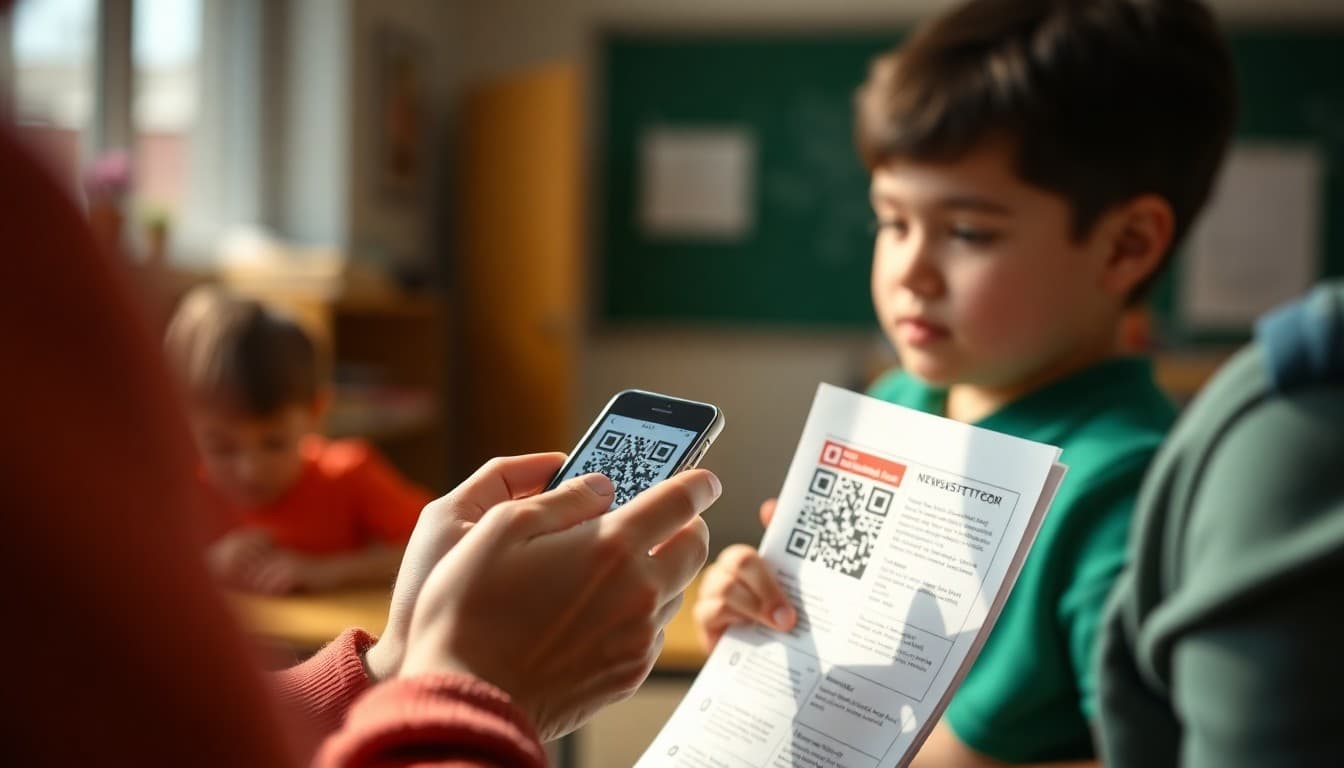
QR codes went from novelty to practical tool during the pandemic and have stayed useful in school communication ever since. A well-placed QR code on a printed newsletter can send families to a permission slip, an RSVP form, or a video message from the teacher without requiring them to type a URL. The trick is knowing where they help and where they create confusion instead of convenience.
When QR Codes Actually Make Sense
QR codes solve a specific problem: they bridge paper and digital. If you print a newsletter and want families to take an online action, a QR code removes the step of typing a URL. This is genuinely useful. If your newsletter is already digital, a QR code is almost always the wrong choice. A family reading your newsletter on their phone cannot scan a code that is on the same screen they are reading. In digital newsletters, use a tappable link or button instead. In printed newsletters and flyers sent home in folders, QR codes earn their place.
What to Link Your QR Code To
The single most common QR code mistake in school newsletters is linking to a page that leaves families confused about what they are supposed to do. A QR code that links to your school homepage, your district website, or a general resource library gives families no clear next step. The most effective school QR codes link to a single specific action. A field trip RSVP form. A reading log families can fill out online. A short video of the teacher explaining a homework assignment. A direct calendar add for an upcoming event. When the destination is specific, families know exactly what to do when they land, and completion rates are much higher.
Generating and Formatting QR Codes
You do not need to pay for QR code software. QR Code Generator and QRCode Monkey are both free and produce high-quality codes. Canva includes a QR code tool if you design printed materials there. For the print size, aim for at least one inch by one inch on any printed document, and test the code before you print a hundred copies. Scan it yourself with multiple phones. If it fails on any phone, increase the size or switch to a generator that produces a less dense code. Print QR codes in black on a white background. Colored backgrounds or reversed white codes on dark paper scan poorly on older cameras.
Tracking Whether Families Are Scanning
One underused feature of QR codes is scan tracking. If you shorten your destination URL with Bitly before generating the QR code, Bitly tracks every scan as a click. This tells you whether families are actually using the code. If you add a QR code to ten newsletters and see zero clicks in Bitly, families are not scanning. You can adjust placement, size, or the label above the code, and measure whether the change improves engagement. Without tracking, you are guessing. With it, you have data.
Labeling the QR Code So Families Know What It Does
Never put a bare QR code on a newsletter without a label. Families who see an unlabeled code do not know whether it links to something useful or something they should be suspicious of. Always include a short label above or below the code explaining exactly where it goes. “Scan to RSVP for the spring concert” or “Scan to download the field trip permission form.” The label removes hesitation. It also helps families decide whether the scan is worth their time before they pick up their phone.
Combining QR Codes With Direct Links
Even for printed newsletters with QR codes, always include the direct URL below the code in small text. Some families' phones do not scan codes well. Some families prefer to type. Some families will look at the newsletter after their phone battery is dead. A URL backup costs you nothing and ensures no family is blocked from the information because the code failed. For digital newsletters, skip the QR code and use the link directly. Daystage makes it easy to add linked buttons and text that work on any device.
Common QR Code Mistakes Schools Make
The most frequent problems are printing codes too small to scan reliably, linking to destinations that are not mobile-friendly, generating codes from dynamic services that expire after a trial period and break your printed materials, and placing codes at the bottom of a long document where families never look. Audit any QR code program you run. If the destination URL changes, every printed copy with the old code becomes a broken link. Use a URL shortener that lets you update the destination without reprinting. Bitly and Rebrandly both offer this as a paid feature. It is worth the few dollars a month if you print codes regularly.
Get one newsletter idea every week.
Free. For teachers. No spam.
Frequently asked questions
Do QR codes work in email newsletters?
QR codes in email newsletters have limited use because families reading the newsletter on their phone cannot scan a code on the same device they are reading. QR codes work best in printed newsletters, flyers, and physical signage where the phone is in the family's hand and the code is on paper in front of them. If you want to include a QR code in a digital newsletter, pair it with a text link to the same destination so families who cannot scan still have a path to the resource.
What should a school QR code link to?
The most effective school QR codes link to a single, specific action. A sign-up form for an upcoming event. A permission slip download. A survey with three questions. A video message from the principal. Avoid linking a QR code to your school homepage or a general resource page, because families who scan do not know what they are supposed to do when they arrive. The more specific the destination, the higher the completion rate.
What is the best free QR code generator for schools?
QR Code Generator (qr-code-generator.com) and QRCode Monkey are both free and produce high-resolution codes suitable for printing. Canva also includes a QR code element if you are already using it to design printed materials. For trackable QR codes that show you how many times each code has been scanned, Bitly generates QR codes from shortened links and tracks clicks in a free dashboard.
How big does a QR code need to be to scan reliably?
For printed newsletters, a QR code should be at least one inch by one inch. Two inches by two inches is better if you have the space. Codes smaller than one inch fail to scan reliably on low-resolution prints and with older phone cameras. Always test your printed QR code with multiple phone models before mass printing. A code that scans on your phone may not scan on an older Android model used by families in your community.
How does Daystage help schools use QR codes in their newsletters?
Daystage makes it easy to include links to sign-up forms, event RSVPs, and resources inside digital newsletters. For schools that send both digital and printed versions, you can generate a QR code from any Daystage-hosted form or newsletter link and include that code in your printed handout. Families who receive the paper version can scan to reach the digital form, and families who receive the digital newsletter can tap the direct link.

Adi Ackerman
Author
Adi Ackerman is a former classroom teacher and curriculum writer with 8 years in K-8 schools. She writes about school communication, parent engagement, and what actually works in real classrooms.
More for Technology
Ready to send your first newsletter?
3 newsletters free. No credit card. First one ready in under 5 minutes.
Get started free