

School Newsletter Landing Pages: Building Sign-Up Pages That Actually Work
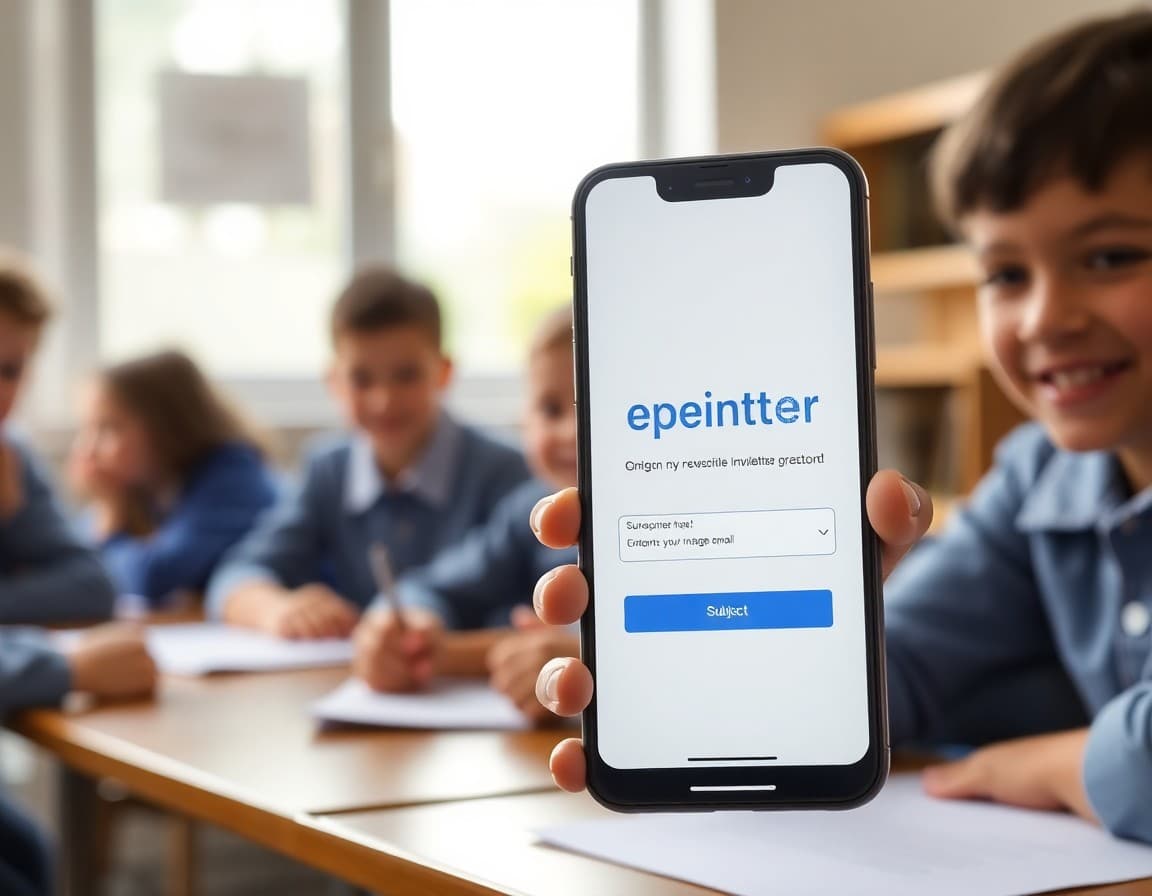
A school newsletter is only as effective as its subscriber list. Teachers who produce excellent weekly newsletters but distribute them only to families who were in the orientation room on day one are missing a significant portion of the families who would benefit from and want that communication. A sign-up landing page is the infrastructure that lets families who missed orientation, transferred in during the year, or have a second guardian join the list on their own time. Building that page well is worth the one-time investment.
What a Landing Page Does for Your Newsletter
A landing page is a single page whose only job is to get a visitor to take one specific action. For school newsletters, that action is subscribing. Every element on the page either supports that goal or distracts from it. A well-designed sign-up page does four things: it tells families exactly what they are subscribing to, explains what they will receive and how often, removes any friction from the sign-up process, and handles the technical work of adding them to your list. The page does not need to be long, pretty, or technically sophisticated. It needs to be clear and easy to use on a phone.
The Minimum Viable Sign-Up Page
The most effective school newsletter sign-up pages are simple. A headline that names the classroom and teacher. Two sentences explaining what the newsletter covers and when it arrives. An email field. A submit button with specific action text. That is it. Every extra element, the teacher photo, the school logo, the paragraph about education philosophy, the link to the school website, reduces conversion. Families who arrive at the sign-up page are already motivated to subscribe. Do not give them reasons to leave before they do.
Where to Put the Sign-Up Page Link
The sign-up page link is only valuable if families encounter it. The four highest-converting placements for school newsletters: a QR code on back-to-school orientation paperwork, a direct URL mentioned in the first-day welcome email from the teacher, a visible link on the teacher's page on the school website, and a text message or classroom app post during orientation week. Some teachers include the sign-up page link in their email signature year-round so it reaches any parent who emails them at any point. Each time a new family contacts the teacher, the signature provides a passive sign-up path.
Creating the Page Without a Website
You do not need your own website to have a newsletter sign-up page. Every major email newsletter platform generates a hosted sign-up page for each list. MailerLite, Mailchimp, Brevo, and others create these pages automatically when you set up a subscriber list. You customize the headline and description, and the platform hosts the page at a URL you can share. Some platforms let you use a custom domain. Most work fine on the platform's default subdomain for school newsletter purposes. Share the URL anywhere families might need it and the platform handles the form submissions and list management automatically.
Managing Families Who Sign Up
A sign-up page that works generates new subscribers throughout the year. Transferring students, second guardians, and grandparents who want to stay informed all use it. Your email platform handles adding these subscribers to your list automatically. At the start of each school year, review your subscriber list and remove families whose children have moved on to the next grade or transferred out of the school. Keeping the list current ensures your open rate data remains meaningful and families are not receiving newsletters about a classroom their child no longer attends.
Multilingual Sign-Up Pages
Schools with diverse language communities should consider whether their sign-up page is accessible to families who do not read English fluently. At minimum, translate the headline and the two-sentence description into the primary additional languages your community uses. A Spanish-language headline for a classroom with many Spanish-speaking families increases the sign-up rate from that community. If you have Google Translate integrated on the sign-up page, it helps but is not a substitute for a translated headline that families see before they decide whether to complete the form. A family who sees a sign-up page in their language converts at a higher rate than a family who has to figure out what the page says before deciding whether to sign up.
The Sign-Up Page as Part of Your Communication System
Think of the sign-up page as one node in your overall family communication system, not a separate project. It connects to your newsletter platform, feeds your subscriber list, and enables everything else you send. Getting it right once and then promoting it consistently throughout the year is more effective than periodic campaigns to rebuild a list that has shrunk because families left and you had no easy path for new families to join. Daystage generates a sign-up page automatically for every newsletter, which means you start with this infrastructure in place rather than building it after the fact.
Get one newsletter idea every week.
Free. For teachers. No spam.
Frequently asked questions
What should a school newsletter sign-up landing page include?
An effective school newsletter sign-up page needs four elements: a clear headline that tells families what they are signing up for ('Classroom 4B weekly newsletter'), a one or two sentence description of what families will receive and how often, the email input field, and a submit button. Optional additions that improve sign-up rates include a sample past newsletter, a short list of what the newsletter covers, and social proof like 'Join 115 families who receive this newsletter.' Keep the page simple. Every element that is not the sign-up form is a distraction.
How do you create a school newsletter sign-up page for free?
Most email platforms generate a sign-up page automatically when you create a subscriber list. MailerLite, Mailchimp, and Brevo all generate hosted sign-up pages you can share via a URL without any website or coding. You customize the headline, description, and fields. The platform handles the form submission and list management. Some newsletter platforms like Daystage generate subscriber sign-up pages that match the newsletter design automatically.
Where should schools promote their newsletter sign-up page?
The most effective placements are: a QR code on back-to-school paperwork sent home in orientation folders, a link in the school welcome email to new families, a prominent link on the classroom or teacher webpage on the school website, and a mention in the first-day-of-school parent note. Some teachers add the sign-up page URL to their email signature throughout the year. Any touchpoint where families encounter the teacher for the first time is an opportunity to capture their email for the newsletter list.
How do you design a sign-up page that gets a high conversion rate?
Reduce friction. A form that asks for name, email, grade level, preferred language, and phone number will convert fewer visitors than a form that only asks for email. Start with email only and add name as a second optional field if you want to personalize newsletters. Use a benefit-focused headline rather than a directive: 'Get a weekly update about what your child is learning' converts better than 'Subscribe to the newsletter.' Make the submit button text specific: 'Subscribe to classroom updates' rather than 'Submit.'
How does Daystage make newsletter sign-up and list management easier for schools?
Daystage generates a sign-up page automatically for each newsletter. Families who join via the sign-up page are added to the newsletter list immediately. Teachers can share the page link or QR code at orientation, on paperwork, or via the school website. New subscribers receive the newsletter on the next send without any manual list management required from the teacher.

Adi Ackerman
Author
Adi Ackerman is a former classroom teacher and curriculum writer with 8 years in K-8 schools. She writes about school communication, parent engagement, and what actually works in real classrooms.
More for Technology
Ready to send your first newsletter?
3 newsletters free. No credit card. First one ready in under 5 minutes.
Get started free