
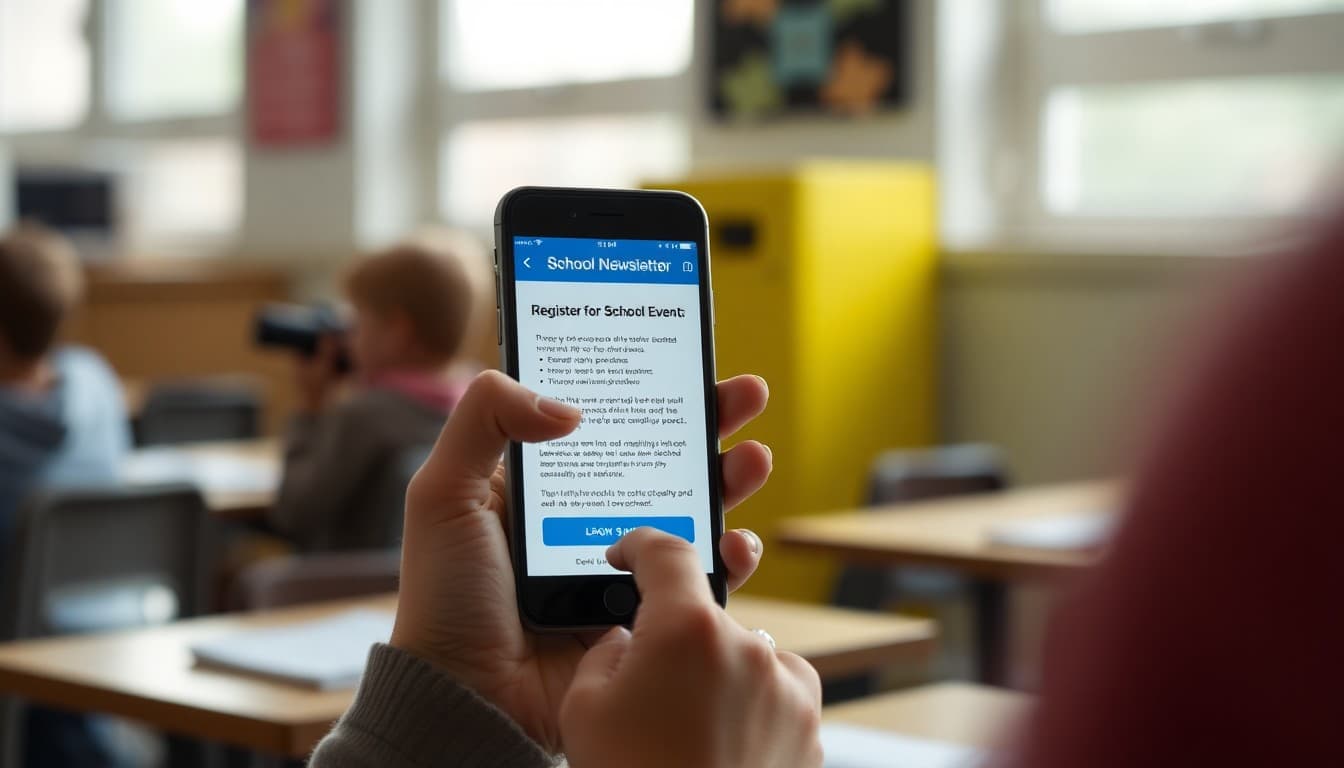
School Newsletter Click-Through Rate: How to Get Families to Take Action

Open rate tells you that a family looked at your newsletter. Click-through rate tells you that they did something because of it. For school newsletters, click-through is the metric that most directly connects to outcomes: permission slips returned, events registered for, donations made, forms completed. A newsletter that gets opened but never clicked is delivering information, but it is not driving action. Understanding what makes families click, and what does not, is the key to newsletters that actually move things forward.
The Problem With Vague Calls to Action
Most low click-through rates in school newsletters trace to the same problem: the call to action is not clear enough. "More information is available on the school website" does not tell families what to do, why to do it, or when. "Visit our website" is slightly better but still vague. "Click here to complete the permission slip for the April 22nd field trip. It takes two minutes and must be done by April 15th" tells families exactly what the link leads to, why it matters, and when it needs to happen. That specificity turns newsletter readers into newsletter actors. The difference in click-through rate between the vague version and the specific version on the same link is often five to ten times.
The Anatomy of a Click-Worthy Call to Action
Every call to action in a school newsletter benefits from four elements. First, an action verb that names exactly what to do: click, register, complete, submit, download, review. Not "learn more" or "find out how." Second, the specific outcome of taking that action: "your child will receive their permission slip confirmation" or "your family will be registered for the fall conference." Third, a deadline if one exists, which creates urgency and tells families that inaction has a consequence. Fourth, a direct link or button that takes them exactly where they need to go in one click, not to a page where they then have to find the relevant section. These four elements together produce significantly higher completion rates than any one element alone.
Button vs. Link: When Each Is Right
Buttons are visually prominent and easy to tap on mobile devices. Text links are less visually imposing and work well for secondary or informational links. The strategic use of both in the same newsletter creates a clear hierarchy. One button for the primary action of the issue: "Register for Curriculum Night." Several text links for supplementary information: "read the full event agenda," "see parking information," "add to your calendar." When every link in a newsletter is a button, nothing stands out. When one button appears in a newsletter that otherwise uses text links, families instantly know where the main action is.
Link Placement: Where You Put It Changes Whether Families Click
The position of a link within a newsletter section significantly affects how many families click it. Links buried in the fourth sentence of a dense paragraph get far fewer clicks than links positioned immediately after a clear description of what the link does. The most effective placement for a high-priority action link is a dedicated line or block immediately following the two-sentence description of what to do and why. Do not make families hunt for it at the end of a paragraph. Do not assume they will scroll back to find it. Put it where the eye naturally falls after reading the relevant context.
Reducing Link Clutter
One of the most effective ways to improve click-through rate on your most important links is to reduce the total number of links in the newsletter. When a newsletter has twelve links, families have to decide which ones matter and which to skip. When it has three links with clear labeling, the decision is easy. Review each newsletter draft for links that could be removed without losing essential information: links to pages families have already visited, links that repeat information already in the newsletter body, and links to resources that are supplementary rather than required. Every unnecessary link you remove makes the necessary ones easier to find and more likely to be clicked.
Testing What Works With Your Community
Click-through rate varies by community, by content type, and by time of year. The only way to know what drives clicks with your specific families is to track which links perform consistently well and which consistently underperform. Over time, patterns emerge: event registration links outperform informational document links, Friday deadlines drive more clicks than open-ended requests, links in the second section of a newsletter outperform links in the fifth section. Daystage shows you this data after every newsletter so you can build an evidence-based picture of your community's click behavior and write future calls to action accordingly.
Get one newsletter idea every week.
Free. For teachers. No spam.
Frequently asked questions
What is a good click-through rate for a school newsletter?
School newsletters with clear calls to action typically see click-through rates between 8 and 20 percent. Newsletters that are primarily informational with no specific calls to action may see rates below 5 percent, which is normal when there is nothing specific to click on. When you include a clear action with a prominent link or button, click-through rates on that specific element are a more useful metric than overall CTR.
How do you write a call to action in a school newsletter?
A strong school newsletter call to action names the specific action, explains why it matters, gives a deadline, and provides a direct link. Instead of 'learn more about our spring fundraiser,' write 'Click here to register by Friday April 15 so your child receives their t-shirt size.' The difference in click-through rate between vague and specific calls to action is substantial.
Should school newsletters use buttons or text links?
Both work, but buttons typically outperform text links for primary calls to action because they are visually distinct and easier to tap on mobile. Use a button for the single most important action in a newsletter. Use text links for secondary actions or informational links. Do not use buttons for every link in the newsletter, which reduces the visual signal that tells families where to look for the main action.
What causes low click-through rates in school newsletters?
The most common causes are not including clear calls to action, burying links in the middle of dense text paragraphs, having too many competing links so families cannot tell which is most important, linking to pages that do not load well on mobile, and including calls to action for things that have already passed or that families have already completed.
How does Daystage help improve school newsletter click-through rates?
Daystage gives you button blocks, link tracking, and analytics that show you exactly which links families are clicking in each newsletter. This data tells you which calls to action are working and which are being ignored, so you can improve over time with real information rather than guesswork.

Adi Ackerman
Author
Adi Ackerman is a former classroom teacher and curriculum writer with 8 years in K-8 schools. She writes about school communication, parent engagement, and what actually works in real classrooms.
More for Technology
Ready to send your first newsletter?
3 newsletters free. No credit card. First one ready in under 5 minutes.
Get started free