
School Makerspace Newsletter: Communicating Hands-On STEM Spaces to Families
A makerspace is one of the harder school programs to communicate well. Unlike a coding class or a reading program, families often lack a reference point for what a makerspace is, what happens inside it, and why their child is coming home talking about laser cutters and vinyl plotters instead of worksheets. Without a clear explanation, the space risks being seen as a place where students do arts and crafts during time that could be spent on academics.
A well-written makerspace newsletter reframes the space accurately: as a place where students apply design thinking, engineering principles, and creative problem-solving to real challenges. This guide covers how to communicate what a makerspace does, what is inside it, how it connects to curriculum, and how to involve families directly.
What a makerspace is, in language families will understand
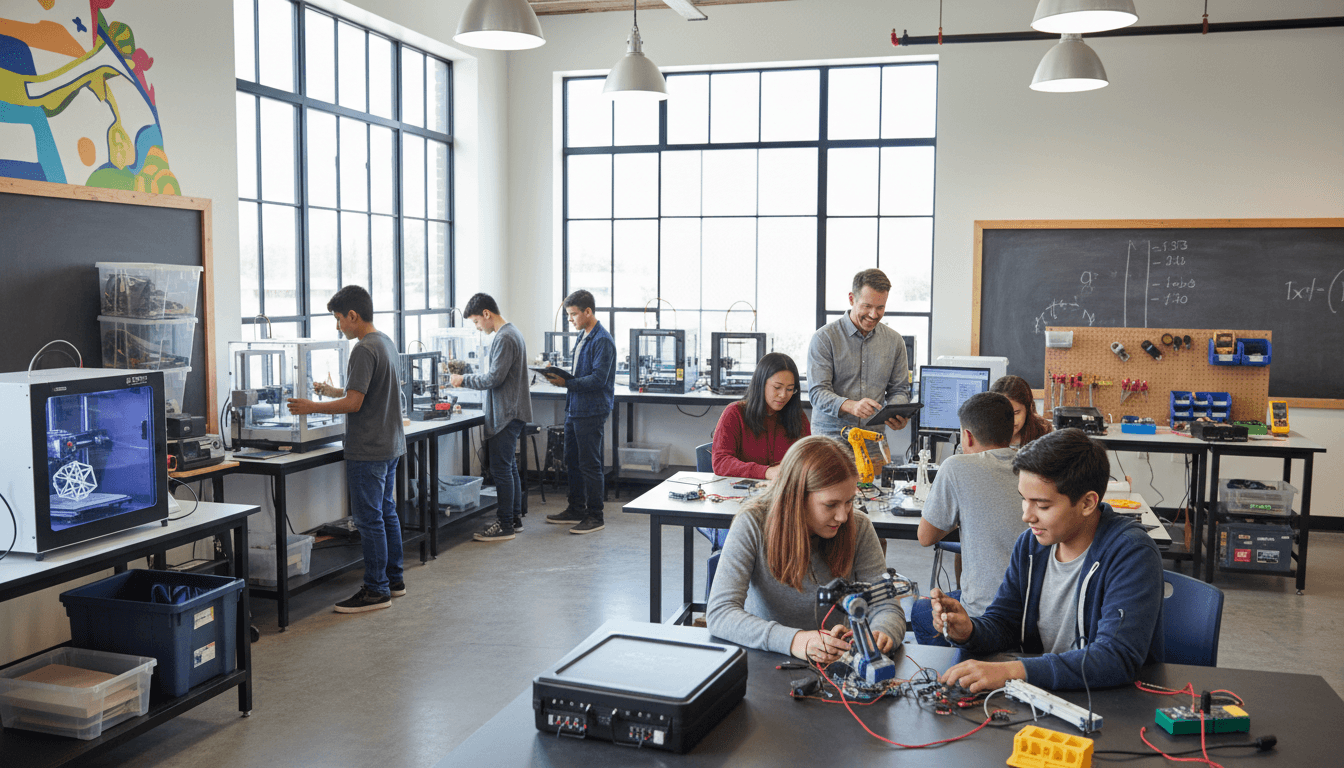
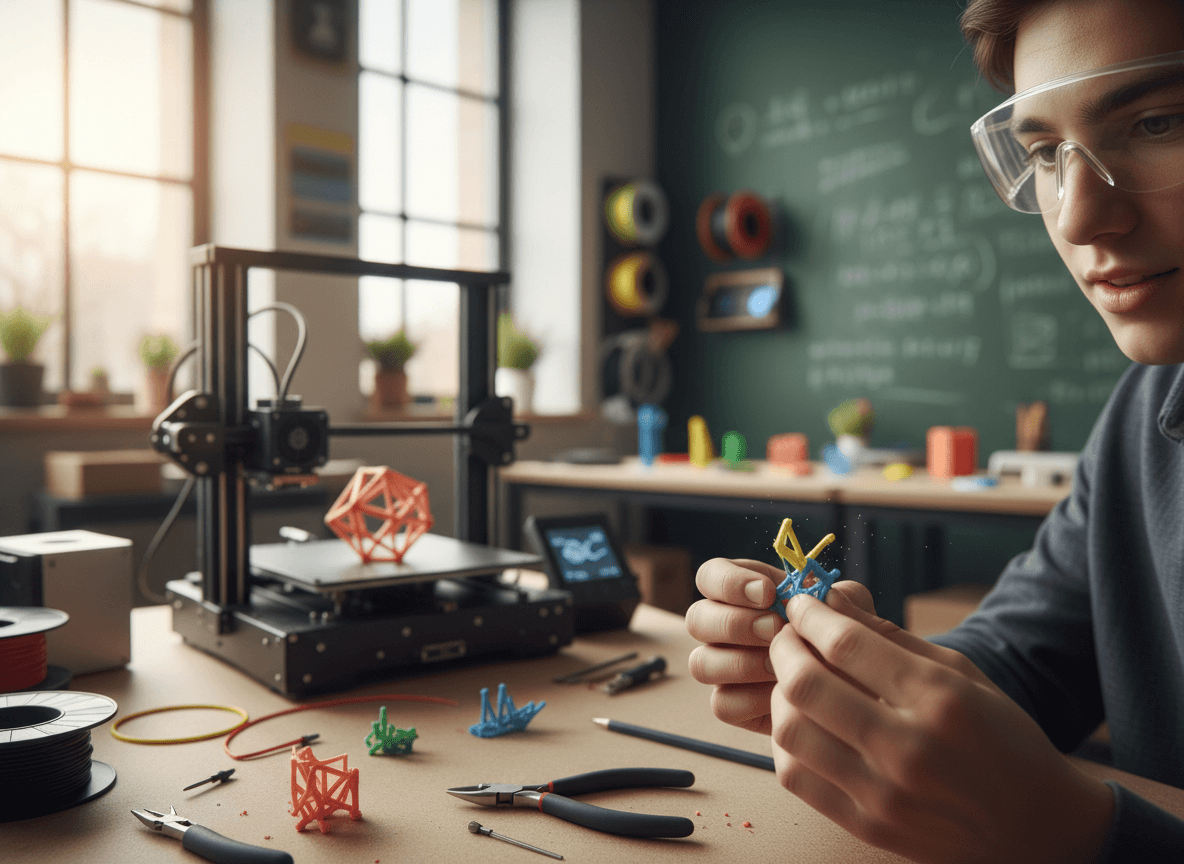
Start with a plain description. A makerspace is a dedicated workspace where students design, build, test, and iterate on projects using a range of tools and materials. The specific tools vary by school, but typical makerspace equipment includes 3D printers, laser cutters, vinyl cutters, soldering stations, robotics kits, hand tools, sewing machines, and art and fabrication materials. The common thread is that students are making something and solving a real problem in the process.
Distinguish this from shop class or art class for families who might conflate them. A makerspace is interdisciplinary by design. A student building a water filtration system is applying chemistry, engineering, environmental science, and math simultaneously. The project drives the learning rather than the other way around.
Tool safety and training: what families worry about
The first question families have when they hear the word "laser cutter" or "soldering iron" in a school context is some version of: is this safe for my child? Address this before families have to ask.
Your newsletter should describe the safety training process: every student completes a safety orientation before using any equipment, safety certifications are required for specific tools, and no student uses a tool without demonstrating competency to the makerspace coordinator. Name the specific tools that require certifications if your space has them. Include that a trained adult is present during all makerspace sessions.
If protective equipment is required for certain tools, note that it is provided by the school. Families who picture students using industrial equipment without supervision or protection need a clear correction before their concern becomes a phone call or a complaint to the principal.
How the makerspace connects to curriculum and standards
A makerspace that families see as a reward or a free period will not receive the support or the funding it needs to survive. A makerspace that families understand as a place where students meet science, engineering, and math standards through applied projects is a different program entirely.
Name specific curriculum connections in your newsletter. The engineering design process used in the makerspace directly aligns with Next Generation Science Standards. A student using measurement and geometry to design a 3D model is applying math standards in a context that requires precision. A student creating a physical prototype for a business idea they wrote about in English class is completing a cross-curricular project that spans two departments.
Project showcase communication
Project showcases are the most powerful family engagement tool a makerspace has. When students can show parents a physical object they designed and built, the abstract idea of maker education becomes concrete. Showcase communication should include:
- The date, time, and location of the showcase event.
- Which grade levels or classes are presenting.
- What students were asked to design and why.
- Whether guests can interact with the projects or only observe.
- Any judging criteria or awards if the showcase has a competitive component.
If a showcase is not possible, share project photos and a brief description of what students built in the newsletter itself. Visual evidence of learning is more convincing than any written argument for the makerspace's value.
Family maker night
A family maker night, where parents and guardians come in to try the space themselves, is one of the most effective skepticism-reducers a makerspace can offer. Families who spend an hour using a 3D printer or working through a design challenge understand immediately what their child experiences in the space.
Communicate family maker nights as standalone events with their own newsletter or dedicated section. Include the specific activities planned, whether registration is required, and whether younger siblings can attend. Families who come and enjoy themselves become the program's strongest advocates in the parent community.
When the makerspace is new or expanding
If your school is opening a new makerspace or expanding an existing one, the launch newsletter sets the tone for how families understand the investment. Include what prompted the decision, what the space will contain, when it opens, which students will have access, and what the long-term vision is. Transparency about the decision-making process builds support even among families who were not involved in it.
Platforms like Daystage make it easy to send a visually distinct makerspace newsletter that looks different from a standard school update, signaling to families that something new and specific is being introduced. The visual presentation alone increases open rates for program-specific communication.
Get one newsletter idea every week.
Free. For teachers. No spam.
Frequently asked questions
When should schools send a makerspace newsletter to families?
Send a launch newsletter before students use the space for the first time, not after a student comes home talking about laser cutters without any family context. For an existing makerspace, send communication ahead of any project showcase, family maker night, or new equipment addition. Project-based communication timed to real events gets opened and read.
What should a school makerspace newsletter include?
Describe the space in plain terms: what it contains, what students build, and how it connects to specific curriculum standards. Cover the safety training process and certification requirements for specific tools. Include upcoming showcase or family maker night details with registration logistics. If students recently completed a project, include photos and a one-paragraph description of what they built and why.
How should schools explain makerspace learning to skeptical parents?
Connect it directly to academic standards rather than describing it as a creative space. A student using measurement and geometry to design a 3D model is meeting math standards in a context that requires precision. A student building a water filtration system is applying chemistry, engineering, and environmental science simultaneously. That framing shifts the makerspace from optional enrichment to core learning.
What are common communication challenges with school makerspace programs?
The biggest risk is families perceiving the makerspace as arts and crafts during time that could be spent on academics. This happens when communication describes what the space has rather than what students learn there. A second common failure is not addressing tool safety proactively, which leaves families to form their own assumptions about whether school laser cutters are appropriately supervised.
How can Daystage help makerspace programs stand out in school communication?
Daystage lets schools create a visually distinct makerspace newsletter with images from recent projects, which signals to families that something specific is being shared rather than a routine school update. That visual difference increases open rates for program-specific communication and makes the showcase or family maker night invitation feel like an event worth attending.

Adi Ackerman
Author
Adi Ackerman is a former classroom teacher and curriculum writer with 8 years in K-8 schools. She writes about school communication, parent engagement, and what actually works in real classrooms.
More for Technology
School Multimedia Lab Newsletter: Communicating Creative Technology Spaces to Families
Technology · 5 min read
School Technology Committee Newsletter: Keeping Families Informed on Tech Planning and Decisions
Technology · 5 min read
School VR and Immersive Learning Newsletter: Communicating New Technology to Families
Technology · 7 min read
Ready to send your first newsletter?
3 newsletters free. No credit card. First one ready in under 5 minutes.
Get started free