
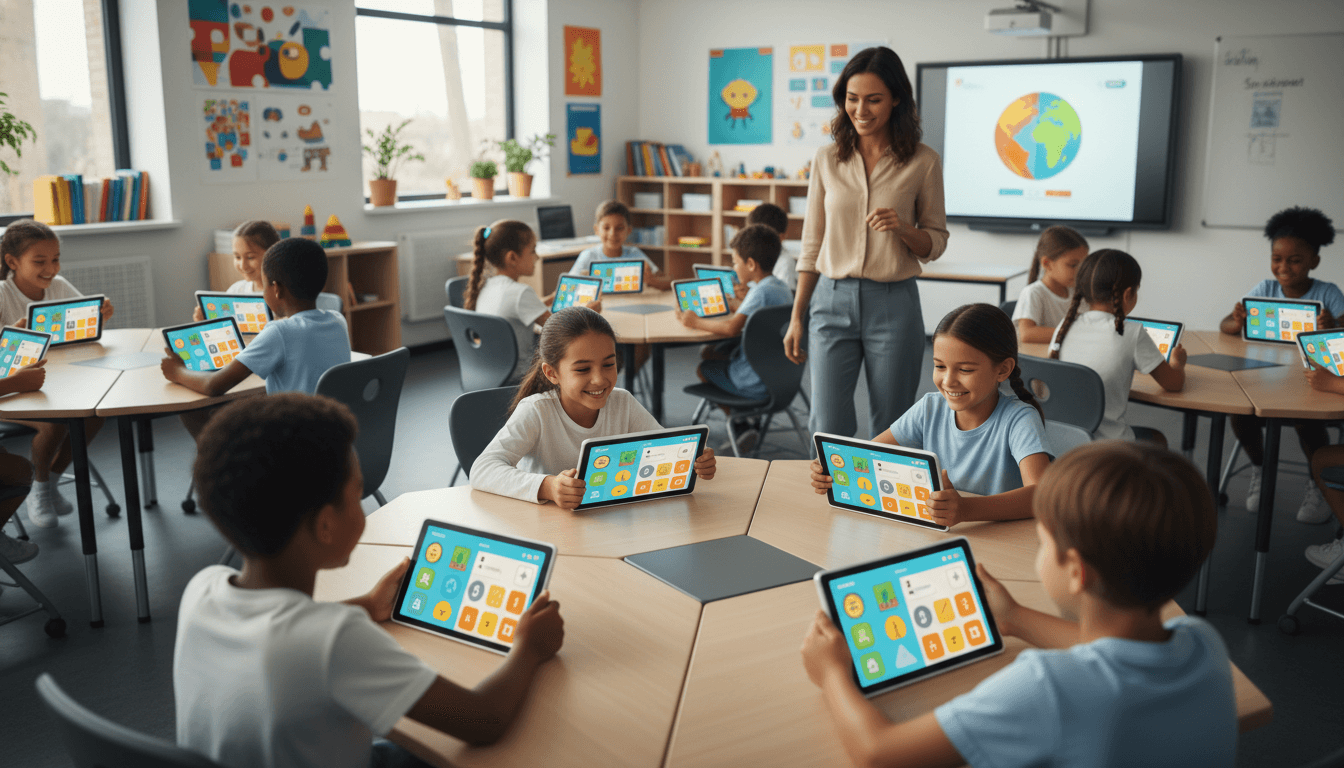
School EdTech App Newsletter: How to Communicate New Classroom Tools to Families
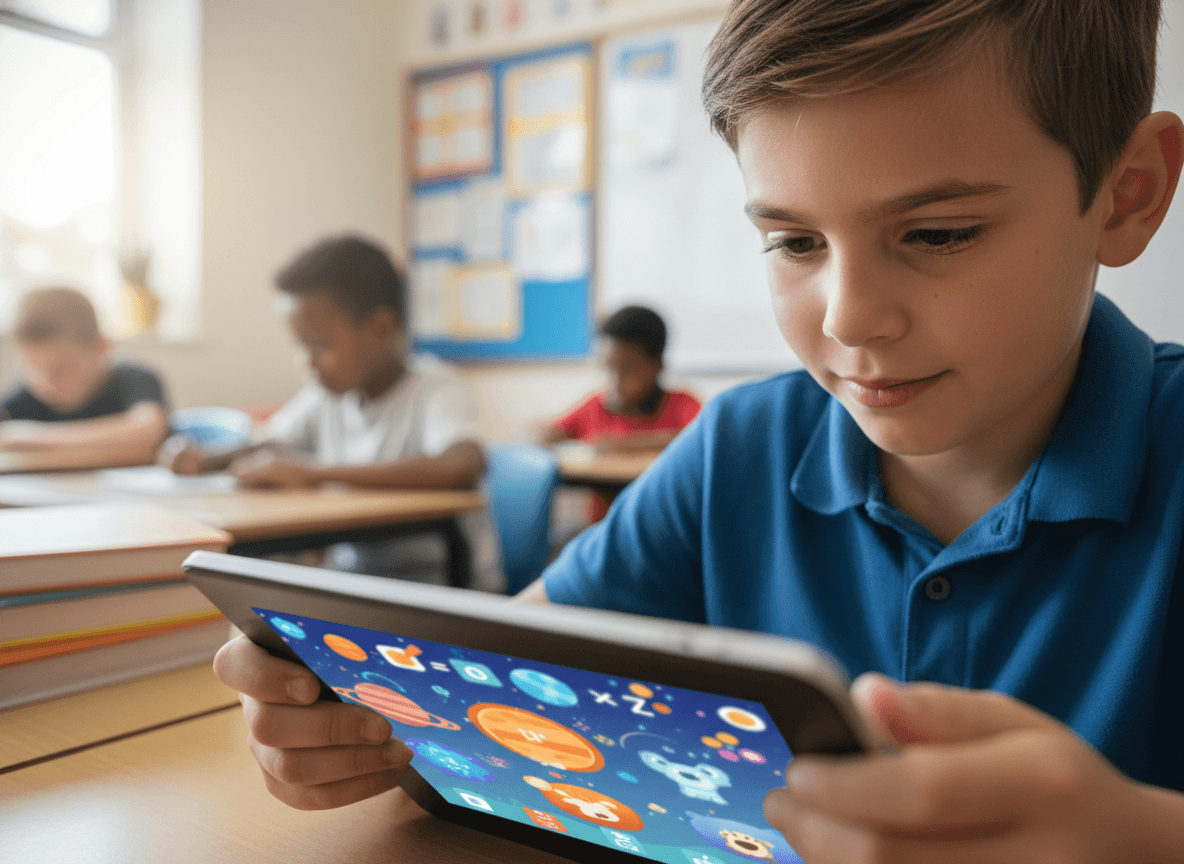
Schools add new digital tools to classrooms regularly. A reading platform here, a math practice app there, a presentation tool the new teacher wants to try. Each addition is a small communication obligation that most schools handle inconsistently or not at all. By mid-year, families have received login credentials for six or seven platforms and are uncertain which ones matter, which ones their child actually uses, and which ones collect their child's data.
A thoughtful edtech app newsletter solves this problem before it starts. It tells families what a new tool does, why it was chosen, what data it collects, and how to access it at home if they want to. Done well, it also prevents the app overload problem that plagues schools that communicate each new tool in isolation.
What the tool does and why it was chosen
The most common mistake in edtech app communication is leading with the tool's features rather than the learning problem it solves. Families do not need to know that an app has an adaptive algorithm. They need to know that it gives each student reading practice at their current level and adjusts the difficulty based on their performance, so students are never stuck on content that is too easy or too hard.
Lead with the learning purpose. Then explain how the tool delivers on that purpose. Then note why this tool was chosen over alternatives if that context is relevant. Schools that went through a formal review process and can name the criteria used build more family confidence in technology decisions than schools that appear to be adopting whatever arrives in a vendor demo.
Data privacy: be specific, not vague
Families increasingly ask about data collection before they engage with any new platform. A general statement that "the school takes student privacy seriously" does not answer the question. Specific answers do.
For each new tool, your newsletter should address:
- What information does the platform collect about students? Name and grade level? Usage data? Performance data? Writing samples or voice recordings?
- Is this data used to train AI models or shared with third parties for any purpose other than providing the service?
- Has the platform signed a Student Data Privacy Agreement with the district? In many states, this agreement is required by law.
- How can a family request deletion of their child's data if they have a concern?
COPPA compliance for students under 13
The Children's Online Privacy Protection Act requires that platforms serving children under 13 obtain verifiable parental consent before collecting personal information. In a school context, the school or district typically provides that consent on the family's behalf by signing a data processing agreement with the vendor.
Explain this briefly in your newsletter rather than leaving families to wonder whether they need to consent separately. A sentence like "Our agreement with [platform name] covers COPPA requirements for students under 13. You do not need to create a personal account or consent separately" prevents confusion and demonstrates that the school is managing its legal obligations.
How to access the tool at home
Some edtech apps are school-network-only tools. Others are accessible from any device with a browser. Some have mobile apps. Some require specific system requirements. Your newsletter should state clearly whether the tool is accessible at home and if so, exactly how to access it. Student login credentials, the URL, whether a specific browser works better, and whether a mobile app is available.
If home access is not available or not recommended, say that too. A parent who spends time trying to access a platform that only works on the school network will contact the teacher or the office. Saving them that time costs one sentence in the newsletter.
Preventing app overload: communicate a curated list annually
Rather than sending a separate newsletter for each new tool, consider an annual or semester edtech overview that lists every platform students use and its purpose. This single document becomes the reference point families return to when they have questions. Individual tool newsletters can still go out for major new additions, but the cumulative view prevents the "how many apps does this school use?" confusion that generates parent frustration.
An annual tool list also creates natural accountability for tech overload. When administrators see twenty platforms listed, it prompts a conversation about which ones are redundant. Communicating the list externally tends to trigger internal consolidation.
End-of-year tool retirement
Schools frequently retire platforms without telling families, leaving students with accounts and data on platforms the school no longer uses. Your end-of-year newsletter should include a brief section on which tools are being retired, when student accounts will be deactivated, and whether students can export any saved work, projects, or data before the account closes.
For tools where students created significant work, like a portfolio platform or a creative writing app, give them explicit steps to export or download their files before the account closes. A student who loses a year of digital portfolio work because no one told them the platform was being retired is a trust problem that is completely preventable.
When a tool has problems
Every edtech platform has reliability issues at some point. If a major outage affects student work or upcoming deadlines, communicate proactively. Name the platform, describe the issue briefly, explain how it will affect student work, and state what the workaround or extension policy is. Do not wait for families to reach out asking why their child cannot log in. Daystage lets schools send a targeted newsletter to affected grade levels or classes quickly, so the communication reaches the right families without spamming the entire school community.
Get one newsletter idea every week.
Free. For teachers. No spam.
Frequently asked questions
When should schools communicate new edtech app introductions to families?
Send a newsletter before students log into a new platform for the first time, not after. Families who see an unfamiliar login screen on a school device without advance context will contact the school or, worse, assume the worst about data collection. A brief pre-launch send takes less time to write than the parent emails it prevents.
What should a school edtech app newsletter include?
Lead with the learning problem the tool solves, not its features. Then cover specifically what data is collected, whether the platform has signed a Student Data Privacy Agreement, and how to access the tool from home if applicable. For students under 13, clarify whether the school's agreement covers COPPA requirements so families do not need to consent separately.
How should schools explain data privacy for edtech apps to parents?
Answer the four questions families actually have: what data is collected, is it used to train AI models or shared with third parties, has the district signed a privacy agreement, and how can a family request data deletion. A general statement about taking privacy seriously does not address any of those questions and does not reduce parent concern.
What are common communication problems when schools introduce new classroom apps?
By mid-year, families often have login credentials for six or seven platforms and no clear picture of which ones their child actually uses. The compounding problem is that each tool is introduced individually with no cumulative view. An annual edtech overview that lists every platform and its purpose gives families a single reference document and creates natural internal pressure to consolidate redundant tools.
How does Daystage help schools communicate edtech app updates to specific families?
Daystage lets schools send a targeted edtech newsletter to the grade levels or classes actually using a specific tool, so a platform introduced to middle school science students does not land in elementary inboxes. When a platform has an outage affecting student work, that same targeted capability means the communication reaches affected families quickly without spamming the full school community.

Adi Ackerman
Author
Adi Ackerman is a former classroom teacher and curriculum writer with 8 years in K-8 schools. She writes about school communication, parent engagement, and what actually works in real classrooms.
More for Technology
Communicating Your School's Robotics Program to Families and the Community
Technology · 5 min read
School Technology Newsletter: How to Communicate Digital Programs and Device Policies to Families
Technology · 7 min read
School Assistive Technology Newsletter: Communicating AT Tools and Support to Families
Technology · 6 min read
Ready to send your first newsletter?
3 newsletters free. No credit card. First one ready in under 5 minutes.
Get started free