
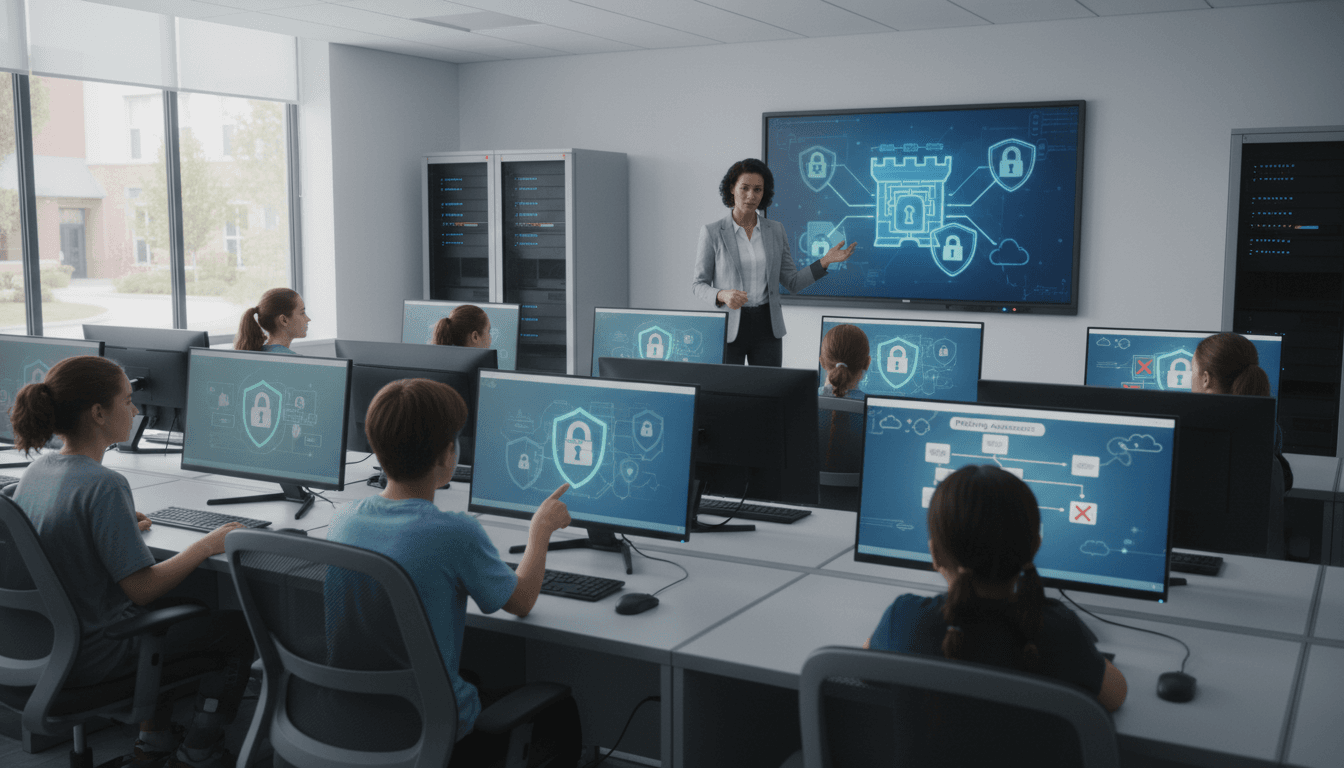
School Cybersecurity Newsletter: Communicating Online Safety and Data Privacy to Families

Most school cybersecurity communication happens after something goes wrong. A breach notification, a phishing email targeting student accounts, a ransomware attack that brings down the network. By then, families feel blindsided and trust erodes fast.
The schools that handle cybersecurity communication well do it before incidents occur. They tell families what data the school collects, how it is protected, what to expect if something goes wrong, and what families can do at home to keep student accounts safe. This guide covers each of those components and how to write about them without creating panic or lapsing into technical language that most families will skip.
What data the school collects and why
Families often assume schools collect more data than they do, or they are unaware of the data being collected through educational platforms. A cybersecurity newsletter should list the primary categories of student data the school holds: enrollment and contact information, attendance records, grades, assessment data, and any behavioral or health records relevant to a student's education.
Explain the legal framework briefly. FERPA gives parents the right to access their child's educational records and controls how those records are shared. Third-party vendors the school uses, from learning management systems to assessment platforms, must comply with data processing agreements. Naming a few of the major platforms and confirming their compliance is more reassuring than a general statement about data protection.
How the school protects student data
Families do not need a technical security architecture brief. They need enough specificity to feel confident without the jargon. A useful explanation includes: student accounts use single sign-on managed by the school, passwords must meet minimum complexity requirements, all devices on the school network use content filtering, and student data is not sold to advertisers. Those four points address the most common parental concerns about school data.
If the school conducts regular security audits or has achieved a recognized security certification, mention it. If the district has a dedicated cybersecurity officer or IT security team, name the role without necessarily naming the person. Families are reassured by knowing that someone owns the function.
Breach notification: what families should expect
Every school needs a written breach notification protocol and families should know its outline before an incident occurs. Explain what triggers a breach notification, what the typical timeline looks like from detection to family notification, what information the school will provide when it reaches out, and what families should do if they receive a notification.
Distinguishing between a minor security incident and a reportable breach is useful context. Not every IT security event requires a family notification. Explaining when you will contact families and when you will not sets accurate expectations and reduces speculation when minor incidents occur that do not reach the threshold for notification.
Student password hygiene: what families can reinforce at home
Student account security is one of the weakest links in school cybersecurity, and it is one families can directly influence. Your newsletter should include four password hygiene points that are concrete and actionable:
- Never share your school account password with friends, even close ones.
- Use a different password for your school account than for personal accounts like gaming platforms or social media.
- Sign out of school accounts on shared or personal devices when you are done.
- If you think someone knows your password, report it to a teacher or IT immediately. No questions asked.
If the school uses multi-factor authentication for student accounts, explain how it works and encourage families to support students in using it correctly.
Phishing awareness for students and families
Phishing attempts targeting school accounts have increased significantly. Students are targeted because their accounts are often less protected than adult accounts and can be used as entry points into school networks. Your newsletter should describe what a phishing attempt looks like in plain language: an email or message that appears to come from a trusted source (a teacher, a platform, the IT department) but asks for login credentials or personal information.
Tell students and families the school IT department will never ask for a password via email. Give them a reporting path. A clear sentence like "If you receive a suspicious message to your school account, forward it to [it-support@district.edu] and do not click any links" is more useful than a general warning to be careful online.
Communicating after an incident
When a cybersecurity incident does occur, families need information organized in a specific order: what happened, when the school learned of it, what data or systems were affected, what the school has done or is doing in response, and what families should do. That structure prevents speculation and gives families a clear action path.
Do not lead with reassurance. Leading with "there is no need to be alarmed" before telling families what happened reads as deflection and increases distrust. State the facts first, then context, then the school's response.
Making cybersecurity a recurring topic, not a crisis response
Schools that communicate about cybersecurity only when something goes wrong train families to associate that communication with bad news. Including a brief cybersecurity section in regular school newsletters, especially at the start of each school year and during national cybersecurity awareness months, normalizes the topic and makes families more receptive when something urgent does need to be communicated.
Get one newsletter idea every week.
Free. For teachers. No spam.
Frequently asked questions
When should schools communicate cybersecurity information to families?
Cybersecurity communication should go out before an incident occurs, not in response to one. A proactive newsletter at the start of the school year, and a brief update during National Cybersecurity Awareness Month in October, normalizes the topic and prevents families from associating school cybersecurity news exclusively with bad news.
What should a school cybersecurity newsletter include?
Cover what student data the school holds, which platforms students use and whether they have signed data processing agreements, how breach notifications work, and what password hygiene steps families can reinforce at home. Including a concrete phishing example, what it looks like and who to report it to, is more actionable than a general warning to be careful online.
How should schools explain data privacy to parents without causing panic?
Use specificity rather than reassurance. Name the platforms, confirm they have signed Student Data Privacy Agreements, and state plainly that student data is not sold to advertisers. Families are not alarmed by technical specifics. They are alarmed by vague statements that signal the school itself is uncertain about what data is being collected.
What are common communication failures around school cybersecurity?
Most schools only send cybersecurity communication after a breach, which trains families to see that topic as bad news. A second common failure is leading incident communication with reassurance before stating the facts, which reads as deflection and increases distrust. The structure that works is: what happened, when the school learned of it, what was affected, what is being done.
Can schools use Daystage for time-sensitive cybersecurity alerts?
Daystage lets schools send a rapid, targeted cybersecurity update to specific grade levels or the full school without waiting for the next weekly digest cycle. When something like a phishing campaign targeting student accounts needs fast family communication, a dedicated send that lands the same day is far more effective than a buried paragraph in next Friday's newsletter.

Adi Ackerman
Author
Adi Ackerman is a former classroom teacher and curriculum writer with 8 years in K-8 schools. She writes about school communication, parent engagement, and what actually works in real classrooms.
More for Technology
Ready to send your first newsletter?
3 newsletters free. No credit card. First one ready in under 5 minutes.
Get started free