

School Coding Program Newsletter: Communicating Computer Science Education to Families
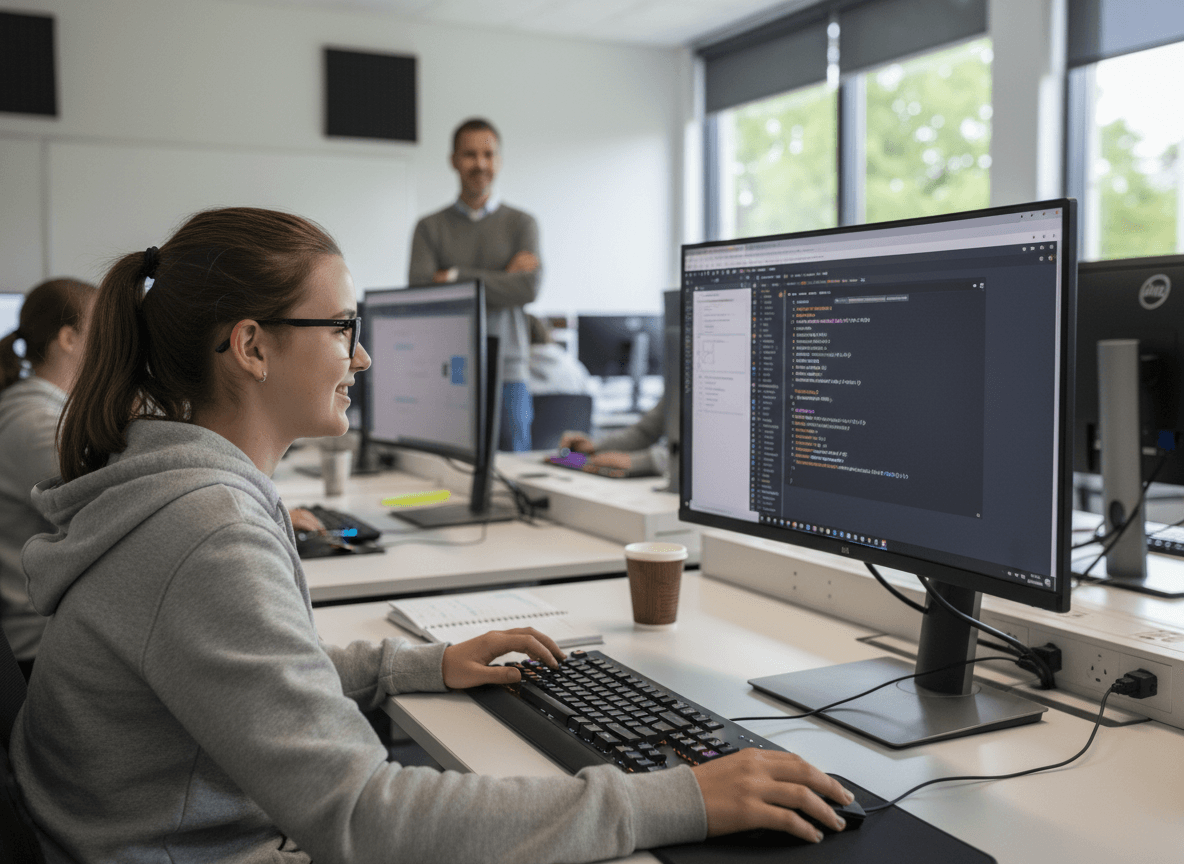
When families hear their child is taking a coding class, their reaction splits in a familiar way. Some are immediately enthusiastic and want to know how to support the learning at home. Others are uncertain, wondering if this is relevant to their child who wants to be a teacher, a chef, or a veterinarian. And a smaller group genuinely believes coding is a niche technical skill that not every child needs.
A coding program newsletter needs to meet all three reactions honestly. That means being specific about what students are learning, making the connection to actual career pathways visible, and explaining how coding education integrates with other subjects rather than sitting apart as a specialty track.
What languages and tools at each level
Families want to know what their child is actually using. Generic statements about "learning to code" are less useful than specific answers. The tools vary significantly by grade level:
- Elementary (K-2): Visual block-based programming like Scratch Jr or Code.org's early courses. No syntax, no text. Students arrange visual blocks to create animations and simple games. The focus is on sequencing and problem-solving logic.
- Upper elementary (3-5): Scratch, Code.org, or similar block-based platforms that introduce conditions, loops, and variables. Students begin creating projects that do specific things, not just move.
- Middle school (6-8): Introduction to text-based languages. Python is the most common first text language in middle school CS programs because its syntax is readable and its use is widespread in data science, AI, and automation.
- High school (9-12): AP Computer Science Principles (Python or JavaScript), AP Computer Science A (Java), or electives in web development, game design, or data science depending on the school's program.
How coding connects to other subjects
Computer science education in most K-12 programs is not isolated in a computer lab separate from everything else. Name the cross-curricular connections specifically. Students who use Python to analyze data sets in a science class are doing data science and science simultaneously. Students who build a game in math class to practice geometry concepts are reinforcing both subjects. Students who create a documentary with a coded interactive timeline are doing social studies, media production, and CS.
These connections matter to families who wonder if coding is worth the curriculum time. When you show them that coding enhances other learning rather than replacing it, the conversation changes.
Career connection: broader than families expect
Many families associate coding with software engineering jobs at large tech companies. The actual range of careers that use coding skills is far broader. Healthcare data analysis, environmental science modeling, journalism data reporting, financial analysis, architecture, and digital art all involve coding skills regularly. Name a few that connect to interests common in your school community.
The research point that tends to land with parents: across most STEM careers and a growing number of non-STEM careers, employees who understand computational thinking, even without daily coding work, make faster decisions and solve problems differently. That argument is more persuasive for the skeptical parent than employment statistics about software engineers.
Communicating Hour of Code events
Hour of Code, typically held in December during Computer Science Education Week, is an annual event that many schools participate in. Your newsletter should explain what it is: a one-hour introduction to computer science concepts through interactive puzzles and activities designed for all ages and all experience levels.
If families can participate at home, include the link to the hourofcode.com platform. If the school is hosting a family coding night around the event, include logistics: date, time, what to bring, and whether registration is required.
After-school coding club communication
Coding clubs draw students who want to go deeper than the classroom curriculum allows. Your newsletter should include what the club actually does (project-based, game development, web design, competitive programming), who it is open to (all students, specific grades, or invitation-based), the meeting schedule, and what commitment level is expected.
If the club has completed projects families can see, link to them. A parent whose child built a game in coding club and had nothing to show for it at home will not encourage them to continue. A parent who can play the game online or see a screenshot of the project will.
Competition team communication
Schools with computer science competition teams, whether participating in FIRST Robotics, Science Olympiad tech events, competitive programming contests, or hackathons, should communicate competition schedules, eligibility, practice commitments, and costs separately from the general coding program newsletter. Competition teams have different stakes and different audiences. Families considering whether to commit a student to a competition team need operational specifics that do not belong in a program overview newsletter.
What families can do at home
Give families concrete options if they want to support coding learning outside school. A short list of free platforms appropriate to the student's grade level is more useful than general encouragement to explore tech. Scratch.mit.edu for elementary. Python.org's beginner tutorials for middle school. Code.org's self-paced high school courses for students who want to go further. Include one or two project ideas that a student can build at home with the tools they already know from class.
Get one newsletter idea every week.
Free. For teachers. No spam.
Frequently asked questions
When should schools communicate a coding program to families?
Send a coding program newsletter at the start of the school year before the first unit begins, and a separate notice ahead of any public events like Hour of Code or a project showcase. Families who understand the curriculum before it starts are far more likely to reinforce it at home and support the program when budget conversations come up.
What should a school coding program newsletter include?
It should name the specific tools and languages used at each grade level, explain how coding connects to other subjects, describe any after-school club or competition team options, and give families concrete home resources matched to their child's current level. Generic statements about 21st-century skills do not satisfy the parent who wants to know whether Python is actually appropriate for an 11-year-old.
How should schools explain coding education to parents who are skeptical?
Lead with the career breadth argument, not the software engineer argument. Families who think coding is only for tech jobs change their view when they learn that data journalism, healthcare analysis, environmental science, and digital art all depend on coding skills. Connecting computational thinking to problem-solving across any career is more persuasive than employment statistics about Silicon Valley.
What are common communication challenges with school coding programs?
The biggest gap is failing to connect the program to non-tech career paths, which leaves a large portion of parents unmoved. Schools also tend to skip the cross-curricular connection, so families see coding as competing with core subjects rather than reinforcing them. When parents do not understand the curriculum, they do not encourage their children to take electives or join the coding club.
How can Daystage support coding program communication throughout the year?
Schools using Daystage can send coding updates as standalone newsletters timed to specific events like Hour of Code week, the club interest window, or competition season, rather than burying them in a general update. A dedicated send with a clear subject gets read. A paragraph at the bottom of a Friday digest does not.

Adi Ackerman
Author
Adi Ackerman is a former classroom teacher and curriculum writer with 8 years in K-8 schools. She writes about school communication, parent engagement, and what actually works in real classrooms.
More for Technology
School Parent Technology Training Newsletter: Connecting Families to Digital Skills Support
Technology · 5 min read
School Technology Help Desk Newsletter: Helping Families Get Technical Support Quickly
Technology · 5 min read
How Schools Should Talk to Families About AI in Education
Technology · 6 min read
Ready to send your first newsletter?
3 newsletters free. No credit card. First one ready in under 5 minutes.
Get started free