

How to Explain Your School's Coding Curriculum to Families
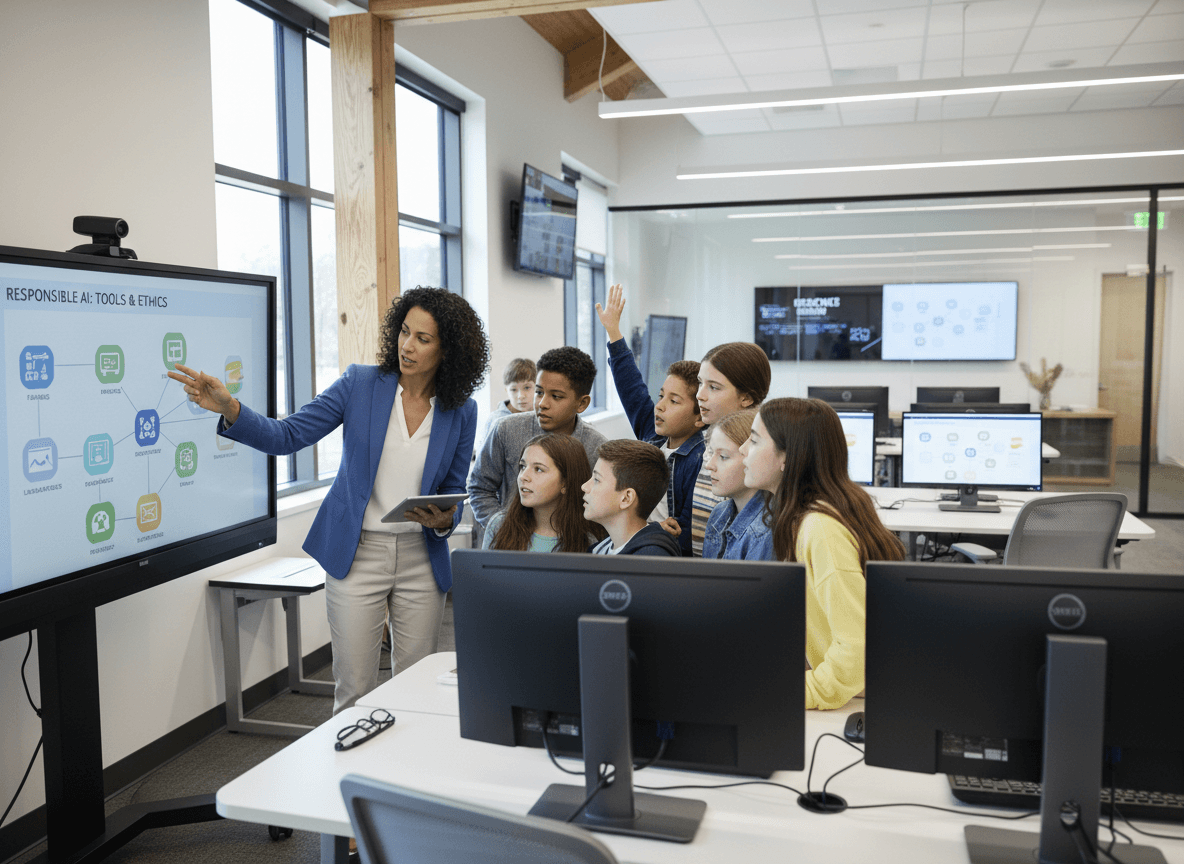
Coding is now taught in most schools from elementary through high school, but many families have no framework for understanding what students are actually learning, how difficult it is, or why it matters. The newsletter is how you close that gap and bring families into the computer science story their children are living every day.
Describe What Students Are Building Right Now
Newsletter coding updates are most compelling when they describe specific projects rather than abstract skills. "Third graders are building animated stories using Scratch, programming characters to move, speak, and react to each other. Sixth graders are writing Python programs that ask a user to guess a number and provide hints until the correct number is found."
Concrete project descriptions tell families what their children are actually doing in class, what problem-solving looks like in practice, and what skills are being developed. That is more compelling than a description of programming concepts.
Name the Tools Students Use
When the newsletter names the specific platforms students use, families who want to support learning at home know where to look. Scratch is free at scratch.mit.edu. Code.org has parent-friendly introductions. Python can be practiced on free online editors.
Include the URL and a brief note about whether home access is available and appropriate. "Students can continue working on their Scratch projects at home at scratch.mit.edu using their school login credentials."
Expand the Career Connection Beyond Software Development
Many families assume that coding is only relevant to students who want to build apps or work at technology companies. The newsletter should name the much broader range of fields where programming skills apply: scientific research, design, engineering, healthcare informatics, financial analysis, education technology, logistics, and more.
A student who loves art and learns to code interactive digital installations is pursuing a career path the newsletter can name. A student who loves biology and learns to write data analysis scripts is building skills that matter to medical research. These connections make the curriculum relevant to a far wider student population.
Celebrate Specific Student Work
Occasional feature articles on student coding projects build community appreciation for computer science education. A brief description of a student project, what problem it solved, and what skills it required makes the curriculum concrete and celebrates student achievement in a way that families respond to.
Connect Coding to Broader Thinking Skills
Coding develops skills that transfer beyond programming: logical sequencing, decomposing large problems into smaller steps, debugging systematic errors, and testing hypotheses iteratively. The newsletter should name these transferable skills explicitly so families understand that coding class is not only for future programmers. It is for students who need to think clearly and solve problems in any field.
Get one newsletter idea every week.
Free. For teachers. No spam.
Frequently asked questions
How do you explain what students are learning in coding class to families with no programming background?
Use concrete examples of what students are building rather than describing programming concepts abstractly. 'In this unit, students wrote a program that moves a sprite across the screen based on keyboard commands. They had to debug the code when the sprite moved in the wrong direction.' That description tells a non-technical family what their child is doing, what skills they are using, and what problem-solving looks like in practice.
How do you connect the school's coding curriculum to career pathways?
Name specific careers beyond software developer that use programming skills: data analyst, UX designer, civil engineer, medical researcher, game designer, logistics coordinator. Many families assume coding is only relevant to students who want to become programmers. A brief newsletter paragraph broadening the career connection makes the curriculum relevant to students across a much wider range of interests and goals.
What coding tools or platforms should the newsletter mention by name?
Name the tools, describe what they do, and mention whether students can access them at home. Scratch, Code.org, Python, JavaScript, and visual block editors like Blockly are common. Families who know what platform their child uses can look it up, watch tutorials, and encourage their child to work on projects at home. A newsletter reference to a named platform with the URL or app name turns family interest into family engagement.
How should the newsletter address families who worry their child is not good at math and therefore cannot succeed in coding?
Explain that coding at the K-12 level emphasizes logical thinking and problem-solving more than advanced mathematics, and that many early coding projects involve storytelling, art, animation, and game design rather than math-heavy computation. Many students who struggle with arithmetic thrive in coding because the feedback is immediate and the problems are creative. This reframe expands families' sense of which students the coding curriculum is for.
How does Daystage support coding and computer science communication?
Daystage helps schools communicate their coding and computer science programs in newsletters that make the curriculum understandable and exciting for families who have no technical background. Schools use it to build community appreciation for computer science education and encourage family support for student learning in the subject.

Adi Ackerman
Author
Adi Ackerman is a former classroom teacher and curriculum writer with 8 years in K-8 schools. She writes about school communication, parent engagement, and what actually works in real classrooms.
More for Technology
Ready to send your first newsletter?
3 newsletters free. No credit card. First one ready in under 5 minutes.
Get started free