
School Chromebook and iPad Newsletter: Communicating Device Programs to Families
Launching a 1:1 device program is one of the larger operational decisions a school makes. How well families receive it depends less on the device itself and more on how clearly the school communicates before, during, and after rollout. A Chromebook newsletter or iPad newsletter written with specificity builds family confidence from day one. One written vaguely generates a wave of emails asking the same five questions.
This guide covers what each type of device communication requires, how year-1 and year-2 messaging differ, and how to handle the topics families care about most: care expectations, damage, insurance, charging, and device return.
What the device is for, in plain terms
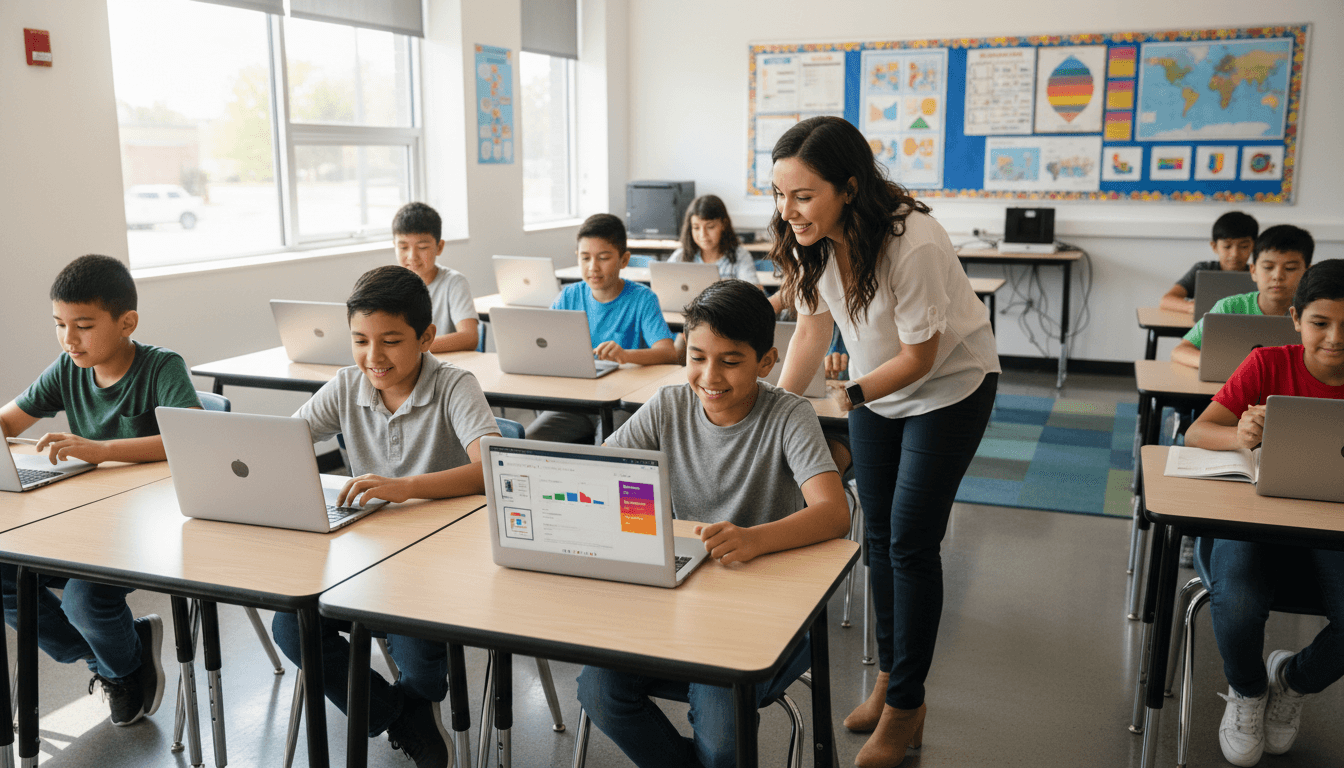
The first paragraph of any device program newsletter should answer one question: what will my child actually do with this? Not a general statement about 21st-century skills. A specific answer. Students in grades 3 through 5 will use Chromebooks for reading assignments in Google Classroom, math practice in Khan Academy, and research projects. That level of specificity is what allows a parent to form a mental model of the program and have a real conversation with their child about it.
If the device is shared between school and home use, say so explicitly and name the approved uses for each setting. If it is school-use only and comes home only for charging, say that too. Ambiguity about home use is one of the top sources of confusion in device programs.
Care expectations and damage policy
Families need to know the rules before their child carries the device out of the building for the first time. State the care expectations clearly:
- Cases and covers. Is a protective case provided or required? If required, what type? If provided, when will students receive it?
- Screen protection. Are screen protectors included? Encouraged? Optional?
- Transport rules. Should the device go in a backpack sleeve, a dedicated compartment, or a specific bag the school recommends?
- What constitutes damage vs. normal wear. Define this before an incident happens. A cracked screen is damage. A worn-down keyboard key from regular use is wear. The line matters financially.
Insurance and financial responsibility
This section needs to be precise because it involves money. Families need to know whether device insurance is offered, how much it costs, what it covers, and whether it is optional or mandatory. If families who decline insurance are responsible for repair costs, state the typical repair ranges so they can make an informed decision.
Name the deadline for insurance enrollment and the payment method. If families with financial hardship can request a waiver, include that option without requiring families to ask for it by name. A single line that says "Families who need assistance should contact the main office" is enough to make the option visible without singling anyone out.
Charging at home: make the expectations clear
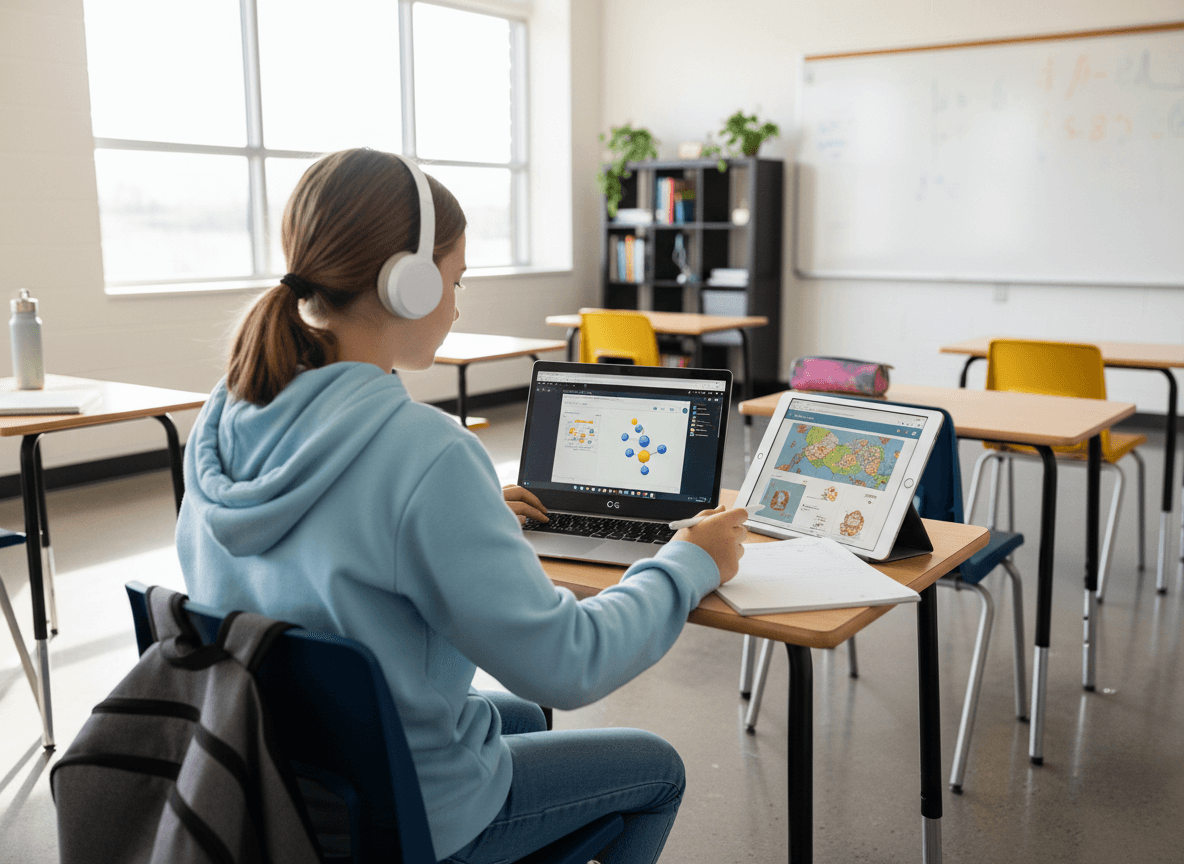
Dead devices are a daily classroom disruption and one of the most preventable ones. Your newsletter should state the charging expectation plainly: charge the device every night, bring it to school at a minimum of 80 percent battery, and do not use it for entertainment after the school-work is done if battery life is a concern. Include where and how to charge safely. Chromebooks and iPads should not be charged under pillows or in enclosed spaces overnight.
If the school provides a charging cart and students charge devices at school, state that clearly so families know they are not responsible for nightly charging.
Year-1 versus year-2 communication
Year-1 of a 1:1 program requires a longer, more detailed newsletter because everything is new. Families need logistics, rationale, and reassurance. Year-2 communication is shorter and more operational. Most families already understand the program. Your newsletter for returning families only needs to cover what changed: updated care policy, new apps or platforms, changes to insurance options, and anything different about the rollout timeline. A year-2 newsletter that reads like a year-1 newsletter signals that the school is not tracking what families already know.
Communicating device return at end of year
Device return communication requires its own send or a prominent section in the spring newsletter. Include the return date, the condition the device should be returned in, what happens to data and accounts, whether students can transfer any schoolwork to a personal drive before return, and what happens if a family misses the return window. For graduating students or students moving to a different school, address what happens to their device access after departure.
Chromebook versus iPad: communication differences
Chromebook programs and iPad programs require slightly different messaging. Chromebooks run through Google Workspace for Education, which means families will hear about Google Classroom, Docs, and Drive. iPad programs typically run through Apple School Manager and may involve specific apps managed by the school. Name the management platform, note what it means for privacy and app control, and explain how families can see which apps are on the device.
For iPad programs with younger students, address the reading and content filter settings explicitly. Parents of kindergarteners and first graders want to know the device cannot easily navigate to non-school content. Stating the content filter by name and confirming it is active on all school-issued devices is a straightforward reassurance that prevents repeated parent questions.
Sending the newsletter at the right time
Send the initial device program newsletter two weeks before devices go home. That window gives families enough time to purchase insurance if needed, arrange charging stations at home, and ask questions before the device arrives. A same-day or next-day notice leaves families scrambling and breeds resentment toward the program before it starts.
Get one newsletter idea every week.
Free. For teachers. No spam.
Frequently asked questions
When should schools communicate a 1:1 device program to families?
Send the initial device newsletter two weeks before devices go home. That window gives families enough time to purchase insurance, arrange charging stations, and ask questions before the device arrives in their house. A same-day notice leaves families scrambling and breeds resentment toward the program from day one.
What should a school Chromebook or iPad newsletter include?
It should specify what students will actually use the device for, the full care and damage policy, insurance options and costs with enrollment deadline, charging expectations, and whether the device is for school use only or approved for home activities too. Ambiguity on any of these points generates a wave of repeat parent emails.
How should schools explain device financial responsibility to parents?
Name the typical repair cost ranges so families can make an informed decision about insurance. State the enrollment deadline and payment method clearly. Include a quiet opt-in line for families who need a financial hardship waiver without requiring them to identify themselves publicly.
What are common communication mistakes in school device programs?
Year-2 newsletters that read exactly like year-1 newsletters signal the school is not tracking what families already know. Returning families only need updates on what changed: new apps, revised insurance options, different rollout timelines. The other common gap is failing to define the line between damage and normal wear before an incident happens.
Can Daystage help schools send device program updates to the right families?
Daystage lets schools target device newsletters to specific grade levels, so a Chromebook communication for grades 3-5 does not land in the inboxes of kindergarten families who are not in the program. Targeted sends reduce confusion and keep device communication feeling relevant to each family.

Adi Ackerman
Author
Adi Ackerman is a former classroom teacher and curriculum writer with 8 years in K-8 schools. She writes about school communication, parent engagement, and what actually works in real classrooms.
More for Technology
Ready to send your first newsletter?
3 newsletters free. No credit card. First one ready in under 5 minutes.
Get started free