
How to Add a Podcast to Your School Newsletter Strategy
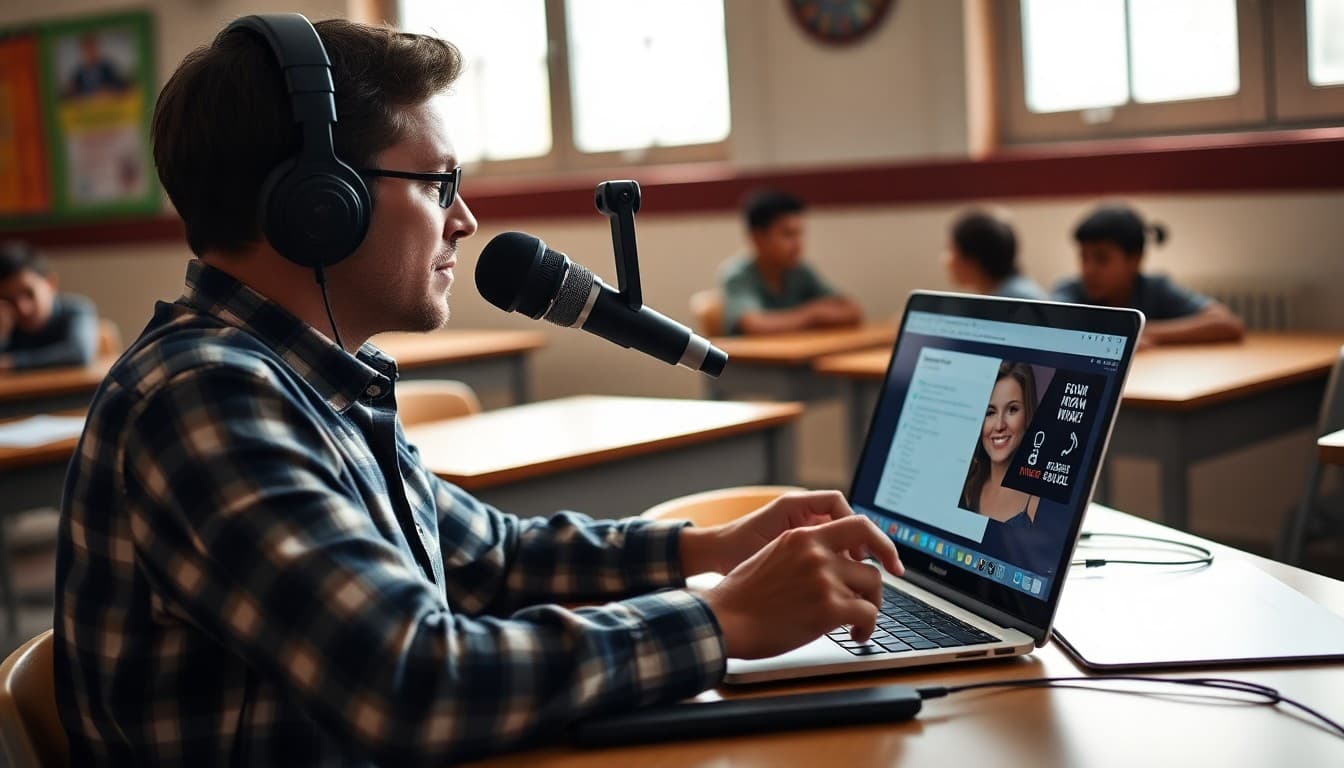
A school newsletter does not have to be text-only. Families receive dozens of emails a week. A short audio clip from the principal or a classroom teacher cuts through the inbox in a way that another block of text rarely does. Adding a podcast to your newsletter does not require professional equipment or a broadcast background. It requires a USB microphone, a free recording app, a podcast hosting account, and a plan for what you want to say each week.
Why Audio Works Alongside Written Newsletters
Different families absorb information differently. Some read every word of the newsletter. Others scan the subject line and delete. A short audio clip gives you a third path. Families who commute, drive carpool, or spend their mornings getting kids ready often find it easier to listen than to read. A two-minute episode from the principal covers the same ground as four paragraphs of text, but it also carries warmth and tone that text rarely does. Families who hear the principal's voice explaining a schedule change feel more connected than families who read the same information in bullet points.
What Equipment You Actually Need
You do not need a studio. A USB condenser microphone in the thirty to sixty dollar range produces audio quality that sounds professional in a quiet room. Record in a small space with soft surfaces, like a carpeted office with books on the shelves. Avoid recording in large open rooms with hard floors. For software, Audacity is free and handles recording and basic editing. GarageBand works well on Mac. For schools on a budget, even a smartphone recording app in a quiet room produces acceptable audio for a parent newsletter companion. The bar for quality is not radio. The bar is: can families understand what you are saying clearly.
Planning Each Episode Around Your Newsletter
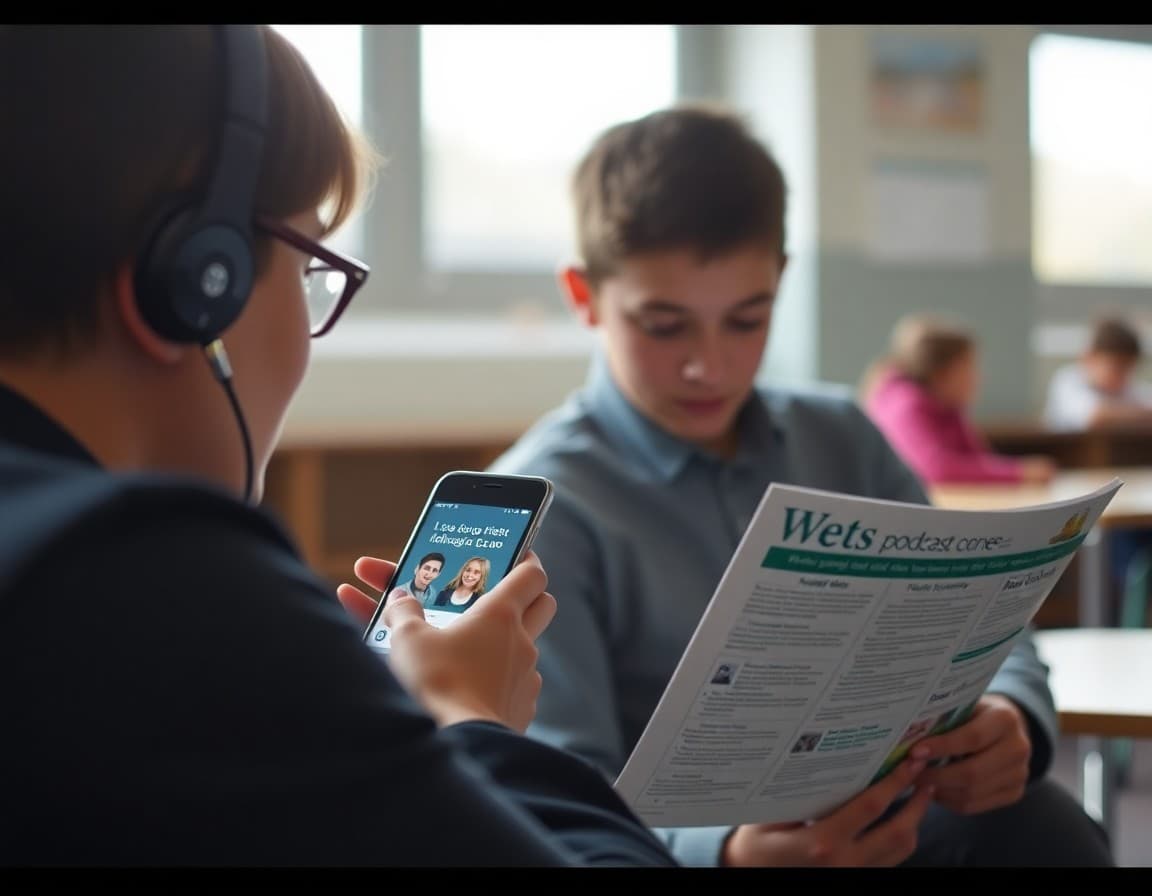
The simplest podcast format for a school newsletter companion is to record a two-to-three minute summary of the newsletter before you send it. Pull out the two or three most important items, record a short explanation of each, and link the episode in the newsletter. Families who read the full newsletter get the detail. Families who listen get the headlines. Families who do both get reinforcement of the key points. You can also use the podcast for content that does not fit well in text: a teacher explaining a math concept being introduced this week, a student reading a piece of creative writing, or a brief interview with a special guest speaker who visited the school.
Choosing a Podcast Host
Your recordings need to live somewhere accessible before you can link them in a newsletter. Anchor (Spotify for Podcasters) is the most common choice for schools starting out because it is free, easy to use, and generates a shareable episode link immediately. Upload your audio file, add a title, and publish. The episode link goes directly into your newsletter. Buzzsprout is another solid option with a clean dashboard and a free tier that covers up to two hours of audio per month. If your school district has concerns about third-party platforms, Transistor or Captivate offer private hosting options with more administrative control.
How to Link the Podcast Inside Your Newsletter
Put the link early. Families who see a podcast link buried at the bottom of a newsletter almost never click it. Mention the episode in the opening paragraph, include a brief one-line description of what the episode covers, and link the title or a “Listen now” button near the top. Some schools include the podcast link as the very first element in the newsletter above all other content, which consistently produces higher click rates than embedding it mid-newsletter. Use Daystage's button block to make the link visually distinct and easy to tap on mobile.
Keeping It Consistent Without Burning Out
The mistake most schools make with a newsletter podcast is launching it with high production energy and then dropping it after six weeks because it became too time-consuming. Set a production target you can actually sustain. A two-minute weekly recording that you script in ten minutes and record in one take is more valuable than a polished eight-minute episode you produce once a month. Families trust consistency. They will listen to a simple recording of a principal speaking naturally every week long before they will wait for a polished production that only appears occasionally. Write three bullet points, record them conversationally, upload it, link it, send it.
Measuring Whether It Is Working
Your podcast host shows you how many times each episode has been played. Your newsletter platform shows you how many families clicked the episode link. Track both over time. If you have a newsletter open rate of sixty percent but only ten percent are clicking the podcast link, the placement or the description needs work. If families are clicking but not finishing the episodes, the content or length needs adjustment. Some schools send a simple one-question survey once a term asking families whether they listen to the podcast. The honest answers from that survey are more useful than any engagement metric.
Get one newsletter idea every week.
Free. For teachers. No spam.
Frequently asked questions
Do schools actually use podcasts in their newsletters?
More than you might expect. Short audio clips ranging from two to five minutes are becoming common additions to weekly school newsletters. Principals use them for back-to-school messages, teachers record quick unit previews, and some schools run a full weekly podcast linked from the newsletter. Families who struggle to read long newsletters often listen to a short audio clip during their commute. The barrier to entry is low: a USB microphone, free recording software, and a free podcast host are all you need to start.
How long should a school newsletter podcast episode be?
For a weekly newsletter companion, two to five minutes is the sweet spot. Families are busy. A five-minute episode that covers three key points gets listened to. A twenty-minute episode mostly gets skipped. If you want to go longer, structure the episode so the key family action items come in the first two minutes, and additional context fills the rest. Short episodes also require less editing time, which matters when you are producing content weekly alongside all your other responsibilities.
What platform should schools use to host a podcast?
Anchor (now Spotify for Podcasters) is free and simple to start with. Buzzsprout offers a clean interface and a free tier for short episodes. Both generate a shareable episode link you can paste directly into your newsletter. If you want a school-branded RSS feed and more control, Transistor or Captivate are paid options worth considering once you have proven the format works with your community.
Can parents listen to the podcast without a podcast app?
Yes. Most podcast hosting platforms generate a web player embed code or a direct URL link that plays in any browser. Paste that link into your newsletter and families can tap to listen without downloading any app. This matters for reaching all family segments, including those who are not podcast listeners and would never search for your show on Spotify.
How does Daystage work with podcast links in newsletters?
Daystage lets you paste any URL or embed code directly into your newsletter content. Drop your podcast episode link as a button or a linked text line inside your newsletter, and families tap through to listen. Some schools include a short one-sentence summary of each episode so families know whether to click before they do. Daystage tracks clicks, so you can see whether the podcast link is getting engagement over time.

Adi Ackerman
Author
Adi Ackerman is a former classroom teacher and curriculum writer with 8 years in K-8 schools. She writes about school communication, parent engagement, and what actually works in real classrooms.
More for Technology
Ready to send your first newsletter?
3 newsletters free. No credit card. First one ready in under 5 minutes.
Get started free