

Digital Divide Newsletter: Ensuring All Students Can Connect
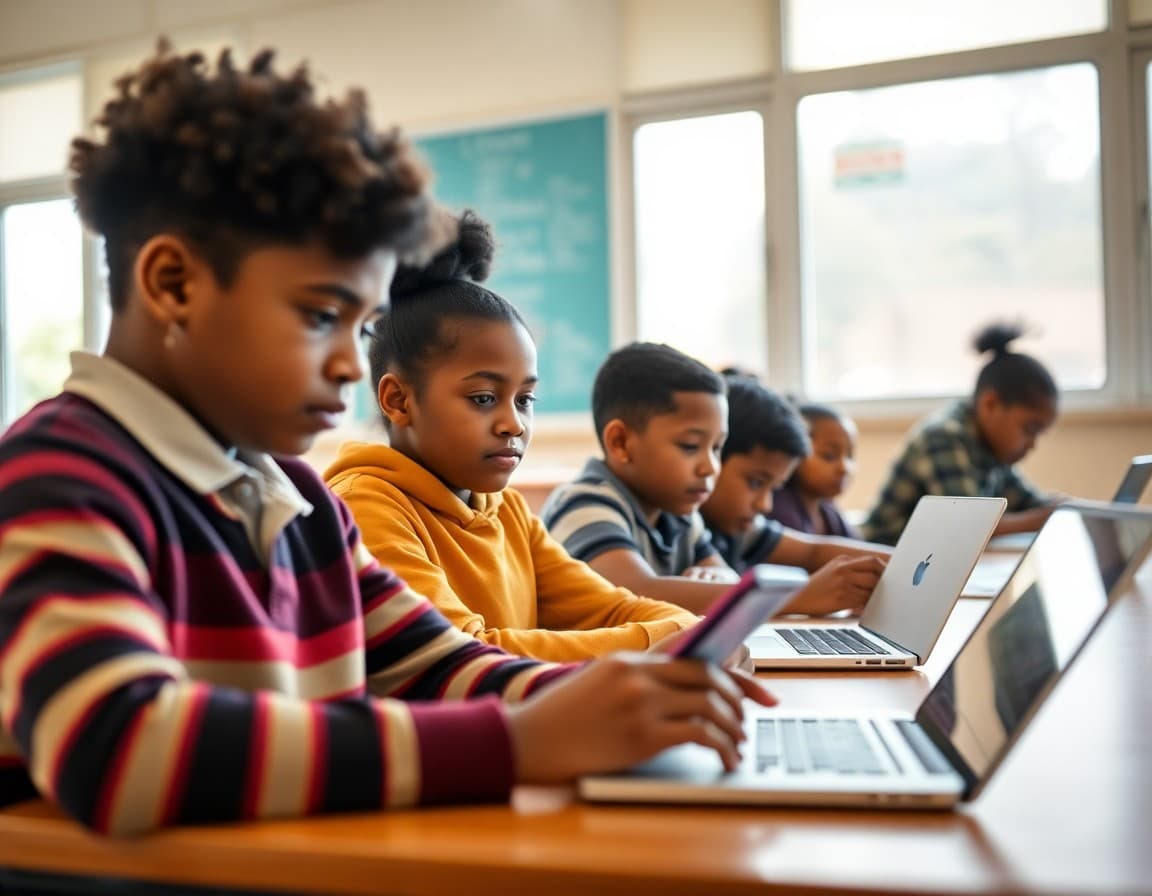
Digital equity is not an abstract policy issue. It plays out in specific ways in your school every day: a student who could not complete their online homework assignment, a parent who received a school notification but could not read the linked document, a third grader who has never used a mouse before because no device exists at home. A digital divide newsletter names these realities, describes what the school is doing about them, and connects families to every available resource.
Understanding the Scope in Your School
National statistics put the number of school-age children without reliable home internet at approximately 12 to 15 million. But the relevant number for your newsletter is the one at your school. Many districts conduct annual technology access surveys as part of back-to-school registration. If yours does, use that data. Knowing that 22 percent of your students lack reliable home internet is more actionable than citing a national average. It also tells families who are experiencing the problem that the school knows about it and is responding specifically to their community's reality.
What the School Is Doing to Close the Gap
Your newsletter should be specific about school-level actions, not general aspirations. Device lending programs with specific inventory numbers. Hotspot checkout programs with data plan details. After-school homework labs with device access and supervised WiFi, including hours and location. Partnerships with local libraries that have added evening hours or created dedicated student spaces. Teacher policies around digital homework assignments that provide offline alternatives when connectivity is uncertain. Each concrete action demonstrates that the school has moved from awareness to response.
Community Resources Worth Including
Beyond school-provided resources, there are community and government programs that can help. The FCC's Emergency Connectivity Fund has provided billions in funding for school device and hotspot programs since 2021. ISPs like Comcast, AT&T, and T-Mobile all have reduced-price plans for qualifying households. Some local nonprofits and community foundations provide refurbished devices or internet subsidies. Public libraries remain one of the most under-leveraged resources in many communities, with free WiFi, extended evening hours, and in many cases dedicated homework help programs. Include specific local resources with addresses and contact information, not just program names.
Digital Literacy Is Not Just About Devices
Access to hardware and internet is necessary but not sufficient. Students who have devices but no guidance on how to use them for learning effectively, how to evaluate digital sources, how to manage distractions, and how to stay safe online face a different kind of divide. Your newsletter can acknowledge this by pointing families to digital literacy resources alongside connectivity resources. Common Sense Media's family digital literacy guides are free and well-regarded. Some public libraries offer free digital skills workshops for adults that help parents support their children's technology use more effectively.
Sample Template Excerpt
Here is a section you can adapt for your own newsletter:
Technology Access: What We Provide and How to Get Help
We know that not every household has the same access to devices and internet. This year, we have expanded our support programs to make sure every student can complete their work and stay connected to school.
Device lending: Every student who needs a device can borrow one from our technology office. Devices are available on a semester basis. Contact [name] at [contact] to request one.
Hotspot lending: We have 35 hotspot devices available for families without home internet. Each provides 15 GB of data per month. Fill out the request form at [link].
Homework lab: Our library is open until 6 PM Monday through Thursday for supervised homework time with device and internet access. No reservation needed.
Talking With Families About Technology Access Without Shame
The families who most need technology support are often the least likely to ask for it because they worry about being judged or singled out. Your newsletter's tone matters as much as its content. Frame every resource as something available to any family, not as a program for families who are struggling. Use phrases like "any family that could use extra connectivity support" rather than "low-income families" or "disadvantaged students." When the invitation to access resources is genuinely open and non-judgmental, more families take it up.
Following Up With Families Who Did Not Respond
A single newsletter will not reach every family that needs help. Some families do not read emails. Some are dealing with other pressures that make responding to school communication difficult. A second touchpoint, through a phone call home, a note sent in a student's backpack, or a conversation with the family at pickup, reaches families who missed the initial newsletter. If your school uses Daystage or another tool that tracks email opens, you can identify which families did not open the digital divide newsletter and prioritize them for direct outreach by a counselor or family liaison.
Get one newsletter idea every week.
Free. For teachers. No spam.
Frequently asked questions
What is the digital divide and why should schools address it in newsletters?
The digital divide refers to the gap between households that have reliable access to devices and internet and those that do not. In school contexts, this gap directly affects homework completion, access to learning platforms, and long-term digital literacy development. Schools that communicate about this gap and the resources available to address it signal to underserved families that the school sees them and has taken action, rather than assuming everyone has the same access.
What resources can schools provide to families without adequate technology access?
Schools can provide device lending programs, mobile hotspot checkout, subsidized home internet referrals, after-school homework labs with supervised device and internet access, and partnerships with community organizations like libraries and YMCAs that provide technology access. The more specific the newsletter is about what each resource provides and how to access it, the higher the uptake will be among families who need it.
How do you communicate about digital equity without stigmatizing families?
Frame the newsletter around what the school provides and why equitable access is a shared community goal, not around which families are deficient. Use language like 'we know that not every household has the same access to technology' rather than 'low-income families who cannot afford internet.' Describe resources as supports available to any family who could use them, not as programs for families in poverty. This framing increases uptake because it reduces the shame response that prevents some families from accessing help.
What long-term digital literacy gaps does the divide create?
Students who lack consistent access to devices and internet at home develop technology skills more slowly than peers who use digital tools daily. By high school, this gap shows up in typing speed, comfort with productivity software, ability to research and evaluate digital sources, and familiarity with communication platforms used in professional settings. Addressing the divide early, at the device and connectivity level, reduces the skill gap that compounds over time.
How does Daystage support digital equity communication?
Daystage helps schools reach families who may not engage with traditional paper newsletters or school website updates. A digital newsletter sent directly to a family's email or text reaches them where they are, rather than requiring them to navigate a school website or remember to check a backpack. For schools with mixed-access communities, Daystage's delivery and open-rate tracking helps identify which families are engaging and which may need alternative outreach approaches.

Adi Ackerman
Author
Adi Ackerman is a former classroom teacher and curriculum writer with 8 years in K-8 schools. She writes about school communication, parent engagement, and what actually works in real classrooms.
More for Technology
Ready to send your first newsletter?
3 newsletters free. No credit card. First one ready in under 5 minutes.
Get started free