
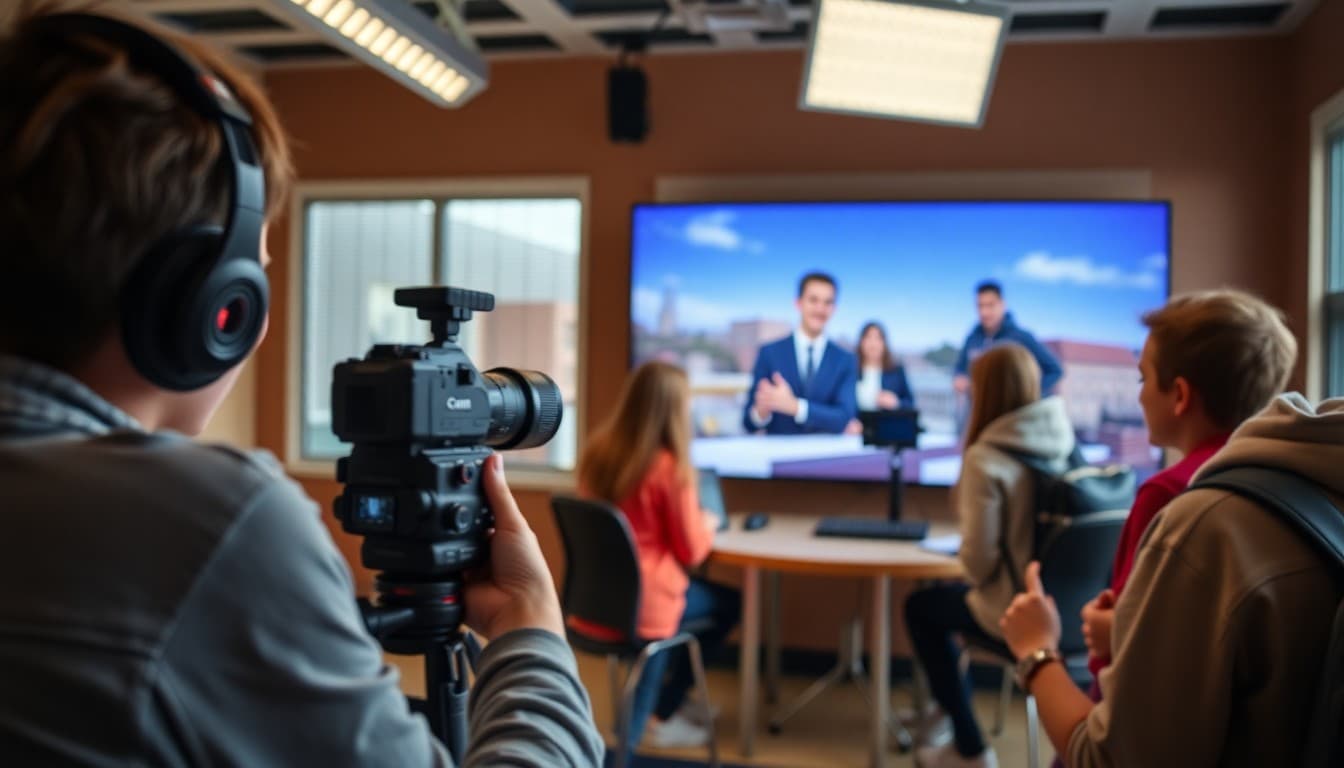
Student Video Production Newsletter: School TV and Film Updates

A student video production team makes things worth watching. But most of the school community sees only the finished product, if they see it at all. A newsletter closes the gap between what your team produces and the audience that could be watching it. It also does something the videos themselves cannot: it explains the craft behind the work in a way that turns casual viewers into engaged supporters and curious students into future crew members.
Always Pair the Production With the Process
When you announce a new video or broadcast segment, do not lead with "watch our new video." Lead with what it took to make it. "Our October campus news episode required four takes of the opening sequence because the audio from the cafeteria was bleeding into the mic even with the door closed. We eventually solved it by recording the intro in the library's back study room and cutting it into the episode in post." That account is more interesting than the episode itself to many readers, and it earns the ask when you eventually say "here is where to watch it."
Explain One Technical Concept Each Issue
A technical education section builds your newsletter's value over time and positions your team as knowledgeable practitioners, not just students who like making videos. Here is a format that works:
Technical Concept: B-Roll
B-roll is secondary footage cut together with a primary interview or narration to give viewers something relevant to look at while they hear the audio. When your news anchor interviews the soccer team's coach about the season, the footage of the coach talking is A-roll. The footage of players practicing, scoring goals, or sitting in the locker room that you cut over the interview audio is B-roll. Without B-roll, interview segments look like talking heads for their entire duration. With it, they tell a visual story. Our team shoots at least three minutes of B-roll for every one minute of interview footage in every segment.
Profile a Crew Member's Role
A rotating crew spotlight that describes one member's specific role and what they are currently learning gives prospective members a realistic preview of what joining involves. "Our audio technician this semester manages boom microphone placement, monitors levels during filming, and handles all audio cleanup in post using Adobe Audition. She joined with no audio experience last year and learned the software through a combination of YouTube tutorials and feedback from our advisor. She now trains new members." That profile is more persuasive than a general description of what the program involves.
Announce Upcoming Productions With Context
When your team is preparing to film something, tell readers about it before it airs. What is the subject? Who will be in it? What approach are you taking? "We are currently producing a short documentary on the school's new greenhouse project. We have scheduled interviews with three students who built it and two teachers who proposed the idea. We are hoping to include time-lapse footage of a full growth cycle if the timeline works out." That preview creates anticipation and gives readers a reason to watch when the piece is ready.
Link Directly to Your Productions
Every issue should include at least one direct link to a completed production your readers can watch right now. Put the link in a prominent spot, not buried at the bottom. "Watch our October campus news episode here: [link]. Runtime: 8 minutes." A reader who clicks through and actually watches the episode is worth more than ten readers who see the announcement and move on. Make the path to watching as short as possible.
Address Equipment and Software Specifically
Students considering joining often want to know what tools the team uses. Be specific. "Our team edits on school-issued MacBooks using Final Cut Pro. We shoot on two Sony cameras the school owns and a ring light kit purchased by our advisor through a grant two years ago. First-year members typically learn the editing software before touching the cameras." That inventory of real tools and a real onboarding path removes the assumption that production requires expensive personal gear the student does not own.
Recruit With Honesty About the Time Commitment
The recruiting section should describe what a first-semester member actually does and how many hours per week it realistically involves. "New members typically spend four to six hours per week on production responsibilities during active filming periods and two to three hours per week during planning or editing periods. The biggest time commitment is around campus events, when we may film three to four days in a single week." Honest expectations bring in students who can handle the commitment and reduce turnover from students who joined without understanding what they signed up for.
Get one newsletter idea every week.
Free. For teachers. No spam.
Frequently asked questions
What should a student video production newsletter cover each month?
Cover recent productions with links to view them, the technical or creative challenge your team solved in producing them, a profile of one crew member and their specific role, upcoming productions or events you are filming, and any equipment, software, or technique you are currently learning. That mix serves current members, school community viewers, and prospective members who want to understand what the program involves.
How do we promote student videos through the newsletter without it feeling like a marketing email?
Put the craft before the promotion. Write about what the production involved before you ask people to watch it. Describe one technical decision the team made, one challenge they solved, or one moment during filming that changed how the final piece came together. Readers who understand the work behind a video are far more likely to actually watch it than readers who receive a generic 'check out our new video' message.
How do we recruit students who think video production requires expensive equipment or prior experience?
Address the assumption directly. Show what your team produces with the equipment your school actually owns. If your program uses school-issued laptops for editing, say so. If your first-year members start as production assistants before operating a camera, explain that pathway. Students who self-select out of the program because they assume it requires gear or experience they do not have are exactly the students you want to reach.
How do we cover the technical side of video production for a general school audience?
Pick one concept per issue and explain it visually with your words. 'Our director of photography lit this month's interview scene using a three-point lighting setup: one key light to illuminate the subject's face, one fill light to reduce shadows on the opposite side, and a backlight to separate the subject from the background' teaches readers something specific without requiring any prior knowledge of cinematography.
Can Daystage help a student video production team publish a newsletter with links to their videos?
Yes. Daystage supports link blocks and call-to-action buttons in newsletters, so you can include a direct link to your latest production alongside the written content. Readers click through to the video without needing to search for it. The open and click tracking also shows you which production announcements drive the most views, helping your team understand what content your school community actually wants to watch.

Adi Ackerman
Author
Adi Ackerman is a former classroom teacher and curriculum writer with 8 years in K-8 schools. She writes about school communication, parent engagement, and what actually works in real classrooms.
More for Student-Led
Ready to send your first newsletter?
3 newsletters free. No credit card. First one ready in under 5 minutes.
Get started free