
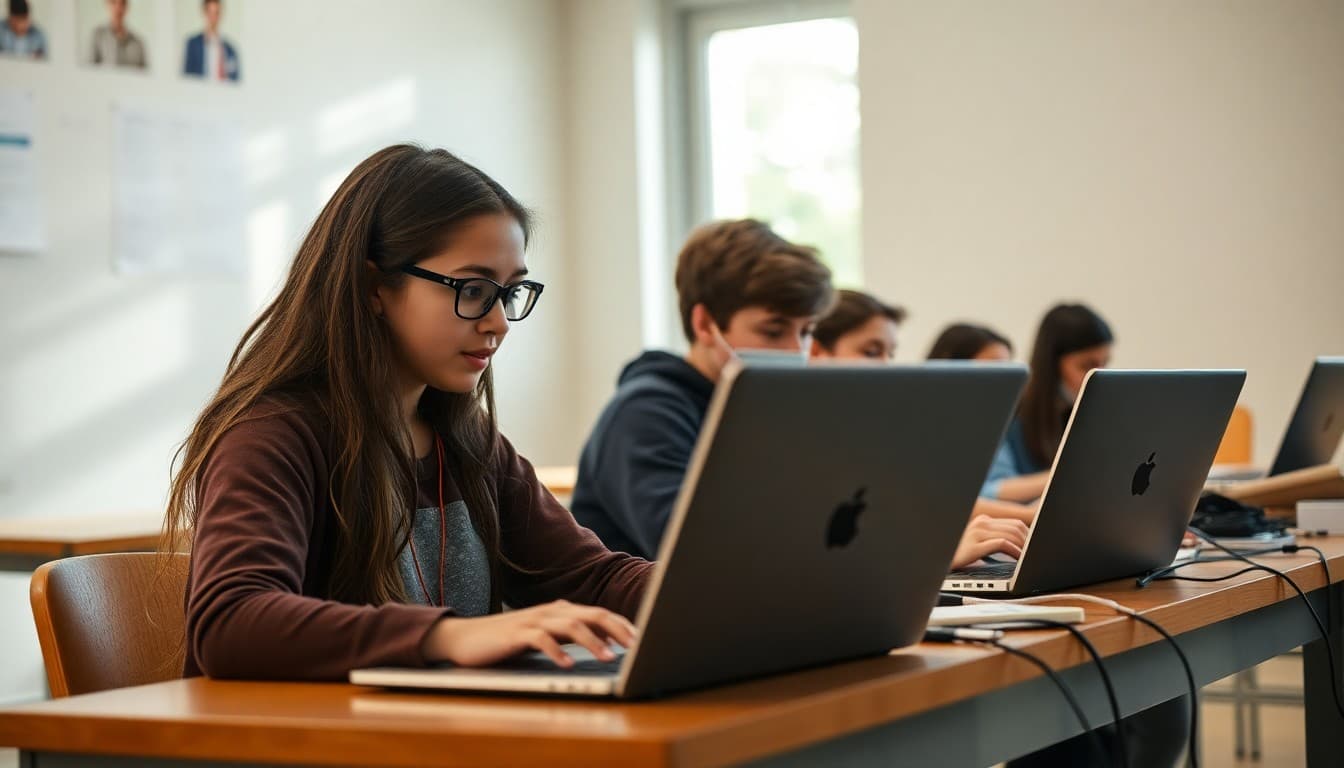
Computer Science Club Newsletter: Coding and Technology Updates
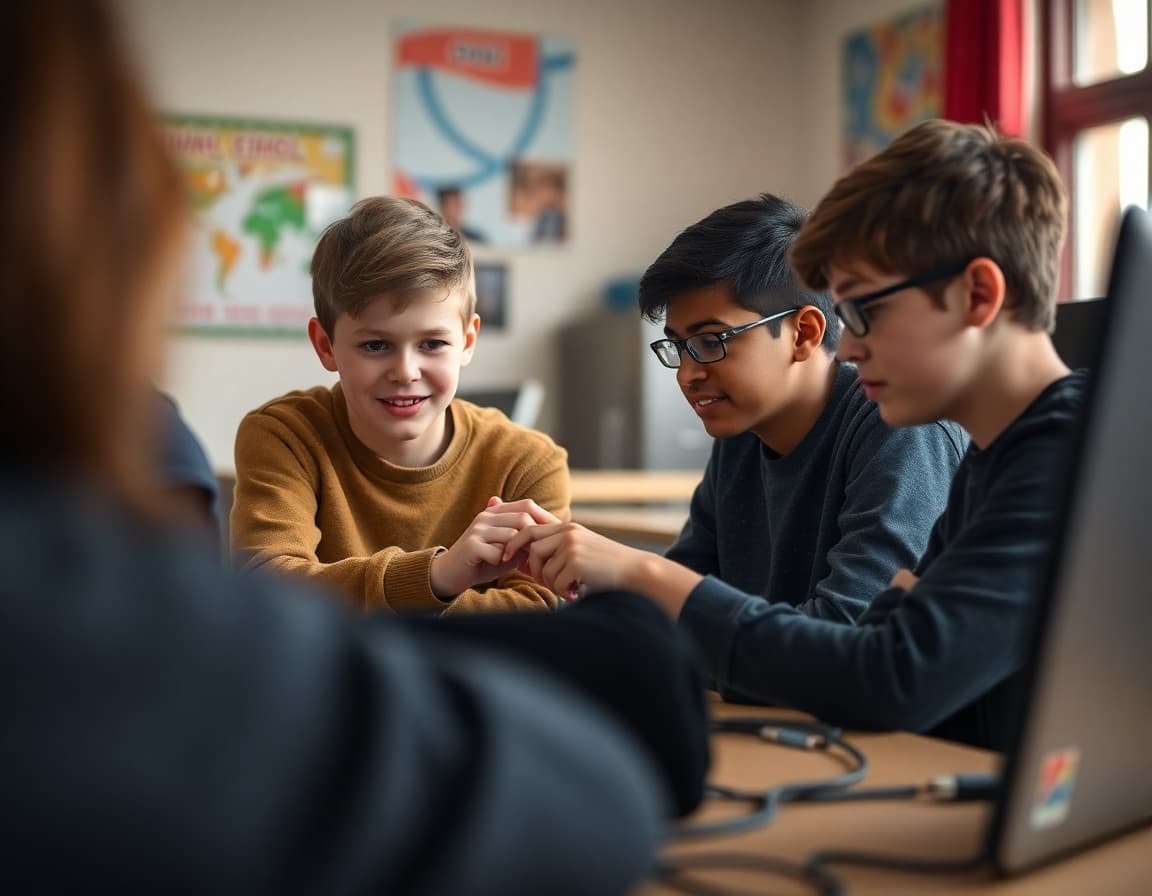
A computer science club newsletter serves a group of students who are often doing work that is invisible to their families. Code runs on a screen. Unless you show families what students are building and explain what the skills behind it mean, the work stays invisible.
Describe what students are working on right now
The most useful thing a CS club newsletter can do is describe the current project with enough specificity that a family can ask their child a real question about it tonight. "Students are coding" tells families nothing. "Students are building a sorting algorithm visualizer in Python that shows, step by step, how a computer orders a random list of numbers, and then comparing how many steps bubble sort takes versus merge sort" gives families something concrete.
One or two sentences per project is enough. The goal is to create a bridge between the screen in the club room and the dinner table conversation at home.
Explain the languages and tools students are using
Programming languages are not household vocabulary for most families. When you name a specific language or tool, give a one-sentence context for why it matters. "Students are using Python, the same language used by data scientists at companies like Netflix and Google to analyze viewer data and make recommendations." That sentence tells families what Python is, where it is used, and why it is worth learning.
Do this once per tool the club uses, then refer back to it without re-explaining. Families build vocabulary over the course of the year if you give them the first definition early.
Cover competition preparation specifically
If your club is preparing for USACO, CyberPatriot, a local hackathon, or any other competition, families need to know the timeline, the format, and what students are specifically preparing. Competition prep is one of the most motivating parts of CS club for students, and families who understand what the competition involves are more likely to support the time students spend preparing.
"USACO Bronze division tests run in December, January, and February. Students have three hours to solve three algorithmic problems. We practice for 45 minutes of each meeting using past competition problems. Students who advance to Silver division typically spend an additional two to three hours per week practicing on their own."
Share student project results and what they learned
When a student finishes a working program or places in a competition, describe what the accomplishment actually represents. Families who do not code may not understand why finishing a working web app or placing in the top third of a regional competition is significant. Explain it.
"Jordan completed her first full-stack web application this month. The app has a Python backend, a database, user login, and a working front end. Most professional entry-level developers spend three to six months in a bootcamp learning to build exactly what Jordan built in eleven weeks. She is fourteen."
Sample newsletter template excerpt
This month in CS club, three teams submitted projects to the regional app design challenge. Here is a brief description of each:
Team Cyan built a study scheduler that integrates with Google Calendar and adjusts based on how far away each exam is. Team Indigo built a plant watering reminder app controlled by a Raspberry Pi sensor. Team Violet built a text-based adventure game with branching story logic and a random event system. All three projects were built from scratch in Python over six weeks. Results from the regional judges arrive on November 3rd.
Acknowledge the range of skill levels in the club
CS clubs often have students who learned to code at age eight and students who have never written a line of code sitting in the same room. Acknowledging that range in your newsletter helps families of beginners feel welcome and helps families of advanced students understand the peer teaching dynamic.
"We run the club in pairs. Advanced members are assigned as mentors to newer members for the first hour of each session. Mentors often report that explaining concepts clearly to their partner is the hardest thing they do in the whole session, and the most useful."
Connect CS skills to careers and college
Computer science skills are among the most directly applicable to post-secondary options. Mention specific college programs or job categories where the skills students are building this year will matter. "Students who complete this year's curriculum will have the background to apply to university computer science programs, intern at local tech companies, or sit for the AP Computer Science A exam without the course, since we cover the same core curriculum in the club."
Get one newsletter idea every week.
Free. For teachers. No spam.
Frequently asked questions
What programming languages do computer science clubs typically teach?
Most K-12 computer science clubs start with Python for its readability and broad application, then move into JavaScript for web development or Java for competitive programming. Younger groups often begin with block-based languages like Scratch or MIT App Inventor before transitioning to text-based code. Game development clubs may focus on Python with Pygame or Unity with C#. The language choice should match the projects and competitions the club is preparing for, not just what the advisor knows best.
What competitions do computer science clubs participate in?
Major competitions include FIRST Tech Challenge and FIRST Robotics Competition for robotics-integrated coding, USA Computing Olympiad (USACO) for competitive programming, CyberPatriot for cybersecurity, Google Code-In and Google Science Fair for project-based work, AP Computer Science Principles performance tasks, and local hackathons run by universities and tech companies. Many of these have multiple division levels, so students at any skill level can compete meaningfully.
How do students in a CS club progress from beginner to advanced level?
Progression typically follows a track: syntax and basic logic in the first few months, then data structures like arrays and dictionaries, then object-oriented programming concepts, then algorithms including sorting and searching, then project work applying all of the above. Most clubs use platforms like Replit, LeetCode, or CodeHS to track individual progress. Students who advance quickly can be paired with newer members as peer tutors, which deepens their own understanding.
How can families support a student who is interested in computer science?
Families can reinforce CS club learning by asking students to explain what they are working on in plain language, which strengthens the student's own understanding. Encouraging participation in online coding platforms like Codecademy or freeCodeCamp outside of club time accelerates skill development. Families who work in technology can be invited to club sessions to talk about how programming is used in their actual work. Even families without tech backgrounds can ask specific questions about projects.
How does Daystage help computer science club advisors communicate with families?
Daystage lets CS club advisors share screenshots of student code, links to published projects, and competition results in a formatted newsletter that reaches families on their phones. When a student finishes a working app or places in a competition, Daystage makes it easy to share that achievement with context about what it took to get there.

Adi Ackerman
Author
Adi Ackerman is a former classroom teacher and curriculum writer with 8 years in K-8 schools. She writes about school communication, parent engagement, and what actually works in real classrooms.
More for STEM
Ready to send your first newsletter?
3 newsletters free. No credit card. First one ready in under 5 minutes.
Get started free