

Indiana State Report Card Newsletter: How Indiana Superintendents Share the Indiana School Performance Report (GPS Dashboard) With Families
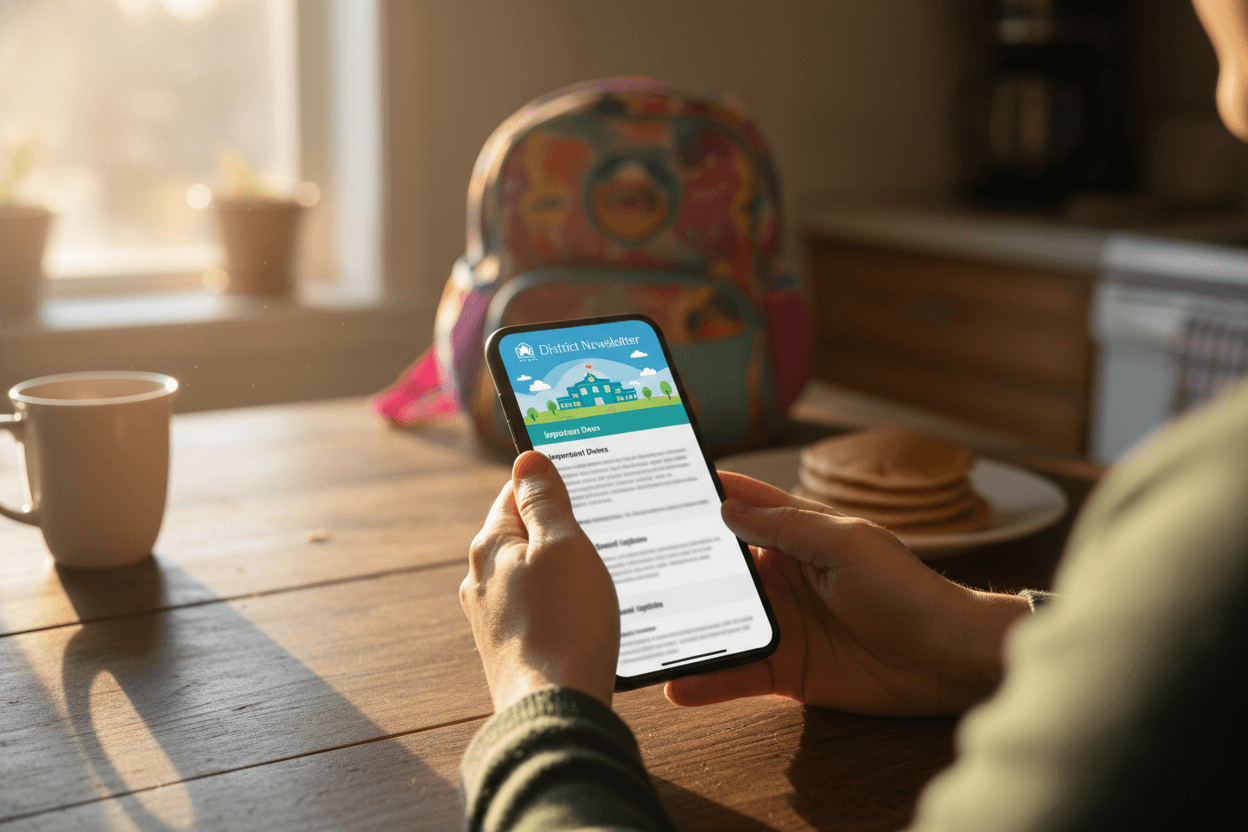
The Indiana School Performance Report (GPS Dashboard) arrives every year in Indiana, and the conversation about your district starts whether you weigh in or not. Local news pulls the highlights, real estate sites refresh, and parents at pickup compare notes. The districts that hold trust through that week are the ones that send their own version first, in plain language, with the numbers stated clearly.
Plan the newsletter before the release window
You already know the format the Indiana School Performance Report (GPS Dashboard) uses. You already know your campuses. The only thing missing is the new numbers. Draft the structure two weeks before IDOE (Indiana Department of Education)'s public release, get it through legal and bilingual review, and stage it in your sending tool.
When the data lands, you slot in the figures and send within 24 hours. A 24 to 48 hour window between IDOE's release and your family communication is the standard.
Lead with the headline number
The first paragraph names the district's overall ILEARN result and last year's number for comparison. That is it. Subgroup detail, building-level breakdowns, and three-year trends come later.
Most parents read only the first paragraph. They should walk away with a clear answer to one question: how did our district do this year.
Show three years of trend, not a single snapshot
One year of ILEARN data is noise. The story sits in the multi-year line. Show three years of district results side by side. If this year dipped but the line is still up, that is meaningful context.
A simple bar chart with three columns is enough. Skip the dense data tables. Those belong in the appendix link.
Address subgroup gaps directly
Indiana reports Indiana School Performance Report (GPS Dashboard) results by economic status, English learner status, race, and special education status. If your district has gaps (most do), name them. Burying a 20-point gap behind a district average is the kind of communication failure that ends careers.
Phrase it factually: "Our economically disadvantaged students scored 15 points below the district average in math at grade 5. Closing that gap is the focus of next year's instructional plan."
Connect the results to your strategic plan
Families want to know that the report card is not a document you read once and file. They want to know what changes because of it. Reference the specific strategic plan goals tied to the results.
If reading scores rose because of the K to 2 phonics rollout from two years ago, say so. If math is flat despite a curriculum change, say that and describe the response.
Link to the campus level, do not bury it
Do not push every campus's Indiana School Performance Report (GPS Dashboard) numbers into the body of the newsletter. Link to your district's results page where families can find their child's specific school.
Add the line "your campus principal will share school-specific results in their next family update by [date]" so families know what to expect and from whom.
Translate, do not just translate-app
In most Indiana districts, a Spanish version is required for meaningful access. Run the Spanish copy past a bilingual staff member before sending. Families notice when a translation reads like it came out of a free tool.
If your district serves Burmese, Arabic, or Hakha Chin-speaking families in any volume, add those versions too. Send them in the same email, not as a separate communication.
Example opening for a mixed year
"IDOE released the Indiana School Performance Report (GPS Dashboard) this week. Our district's overall ILEARN result moved from a [score] last year to a [score] this year. Reading is up for the third year in a row. Math is flat, and we believe it connects to the first-year rollout of our new curriculum. The full numbers, including by school and student group, are on our results page. Your campus principal will follow up with school-specific results by Friday."
What to do next
Before IDOE's next release, write the template and run it past communications and your bilingual reviewer. Stage the audience list in your newsletter tool. When the Indiana School Performance Report (GPS Dashboard) lands, you will be sending within hours instead of scrambling for days. Daystage handles district-wide sends with consistent branding across every campus, which keeps the principal-level follow-ups feeling like part of the same conversation.
Get one newsletter idea every week.
Free. For teachers. No spam.
Frequently asked questions
When should a Indiana district send the Indiana School Performance Report (GPS Dashboard) newsletter?
Send it within 48 hours of IDOE's public release. Families who hear about district results from local news before they hear from you start the conversation skeptical. The window between release and the first news cycle is short, often less than two days. Plan the draft before results land so you can fill in numbers and send.
How do you explain Indiana School Performance Report (GPS Dashboard) performance levels to parents who do not speak data?
Use the labels IDOE uses and define each in a single sentence. Then give the percentage of students meeting standards on ILEARN for the district, with the prior year for comparison. Skip raw scale scores in the family newsletter. Save those for the board memo and the data appendix.
Do Indiana districts have to send the report card communication in languages other than English?
Federal Title VI requires meaningful access for families with limited English proficiency, which in most Indiana districts means at minimum a Spanish version of any major communication. Other languages depend on the district's enrollment, often Burmese, Arabic, or Hakha Chin. Run translations past a bilingual staff member, not only a translation tool.
What if our Indiana School Performance Report (GPS Dashboard) numbers dropped this year?
Lead with the number. Then explain what drove it (curriculum transition, attendance, demographic shift, whatever the data shows). Then describe the specific response. Families forgive a difficult year. They do not forgive evasion. Naming a decline plainly and showing a plan keeps trust.
What tool should we use to send the Indiana School Performance Report (GPS Dashboard) communication to thousands of Indiana families?
Daystage was built for district-wide sends and renders the newsletter inline in Gmail and Outlook, where Indiana parents actually open email. It handles Spanish and English versions in the same send, keeps district branding consistent across every campus, and gives you open data so you know which families saw the results communication and which still need a follow-up.

Adi Ackerman
Author
Adi Ackerman is a former classroom teacher and curriculum writer with 8 years in K-8 schools. She writes about school communication, parent engagement, and what actually works in real classrooms.
More for State Guides
How Superintendents Should Communicate State Report Card Results
Superintendent · 7 min read
How to Communicate State Test Results to Your District Community
District · 7 min read
Missouri State Report Card Newsletter: How Missouri Superintendents Share the MSIP Report With Families
State Guides · 6 min read
Ready to send your first newsletter?
3 newsletters free. No credit card. First one ready in under 5 minutes.
Get started free