

School Newsletter: Internet Safety Tips for Families
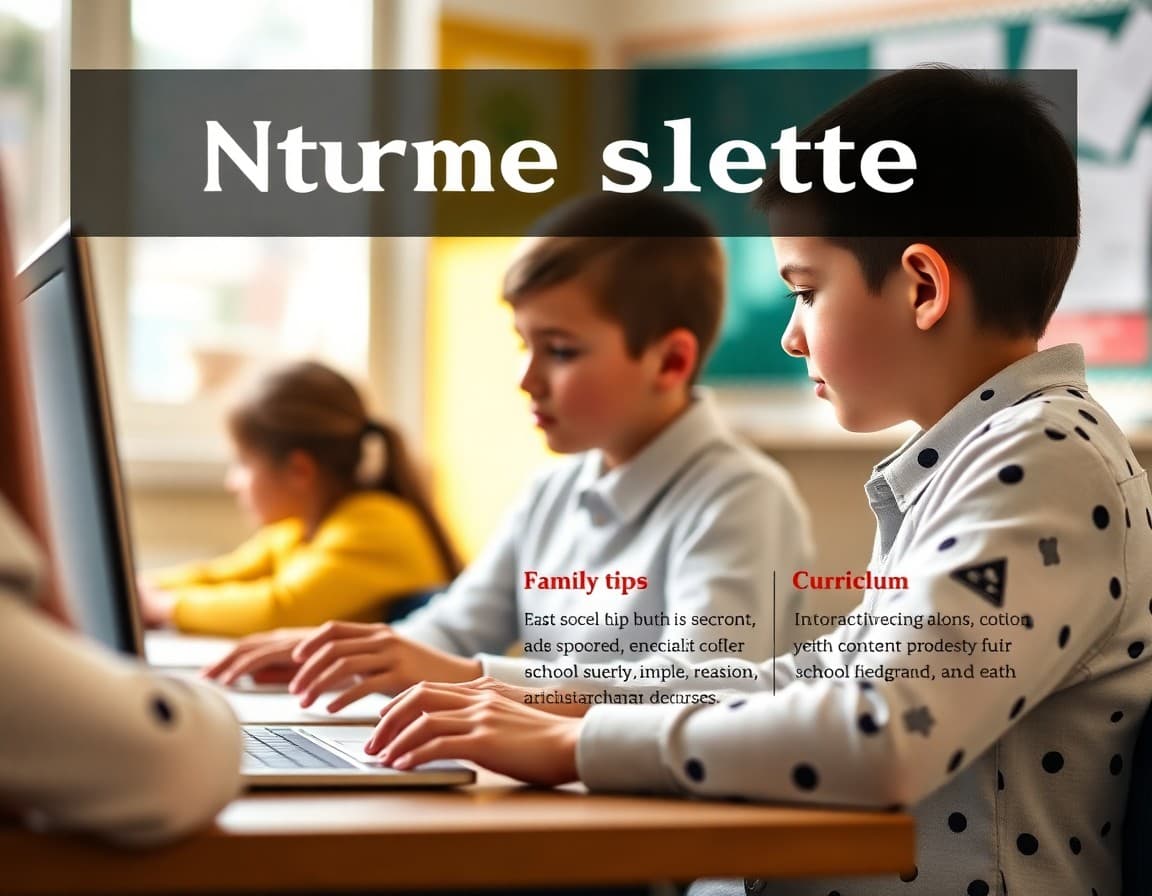
Internet safety is one of the most genuinely useful topics a school can communicate to families because the school and home work together. What students learn in the classroom about digital citizenship is most effective when families reinforce it at home. A practical internet safety newsletter gives families the specific tools to do that, without requiring them to become technology experts.
What the School Teaches About Digital Safety
Describe the digital citizenship curriculum the school uses. Name the specific topics covered in each grade band: privacy and personal information for younger grades, cyberbullying awareness and bystander responsibility in middle grades, social media permanence and professional digital footprint for older students. Families who understand what their child is learning can extend those conversations at home rather than approaching the topic cold.
Privacy and Personal Information
The first and most practical internet safety topic for families is personal information. Teach children never to share their full name, school, address, phone number, or daily schedule in public online spaces. This applies to social media profiles, online games, and any platform where they interact with people they do not know in person. Review your child's profiles together and check what information is publicly visible.
Safe Browsing and Content Awareness
Describe the age-appropriate browsing guidance the school reinforces: using trusted sources for research, not clicking on unfamiliar links or pop-ups, recognizing misleading or false information, and coming to a trusted adult if they encounter content that makes them uncomfortable or scared. Normalizing the conversation with children before an incident occurs means they are more likely to report concerns when they come up.
Social Media and Stranger Awareness
Guide families on age-appropriate social media use and the specific risks of contact from strangers online. Remind families that online contacts are not always who they claim to be and that any adult who asks a child to keep an online conversation secret should be reported immediately to a parent or trusted adult. This single warning, repeated regularly, is one of the most protective things a school can give families.
Screen Time and Balance
Provide practical guidance on establishing screen time boundaries at home: designated no-phone times during meals and before bed, charging devices outside the bedroom, and keeping devices in common areas for younger children. Screen time guidance from the school reinforces decisions families are already trying to make and provides an external reference point for conversations with children who push back.
What to Do When Something Goes Wrong
Give families specific steps for responding to concerning online encounters: save and document the content, report it on the platform, and tell a trusted adult at school or at home. If the concern involves a potential crime, report it to law enforcement. If it involves cyberbullying, report it to the school. Families who know exactly what steps to take in an online safety incident act faster and more effectively than those who have only general awareness.
Trusted Resources for Families
Link to two or three reputable internet safety resources families can explore at their own pace: Common Sense Media for age-by-age guidance, the FBI's Safe Online Surfing program for students, and the National Center for Missing and Exploited Children's NetSmartz program for younger children. These organizations do the detailed work so the school newsletter does not have to.
Daystage makes internet safety newsletters visually engaging and easy to navigate. Embedded links, clear section headers, and a readable layout mean families are more likely to read and share it than they would a dense text email. A newsletter that actually gets read is infinitely more valuable than one that goes unread in an inbox.
Get one newsletter idea every week.
Free. For teachers. No spam.
Frequently asked questions
What should a school internet safety newsletter cover?
Cover what the school teaches about digital citizenship, practical tips families can implement at home, age-appropriate social media guidance, how to report online concerns, and what to do if a student encounters disturbing content or a suspicious contact online.
How do you make internet safety content relevant for families with different levels of tech familiarity?
Use plain language, avoid jargon, and focus on behaviors rather than specific platforms. Platforms change faster than newsletters do. Behavioral guidance around privacy, stranger awareness, and content sharing applies regardless of which app a student is currently using.
Should the newsletter address specific social media platforms?
Briefly, when there are documented safety concerns. But focus primarily on behaviors and habits rather than platform-specific guidance that will be outdated within months.
What is the school's role in teaching internet safety?
Schools teach digital citizenship as part of the curriculum, covering privacy, cyberbullying prevention, media literacy, and responsible communication. The newsletter can reinforce those lessons by giving families context for the concepts their children are learning.
How does Daystage support internet safety communication?
Daystage lets schools send a well-organized internet safety newsletter that families actually engage with. Clean formatting, embedded links to reputable resources, and a readable layout make the information more accessible than a text-heavy email.

Adi Ackerman
Author
Adi Ackerman is a former classroom teacher and curriculum writer with 8 years in K-8 schools. She writes about school communication, parent engagement, and what actually works in real classrooms.
More for School Safety
Cyberbullying Prevention Newsletter: What Schools Communicate to Families About Online Safety
School Safety · 6 min read
Social Media Safety Newsletter: What Schools Communicate to Families About Student Online Safety
School Safety · 6 min read
Online Predator Awareness Newsletter: What Schools Communicate to Families About Internet Safety Risks
School Safety · 6 min read
Ready to send your first newsletter?
3 newsletters free. No credit card. First one ready in under 5 minutes.
Get started free