
Library Newsletter on Makerspace Programs: A Template
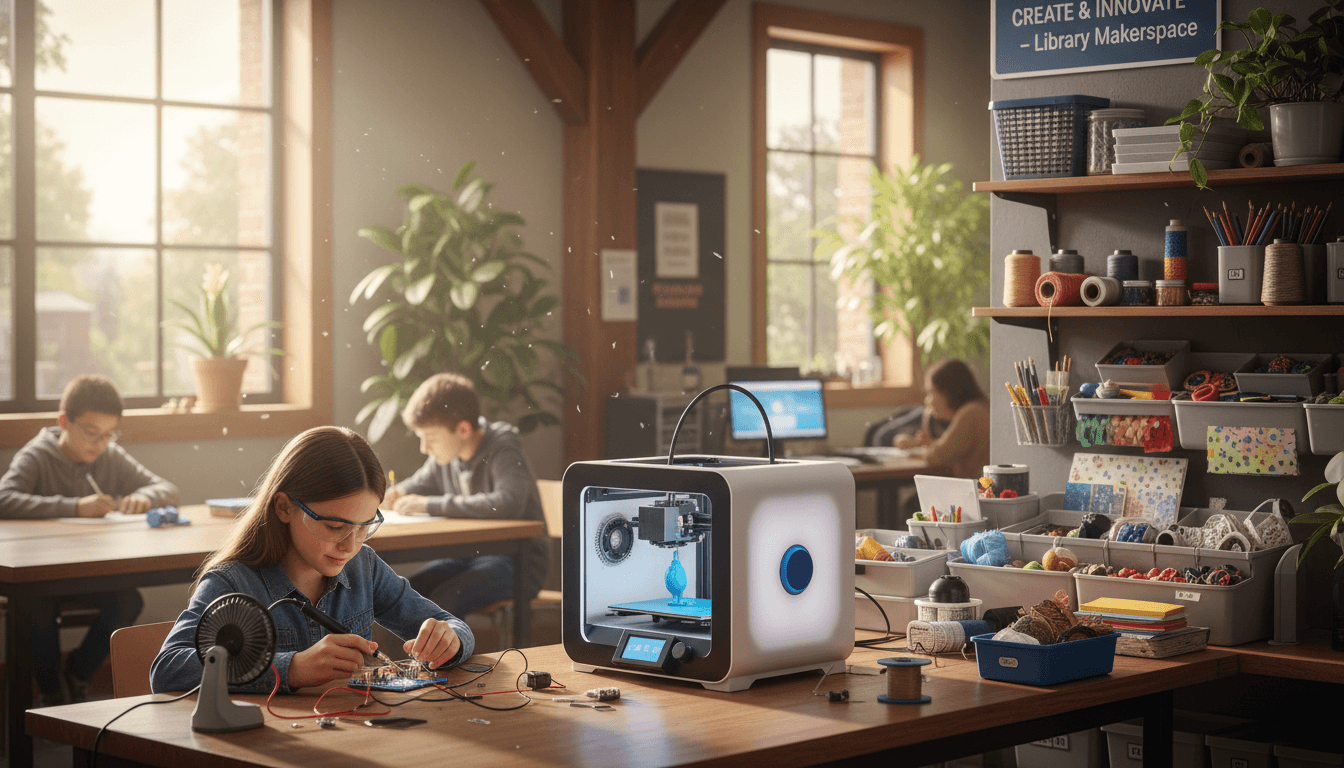
A library makerspace is not a fab lab. It is a corner of the library with three stations, a few tools, and a librarian who can keep an eye on the whole thing without leaving the desk. The makerspace newsletter is the document that tells families what is in that corner, what their kid will be doing, and what they need to sign before the kid touches a 3D pen.
What the makerspace newsletter actually does
Three jobs. It announces the program with enough detail that parents understand what is happening. It collects the permission slip for any station that involves heat, sharp tools, or electronics. It teaches families what a makerspace is so they stop picturing a robot lab and start picturing what is really there: cardboard, glue, thread, a 3D pen, and a librarian who is also teaching research lessons in the same room.
The three starter stations
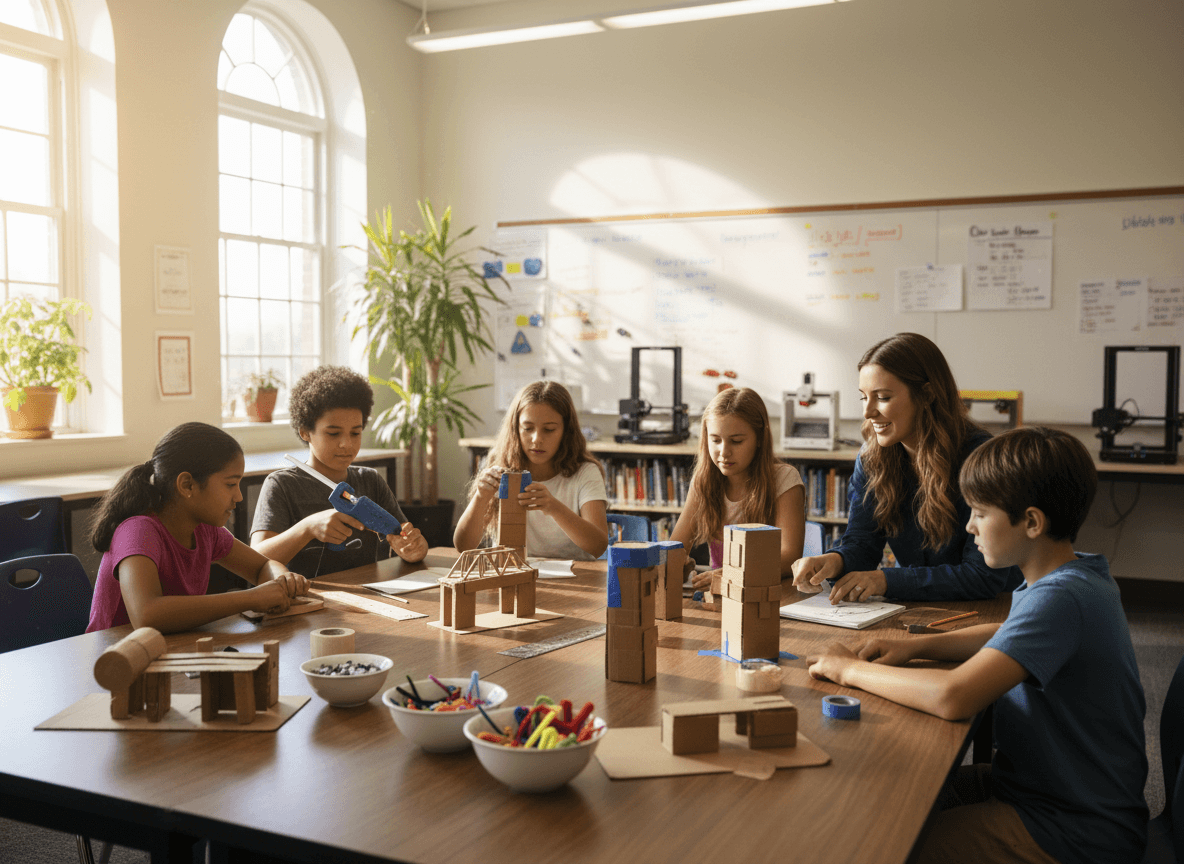
Cardboard construction is the foundation. Glue, tape, scissors, recycled cardboard, and one example build on the table. Kids can use it without supervision after the first session. The second station is conductive thread sewing. Felt squares, conductive thread, coin-cell batteries, and small LEDs. Kids learn a real circuit without anything getting hot. The third station is the 3D pen. One pen, adult supervision required, low-temperature filament. Three stations is the right number. Five is too many for one librarian to watch.
The permission slip language
Keep the permission slip to one page. Name the three stations. For each one, list what kids will do, what tools are involved, and the supervision level. Then a single signature line: "I understand the activities listed above and give permission for my child to participate." Avoid legal boilerplate. Plain language gets signed and returned. Legal boilerplate gets put in the bottom of a backpack.
The safety contract
Six rules, signed by the student. Rule 1: follow the librarian's directions. Rule 2: ask before using a tool you have not been shown. Rule 3: tie back long hair near the 3D pen. Rule 4: no running in the makerspace area. Rule 5: report any cut, burn, or broken tool right away. Rule 6: clean up your station before you leave. Tape the signed contracts in a folder at the desk so kids see them every time they check in.
How to write the announcement section
Two paragraphs. The first names the stations and the schedule. "The makerspace opens during library lunch periods every Tuesday and Thursday starting October 8. Three stations: cardboard construction, sew-a-circuit, and 3D pen drawing." The second paragraph explains the permission slip and where to return it. Specific date, specific place. "Slips due by Friday October 4. Return to the front office or email a scan to the library."
One concrete example for families
Drop in a real student example without using a name. "Last spring, one of our fourth graders built a working cardboard arcade game with a marble run and a paper scorekeeping flap. It took four lunch periods and used about $2 of supplies. She brought her younger sister back the next week to show it off." Specific projects make the program real for parents. A list of station names does not.
Schedule and cadence
Send the makerspace newsletter on the first Tuesday of the month between 7 and 9 AM, the same window as your main library newsletter. If a new station opens mid-month, send a short standalone email with the update and an updated permission slip. Do not bury a new tool announcement inside next month's regular newsletter.
How Daystage helps with library makerspace newsletters
Daystage gives media specialists a template that handles the announcement, the permission slip attachment, and the safety contract link in one clean email. Build the template once with your three stations and your six safety rules, and refill it each month with the new schedule and any station updates. The email goes out branded, the slip goes out attached, and the program stays on the parent radar all year.
Get one newsletter idea every week.
Free. For teachers. No spam.
Frequently asked questions
Do families really need a permission slip for a library makerspace?
Yes, for anything involving heat, sharp tools, or a 3D printer. A one-page permission slip protects the school and gives families a real preview of what their kid will be doing. Cardboard and tape stations do not need a slip. A 3D pen station does. Send the slip in the same email as the program announcement so it is one click, not two.
What if you only have a small corner of the library to work with?
Three stations on a single 6-foot table is enough. Cardboard construction, conductive thread sewing, and one 3D pen with adult supervision covers most maker skills without taking over the room. The newsletter sets the expectation. Tell families this is a corner, not a fab lab. It manages parent expectations and removes pressure from the librarian to build something they cannot maintain.
How do you handle the safety contract without making it scary?
Treat it like the library card agreement. One page, six rules, signed by the student and the family. Rule 1 is 'I will follow the librarian's directions.' Rule 6 is 'I will clean up before I leave.' The safety contract is a routine, not a warning. Kids who sign it tend to follow it. Kids who never see it tend to test the limits.
How often should the makerspace newsletter go out?
Once a month, lined up with your regular library newsletter. Bigger program launches (a new tool, a new station, a maker fair) get a short standalone email. The monthly cadence is what families come to expect. The standalone is the exception.
What is the easiest way to send the newsletter plus the permission slip in one email?
Daystage was built for school staff who need to send newsletters plus PDF attachments without fighting with formatting. Attach the permission slip, drop in the safety contract link, and the email goes out branded and clean. Media specialists who use it tend to keep the makerspace cadence steady, which is what makes the program feel like part of the library, not a one-time event.

Adi Ackerman
Author
Adi Ackerman is a former classroom teacher and curriculum writer with 8 years in K-8 schools. She writes about school communication, parent engagement, and what actually works in real classrooms.
More for School Librarian
Ready to send your first newsletter?
3 newsletters free. No credit card. First one ready in under 5 minutes.
Get started free