
Library Media Specialist Newsletter: Showing Parents What You Do
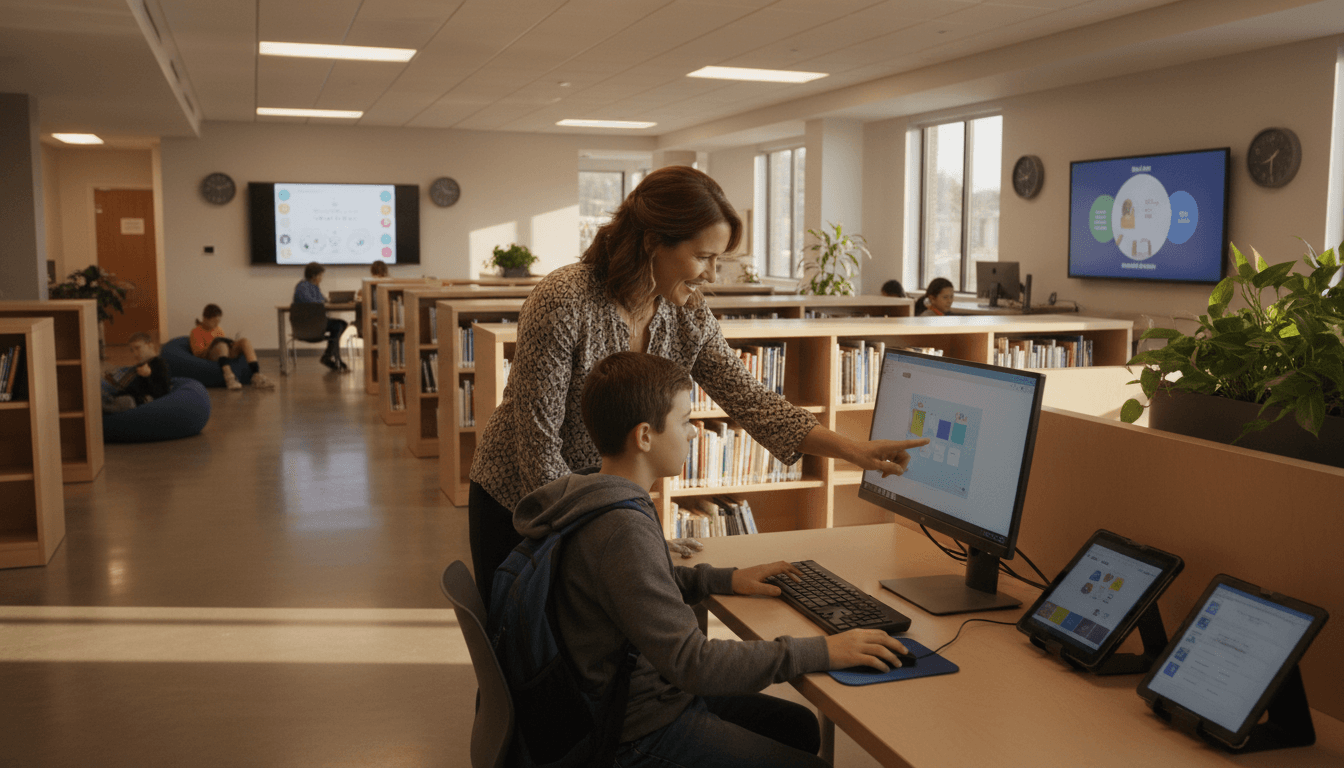
The library media specialist role is the most misunderstood job in the school. Parents see the title and picture someone shelving books. The reality is closer to a research instructor, a digital citizenship teacher, a curriculum partner, and a literacy specialist all rolled into one. A monthly newsletter to parents is the most practical way to fix that misunderstanding without making a speech about it.
The newsletter has one job: show the work
Every section should answer the same question: what is the media specialist doing this month and why does it matter for my kid? Recommended books and event announcements have their place, but they are the dressing. The main course is the instructional work. That is where the role earns its budget line.
Section 1: lesson of the month
Pick one lesson you taught this month. Describe the question kids were answering, what they did, and what they learned. Two paragraphs maximum. Example:
"This month, fifth graders spent three sessions figuring out whether a website is trustworthy. We started with a real question: a kid asked me if the 'tree octopus' on a popular hoax website was real. We spent the next two weeks learning how to check who wrote a page, when it was published, and whether other sources back it up. By the end, every fifth grader could spot the four warning signs of an unreliable source. Ask them at home, they can show you."
That paragraph does more for parent understanding of the role than a full description of standards alignment. The question is real, the work is concrete, the outcome is testable at home.
Section 2: collaboration with teachers
One paragraph naming the grade and the subject area you partnered with this month. Example: "Worked with the second grade team this month on their habitats unit. Pulled together a collection of 40 nonfiction books, taught a lesson on how to find information using the table of contents and index, and co-taught a research session with each second grade class." This is the section that shows you are not running an isolated program. You are part of how the school teaches.
Section 3: digital citizenship and media literacy
Pick one topic you covered this month or are about to cover. Briefly describe what kids learned and one thing parents can reinforce at home. Example: "Third graders learned how to spot when an ad is pretending to be a regular video on YouTube. At home, ask them to point out the ads next time they watch something. Most third graders cannot at the start of this lesson. By the end, they can."
Section 4: book pick of the month
Keep this section. It is what families come for. One title, three sentences, the cover image. The instructional sections are the spine of the newsletter, but the book pick is what gets shared between parents in the pickup line.
Section 5: what is coming next month
One paragraph previewing the lessons or programs coming up. Example: "Next month, fourth graders start their biography research projects. We will be teaching them how to use our online encyclopedia, how to take notes without copying, and how to cite a source. Families can help by talking about a person they admire and why."
Tone: knowledgeable colleague, not promotional
The newsletter should sound like a colleague telling you what their week was like, not like a brochure. Avoid words that make the role sound corporate. Skip phrases like "key instructional priorities" or "21st century skills". Use plain language. "Kids learned how to tell if a website is fake" beats "Students engaged with digital literacy frameworks."
The advocacy effect
Schools where the media specialist newsletter goes out monthly for two or three years rarely face budget cuts to the role without parent pushback. Schools where parents have no monthly signal of what the role does are easier to cut. The newsletter is not just communication. It is quiet, steady advocacy.
How Daystage helps with library media specialist newsletters
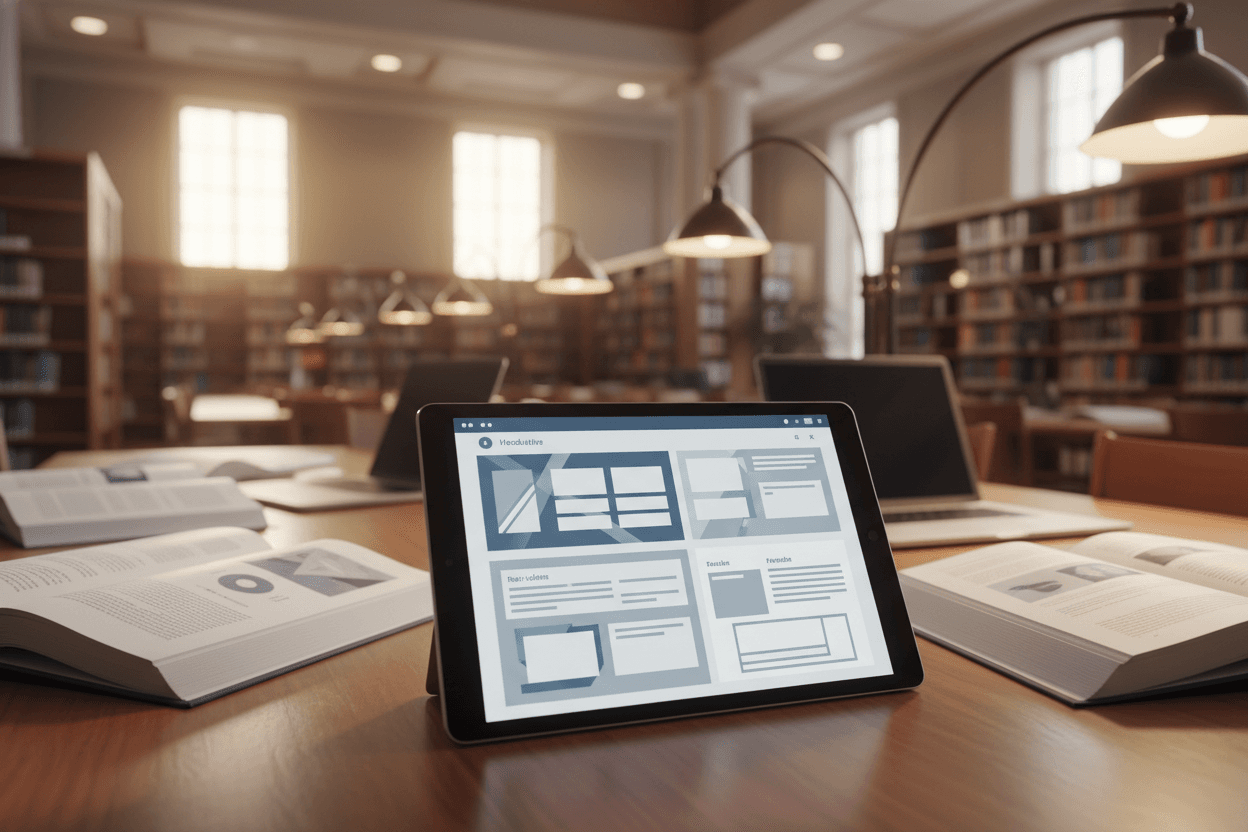
Daystage gives you a template you build once and refill each month, with section headings tuned for school staff. The instructional content gets the room it deserves, the book pick gets the cover image it needs, and the email goes out branded and consistent. Media specialists who use it tend to hold the monthly cadence through the full school year, which is what makes the advocacy effect work.
Get one newsletter idea every week.
Free. For teachers. No spam.
Frequently asked questions
Why does a media specialist need a separate parent newsletter at all?
Because most parents have no idea what a media specialist does. The role gets lumped in with 'librarian' or 'tech teacher', which undersells the instructional work. A monthly newsletter that names the lessons, skills, and outcomes builds parent advocacy. When budget cuts come, parents who understand the role show up at school board meetings. Parents who do not, do not.
How do you write about research lessons without sounding boring?
Lead with the question the kids were trying to answer, not the standard or the skill name. 'Fourth graders spent two weeks figuring out whether the food they eat at lunch travels more than they do in a year' beats 'Fourth graders worked on research skill MS-LS2-1.' Real questions are more interesting than curriculum codes. Parents read for the question.
What is the right balance between showing your work and recommending books?
Roughly 60-40 in favor of showing your work. The instructional content (research lessons, digital citizenship, media literacy, collaboration with teachers) is where parents form their picture of the role. Book recommendations are valuable too, but they are also what every other library newsletter has. The instructional content is what makes your newsletter different.
How often should this newsletter go out?
Monthly works for most schools. The first week of the month, on a Tuesday or Wednesday morning. Less than monthly and you lose rhythm. More than monthly competes with class newsletters and school-wide emails. Stick to monthly and protect the cadence.
What is the easiest way to send a branded newsletter without spending hours on it?
Daystage was built for school staff who need a clean, branded newsletter without design software. Build the template once with your sections, refill them each month, and the email goes out looking like it was professionally designed. Media specialists who switch to it tend to keep their cadence consistent through the school year, which is the whole point.

Adi Ackerman
Author
Adi Ackerman is a former classroom teacher and curriculum writer with 8 years in K-8 schools. She writes about school communication, parent engagement, and what actually works in real classrooms.
More for School Librarian
Ready to send your first newsletter?
3 newsletters free. No credit card. First one ready in under 5 minutes.
Get started free