
Library Newsletter on a Library Renovation: How to Send It
A library renovation is a great thing happening at a hard time. The space families love is closed, the books are in boxes, and kids keep asking when they can come back in. A good renovation newsletter does not try to hide any of that. It tells families exactly where the project is, where the books live for now, and when the doors open again.
Open with where the renovation actually is
First line of the newsletter is the status, not a greeting. Something like, "We finished demo last week and the new shelving arrives July 29." Families want the headline before the warmth. Once they know the project is on track, they will read the rest. Hide the status three paragraphs deep and most parents will close the email before they get there.
Use a four-phase calendar everyone can follow
Break the renovation into four phases and put the same calendar in every newsletter, with the current phase highlighted. Phase 1: clear and demo. Phase 2: paint, floors, and electrical. Phase 3: shelving and furniture. Phase 4: collection back on the shelves and soft reopening. Families do not need a Gantt chart. They need to know which phase is happening now and which one is next.
Tell families where the books live during construction
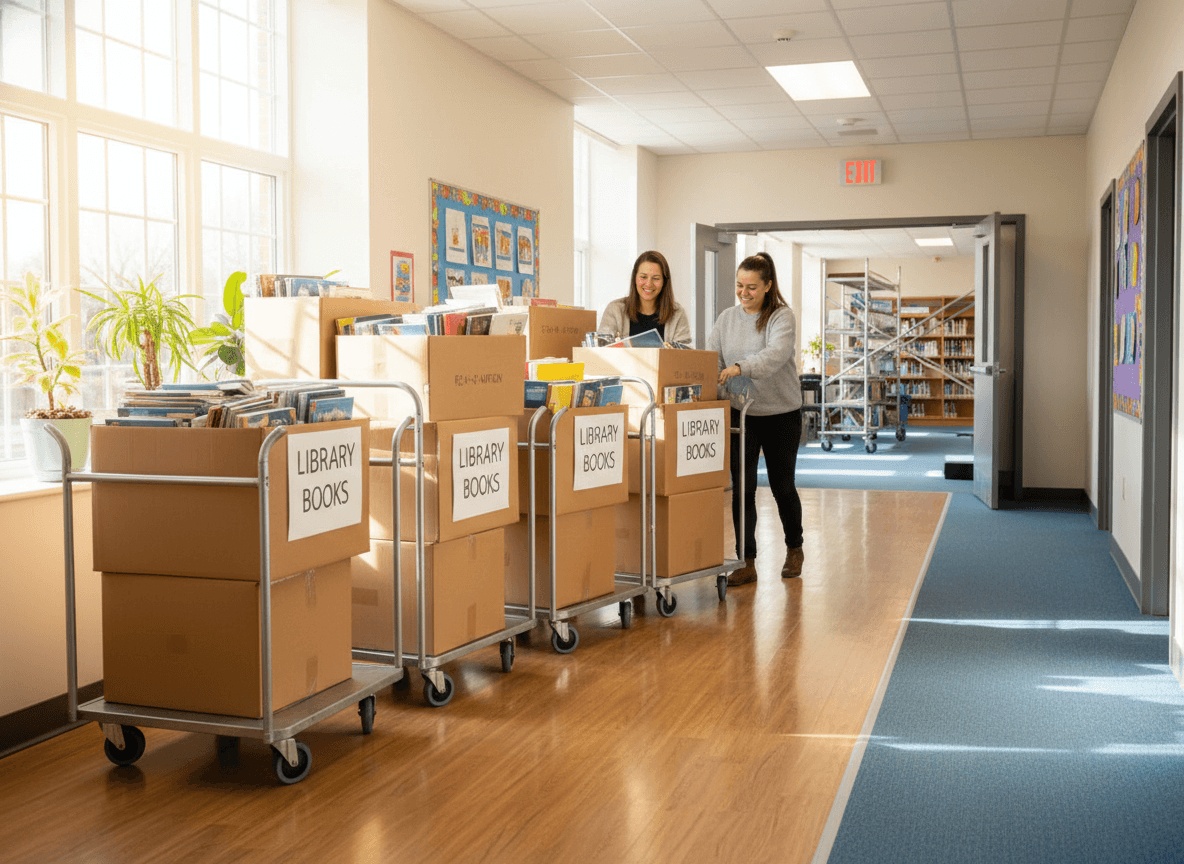
This is the section parents read first. Spell out where checkout happens this month, what days, what times, and which grades. If you are running a cart in the cafeteria on Wednesdays for grades K to 2 and a hallway pop-up Thursdays for grades 3 to 5, say so in plain words. If a kid wants a specific title, say how to request it. Reading does not stop because the room is closed, and the newsletter is how families learn that.
Include one photo, not ten
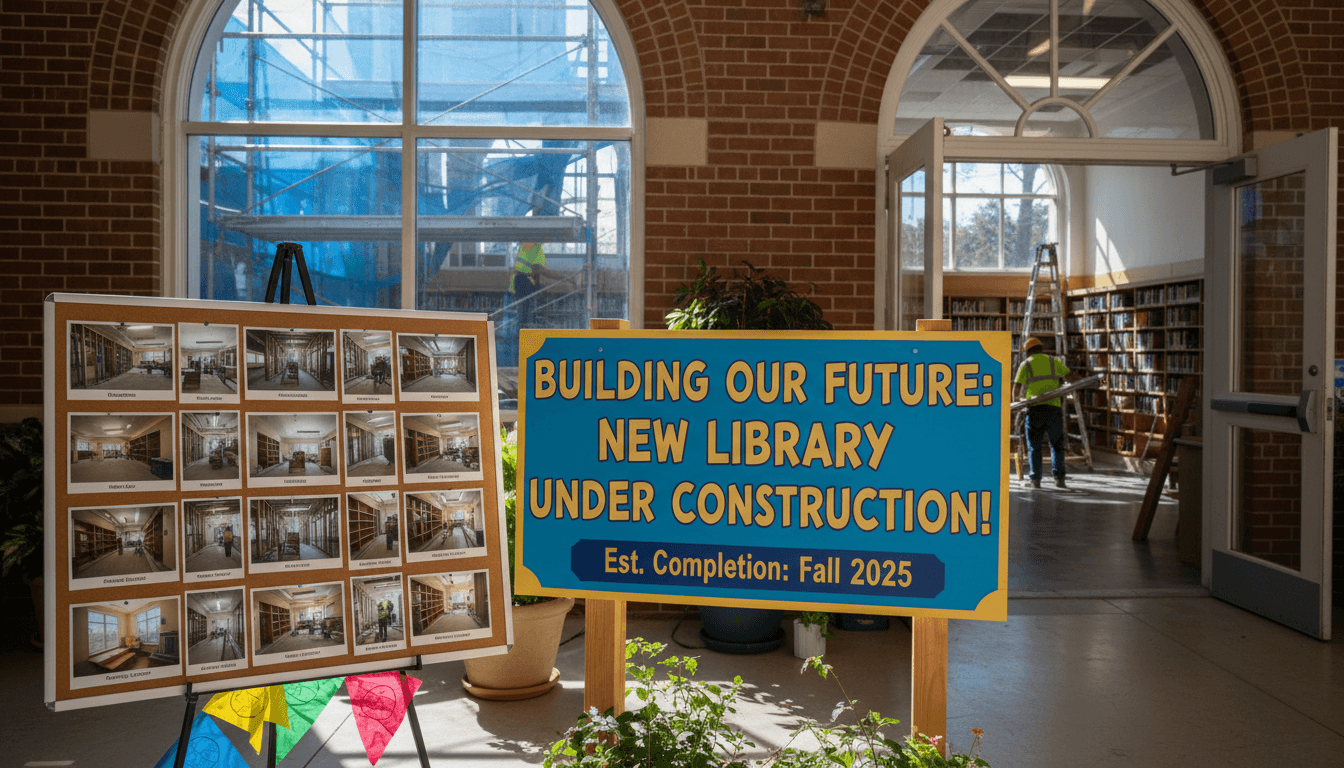
One progress photo per newsletter. New floors going down, the first coat of paint, the shelving delivery. One image, with a caption that says what it is and when it was taken. A wall of photos slows the email and makes the renovation feel like a press release. One photo feels like a peek behind the curtain.
Say the line families need to hear
Somewhere in the middle of the newsletter, in your own voice, say it plainly: "We miss the space too." Renovations are exciting and disruptive at the same time, and families notice when the librarian names the disruption out loud. It is the difference between a construction update and a real note from a real person.
Acknowledge the people who made it happen
Thank the PTA, the principal, the district facilities team, the grant, whoever it was. Two sentences. Specific names if you have them. Families like seeing the chain of people behind the new space, and it makes the eventual reopening feel like a community thing rather than a district line item.
End with what to expect next month
One line about the next phase and the next newsletter. "Next phase: shelving install starts August 5. Next update: first week of August with a photo of the new reading nook." Predictability calms families down. Vague endings make parents wonder if the project is going sideways.
A working example for August
"Hi families, the renovation is on schedule. We are wrapping Phase 2 this week, with floors done and electrical inspected. Checkout is running Wednesdays at lunch on the cart by the cafeteria entrance, grades K to 5 welcome. Want a specific title? Reply to this email by Tuesday and we will hold it. One photo below of the new reading nook frame going in. Huge thanks to the PTA for funding the new shelving. Phase 3 starts August 5. Next update first week of August."
How Daystage helps with library renovation newsletters
Daystage gives librarians a template that holds the phase calendar, the where-the-books-live block, the photo slot, and the closing line in one consistent layout. You build it once at the start of the project, refill each month, and send to the family list without re-doing the design. The renovation moves, the newsletter looks the same every time, and families always know where the project stands.
Get one newsletter idea every week.
Free. For teachers. No spam.
Frequently asked questions
How often should I send updates during a renovation?
Once a month is the baseline, plus a short standalone email when a phase ends or a date shifts. Weekly updates burn families out and make small delays feel like crises. A monthly note with a clear phase calendar and one photo does more for trust than constant pings.
What if the renovation timeline slips?
Say so in the next newsletter, in the second paragraph, plainly. 'The flooring install ran two weeks long, so reopening is now October 14 instead of September 30.' Families forgive a delay they hear about early. They do not forgive finding out from a kid that the library is still closed.
Should kids still be able to check out books during construction?
Yes, if there is any way to set it up. A rolling cart in the cafeteria once a week, a pop-up shelf in a hallway, or a hold-and-pickup system in the front office all work. Tell families exactly when and where in every newsletter. The biggest worry parents have during a closure is that reading just stops.
How do I handle questions about cost and funding?
Keep the newsletter focused on what families experience, not on the budget breakdown. If parents ask, point them to the district or PTA page where the funding is published. A library newsletter is not the right place for line items, but it is the right place to thank the PTA or grant that made the renovation possible.
Is there a simple way to send these updates without redesigning the email each time?
Daystage was built for school staff who need a clean, branded email every month without rebuilding the layout. Set up the phase update, the where-the-books-live block, and the photo slot once. Each month you refill the content, and the newsletter goes out looking the same.

Adi Ackerman
Author
Adi Ackerman is a former classroom teacher and curriculum writer with 8 years in K-8 schools. She writes about school communication, parent engagement, and what actually works in real classrooms.
More for School Librarian
Ready to send your first newsletter?
3 newsletters free. No credit card. First one ready in under 5 minutes.
Get started free