
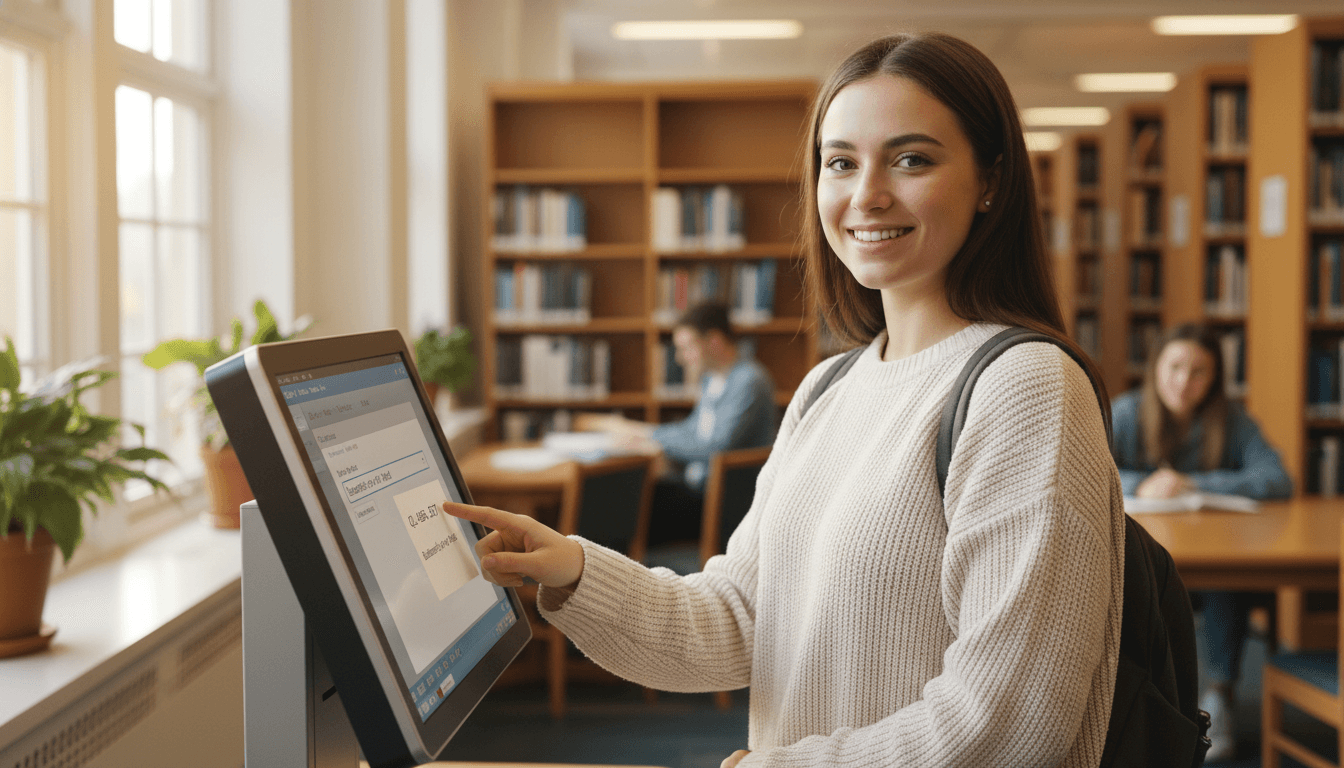
Library Newsletter on the Library Catalog: A How-To Template
The library catalog is the most powerful tool in the library and the most underused. Kids walk past the catalog station every time they enter the library. Most of them never search it. They ask the librarian, browse a shelf, or grab whatever the kid next to them grabbed. The catalog newsletter is the librarian's chance to change that habit, in the kid and in the family.
What the newsletter is for
Two jobs. Teach families one or two catalog tricks they can use with their kid, and remind them the catalog exists at all. Many parents do not know the school library has a public catalog they can search from home. Telling them, with a link and a screenshot, is half the job.
How to search: the basic version
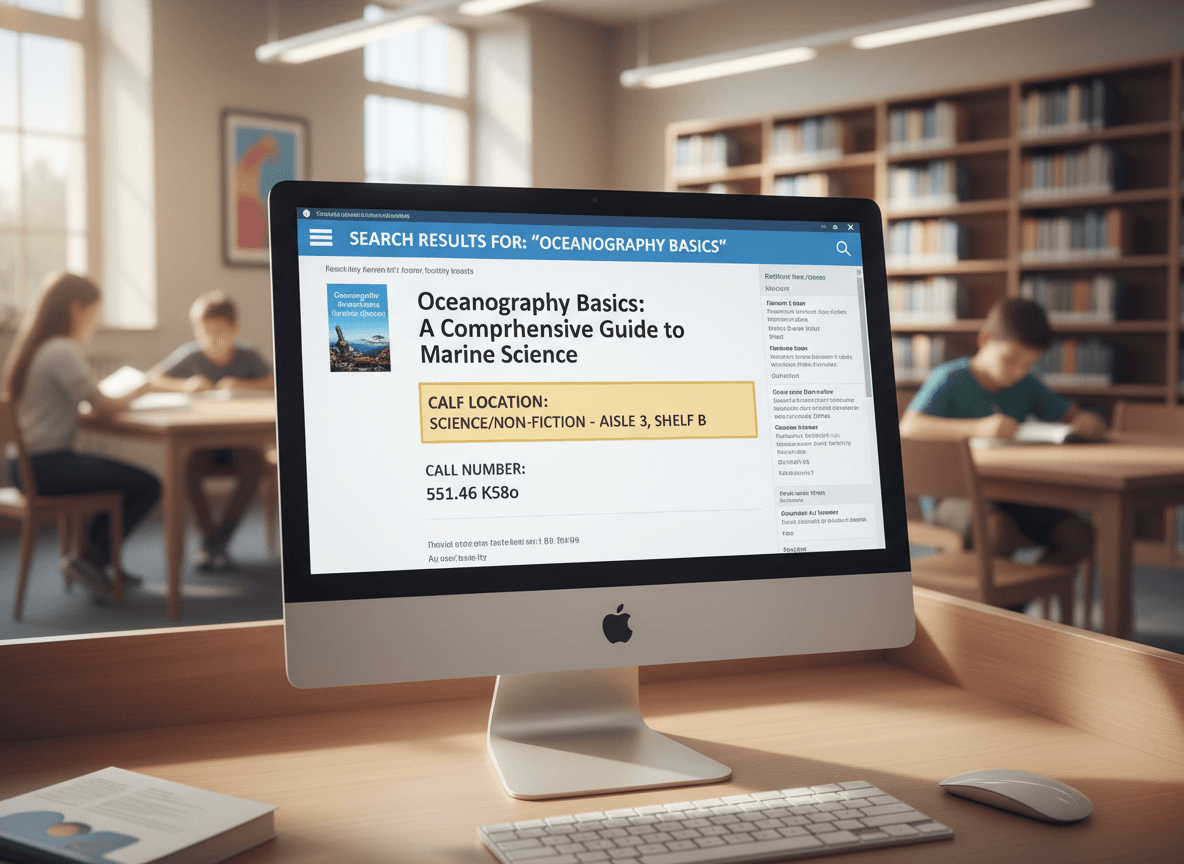
Three sentences. "The library catalog lives at this link. Type the keyword for what your kid wants, like 'dragons' or 'baseball' or 'mystery.' The results show the call number and whether the book is on the shelf right now." Drop a screenshot of a typical results page with the call number circled.
The subject heading trick
This is the section that earns the newsletter. Two paragraphs. "Search engines look for the exact word you typed. The library catalog uses something different called subject headings. Every book has two or three official subject tags that group it with similar books." Then the trick: "Click on any book result. Look at the list of subject headings on the right side. Click one of those headings to see every book in the catalog with that tag. It is the fastest way to find more of what you already like."
Reserving a book
One paragraph. "If the book your kid wants is checked out, the catalog lets you put it on hold. Click the title, hit the Place Hold button, and the next time the book comes back, it gets set aside for your kid. We will email when it is ready. Holds are the best way to make sure your kid gets the popular books, not just the leftovers."
The punctuation rule
Three sentences in a small box. "Do not type apostrophes or special characters in the search. The catalog strips them, and the search fails. Type 'charlottes web' instead of 'Charlotte's Web' and it will find the book."
One concrete classroom example
"Last week, a third grader was looking for more dragon books after finishing the Wings of Fire series. She typed 'dragons' and got fifteen results, but they were a mix of fiction and nonfiction and she only wanted fiction. We pulled up one of the Wings of Fire results and clicked on the subject heading 'Fantasy fiction.' That single click pulled up sixty books she had never seen on the shelves. She checked out four of them that day. That is what subject heading search opens up."
From-home access
Most school catalogs work from home through the school website. Many parents do not know this. Tell them, with the URL and a one-sentence reminder of how to log in if a login is needed. The from-home access is one of the simplest ways to support reading at home, and parents who do not know about it cannot use it.
Cadence
Send the catalog issue once a year, ideally in September or October, when families are setting school-year reading habits. Then drop a one-line reminder in three or four newsletters through the year. The full how-to issue does not need to be repeated every month.
How Daystage helps with library catalog newsletters
Daystage gives media specialists a template that handles catalog screenshots, search tip boxes, and a clean how-to walk-through in one email. Build the catalog issue once, refill the example each year with a new student story, and the newsletter goes out branded and easy to follow. More families use the catalog, more kids find books they actually want to read, and the whole library works better.
Get one newsletter idea every week.
Free. For teachers. No spam.
Frequently asked questions
What does OPAC stand for and do families need to know the word?
Online Public Access Catalog. No, families do not need the acronym. Just say 'the library catalog' in the newsletter. Use OPAC internally with staff if you want, but families respond better to plain language. The catalog is the catalog.
What is the subject heading trick?
Search engines look for the word you typed. The library catalog uses controlled subject headings, which means there is an official term for every topic. A kid searching for 'puppies' might miss books filed under 'dogs' or 'pets, dogs.' Teaching kids to look at the subject headings on one result and click the heading to find similar books is the single biggest win for catalog use. Once they see it, they use it.
Should kids learn to reserve a book at the elementary level?
Yes, starting in third grade if your catalog supports it. The reservation feature is one of the most underused tools in a school library. Kids who learn to put a hold on a book in third grade keep doing it through high school. Families who see the feature in the newsletter often start helping their kids use it for next week's library visit.
What is the most common mistake kids make in the catalog?
Typing the full title with punctuation and getting zero results. 'Charlotte's Web' returns nothing when the catalog stripped the apostrophe. 'charlottes web' works. Teach kids to type the keywords without punctuation. The catalog will figure out the rest. This single tip cuts catalog frustration in half.
What is the easiest way to send a newsletter with catalog screenshots?
Daystage was built for school staff who need to send branded newsletters with screenshots, search tips, and a quick how-to walk-through. Drop in a catalog screenshot, add the subject heading tip, and the email goes out clean and easy to follow. Media specialists who use it tend to see more catalog use within the first month of sending the issue.

Adi Ackerman
Author
Adi Ackerman is a former classroom teacher and curriculum writer with 8 years in K-8 schools. She writes about school communication, parent engagement, and what actually works in real classrooms.
More for School Librarian
Ready to send your first newsletter?
3 newsletters free. No credit card. First one ready in under 5 minutes.
Get started free