
Library Newsletter on Ebook and Digital Access: A Template
Most school libraries now offer ebooks and audiobooks, but most families do not know it. The digital access newsletter exists to close that gap. Done right, it can double ebook checkouts in a month, because the only thing standing between a family and a digital book is the information that the option exists.
What the newsletter is for
Two jobs. Name the apps the school uses, and tell families they can borrow from home on any device they already own. That is the whole message. Length should stay under nine hundred words. Families are not going to read three pages about library technology. They will read three paragraphs that tell them exactly what to do tonight.
Sora, Libby, and OverDrive named clearly
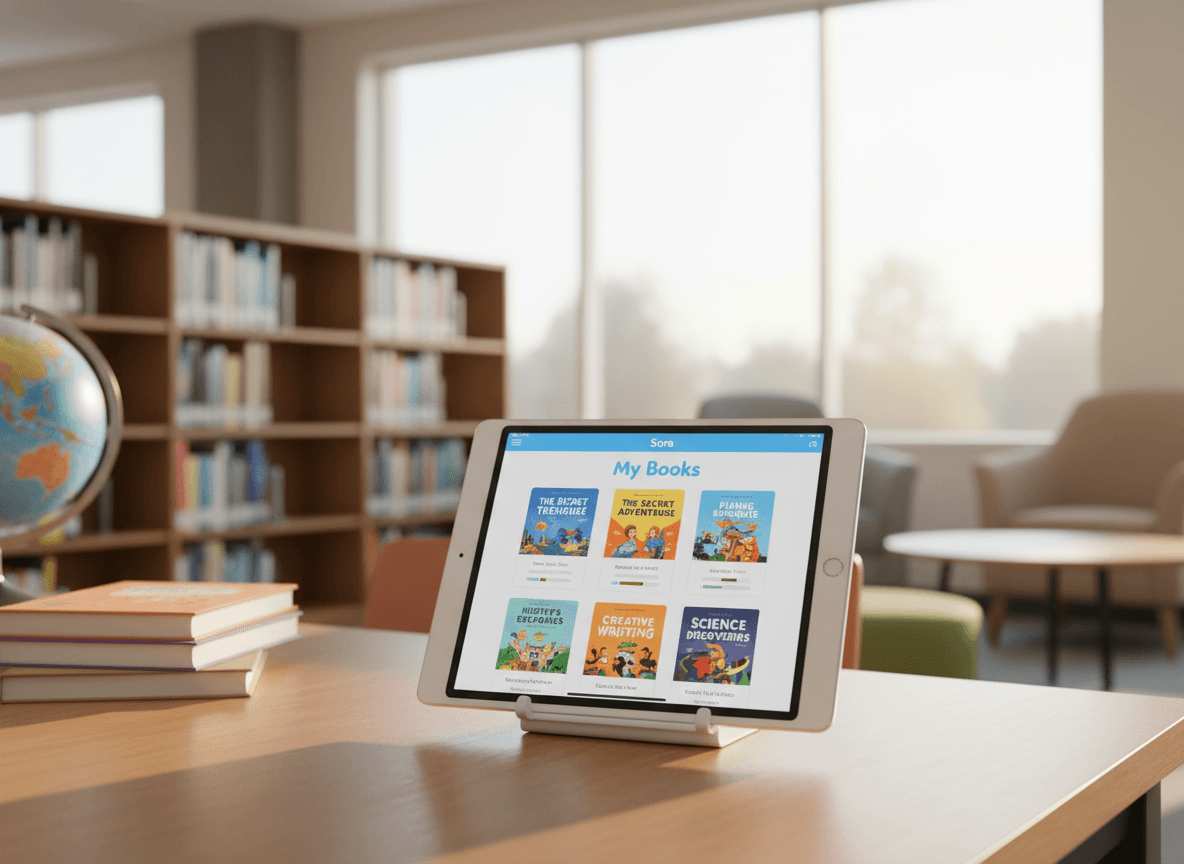
One short section. "Our school uses Sora for ebooks and audiobooks. Sora is free, runs on any phone or tablet, and uses your kid's school login. If you also have a public library card, you can use the Libby app for even more books. Both apps are from the same company called OverDrive, which is why the books look similar across them."
The from-home borrow trick
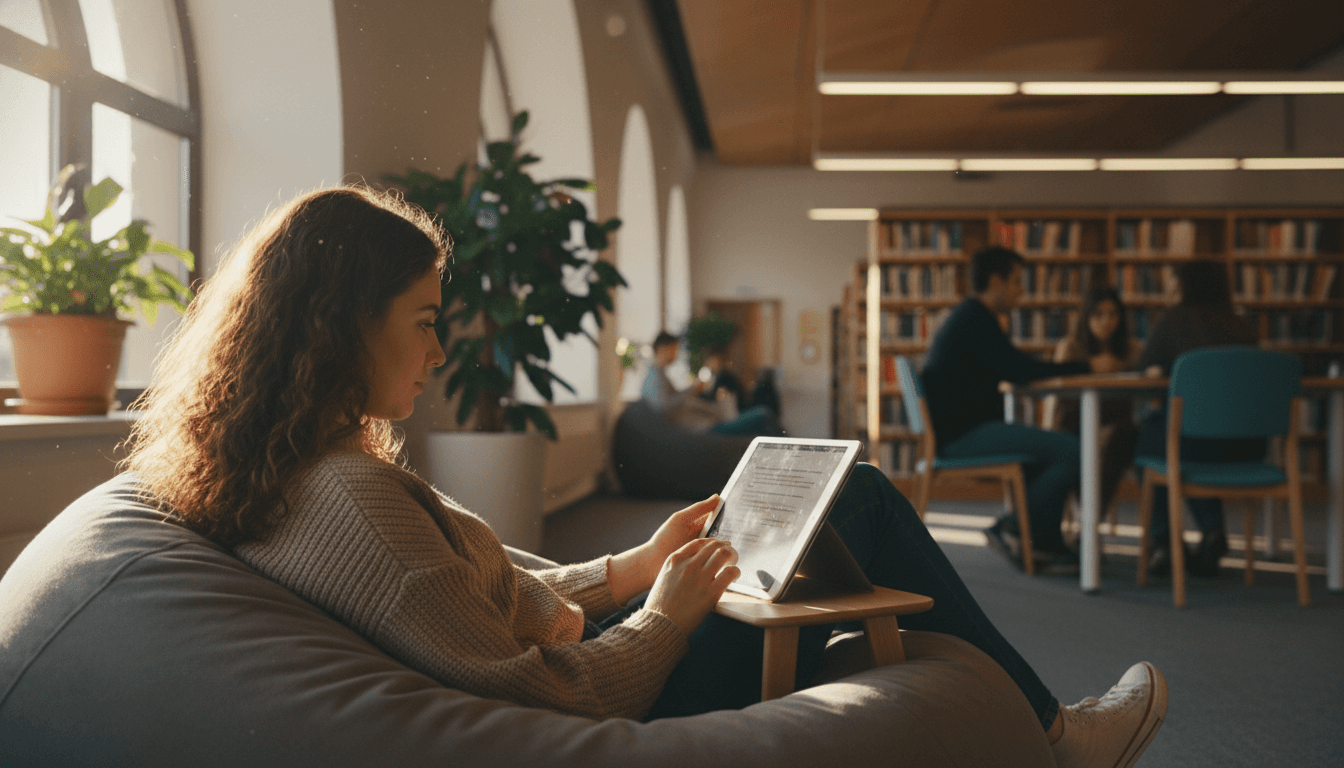
This is the heart of the newsletter. Two paragraphs. "You do not need to come to the library to borrow a book. Sora and Libby both work from home. Your kid opens the app on a tablet or phone, picks a book, and starts reading. The book stays on the device for two weeks, then returns itself automatically. No late fees, no trip back to the library to return it."
Then the surprise: "This works for audiobooks too. If your kid spends time in the car, has a long drive to a grandparent, or struggles with print books, audiobooks are the easiest entry point into reading. Sora has hundreds of them. Libby has thousands more."
The three-step login
Drop a small box with the steps. "1. Download Sora from the app store. 2. Search for our school by name. 3. Sign in with the same login your kid uses for school. That is the whole setup." Add the public library version: "For Libby, you need a public library card. Download the Libby app, pick our public library, and enter the card number. Same kind of setup."
One concrete classroom example
"This month, a fourth grader who normally reads one paperback a month checked out three audiobooks through Sora. She listens on the drive to and from school every day. Her mom told us she finished a 350-page book in two weeks of car rides. The same book would have taken her four months in print. The audiobooks did not replace her print reading. They added to it."
What about the reluctant reader
One paragraph. "If your kid avoids print books, try audiobooks first. The research is clear that listening to a book at grade level builds the same comprehension as reading it. For a reluctant reader, audiobooks remove the friction of decoding and let the kid focus on the story. Most kids who start with audiobooks come back to print on their own once they remember that books are fun."
Hardware questions
Two sentences. "You do not need a Kindle or an e-reader. Sora and Libby work on any phone, any tablet, any Chromebook. If your family already has a screen, you already have what you need."
How Daystage helps with ebook and digital access newsletters
Daystage gives media specialists a template that handles app screenshots, three-step login boxes, and clean formatting in one email. Build the Sora setup block once, refill the example each issue with a new student story, and the newsletter goes out branded and easy for families to act on tonight. Ebook checkouts climb when families know the option exists, and the newsletter is the cheapest way to make that happen.
Get one newsletter idea every week.
Free. For teachers. No spam.
Frequently asked questions
What is the difference between Sora, Libby, and OverDrive?
OverDrive is the parent platform. Libby is the public library app from OverDrive, used at home with a public library card. Sora is the school version of the same system, used with a school login. All three pull from the same catalog architecture. Most schools use Sora for school-issued ebook access and tell families about Libby for the public library option.
Do families know they can borrow ebooks from home?
Most do not. The single biggest piece of news in any digital access newsletter is that ebooks can be borrowed from home, on a tablet or a phone, without coming to the library. Many families have only seen their kid use a school iPad in class. Telling them about home access changes how the family uses the library. This one line of news drives more digital checkouts than any other marketing.
What about audiobooks?
Sora, Libby, and OverDrive all carry audiobooks. Audiobooks are the secret weapon for reluctant readers, kids in the car for an hour a day, and families with multiple kids of different ages. The newsletter should name audiobooks specifically. Most parents who hear about ebook access assume audiobooks are a separate paid service. They are not.
How do you handle families without a tablet or e-reader?
Ebooks work on any phone or any school-issued device. The newsletter should say this in plain language. 'You do not need a Kindle. The Sora app works on any phone or tablet, including the one in your pocket right now.' One sentence removes the biggest mental block for families who assume ebook access requires special hardware.
What is the easiest way to send a newsletter with app screenshots and login instructions?
Daystage was built for school staff who need to send branded newsletters with app screenshots, step-by-step login instructions, and clean formatting. Drop in the Sora setup screenshot, list the three login steps, and the email goes out clean and easy to follow. Media specialists who use it tend to see ebook checkouts climb in the weeks after the issue goes out.

Adi Ackerman
Author
Adi Ackerman is a former classroom teacher and curriculum writer with 8 years in K-8 schools. She writes about school communication, parent engagement, and what actually works in real classrooms.
More for School Librarian
Ready to send your first newsletter?
3 newsletters free. No credit card. First one ready in under 5 minutes.
Get started free