
Library Newsletter on Digital Literacy: A Working Template
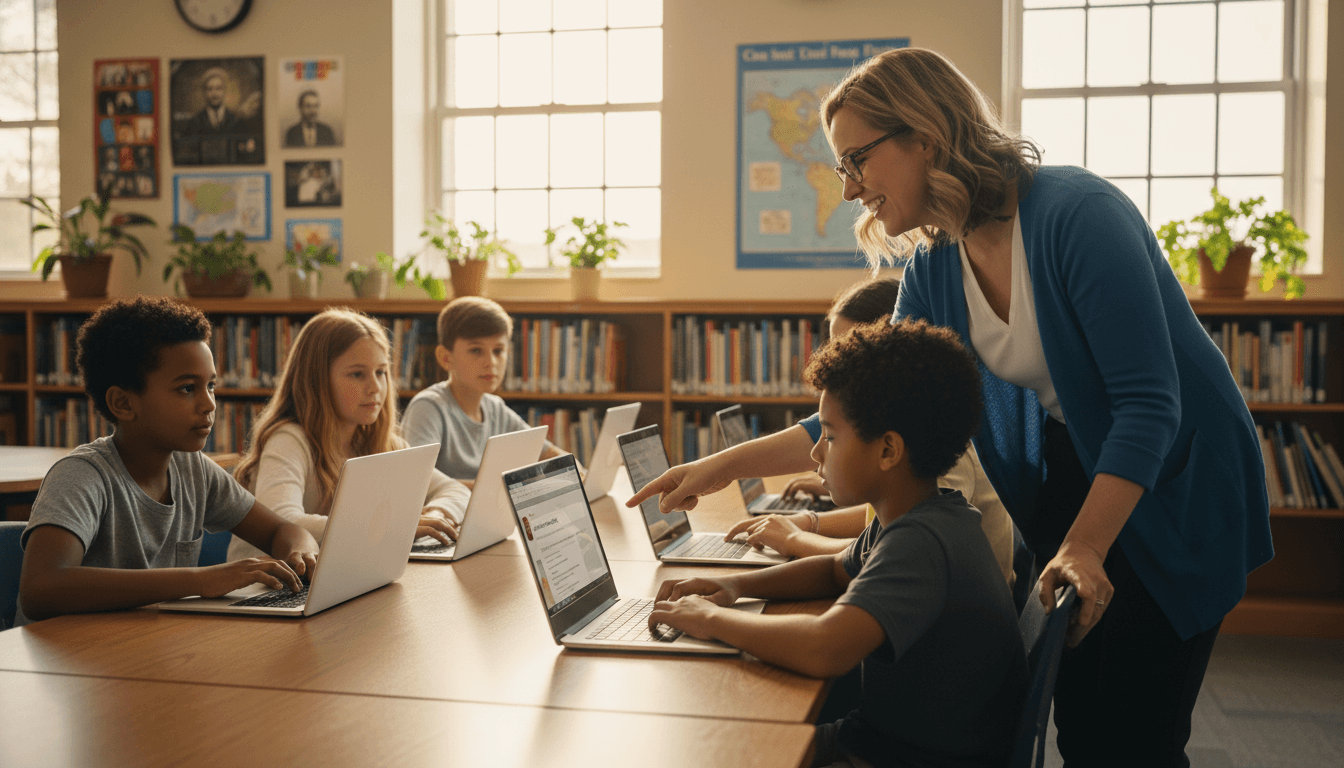
Digital literacy is the skill kids think they already have. They can open a phone at age four. They can find a YouTube video in three taps. What they cannot do is search a database, read past the first Google result, or tell why Wikipedia is the right starting point but the wrong stopping point. The digital literacy newsletter is the librarian's chance to fix that picture for families, one issue at a time.
What the digital literacy newsletter is for
Two jobs. Tell families what their kid is learning in the library this month, and give them one habit they can reinforce at home. Skip the standards alignment. Skip the abstract definitions. Parents need to know what the lesson was, what the kid should be able to do now, and one question to ask at dinner. That is the whole newsletter.
Section 1: the skill of the month
Pick one skill. Search-term strategy in October. Above-the-fold Google reading in November. Wikipedia as a starting point in December. Name the skill, give one concrete example, and explain the lesson in plain language. "This month, fifth graders learned that a Google search works better with three or four keywords than with a full sentence. We compared 'how does the heart pump blood through the body' with 'how heart pumps blood' and looked at the first three results. The short query found the answer faster every time."
Section 2: search-term strategy explained for families
Three sentences. "The shorter the search, the better the results, usually. Pull out the two or three most important words from the question and search those. If the answer does not appear, add one more word, not five." Then the at-home prompt: "Next time your kid searches for something, ask them to read their query out loud before they hit enter. Most kids will rewrite it themselves."
Section 3: above-the-fold Google reading
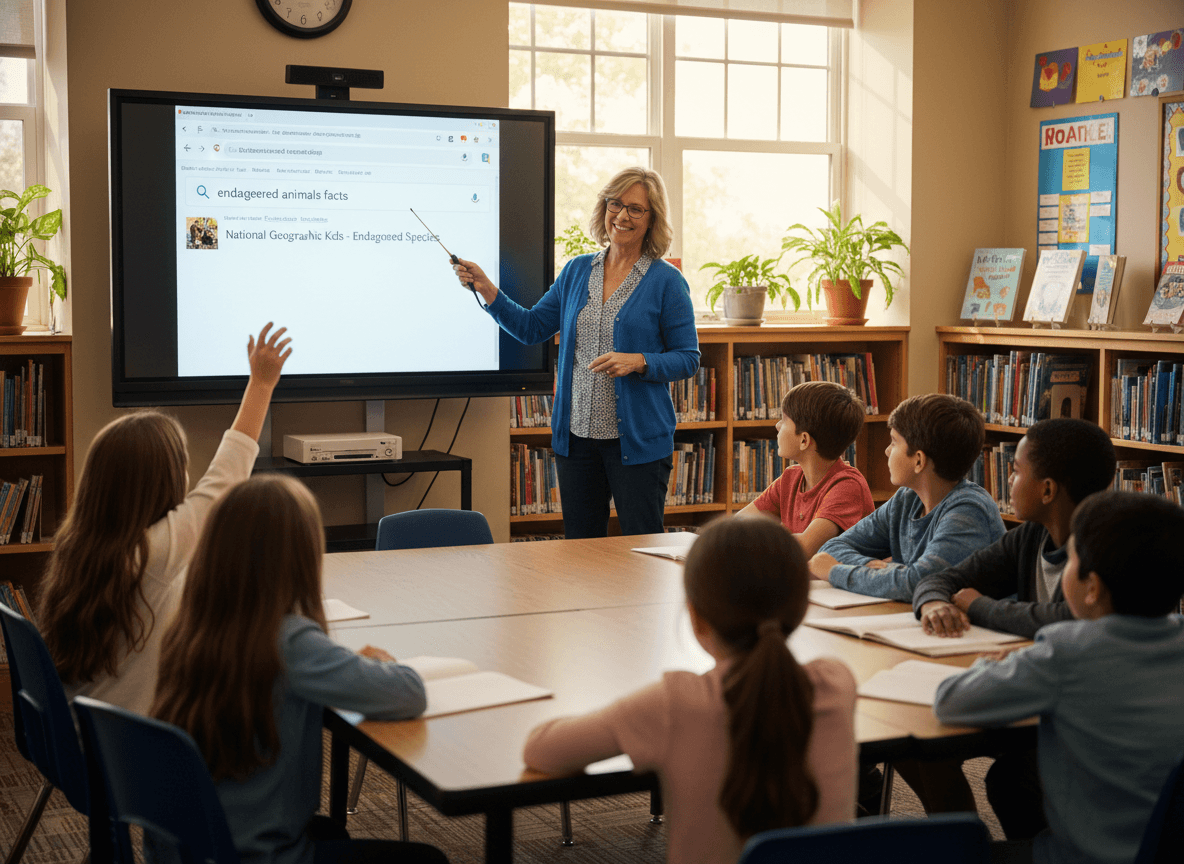
Include a screenshot of a Google results page with the top inch circled. Caption: "This part of the page is ads and quick answers. The real results start below it." One sentence to families: "Ask your kid to scroll past the top inch before clicking. The third result is often better than the first." This habit alone separates kids who can research from kids who cannot.
Section 4: Wikipedia is a start, not an end
Most parents either trust Wikipedia completely or ban it. Both are wrong. Write three sentences explaining the right approach: "Read the Wikipedia article, get the basic shape of the topic, then scroll to the references at the bottom. Those references are where the real research lives. Click two or three, see what they say, and now you have a real source list."
Section 5: one concrete example to share
Drop in a real moment from a lesson. "A fourth grader this month was researching tigers. Her first search was 'tell me everything about tigers please.' Her second search, after the lesson, was 'tiger habitat range.' She found her answer in the first three results instead of the first three pages. Ask your kid which search would work better and why."
Section 6: home practice
One small assignment, optional. "This week, pick a real question your kid is curious about and search it together. Try the long version first, then the short version. Compare the results. The whole exercise takes ten minutes and teaches more than a worksheet ever will."
How Daystage helps with digital literacy newsletters
Daystage gives media specialists a template that handles screenshots, plain-language sections, and a home practice block in one clean email. Build the template once, refill it each month with the new skill, and the newsletter goes out looking like the school sent it on purpose. Digital literacy stays on the parent radar instead of getting lost between book recommendations.
Get one newsletter idea every week.
Free. For teachers. No spam.
Frequently asked questions
What is the difference between digital literacy and media literacy?
Digital literacy is how kids use the tools. Search engines, file management, copy-paste, formatting a document, saving versions. Media literacy is how kids evaluate what they see. Source check, bias check, lateral reading. The two overlap, but the newsletter should pick one focus per issue. Mixing both in 800 words turns into a glossary, not a guide.
Why teach search-term strategy at the elementary level?
Because the average third grader types a full sentence into Google and gets nothing useful back. 'How does the human heart pump blood through the body' returns 500 million results, mostly junk. 'How heart pumps blood' returns the same answer at the top of the page. Search-term strategy is the first real digital literacy skill. It saves kids twenty minutes per research session.
Should you tell parents Wikipedia is fine for kids to use?
Yes, as a starting point. Wikipedia is one of the best places to begin a research question. The mistake is treating it as the final source. The newsletter language we recommend: 'Wikipedia is a start, not an end. Read the article, then check the sources at the bottom. Those sources are where the real answer lives.' Parents who hear this stop telling their kids Wikipedia is forbidden.
How do you teach 'above-the-fold' Google reading?
Show kids that Google's top inch of results is paid ads and featured snippets, not always the best answer. Teach them to scroll past the snippet, look at the third or fourth organic result, and check the domain before clicking. One lesson, one screenshot in the newsletter, and most kids start scrolling instead of clicking the first link. This single habit is worth a year of digital literacy lessons.
What is the easiest way to send a newsletter with screenshots and tips?
Daystage was built for school staff who need a clean newsletter with images, captions, and family-friendly formatting. Drop in a search screenshot, write the three tips, attach a printable home practice sheet, and the email goes out branded and easy to read. Media specialists who use it tend to keep their digital literacy cadence going through the whole year.

Adi Ackerman
Author
Adi Ackerman is a former classroom teacher and curriculum writer with 8 years in K-8 schools. She writes about school communication, parent engagement, and what actually works in real classrooms.
More for School Librarian
Ready to send your first newsletter?
3 newsletters free. No credit card. First one ready in under 5 minutes.
Get started free