

Seesaw and School Newsletters: How Principals Use Both Effectively
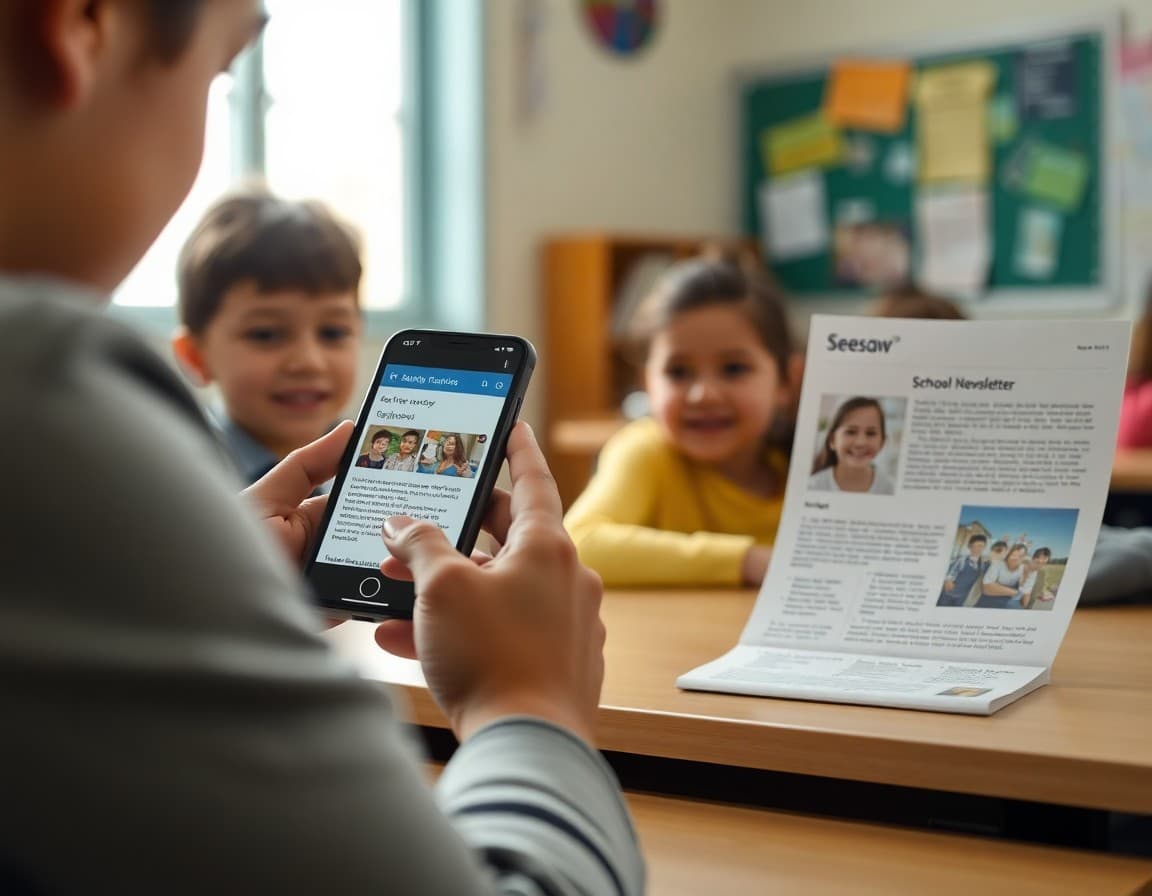
Many schools use both Seesaw and a principal newsletter. When both are well managed, families get the right information from each channel at the right time. When they are not coordinated, families get the same information twice, or get the impression that the school communicates constantly without saying anything they need to act on. The coordination is not complicated, but it is necessary.
What Seesaw is designed for
Seesaw is a classroom communication and portfolio tool. It excels at:
- Sharing student work and learning moments in real time, with photos and audio, from the classroom to families
- Two-way messaging between individual teachers and individual families
- Short, immediate notifications about classroom-level events: a field trip reminder, a project due date, a class achievement
- Building a running portfolio of a student's work over time
These are genuinely different from what a principal newsletter does. Seesaw is real-time, relational, and classroom-specific. A newsletter is asynchronous, broadcast, and school-wide.
What the principal newsletter is designed for
The principal newsletter is the right channel for:
- Monthly principal messages that address school culture and values
- Policy changes that affect the whole school
- School-wide events, dates, and schedules
- Data updates (attendance rates, assessment results at the school level)
- Resources families can use at home
- Any communication that requires formatting, links, or more than two paragraphs to communicate properly
Where the channels should NOT overlap
The most common coordination problem is principals using Seesaw for content that belongs in the newsletter, or including classroom-level detail in the newsletter that belongs in Seesaw. Both create channel confusion.
If a family has to check three places (email, Seesaw, the school website) to figure out when the spring concert is, your communication channels are not coordinated. The spring concert date belongs in the newsletter and in Seesaw as a brief reminder, with one being the definitive source.
Establish a channel guide at the start of the year
The most effective schools publish a one-page communication guide at the start of the year that tells families exactly what channel carries what type of information:
- Seesaw: Classroom updates, student work, teacher messages, immediate reminders
- Principal newsletter: Monthly school-wide news, policies, principal message, upcoming events
- School phone line or text: Time-sensitive safety and logistics (school closures, late bus, emergency)
- School website: Reference documents, calendar, menus, handbooks
Families who understand which channel carries which information check the right place first instead of scanning all of them looking for what they need.
Using Daystage alongside Seesaw
Daystage handles the principal newsletter layer: school-wide, formatted, monthly communication that delivers inline to family email. Seesaw handles the classroom layer. The two tools do not overlap in what they do. Principals who use both keep their communication clean and their families well-informed at both the classroom and school levels.
Get one newsletter idea every week.
Free. For teachers. No spam.
Frequently asked questions
What is the difference between a Seesaw message and a principal newsletter?
Seesaw is designed for classroom-level, two-way, real-time communication between teachers and families. Principal newsletters are designed for school-wide, longer-form, one-to-many communication from leadership to the whole family community. They serve different purposes and should carry different content. Conflating the two creates confusion and communication overload.
Should the principal use Seesaw for school-wide announcements?
Use Seesaw for school-wide announcements only when the announcement is time-sensitive and the information is brief. Seesaw messages are designed to be short. A three-paragraph principal message about the new semester goals does not belong in a Seesaw announcement. It belongs in the principal newsletter.
How do I prevent families from getting duplicate information in Seesaw and the newsletter?
Establish a channel protocol with teachers at the start of the year. Seesaw is for classroom updates, student work sharing, and brief teacher-to-family messages. The principal newsletter is for school-wide news, policies, and the monthly principal message. When a topic belongs in both, brief it in Seesaw and expand it in the newsletter, or reference the newsletter in the Seesaw message.
Do I need to send a newsletter if my school uses Seesaw?
Yes. Seesaw does not replace the principal newsletter. It replaces some forms of classroom-to-home communication. The principal's monthly message, policy updates, school-wide events, and longer content that families need to reference still belong in a properly formatted newsletter that reaches all families at once.
What tool helps principals send newsletters efficiently?
Daystage works alongside Seesaw without duplicating it. Principal newsletters go through Daystage for school-wide communication. Classroom updates and two-way messaging stay in Seesaw. The channels stay clean.

Adi Ackerman
Author
Adi Ackerman is a former classroom teacher and curriculum writer with 8 years in K-8 schools. She writes about school communication, parent engagement, and what actually works in real classrooms.
More for Principals
Ready to send your first newsletter?
3 newsletters free. No credit card. First one ready in under 5 minutes.
Get started free