
School Newsletter Email Best Practices for Principals
A school newsletter that never reaches family inboxes is not a communication tool. It is an exercise in writing. The email practices in this guide address the technical and content factors that determine whether your newsletter arrives, gets opened, and gets read.
Deliverability: getting to the inbox
Before any other best practice, your email has to reach the inbox. Three technical factors affect deliverability:
- Sender authentication. Your sending domain needs SPF and DKIM records configured in its DNS. These records tell receiving email servers that your school is a legitimate sender. Most newsletter tools configure these automatically when you connect your domain. Check with your tool provider.
- Bounce rate. If more than 3 to 5 percent of your addresses are invalid and bounce on every send, email providers start treating your sender as unreliable. Clean your list regularly to remove hard bounces.
- Spam content triggers. All-caps words, excessive exclamation points, certain high-frequency spam phrases, and spammy subject lines can cause email filters to divert your newsletter before a family ever sees it. Write professional, plain-language subject lines and avoid the patterns that marketing emails overuse.
Send timing: when families are reading
The data on school newsletter send timing is consistent. The highest open windows for K-12 school newsletters:
- Tuesday through Thursday, 7 to 9 a.m. Families checking email before drop-off or on the commute.
- Tuesday through Thursday, 6 to 8 p.m. Families catching up on email after dinner.
Avoid Friday afternoons (email is deferred to Monday), Saturday and Sunday (family time, school email is deprioritized), and Monday mornings (inbox backlog from the weekend).
Mobile rendering: most families read on phones
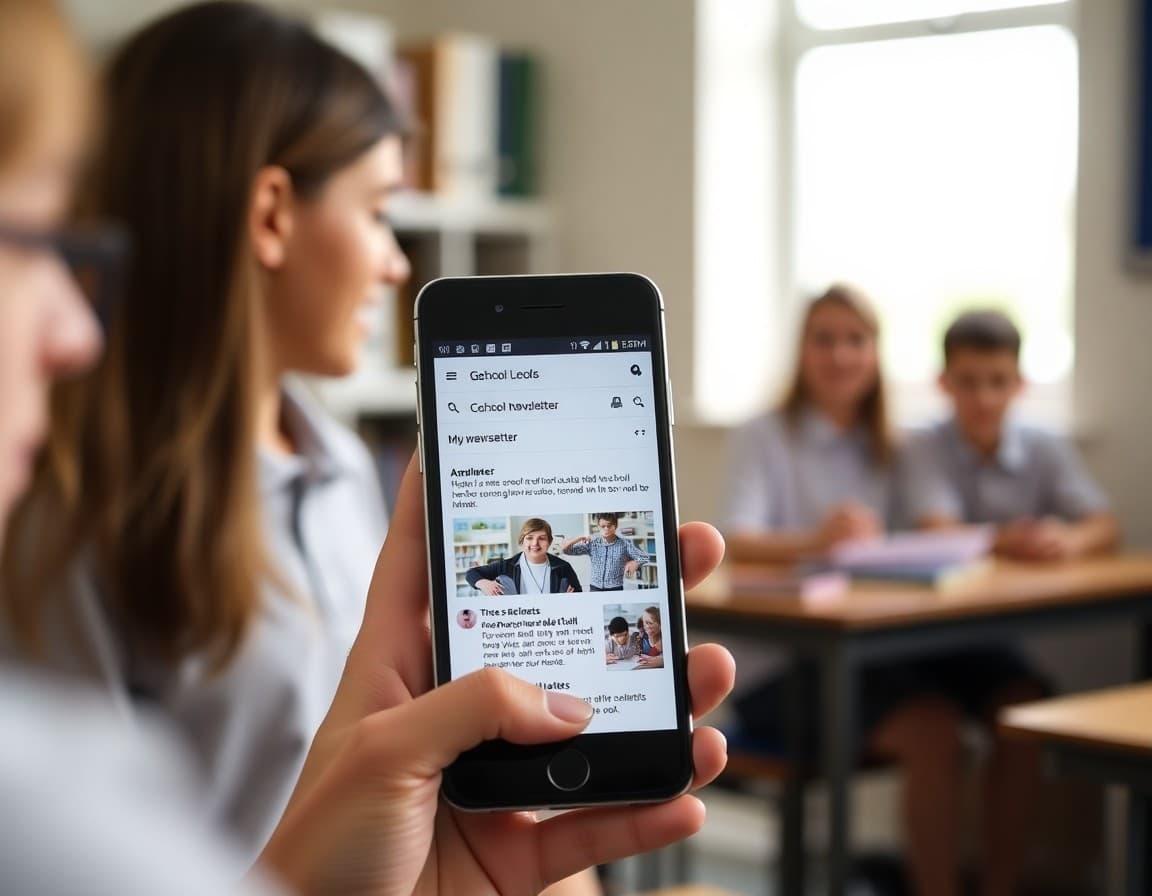
Before sending to your full list, view the newsletter on a phone. Check:
- Is the text large enough to read without zooming?
- Do images load and display at the right size?
- Are buttons and links large enough to tap accurately?
- Does the layout stay single-column on mobile?
A newsletter that looks perfect on desktop and broken on mobile is broken for most of your audience.
The pre-send checklist
Before every send:
- Subject line reviewed (specific, under 50 characters)
- Preview text (the line after the subject) reviewed for clarity
- All links tested and working
- All images have alt text
- Date and contact information are current
- Test email sent and reviewed on mobile
Two minutes on this checklist prevents the most common newsletter errors before they reach 400 family inboxes.
Engagement tracking: what to watch
Track three metrics per newsletter: open rate, click rate (if applicable), and unsubscribe rate. Open rate tells you reach. Click rate tells you which content families act on. Unsubscribe rate signals if something in the content or frequency is causing families to opt out.
A rising unsubscribe rate usually means one of three things: sending too frequently, content that stopped being relevant, or a specific message that generated negative reactions. Investigate before the next send.
Daystage tracks all three metrics per newsletter and makes the data available in a simple dashboard. No configuration required.
Get one newsletter idea every week.
Free. For teachers. No spam.
Frequently asked questions
Why do some school newsletters land in spam?
Common causes: sending from a domain that is not configured with SPF and DKIM authentication records, sending to a list with many invalid addresses (high bounce rate), using spam-trigger words in subject lines, or sending from a personal email domain rather than the school's domain. A proper school newsletter tool handles authentication automatically. Personal email tools do not.
What is the best day and time to send a school newsletter?
Tuesday through Thursday, 7 to 9 a.m. or 6 to 8 p.m. These windows catch families during the morning school commute and evening wind-down, both times when school-related email is naturally top-of-mind. Avoid Friday afternoons, Saturdays, and early Monday mornings.
How do I keep my school newsletter contact list current?
Remove hard bounces (undeliverable addresses) after every send. Add new families within one week of enrollment. Remove withdrawn students' families at the end of the school year or when withdrawal is confirmed. Clean the list annually in August. A clean list has better deliverability and more accurate open rate data.
Should I send a test email before sending to the full family list?
Always. Send a test to yourself and to one colleague on a different email provider (one Gmail, one Outlook at minimum). Check that images load, links work, the mobile version is readable, and the subject line appears correctly. This five-minute test prevents sending a broken newsletter to 500 families.
What tool helps principals send newsletters efficiently?
Daystage handles email authentication, deliverability, mobile rendering, and engagement tracking automatically. You do not need to configure DNS records or test across 15 email clients. The tool handles the technical layer so you can focus on content.

Adi Ackerman
Author
Adi Ackerman is a former classroom teacher and curriculum writer with 8 years in K-8 schools. She writes about school communication, parent engagement, and what actually works in real classrooms.
More for Principals
Ready to send your first newsletter?
3 newsletters free. No credit card. First one ready in under 5 minutes.
Get started free