

Communicating Your Technology Acceptable Use Policy to Families
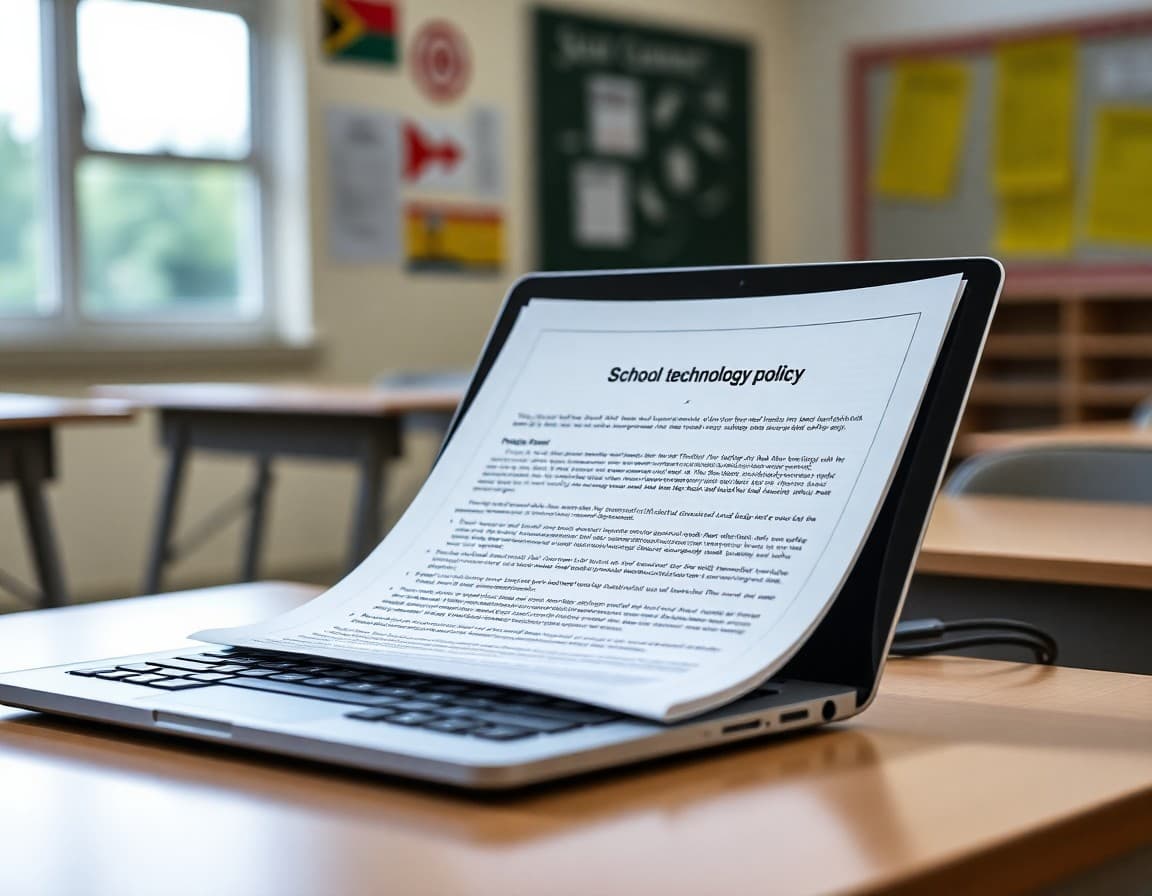
Technology acceptable use policies have always been complicated to communicate. Most families sign the form at the start of the year without reading it. Then a situation arises mid-year, and everyone has a different understanding of what was allowed. A targeted newsletter on technology expectations does more real work than the signature form ever will.
Why families need more than a signature page
The AUP signature form is a legal document. It covers the school. It does not actually communicate expectations to families in a way they absorb and act on. A newsletter is different. It is a conversation. It reaches families in their email, in their own language, and in a format they can reference when their child is at home on a school device.
If you want families to reinforce technology expectations at home, they need to understand what those expectations are in plain language, not legalese.
Cover devices, platforms, and AI tools separately
Three categories of technology require their own treatment in your newsletter:
- School-issued devices. What students can and cannot do on them at school and at home. Content filters, personal account restrictions, care and damage responsibilities.
- Personal phones and devices. Your phone policy during the school day, where phones are stored, and what happens when the policy is violated.
- AI and online tools. Which tools students use for schoolwork, what they are allowed to use AI for, and what counts as misuse. This is the area families know the least about and the area where expectations vary most by teacher and subject.
Use concrete examples, not policy language
Policy documents are written for legal protection. Newsletters are written for parents who are half-reading on their phones. The most useful thing you can do is translate the policy into specific examples.
For example: 'Students may use Google Docs and Khan Academy on their Chromebooks at home. They may not use personal accounts, social media, or gaming sites on school devices at any time. AI writing tools are allowed for research and brainstorming but not for submitting as their own work, which their teachers will explain in class.'
That paragraph communicates more than a three-page AUP to most families.
Explain consequences clearly
Families want to know: what happens when my kid breaks a rule? Walk through your consequence sequence in two or three sentences. First offense, second offense, escalation. If the consequence involves contacting parents, say so. Families who know what to expect are more supportive when consequences are applied.
Also describe how incidents are documented and what recourse families have if they believe a consequence was applied incorrectly. This is not about being defensive. It is about demonstrating that the process is fair.
Give families a role to play at home
The most actionable newsletters tell families what they can do, not just what students are supposed to do. Include two or three specific suggestions:
- Ask your child to show you which sites they use for homework
- Keep school devices in a common area of the house during evening homework time
- Talk with your child about what 'using AI responsibly' means and what their teachers have said about it
Families who feel like partners in the policy are less likely to push back when the policy is enforced.
Address the phone policy if it changed this year
Phone policies have changed significantly in many schools over the past two years. If yours is new or updated, dedicate a section of the newsletter specifically to it. Explain the research behind the decision if you have it. Acknowledge that some families and students disagree. Describe exactly how it is enforced. Families do not have to like a phone policy to comply with it, but they need to understand it.
Send it early in the year and follow up mid-year
The technology newsletter sent the first week of school sets expectations before habits form. A follow-up in January or February is useful if you have noticed patterns of misuse or if the policy has evolved.
Daystage makes it easy to duplicate last year's technology newsletter, update the relevant sections, and resend with the current year's contact information. Families get a consistent format they recognize, and you spend less time on formatting and more time on making the content accurate.
Get one newsletter idea every week.
Free. For teachers. No spam.
Frequently asked questions
How often should a principal send updates about technology policies?
At the start of every school year, and again whenever the policy changes or a new device or platform is introduced. If your school adds AI tools, implements new content filters, or changes phone rules mid-year, send a newsletter within the same week. Families who find out about technology changes from their kids first lose confidence in school communication.
What should a principal include in a technology acceptable use newsletter?
Cover what devices students use, what platforms are accessed, what is allowed and prohibited, how violations are handled, and what parents can do at home to reinforce the expectations. Be specific about AI tools if your school uses them. Vague policy language creates inconsistency in enforcement.
How do I explain AI use policies to families who know little about AI?
Use concrete examples rather than technical language. Instead of 'generative AI,' say 'tools like ChatGPT or Google Gemini that can write paragraphs or answer questions.' Describe what students are allowed to use these tools for and what they are not. One or two specific examples from an actual assignment are worth more than three paragraphs of policy language.
Should I explain what happens when students violate the technology policy?
Yes. Families should know the consequence sequence before an incident happens. Surprises create conflict. If the consequence is loss of device access, detention, or a parent meeting, say so clearly. Families who know the stakes ahead of time are more likely to reinforce expectations at home and less likely to argue when a consequence is applied.
What tool helps principals send newsletters efficiently?
Daystage makes it easy to send structured policy newsletters with formatted sections, bold key dates, and clear calls to action. Families receive it directly in their inbox without clicking a link, which means more of them actually read it.

Adi Ackerman
Author
Adi Ackerman is a former classroom teacher and curriculum writer with 8 years in K-8 schools. She writes about school communication, parent engagement, and what actually works in real classrooms.
More for Principals
Ready to send your first newsletter?
3 newsletters free. No credit card. First one ready in under 5 minutes.
Get started free