

Principal Newsletter: Navigating Remote or Online Enrollment for Families
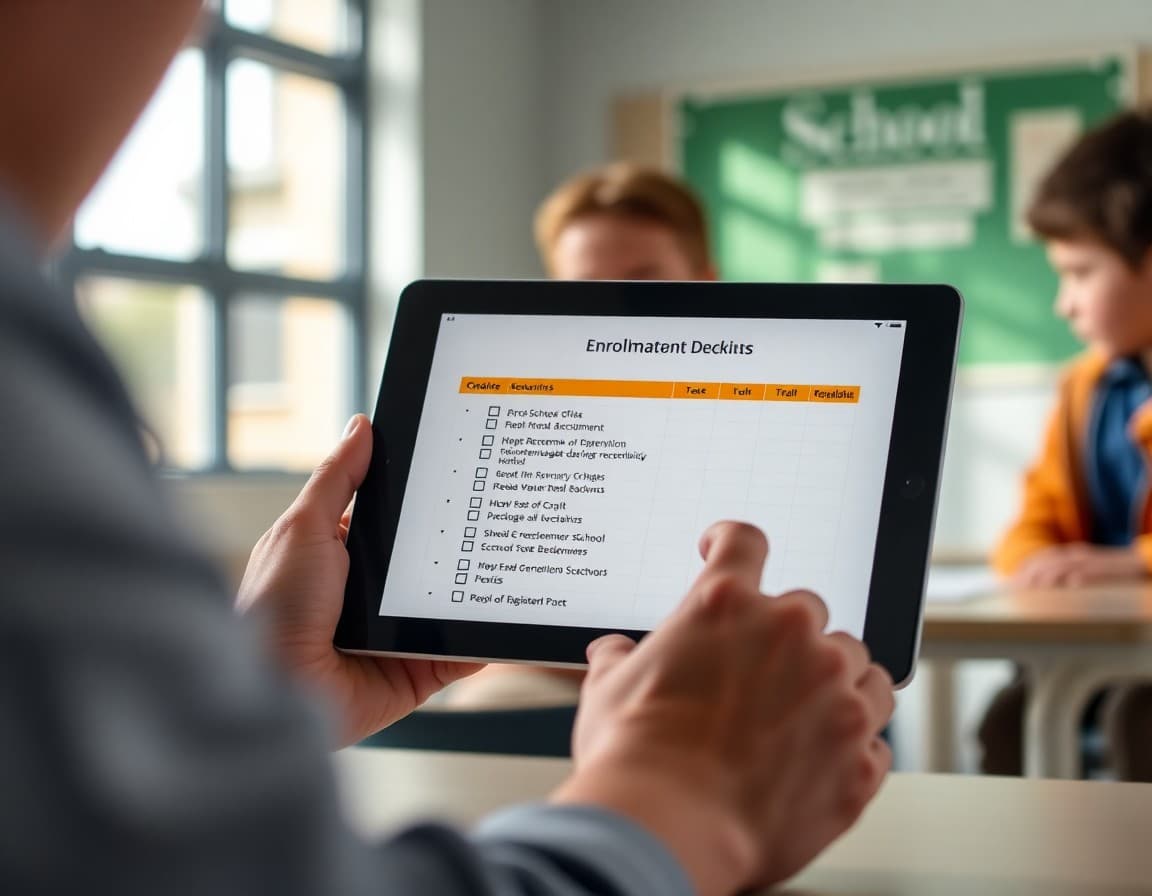
Online enrollment is convenient when it works and a barrier when it does not. Your newsletter is what makes the difference between families who complete it smoothly and families who arrive on the first day of school with paperwork still outstanding.
Why Enrollment Is Moving Online
Some families are skeptical of or unfamiliar with online enrollment. Explain briefly why the school moved to or is maintaining an online process: faster processing, secure document storage, reduced paperwork burden for families who previously had to come in person. Families who understand the rationale engage with the new process more willingly than families who feel a change was imposed on them without explanation.
Step-by-Step Instructions
Number every step. Start from the very beginning. Where do families go? What URL or portal do they use? What information do they need to create an account if they are new to the system? What is the enrollment form sequence? Where do they upload documents? How do they confirm that enrollment was received? Write for the family who has never done this before, because some of them have not. Families who receive vague instructions and hit a snag do not always ask for help. They stop and assume their child is enrolled when they are not.
Required Documents
Create a numbered list. Proof of residency, such as a utility bill or lease agreement. Immunization records. Birth certificate. Previous school report card or transcript for incoming students. Special education documents if applicable. Custody documentation if applicable. For each document, name acceptable formats: PDF, clear photo, scanned copy. Tell families how to submit them through the portal and what resolution or file size is acceptable for uploads.
Deadlines and What Happens If You Miss Them
Name the deadline clearly. Then tell families what actually happens if they miss it. A missed deadline often means delayed class placement or loss of priority for specific programs, not permanent exclusion. Families who fear their child will be barred from school if they miss a deadline often call the office in a panic. Families who understand the real consequence take it seriously without catastrophizing. Both outcomes are better than families who miss the deadline because they never received clear information about it.
Support for Families Who Cannot Complete Enrollment Online
Name the in-person option. Office hours for enrollment assistance, a bilingual staff member available to help, and a phone number for technical support should all be in the newsletter. Families who cannot complete the process online need a clear alternative path. A newsletter about online enrollment that does not acknowledge alternative access is a barrier, not a guide.
Using Daystage for Enrollment Communication
Daystage makes it easy to build an enrollment newsletter with step-by-step instructions, a document checklist, deadline information, and support contact details. You can send it to incoming families specifically and track who has engaged with the message. A follow-up to families who have not clicked the enrollment link by one week before the deadline can prevent last-minute incomplete enrollment situations.
Get one newsletter idea every week.
Free. For teachers. No spam.
Frequently asked questions
What should a principal newsletter about remote enrollment include?
Step-by-step instructions for completing enrollment online. A list of required documents. Deadlines and what happens if families miss them. Contact information for technical help. Options for families who cannot complete enrollment online due to access barriers.
How do you make remote enrollment accessible for families with limited technology skills?
Write the instructions as if explaining to someone who has never done online enrollment before. Avoid assumptions about what families already know. Include phone support hours alongside the online process. Offer in-person assistance for families who prefer it. Name a specific staff member families can call.
What documents do families typically need for school enrollment?
Proof of residency, immunization records, birth certificate, previous school records or transcripts, IEP or 504 documents if applicable, and custody documents if relevant. Name each required document in the newsletter and describe acceptable formats for online submission.
How do principals communicate enrollment deadlines without creating unnecessary anxiety?
Name the deadline clearly and explain the consequence of missing it: typically not a permanent bar from enrollment but a delay in class placement or a loss of preferred program placement. Tell families what to do if they discover they missed the deadline. Clarity reduces anxiety. Vagueness creates it.
What tool helps principals send newsletters efficiently?
Daystage makes it easy to build an enrollment guide newsletter with step-by-step instructions, document checklists, deadline reminders, and support contact information all in one organized communication.

Adi Ackerman
Author
Adi Ackerman is a former classroom teacher and curriculum writer with 8 years in K-8 schools. She writes about school communication, parent engagement, and what actually works in real classrooms.
More for Principals
Ready to send your first newsletter?
3 newsletters free. No credit card. First one ready in under 5 minutes.
Get started free