

Principal Newsletter: Launching Your School Digital Newsletter
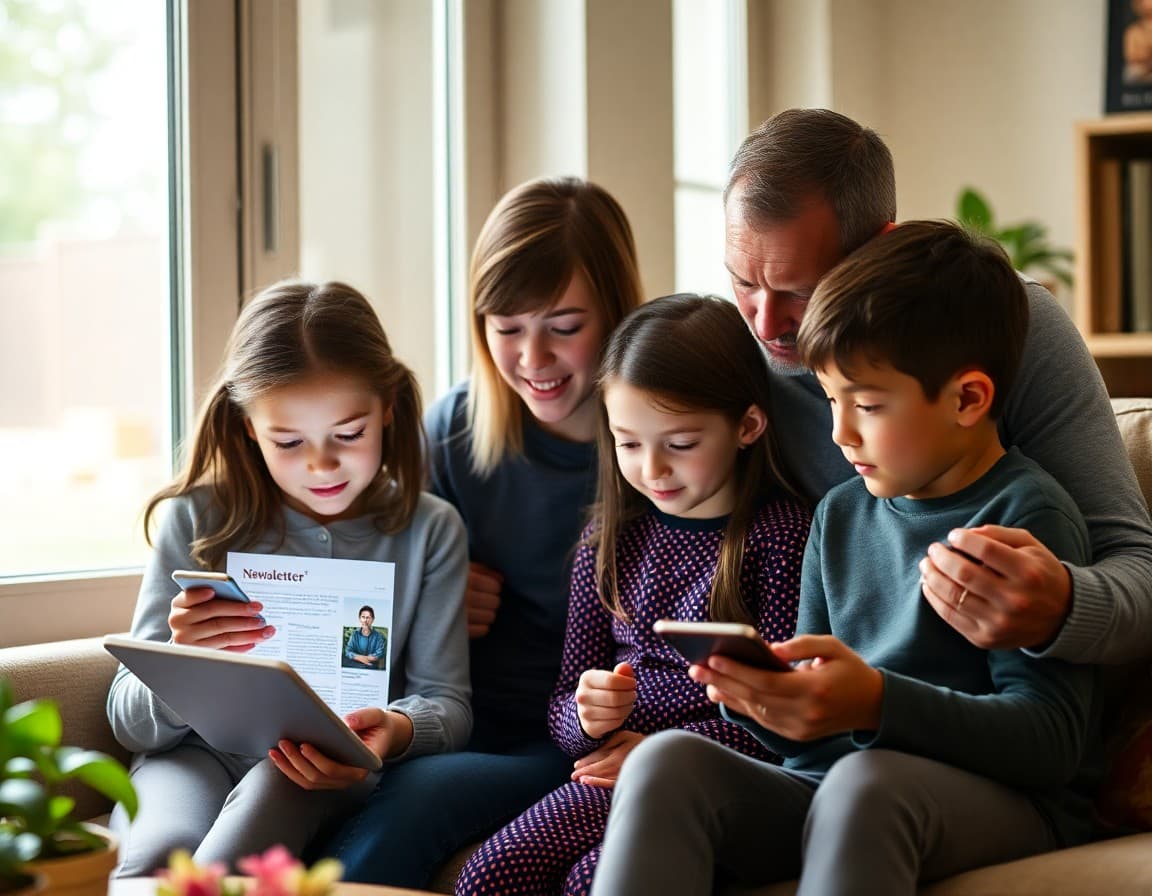
The launch of a school digital newsletter is a one-time opportunity to set an expectation. Families who understand what the newsletter is, why it exists, and what it will contain are more likely to open every issue that follows. The launch announcement is not just a notification. It is the beginning of a communication relationship.
State What Is Changing and Why
If you are replacing a paper newsletter, say so directly. Paper newsletters were inconsistently delivered, could not be updated after printing, and reached only the families whose students brought them home. The digital newsletter arrives in the inbox of every family on the list, can include photos and links, and can be sent the same day something changes. Families who understand the reasoning for the transition accept it more readily than families who simply receive it.
Describe What Families Will Receive
Tell families specifically what the newsletter will include and how often they will receive it. A weekly update with key dates, a note from the principal, photos from school events, and links to important resources. Or a monthly deep-dive on one topic with a brief weekly brief in between. Whatever the format is, describe it so families know what to expect. Unpredictable communication does not build readership habits.
Tell Families How to Confirm Their Subscription
Walk families through the sign-up or confirmation process. If every family on the school contact list is automatically enrolled, say that. If families need to confirm their email address or opt in, give the exact steps. If the newsletter goes to a specific email that some families may not check regularly, tell them how to add it to their primary inbox. A launch newsletter that generates bounces because families never confirmed their email is a failed launch.
Address the Paper Option Directly
Some families rely on paper communication for accessibility reasons or because digital access is inconsistent. Name the option: paper copies will be available at the office by request, or printed summaries will be posted on the family bulletin board. Do not leave this question unaddressed. Families who need an alternative and do not see it mentioned will call the office repeatedly to ask, or they will simply stop receiving information.
Make the First Issue Worth Opening
The launch announcement can arrive at the same time as the first actual newsletter issue, or it can precede it by a day. Either way, make the first real issue worth reading. Daystage gives you a clean, professional format with photos, event listings, and direct links, so the first thing families see when they open the newsletter looks like something worth their attention and not like an email forwarded from a fax machine.
Tell Families What They Will Miss If They Are Not Subscribed
The newsletter should be the primary channel for important school communications going forward. Performance dates. Deadline reminders. Policy changes. Staff announcements. Families who understand that the newsletter carries information they need to know treat it differently than families who think of it as optional reading. Make the case once in the launch announcement. Then deliver on it consistently.
Get one newsletter idea every week.
Free. For teachers. No spam.
Frequently asked questions
What should a digital newsletter launch announcement include?
The name of the new platform or format. What families will receive and how often. How to sign up or confirm their subscription. What happens to the paper newsletter if you are replacing it. Who to contact with technical questions. A clear statement of what families will miss if they are not subscribed.
How do I get families to actually open and read the digital newsletter?
Make the subject line specific, not generic. A newsletter with the subject 'School Newsletter - November' competes with every other email in an inbox. One with 'Fall Play Dates, New Lunch Menu, and 3 Things to Know This Week' gives families a reason to open it. Specific subject lines signal that the content is worth reading.
How do I handle families who prefer paper newsletters?
Name the transition directly. If you are eliminating paper newsletters entirely, say so and explain why. If you are offering paper as an opt-in option, describe how to request it. Families who feel the change was made without consideration for their preferences push back harder than families who received an honest explanation.
What should the first digital newsletter actually contain?
Something immediately useful. A date they did not know. A photo from a recent school event. A message from the principal that sounds like a person, not a form letter. The first newsletter sets the expectation for every one that follows. Make it worth reading.
What tool helps principals send newsletters efficiently?
Daystage is purpose-built for school newsletters. It gives principals a clean, professional format with photos, sections, and direct links, and sends to all families in one step with built-in open tracking.

Adi Ackerman
Author
Adi Ackerman is a former classroom teacher and curriculum writer with 8 years in K-8 schools. She writes about school communication, parent engagement, and what actually works in real classrooms.
More for Principals
Ready to send your first newsletter?
3 newsletters free. No credit card. First one ready in under 5 minutes.
Get started free