
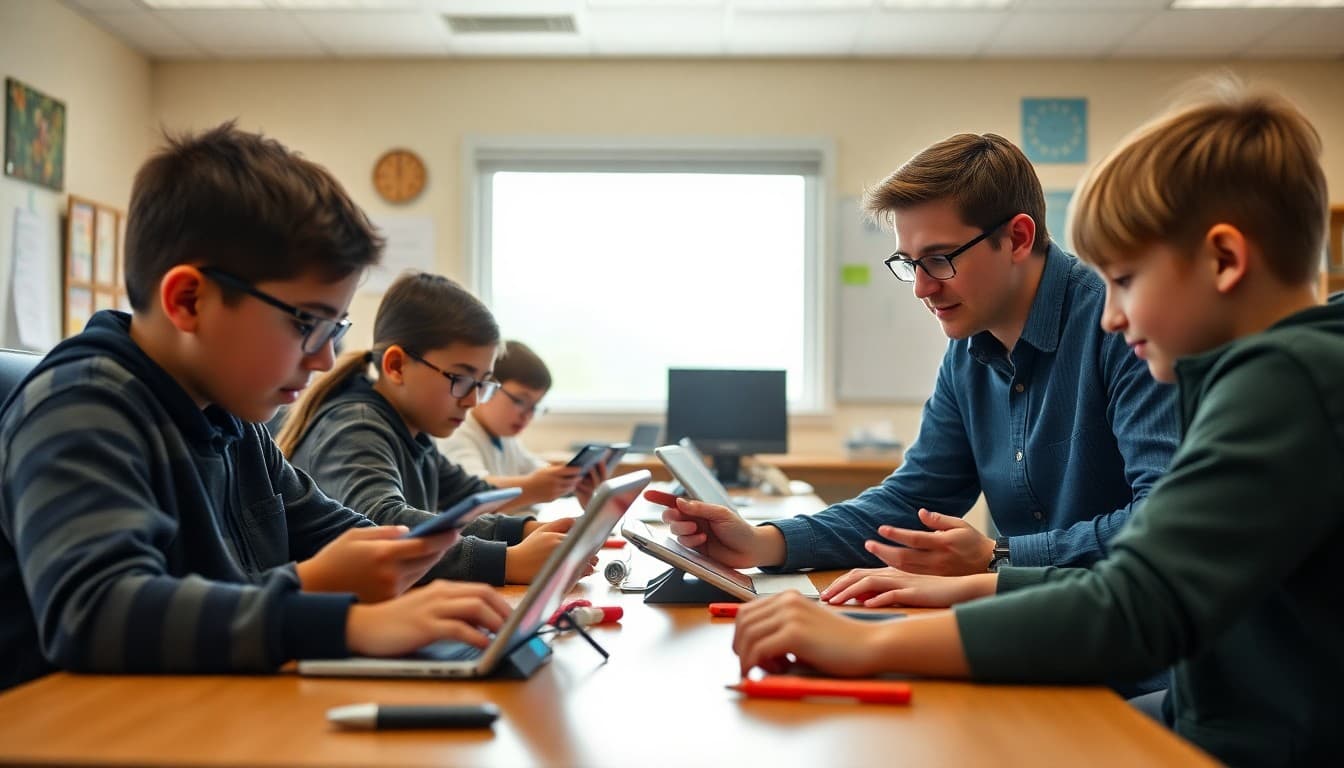
Principal Newsletter: Explaining Blended Learning to Families

You are rolling out a blended learning model in the fall. Teachers are trained, devices are deployed, and the schedule is set. What most principals underestimate is how much parent confusion can derail implementation before it even starts. A clear newsletter before school begins solves a significant chunk of that.
Defining blended learning in plain language
Do not assume parents know what blended learning means. Define it in the first paragraph of your newsletter: students spend part of their learning time working directly with a teacher and part of their time working on a computer-based program that adjusts to their level. That is it. Two sentences.
What you want to avoid is parents picturing their child watching YouTube for three hours. A simple schedule showing the rotation helps. Monday through Friday: 30 minutes small group reading with the teacher, 20 minutes independent reading, 20 minutes adaptive software practice. That level of specificity eliminates most of the initial anxiety.
Addressing screen time concerns directly
You will get screen time questions no matter how good your newsletter is. Get ahead of them. In your newsletter, name the concern and answer it: students spend X minutes per day on the adaptive software program, the program is used for Y subjects, and classroom teachers monitor engagement directly.
Parents who know you have thought about this are far less likely to become the loudest voices in the room at back-to-school night.
Device policy and practical logistics
Cover device basics in every blended learning newsletter: who is responsible for the device, what the check-out process is, whether devices go home, and how parents report technical issues. One paragraph in your newsletter saves dozens of phone calls.
If devices do not go home, explain why. If they do go home, explain what parents should expect students to do with them. Ambiguity here creates parent-to-parent rumors that are harder to correct than a clear newsletter.
What teachers are doing with the time the software creates
The strongest argument for blended learning is what it makes possible for teachers. When fifteen students are doing independent practice on the software, the teacher is working with five students who need direct instruction in a concept. Your newsletter should explain this explicitly.
Parents who understand that the software creates teacher time for small-group instruction are far more supportive than parents who think the software is replacing teachers.
Connecting blended learning to student data
If your school is adopting blended learning because assessment data showed gaps in independent practice time, say so. Sharing the reasoning in your newsletter tells parents you are making evidence-based decisions, not chasing a trend.
How to communicate progress as the year unfolds
Plan to send a mid-year update on how blended learning is going. Share what the data shows. What changed in student performance. What adjustments you made. Families who see honest mid-course updates trust the school's decision-making far more than families who hear nothing until report cards arrive.
Get one newsletter idea every week.
Free. For teachers. No spam.
Frequently asked questions
How should a principal announce a blended learning transition to parents?
Explain what changes for students, what stays the same, and what the benefit is. Parents want to know if their child will be staring at a screen all day or if the technology supplements real teaching. Be concrete about how class time will look.
How do you address parent concerns about screen time in a blended learning model?
Acknowledge that screen time is a real concern. Then explain the purpose of the technology time: it is adaptive practice that adjusts to each student, it frees teacher time for small group instruction, and it is limited to specific subject areas. Showing the actual schedule helps parents see the balance.
What do parents need to know about student devices in blended learning?
Where the device is stored, what happens if it breaks, whether students bring it home, what the usage policy is, and who parents contact if there is a technical problem. Answer all five in one clear newsletter section.
How does blended learning affect homework?
In many blended models, practice shifts to school time and homework decreases. That is worth highlighting to parents. Some families will welcome it. Others will worry students are not working hard enough. Address both reactions before they come up.
What tool helps principals explain technology programs to families?
Daystage makes it straightforward to send newsletters with screenshots, schedules, and links so parents can see exactly what students are using in class. A newsletter with a screenshot of the learning platform is worth more than a paragraph describing it.

Adi Ackerman
Author
Adi Ackerman is a former classroom teacher and curriculum writer with 8 years in K-8 schools. She writes about school communication, parent engagement, and what actually works in real classrooms.
More for Principals
Ready to send your first newsletter?
3 newsletters free. No credit card. First one ready in under 5 minutes.
Get started free