
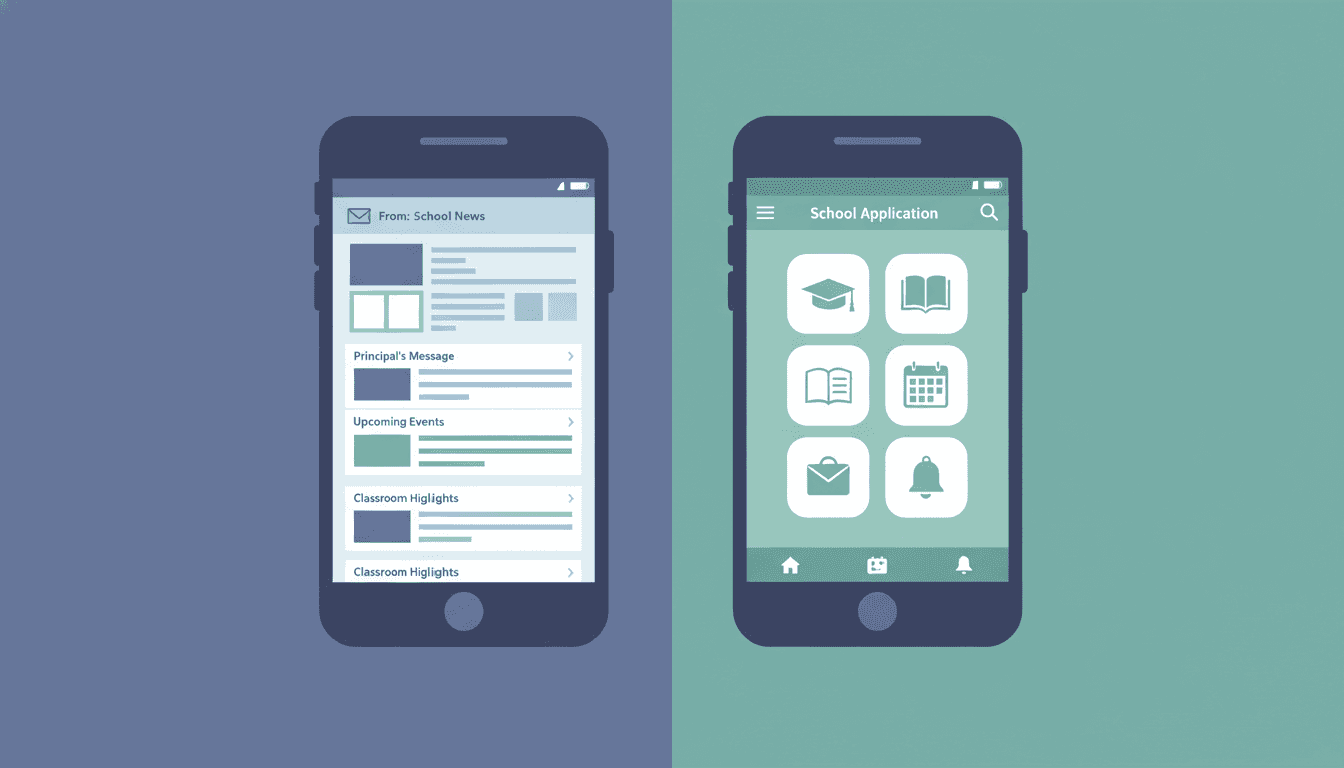
School Newsletter vs. School App: Which Is Better for Parent Communication?
Teachers and schools are using a growing list of tools to communicate with parents: ClassDojo, Remind, Bloomz, Seesaw, school-branded apps, and email newsletters. Each promises to be the solution to the parent communication problem. Most schools are now using two or three simultaneously, which has created its own problem.
Which is actually better for reaching parents? The answer depends on what you are trying to communicate and who you are communicating to.
What school apps do well
Push notifications from school apps are excellent for short, urgent, time-sensitive information. A bus delay. A school lockdown update. A reminder that homework is due tomorrow. These are brief, immediate, and binary: the parent either sees the notification and acts, or misses it.
Apps also work well for one-to-one communication between a teacher and an individual parent. A quick message about a student's behavior, a response to a parent's question, or a nudge about a missing assignment. The messaging interface of most school apps handles this naturally.
The photo-sharing features of apps like Seesaw and ClassDojo are popular with parents of younger children. Seeing a photo of their child working on a project is engaging and personal.
Where school apps fall short
Apps struggle with longer, substantive communication. The interface is not designed for reading. A 400-word update about what the class is learning, upcoming dates, and resources for home is difficult to write, format, and read in most school apps. Formatting is limited. Content gets buried in a feed alongside other posts from weeks ago.
Apps also require the parent to install and maintain another application. Adoption is rarely 100 percent. In many districts, 20 to 40 percent of families never fully set up the school app, which means a significant portion of your parent community is not reachable through it.
Perhaps most importantly: apps require the parent to check them. Email arrives in the inbox parents already monitor. A newsletter competes in a familiar context. An app requires the parent to form a new habit.
What email newsletters do well
Email reaches parents where they already are. Nearly every adult has an email address and checks it regularly. There is no app to install, no new interface to learn, and no new notification permission to grant.
Email is also the right format for substantive, structured communication: what we are learning, what is coming up, what you need to do, and what to discuss at home. The newsletter format invites more than a push notification can hold.
Email is archivable. A parent who missed the newsletter two weeks ago can search their inbox and find it. A ClassDojo post from three weeks ago is buried in a feed most parents have stopped scrolling.
Email gives you analytics. Open rates, click rates, and engagement trends over time tell you whether your communication is working. Most school apps do not provide that visibility at the classroom level.
Where email newsletters fall short
Email is not instant. A newsletter cannot replace a push notification for "school is closing early today." If you have only one communication channel and you are using email newsletters, you need a backup for emergency alerts.
Email also requires parents to have reliable email access. For some families, particularly in under-resourced communities, email access is limited or inconsistent. An approach that relies entirely on email may exclude some of the families who are hardest to reach.
The honest answer: both, with clear roles
The most effective school communication systems use both channels, but with clear, non-overlapping roles:
- School app or text for: urgent and time-sensitive alerts (closures, delays, reminders), one-to-one teacher-parent messaging, photo sharing from specific activities.
- Email newsletter for: weekly classroom updates, upcoming dates and deadlines, curriculum information, resources for home, action items with links, and any communication that benefits from structure, length, or formatting.
The mistake is trying to make one channel do everything. A newsletter crammed with emergency alerts and individual messages is cluttered. An app feed trying to carry a weekly classroom update is unreadable.
Reducing channel fatigue for parents
Parents who receive communication through five different channels from the same school eventually stop monitoring all of them. Channel multiplication creates fatigue.
The goal is clarity: parents should know exactly where to look for different types of information. If they know the teacher's newsletter covers everything weekly and the app is for urgent alerts only, they do not have to monitor everything constantly.
Daystage fills the newsletter role in this system. A consistent, formatted, branded weekly newsletter in the parents' inbox, every week. Then the app handles the moments that cannot wait.
Get one newsletter idea every week.
Free. For teachers. No spam.
Frequently asked questions
When should schools use a newsletter instead of a school app for parent communication?
For any substantive, structured communication: what students are learning, upcoming dates, resources for home, action items. Email reaches parents where they already are without requiring them to install another application or form a new habit. In many districts, 20 to 40 percent of families never fully set up the school app.
What does a school app do better than a newsletter for parent communication?
Push notifications for short, urgent, time-sensitive information. A bus delay, school closure, or same-day reminder is handled better by a push notification than an email newsletter. Apps also work well for one-to-one teacher-parent messaging and photo sharing from specific classroom activities.
How should schools divide communication responsibilities between newsletters and apps?
Give each channel a clear, non-overlapping role. Use apps or text for urgent alerts, one-to-one messaging, and photo sharing. Use newsletters for weekly structured updates, learning context, resources, and action items with deadlines. Duplicating content across both channels trains parents to ignore both.
What should schools avoid when choosing between newsletters and apps for parent communication?
Avoid using both channels for the same content, forcing parents to check multiple places for the same information. Also avoid relying solely on a school app in communities with low app adoption rates. The result is a significant portion of your parent community quietly disconnected with no one noticing.
What tool helps schools run an effective email newsletter alongside their existing school app?
Daystage is designed for the email newsletter layer specifically. It handles scheduling, templates, and analytics so teachers can maintain consistent newsletters without duplicating work they are already doing in ClassDojo or other apps.

Adi Ackerman
Author
Adi Ackerman is a former classroom teacher and curriculum writer with 8 years in K-8 schools. She writes about school communication, parent engagement, and what actually works in real classrooms.
More for Parent Engagement
Ready to send your first newsletter?
3 newsletters free. No credit card. First one ready in under 5 minutes.
Get started free