
How to Collect Parent Email Addresses for Your School Newsletter
Teachers often have great things to say in their newsletters. But if the subscriber list is patchy, the email never reaches half the families it should. Building a complete, accurate parent email list is the infrastructure work that makes everything else function.
Here is how to build and maintain that list, starting from scratch or improving what you already have.
Start with what the school already has
Your school's student information system (SIS) almost certainly contains parent email addresses. Before doing anything else, request a data export from your school office or IT department for your class roster.
A few things to check when you receive that list:
- Are there multiple parent emails per student? Most families have two guardians, and many want both to receive school communications.
- Are the addresses current? SIS data is often six to twelve months out of date. Email addresses change, and so do family contact preferences.
- Is every family represented? Some families may not have provided an email at registration or may have registered during a period when the school did not require one.
Use the SIS export as your starting point, not your final list.
Collect updates at back-to-school night or open house
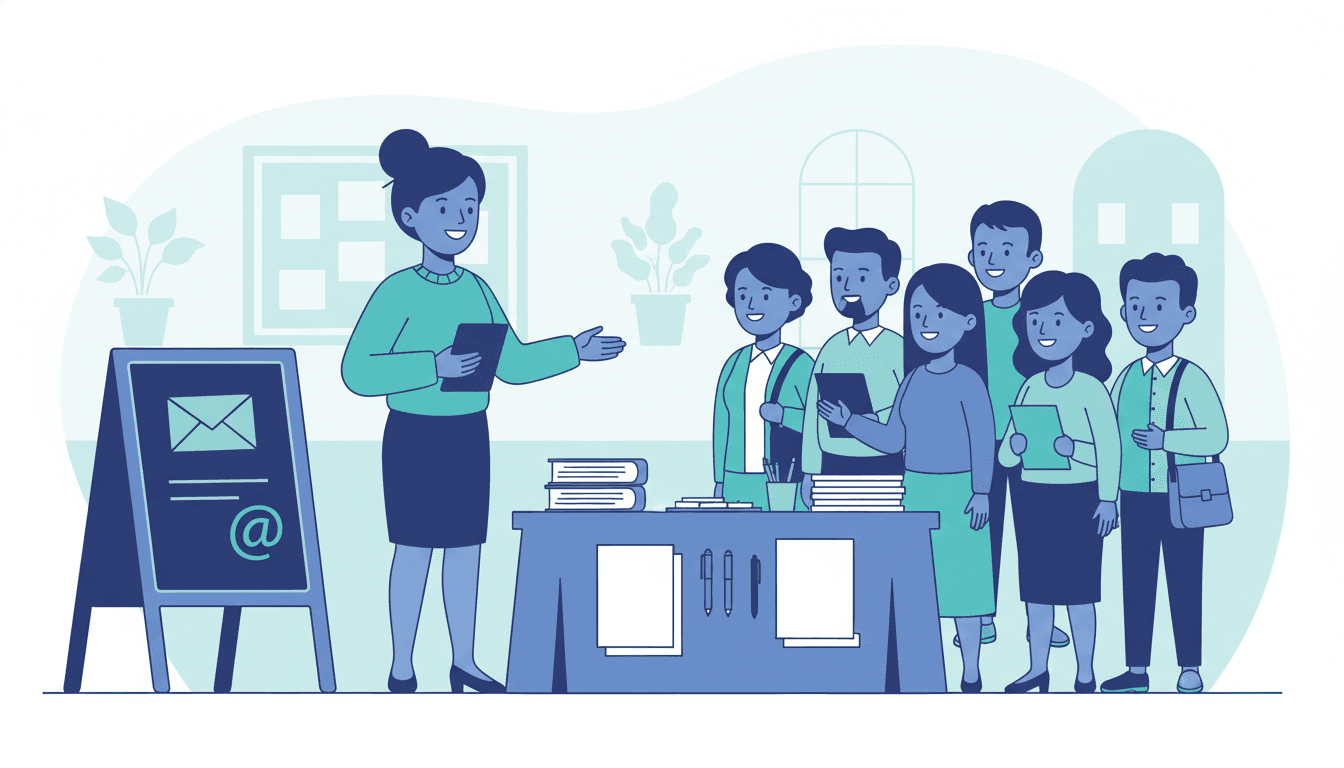
Back-to-school night is the highest-leverage moment to collect and update contact information. Parents are physically present, engaged, and motivated. Have a simple paper sign-in form with fields for: student name, parent or guardian name, primary email, secondary email (if applicable), and preferred language for communication.
A QR code linking to a Google Form works equally well if your families are comfortable with that. The key is making it easy and doing it at a moment when parents are already paying attention.
At the same time, explain how you use the email list. "I send a weekly newsletter every Sunday with classroom updates, upcoming dates, and resources for home. You can unsubscribe at any time." Families who understand what they are signing up for are more likely to engage and less likely to mark it as spam.
Include a newsletter sign-up link in your first communication
In your first email or paper communication home, include a direct link where parents can subscribe to or update their newsletter preferences. This captures families who did not attend back-to-school night and gives others a chance to add a second email address.
Daystage generates a shareable subscribe link for your classroom newsletter. You can paste this link into any email, handout, or communication, and parents who click it can sign themselves up directly without you having to manually add them.
Handle undeliverable emails quickly
Email addresses bounce for several reasons: typos at registration, outdated addresses, full inboxes, or email accounts that no longer exist. If you are not monitoring bounces, you may be missing an entire family's worth of communication without realizing it.
Most newsletter tools flag bounced addresses. When an address bounces, follow up with the family directly, either through another channel or by sending a note home with the student, to get a current email address.
Build in a list check at conferences
Parent-teacher conferences give you a direct conversation opportunity. Before diving into academic content, spend one minute confirming: "I want to make sure I have the right email address for your newsletter and updates. Is [email on file] correct? Would you like me to add a second address?"
This quick check catches address changes you would not otherwise know about and surfaces families who never received your newsletters because they were on an outdated address.
Reach families without email
Some families, particularly in Title I schools and communities with limited digital access, may not have reliable email. A newsletter-only strategy leaves these families out of the loop.
For families without email, consider: a printed version of the newsletter sent home in student folders, a QR code posted in the school lobby linking to the newsletter's public web page, or a brief phone summary for families with extremely limited access. The goal is information equity, not technology compliance.
Keep the list clean all year
Set a reminder mid-year (around January) to do a quick list audit. Remove hard bounces. Reach out to families you have not heard from. Add any new students who enrolled after the school year started.
A clean list is more valuable than a large one. Sending to outdated addresses hurts your email deliverability, meaning future emails are more likely to land in spam even for families with good addresses.
Get one newsletter idea every week.
Free. For teachers. No spam.
Frequently asked questions
When is the best time to collect parent email addresses for a school newsletter?
Back-to-school night is the highest-leverage moment. Parents are physically present and motivated, which makes it the right time to collect and update contact information with a simple sign-in form or QR code linking to a Google Form.
What information should schools collect when building a parent email list?
Collect student name, parent or guardian name, primary email, secondary email if applicable, and preferred communication language. Two guardian emails per student matter because many families want both parents to receive updates.
How should teachers handle bounced or undeliverable parent emails?
Monitor bounces after every newsletter send. When an address bounces, follow up through another channel, either a note home with the student or a direct conversation, to get a current address. Ignoring bounces means an entire family silently drops off your list.
What mistakes reduce parent email list quality over time?
Relying only on SIS exports without verifying currency is the most common mistake. School information systems are often 6 to 12 months out of date. Email addresses change and family contact preferences shift, so list maintenance at conferences and back-to-school events is essential.
What tool helps teachers manage parent email subscriptions for classroom newsletters?
Daystage generates a shareable subscribe link for your classroom newsletter. You can paste it into any communication and parents sign themselves up directly, which keeps your list accurate without manual entry.

Adi Ackerman
Author
Adi Ackerman is a former classroom teacher and curriculum writer with 8 years in K-8 schools. She writes about school communication, parent engagement, and what actually works in real classrooms.
More for Parent Engagement
Using Photos in School Newsletters: Best Practices for Teachers and Principals
Parent Engagement · 6 min read
Why Your School Newsletter Goes to Spam and How to Fix It
Parent Engagement · 6 min read
School Newsletter Communication for Military Families: Serving Families Who Move Often
Parent Engagement · 5 min read
Ready to send your first newsletter?
3 newsletters free. No credit card. First one ready in under 5 minutes.
Get started free