
New Teacher ClassDojo Newsletter: How to Introduce a Communication App to Families
Classroom communication apps can be genuinely useful when families adopt them. The problem is that adoption requires onboarding, and onboarding requires a good newsletter before the app. If your families do not know why you are using ClassDojo, how to set it up, and what to expect from it, you will spend the year sending updates to an audience of six parents while wondering why engagement is low.
The App Introduction Newsletter
Write a dedicated app introduction newsletter before you start using the platform. Cover the why before the how. Tell families what problem the app solves for them: real-time photos of what their child is doing in class, a direct message channel for quick questions, a daily behavior summary, or whatever the main value is in your specific use case.
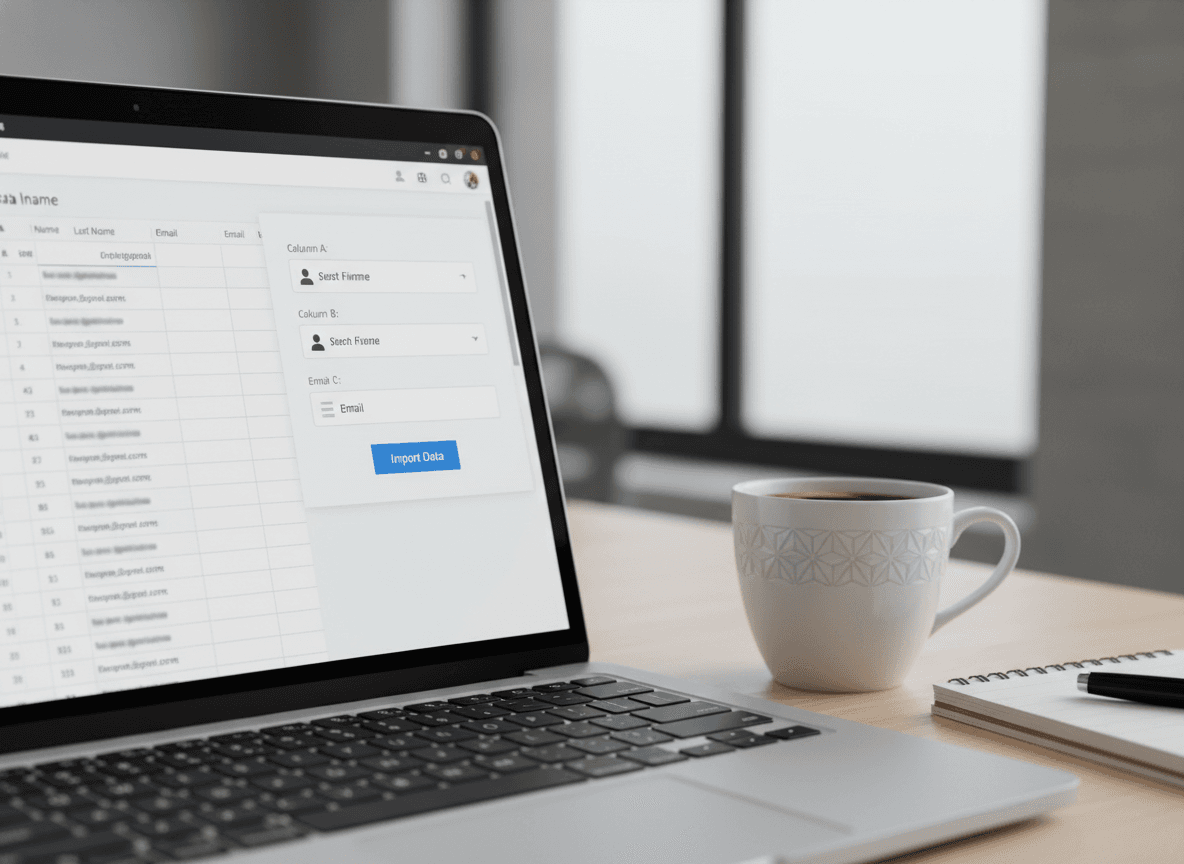
Then walk through setup step by step. Include screenshots if your newsletter format supports them. Anticipate the most common problems: parents who do not receive the invite email, families sharing one phone between multiple caregivers, and adults who are not comfortable downloading apps. Have a solution for each one ready to share.
Equity in Access
No classroom communication app reaches all families equally. Some families do not have smartphones. Some share a phone between multiple family members. Some have limited data plans that make app notifications impractical. Some adults are not comfortable with technology and will not ask for help.
Your newsletter should acknowledge this explicitly and offer an alternative. "If you do not have a smartphone or prefer not to use an app, please let me know and I will make sure you receive all updates by [alternative method]" is inclusive and straightforward. A student should never miss out on classroom communication because their family does not have the right device.
What the App Is For vs. What It Is Not For
Set clear expectations about what families will and will not receive through the app. Is it for daily behavior points? For sharing classroom photos? For quick messages? For formal announcements? The more specific you are about the app's role, the less confusion arises when families expect something from it that you are delivering through a different channel.
Also set boundaries around response times for app messages. If families can message you directly through the app, tell them when you check it and how quickly they can expect a response. "I check ClassDojo messages each evening during the school week" prevents families from feeling ignored when you do not respond within the hour.
Privacy Considerations
Some families have concerns about apps that share their child's photo or behavior data with a third-party company. These concerns are legitimate. Your newsletter should briefly address privacy: what data the app collects, whether you will be sharing student photos in the class feed, and what the opt-out options are for families who prefer not to participate in photo sharing.
Handling this proactively prevents the uncomfortable situation of a family discovering their child's photo in a class post they did not know was publicly visible.
Keeping the Newsletter Alongside the App
Apps are for daily communication. Newsletters are for the bigger picture. A new teacher who replaces their weekly newsletter with ClassDojo updates loses the communication channel that families use to understand curriculum, policy, and the arc of the school year. Keep both. They serve different needs and reach families in different ways.
Get one newsletter idea every week.
Free. For teachers. No spam.
Frequently asked questions
How should a new teacher introduce ClassDojo or a similar app to families at the start of the year?
Send a dedicated onboarding newsletter that explains what the app does, why you are using it, how to download and set it up, and what families can expect to see and receive through it. Walk through the setup step by step, anticipate the most common technical questions, and include a contact option for families who run into trouble.
What do new teachers get wrong when launching a classroom communication app?
The most common mistake is assuming all families will figure it out and reaching out mainly through the app once it is set up. Families who struggle with setup or who do not have compatible devices get silently left out. Always maintain a parallel communication channel for families who cannot access the digital platform.
How should a new teacher handle families who do not have smartphones or reliable internet?
Have a clear plan from day one. Printed newsletters sent home in the backpack, a phone call option, or a text message via a basic messaging system serves families without smartphones or internet access. Digital communication tools are an enhancement, not a replacement, for equitable access to classroom information.
How much of classroom communication should go through an app versus a formal newsletter?
Apps are excellent for quick updates, photos, and daily behavior summaries. Formal newsletters are better for curriculum overviews, policy explanations, event announcements, and anything families need to save and refer to later. Use each channel for what it does best rather than trying to make one replace the other.
How does Daystage complement app-based communication tools like ClassDojo?
Daystage handles the formal newsletter layer that apps like ClassDojo are not designed for. Teachers who use an app for daily communication and Daystage for weekly or unit newsletters have the best of both: real-time updates for engaged families and structured, permanent communication for families who prefer or need a more formal format.

Adi Ackerman
Author
Adi Ackerman is a former classroom teacher and curriculum writer with 8 years in K-8 schools. She writes about school communication, parent engagement, and what actually works in real classrooms.
More for New Teacher
How to Build a Parent Email List from Scratch (Classroom Edition)
New Teacher · 5 min read
New Teacher Curriculum Night Newsletter: Preparing Families Before They Walk In
New Teacher · 5 min read
New Teacher Mentor Communication Tips: What Experienced Teachers Know About Reaching Families
New Teacher · 6 min read
Ready to send your first newsletter?
3 newsletters free. No credit card. First one ready in under 5 minutes.
Get started free