

How to Build a Parent Email List from Scratch (Classroom Edition)
Before you can send your first newsletter, you need a list of parent email addresses. For most new teachers, this is the step that feels like the most friction. Here is how to get it done quickly and keep the list clean all year.
Start with the School Roster
Your school will give you a class roster with parent contact information. This is your starting point, not your finished list.
School roster data is often one or two years old. Some email addresses are outdated. Some parents have changed their preferred contact address. Some entries have typos.
Use the roster to build an initial list, then verify and supplement at back-to-school night.
Back-to-School Night: Your Best Collection Opportunity
Back-to-school night is the most reliable place to collect verified, current parent emails. Set up a simple paper sign-in sheet with three columns: parent name, student name, and email address.
Frame it as a benefit, not a form. "I send a short class newsletter every Friday. If you want to receive it, add your email here." Most parents who are present will sign up.
Important: collect email addresses for both parents or guardians when possible. Some families want both parents on the list. The sign-in sheet lets you capture that in a way the school roster often does not.
A Backup Method for Parents Who Cannot Attend
A significant percentage of families cannot make back-to-school night. For these families:
- Send a paper form home in backpacks. A simple half-sheet: "I send a weekly class newsletter by email. To receive it, please fill in your preferred email address and return this form by Friday." Keep it simple.
- Include a signup link in your introduction email. If your newsletter tool has a signup link, include it in your introduction email. "If you would like to receive my weekly class newsletter, click here to add your email."
- Collect at your first parent-teacher conference. For families you have not reached by email or paper form, use conference check-in as a collection point.
Importing Your List into a Newsletter Tool
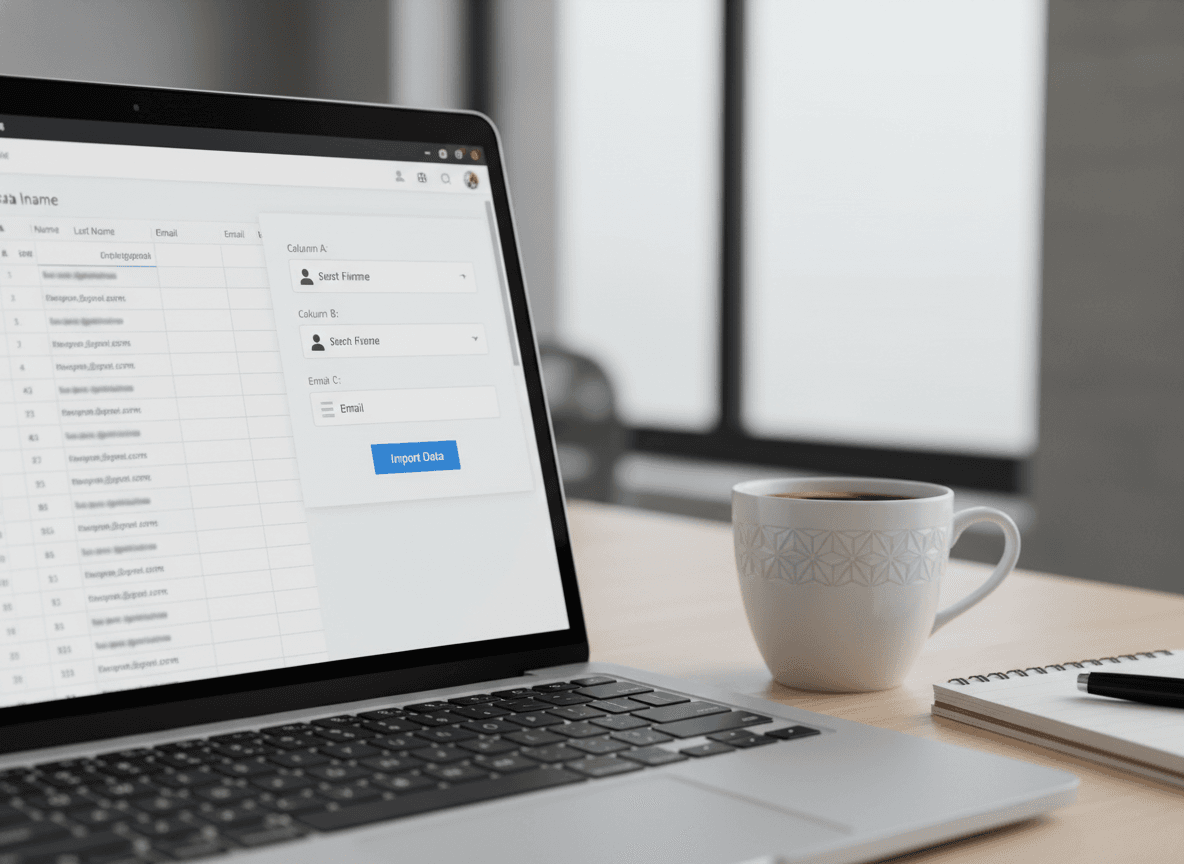
Most newsletter tools let you import email addresses from a spreadsheet or CSV file. Here is how to prepare your list for import:
- Open a spreadsheet (Google Sheets or Excel works). Create columns for: first name, last name, email address.
- Enter your list. Double-check each email address for typos. A wrong address will bounce. Too many bounces can affect your sender reputation.
- Export or download as CSV (comma-separated values).
- In your newsletter tool, look for an "Import subscribers" or "Add contacts" option. Upload your CSV. Most tools will map the columns automatically.
The whole import process takes under 10 minutes once your spreadsheet is ready.
How to Handle Bounced or Invalid Emails
After your first newsletter send, some emails will bounce. A "hard bounce" means the address does not exist. A "soft bounce" usually means a temporary delivery issue.
For hard bounces, remove the address and try to find the correct one. Check the school roster for an alternate address. Send a note home with the student asking parents to update their contact info.
Most newsletter tools track bounces automatically and will show you which addresses failed. Check this after your first send and clean up the list.
Keeping the List Updated All Year
Parent contact information changes during the year. Families move. Email addresses change. New guardians get added to a case. Here is how to keep the list current without making it a constant maintenance burden:
- Include an update link in your newsletter footer. Most newsletter tools have a "manage preferences" or "update contact info" link you can add. Parents who notice a wrong email can update it themselves.
- Do a quarterly check of bounced addresses. At the end of September, December, and March, review any addresses that have been bouncing and either find updated contact info or remove them.
- Add new contacts as they come in. When a new student joins your class mid-year, add their parent to the newsletter list on the same day you add them to your class roster. Do not wait.
Privacy and FERPA Considerations
Parent email addresses collected through school are subject to FERPA (Family Educational Rights and Privacy Act) protections. The email addresses you collect are for classroom communication. They should not be shared with anyone outside of school communication.
Do not use your classroom parent email list for any purpose other than classroom communication. Do not add these emails to personal mailing lists. Do not share the list with other teachers or school organizations without asking the families first.
In practice, this means: use a newsletter tool that sends on your behalf and keeps the list private, not a personal Gmail with all parents in the BCC field.
What a Good Subscriber List Looks Like by October
By the end of October, a healthy classroom parent list should have:
- At least one contact for each student (usually 80-90% of families, not 100%)
- Zero hard bounces left on the list
- A mix of both parents or guardians for families that wanted both added
A 100% open rate is not realistic. A 40-60% open rate on a classroom parent newsletter is typical and healthy. Some parents subscribe and rarely open. Some parents open every single one. As long as the list is clean and the newsletter goes out consistently, you are doing it right.
Get one newsletter idea every week.
Free. For teachers. No spam.
Frequently asked questions
When should new teachers start building their parent email list?
Start collecting emails before the school year begins, ideally at back-to-school night or through registration forms. The earlier you have a working list, the sooner your first newsletter reaches every family. Waiting until October means some parents miss your first few updates entirely.
What information should a new teacher collect when building a parent email list?
Collect at least one email address per student, the parent or guardian name, and a preferred contact name if it differs. A simple Google Form or paper sign-in sheet at back-to-school night covers everything you need. Skip phone numbers and secondary contacts for now.
How should new teachers handle parents who do not provide an email address?
Send a paper copy of your first newsletter home with the student and include a note asking families to update their contact info. Most parents will respond once they see what they are missing. Keep a running list of who has not yet provided an email so you can follow up by week three.
What are common mistakes new teachers make when building their parent email list?
The most common mistake is relying on the school roster alone, which often has outdated emails. Another is waiting until the year starts instead of collecting at back-to-school night when every family is already in the room. Teachers also forget to update the list when students move or parents change contact information mid-year.
Is there a tool that helps new teachers manage their parent email list and send newsletters?
Daystage is built specifically for classroom newsletters, so your email list, newsletter drafts, and send history all live in one place. You import your parent contacts once and send each week without switching between tools.

Adi Ackerman
Author
Adi Ackerman is a former classroom teacher and curriculum writer with 8 years in K-8 schools. She writes about school communication, parent engagement, and what actually works in real classrooms.
More for New Teacher
Ready to send your first newsletter?
3 newsletters free. No credit card. First one ready in under 5 minutes.
Get started free