
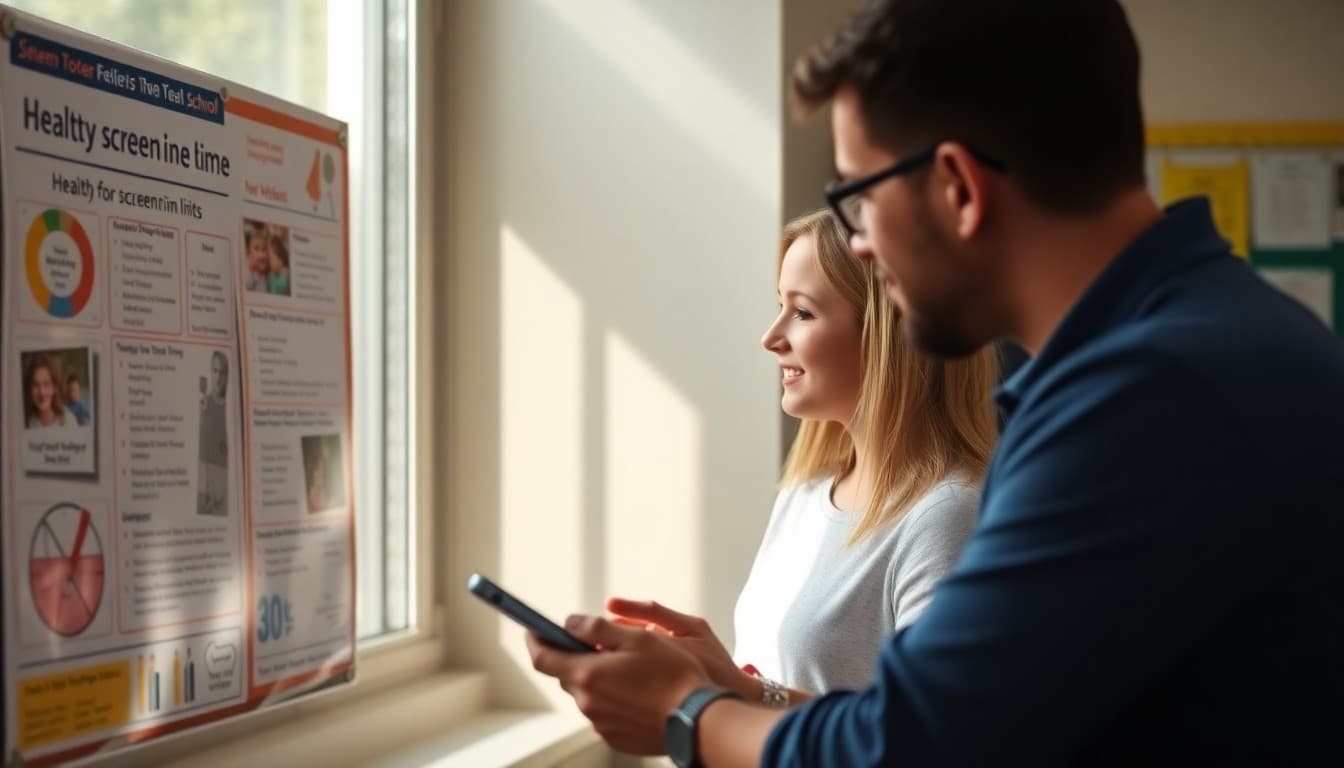
Screen Time and Health Newsletter for School Families

Screen time is one of the most contested topics in student health, and families are getting conflicting advice from every direction. A school newsletter on screen time and health does not need to take a dramatic stance. It needs to give families credible, specific information they can act on, and it needs to acknowledge that this is genuinely complicated. Here is how to write one that helps rather than lectures.
Why This Topic Needs a Dedicated Newsletter
The average American child between ages 8 and 12 spends more than five hours per day on screens outside of school. Teenagers average over seven. These numbers come from Common Sense Media's 2023 Census, and they are significantly higher than recommendations from the American Academy of Pediatrics and the World Health Organization. Yet most families do not know the recommended limits, have not discussed them with their child's doctor, and have never received school-specific guidance. A newsletter changes that without requiring a parent event or a curriculum overhaul.
The Difference Between Educational and Recreational Screen Use
One thing that confuses families is that schools assign homework on devices. A student might spend 90 minutes doing math on a Chromebook, then two hours watching videos. How do families set limits when the device itself is a school requirement? Address this directly in your newsletter. Educational screen time and recreational screen time affect the brain differently. Completing a reading assignment on a tablet is cognitively active. Scrolling a social media feed for two hours is passive and carries different health risks. Help families set limits on the recreational portion while supporting the academic portion.
Health Effects Families Should Know About
The most well-documented health impacts of excessive recreational screen time in school-age children include disrupted sleep from blue light exposure before bed, reduced physical activity that increases sedentary behavior, increased anxiety and depression in adolescents who use social media heavily, and difficulty sustaining attention on tasks that do not provide constant stimulation. Present these effects plainly and explain the mechanism where possible. Families are more likely to act when they understand why something is happening, not just that it is.
Practical Strategies That Work in Real Households
Most screen time advice sounds reasonable but is impossible to enforce in a busy household with multiple children and both parents working. Focus on high-impact, low-friction strategies. A no-screens rule during dinner and for 30 minutes before bed is simpler to enforce than a strict daily hour count. Device charging stations in a common area, not bedrooms, remove the overnight temptation. A weekend outdoor activity block, even 45 minutes, breaks the pattern of passive weekend screen use. Offer two or three of these and let families choose what fits their situation.
Sample Template Excerpt
Here is a section you can adapt for your own newsletter:
A Screen Time Check-In From Our School Health Team
As we head into the colder months, screen time tends to increase for most families. We wanted to share a few observations from our school health office and some tips you can try at home.
We have noticed more students coming to school tired on Monday mornings. When we ask what they did over the weekend, many describe hours of gaming or streaming, often late into the night. Blue light from screens tells the brain to stay awake by suppressing melatonin. A simple fix: screens off 30 minutes before bed and charged in a room other than the bedroom.
Talking to Kids About Screen Time Without Creating Conflict
Parents often report that conversations about screen time turn into arguments. Suggest specific conversation starters families can use. Instead of "You are on that thing too much," try "Can you tell me about what you were watching?" or "What would you do if you had an extra hour with no screens?" These questions build dialogue rather than resistance. When students understand why limits exist and feel heard about how they spend their time, they are more likely to self-regulate as they get older.
When Screen Time Points to a Bigger Concern
For some students, excessive screen use is a symptom of anxiety, loneliness, or depression rather than the cause. If a student is withdrawing from friends and family, losing interest in activities they used to enjoy, or showing signs of compulsive phone checking, those behaviors warrant a conversation with a counselor rather than just a stricter parental limit. Your newsletter is a good place to name this possibility and direct families to the school counselor or their pediatrician if they are worried.
Coordinating With the Technology Coordinator
Your school's technology coordinator likely has policies around device use at school that connect to the health guidance you are sharing. Coordinate before you send the newsletter to make sure the messaging aligns. If the school's acceptable use policy limits personal device use during certain hours, your newsletter can reinforce that rationale from a health angle. Consistent messaging between the health office and the tech team gives families a coherent picture of why the school takes this seriously.
Get one newsletter idea every week.
Free. For teachers. No spam.
Frequently asked questions
What are the recommended screen time limits for school-age children?
The American Academy of Pediatrics recommends no more than one hour per day of recreational screen time for children ages 2 to 5. For ages 6 and older, consistent limits are recommended without a specific number, because the quality of content and context matters as much as the hours. Educational screen use during school is different from passive entertainment at home. Your newsletter should help families distinguish between these categories.
How does recreational screen time affect student health?
Excessive recreational screen time is linked to disrupted sleep, reduced physical activity, higher rates of anxiety and depression in adolescents, and difficulty sustaining attention on non-digital tasks. The effects are strongest when screen time happens within 90 minutes of bedtime or when it replaces outdoor play and face-to-face interaction. These connections are worth spelling out clearly in your newsletter.
How should schools address the overlap between educational and recreational screen use?
Many students use the same devices for homework and entertainment, making it hard for families to enforce clear limits. Encourage families to create a homework-first protocol where academic tasks are completed before any recreational use begins. Some families find it helpful to use separate browser profiles or content filters that shift after a homework window closes. Your school IT coordinator may be able to suggest tools that work with your district's devices.
What is the best way to frame screen time advice without blaming families?
Acknowledge that screens are everywhere and that parents are navigating this without a clear playbook. Avoid framing screen time as a parenting failure. Instead, share what the evidence says, offer two or three specific strategies, and trust families to make adjustments that work for their household. A non-judgmental tone keeps families engaged rather than defensive.
How can Daystage help schools communicate about screen time and health?
Daystage lets you build a formatted, branded newsletter with images and links, then send it to all families at once. You can schedule a screen time health newsletter to go out at natural moments like the start of the school year, before winter break, or at the beginning of a health unit. Open rate tracking shows you whether families are reading what you send, which helps you refine future communications.

Adi Ackerman
Author
Adi Ackerman is a former classroom teacher and curriculum writer with 8 years in K-8 schools. She writes about school communication, parent engagement, and what actually works in real classrooms.
More for Health & Wellness
Ready to send your first newsletter?
3 newsletters free. No credit card. First one ready in under 5 minutes.
Get started free