

How to Feature Student Spotlights in Your School Newsletter
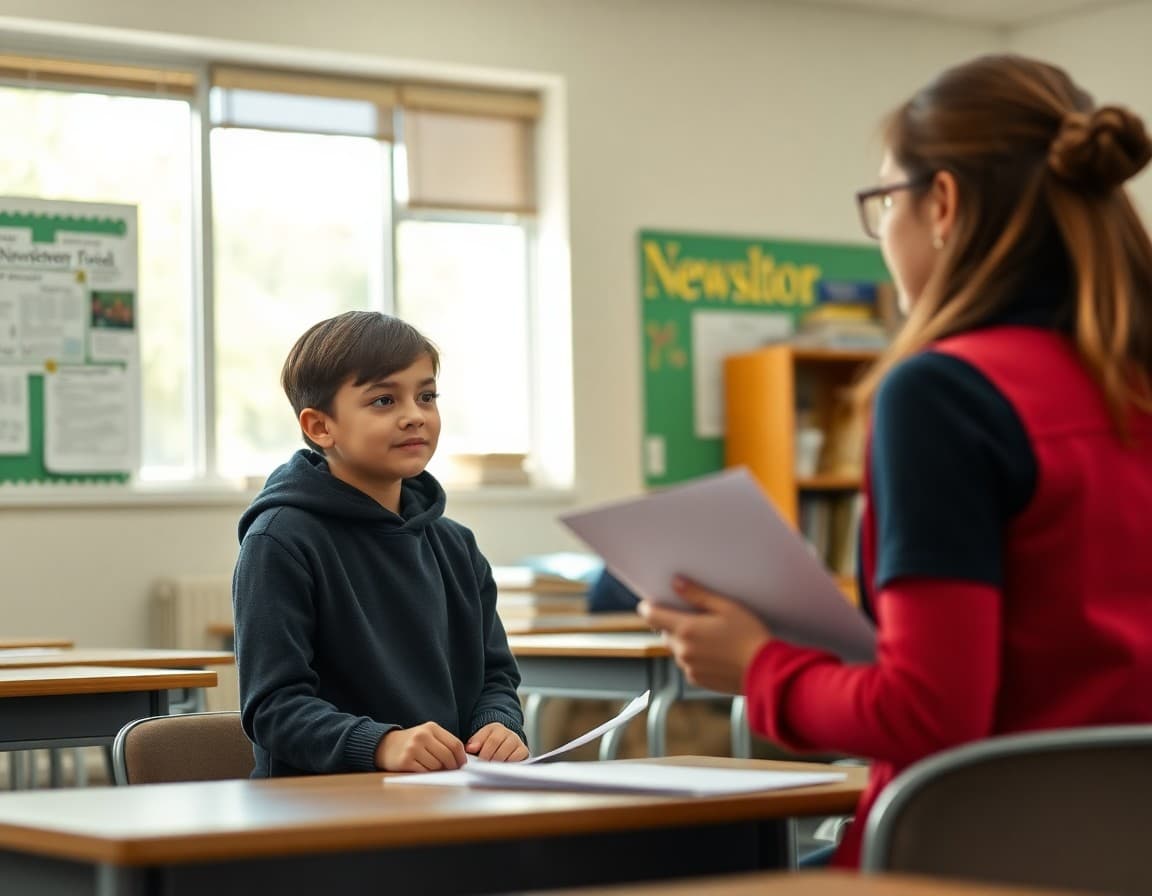
A well-written student spotlight is the section of the newsletter that parents read aloud at the dinner table. It is also the section most likely to be screenshot and shared with grandparents. Done consistently, it builds school culture and gives students a clear signal that their school notices and celebrates them. Here is how to do it well every week.
Finding Students Worth Spotlighting
The best spotlight candidates come from teachers who know their students well. Set up a simple nomination process: a Google Form with three fields (student name, grade, and what they did worth celebrating). Send the form link to all staff every two weeks. Teachers submit nominations whenever a student does something noteworthy. This creates a pool of candidates the newsletter editor can draw from without hunting for stories. After one semester, you will typically have more nominations than issues, which is a good problem to have.
Checking Media Release Status Before Publishing
Before writing a spotlight, check the student's enrollment file for a signed media release. Your district office or registrar can confirm which families have signed. Build a simple checklist into your publishing workflow: nominee name, media release confirmed (yes/no), photo permission confirmed (yes/no). If no release is on file, contact the family directly by phone or email. Most families who receive a call asking permission to feature their child respond with genuine excitement and same-day approval.
Writing the Spotlight in Four Sentences
Sentence 1: Name, grade, and achievement. "Marcus Chen, a 4th grader at Lincoln Elementary, won first place in the regional science fair last weekend." Sentence 2: Specific detail. "His project tested whether plants grown under LED lights produce more oxygen than plants grown under fluorescent lights over a 30-day period." Sentence 3: Quote or personal element. "Marcus said he got the idea from a YouTube video about NASA's plans to grow plants on the moon." Sentence 4: What comes next. "He will advance to the state competition in April." This structure takes under five minutes to write and gives parents something specific and interesting.
Getting a Good Photo Without a School Photographer
Most student spotlight photos are taken by teachers on their phone during the school day. Three tips for better results: (1) Take the photo near a window or outside for natural light; fluorescent classroom lighting produces flat, unflattering images. (2) Get close. A full-body shot where the student's face is the size of a thumbnail does not work well in a newsletter column. A head-and-shoulders shot with the student looking at the camera or engaged in their activity works best. (3) Take five shots and pick the best one. Students often need a moment to relax before a natural expression appears.
Rotating Spotlight Criteria Through the Year
Track which students have been featured and which criteria have been used each issue. Create a simple log with columns: date, student name, grade, achievement type (academic, character, creative, athletic, community). Review this quarterly. If all spotlights have been academic achievement stories, deliberately seek nominations for character or creative achievements. If spotlights have come primarily from one grade level, prompt teachers in underrepresented grades to nominate. Over a year, every grade and multiple achievement types should appear.
Handling Families Who Do Not Want Their Child Featured
Some families prefer privacy for cultural, safety, or personal reasons. Honor this without question. If a family declines, thank them and let them know you will keep their child's achievement on file to acknowledge at a school assembly instead. Never press for a reason. The student can still receive recognition through internal channels. If a particular family has expressed a general preference against any public recognition for their child, flag this in your nomination system so future spotlight candidates from that family are not nominated without a fresh check.
The Community Effect of Consistent Spotlights
Schools that run a student spotlight in every newsletter for a full school year report an interesting pattern: students start looking forward to reading the newsletter because they want to see who is featured. Parents whose children are not featured yet ask when their child's turn is coming. This is a signal that the feature is working. When a newsletter section creates active parent engagement and student attention, it is doing community-building work that goes well beyond the six sentences it occupies on the page.
End-of-Year Spotlight Archive
At the end of the school year, compile all student spotlight entries into a single end-of-year archive section or dedicated newsletter issue. List every featured student with a one-line summary of their achievement. This archive is a meaningful artifact: families print it, save it, and reference it at 8th grade graduation or when writing college applications. It also demonstrates to incoming parents that your school genuinely celebrates students throughout the year, not just on award-day ceremonies.
Get one newsletter idea every week.
Free. For teachers. No spam.
Frequently asked questions
What kinds of achievements should be featured in a student spotlight?
Academic awards and test scores are the most obvious but not always the most interesting. Student spotlights that highlight perseverance ('improved her reading level by three grades this year'), community contributions ('organized the school supply drive single-handedly'), creative work ('wrote a short story selected for the district anthology'), and character moments ('returned a lost wallet to the front office') resonate with more families than straight honor roll lists. Vary the achievement type so different kinds of students see themselves reflected over the school year.
How do you get permission to feature a student in the newsletter?
Most districts include a media release form in the enrollment packet. If a family signed this form, you generally have permission to publish the student's name, grade, and a school-taken photo in official communications. Read your district's specific media release language carefully; some releases cover print only, and digital/email newsletters may need a separate authorization. When in doubt, contact the family directly before publishing. For any student without a media release on file, you can still feature their achievement without a photo and optionally with the family's name withheld.
How long should a student spotlight be?
Three to five sentences is the right length for a newsletter student spotlight. One sentence names the student and the achievement. One or two sentences add specific detail. One sentence gives a quote from the student, teacher, or parent (optional but valuable). One sentence closes with what comes next for the student or what the recognition means. Under 80 words total. Longer spotlights push other important content out of the newsletter and lose parent attention before they finish reading.
How many students should be spotlighted per newsletter issue?
One per issue for a weekly newsletter works best. Multiple spotlights in one issue can feel like a yearbook page and dilute the attention each student receives. One clear spotlight, well-written and with a photo, gives that student a genuinely prominent moment. For monthly newsletters, two to three spotlights per issue is appropriate given the longer publication interval. Resist the temptation to include an honor roll list as a substitute for real student stories; lists without context do not give families anything to talk to their child about.
Does Daystage have a student spotlight section template?
Yes. Daystage includes a student spotlight block with a photo slot, a student name and grade field, and a content area for the story. The template is designed to look polished without requiring any design skill. You upload a photo, fill in the name and story, and the block formats automatically to match your newsletter's branding. Parents who submit their own student photos through the RSVP or form features can also feed content into this process.

Adi Ackerman
Author
Adi Ackerman is a former classroom teacher and curriculum writer with 8 years in K-8 schools. She writes about school communication, parent engagement, and what actually works in real classrooms.
More for Guides
Ready to send your first newsletter?
3 newsletters free. No credit card. First one ready in under 5 minutes.
Get started free