
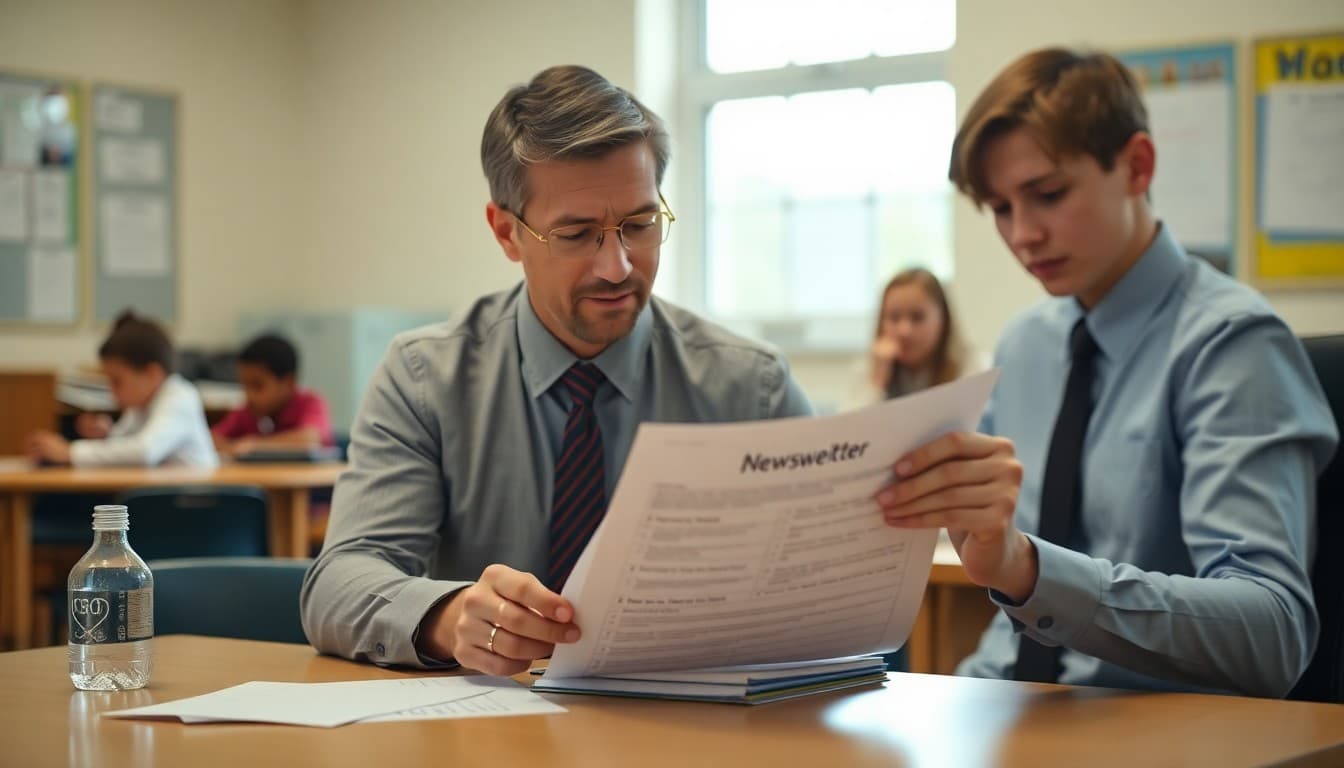
10 School Newsletter Mistakes That Kill Parent Engagement
You send the newsletter. Open rates hover around 20 percent. Half the families still show up to events unprepared. Sound familiar? The problem usually isn't the content itself. It's a handful of recurring mistakes that make parents stop reading before they reach the important parts.
1. Burying the Most Important Item
Teachers often write newsletters the way they'd write a report: background first, key news last. Parents read the opposite way. If the permission slip deadline is Thursday, that needs to be in the first sentence or the first visual block, not paragraph four. Look at your last three newsletters and find where the most urgent item appears. If it's below the fold, move it up.
2. No Clear Visual Hierarchy
A newsletter with no headings, no bold text, and no bullet points looks like a memo from 1992. Parents scanning on a phone in the pickup line won't slow down to find the dates buried in paragraph two. Break every newsletter into named sections. Use short headers like "This Week's Dates" or "Action Needed" so parents can jump to what matters to them.
3. Sending Too Much at Once
More content doesn't mean more engagement. A newsletter covering 12 topics teaches parents that most of it won't apply to them, so they stop opening. Pick 3 to 5 items per issue. If something important gets cut, it goes at the top of the next issue, or it gets its own short standalone message instead.
4. Generic Subject Lines
Subject lines like "Mrs. Johnson's Class Newsletter - March" compete with everything else in a parent's inbox. A subject line like "Book report due Friday + read-a-thon kicks off Monday" gives parents two reasons to open immediately. Write the subject line last, after you know what's actually in the issue, and lead with the most time-sensitive item.
5. Forgetting Mobile Readers
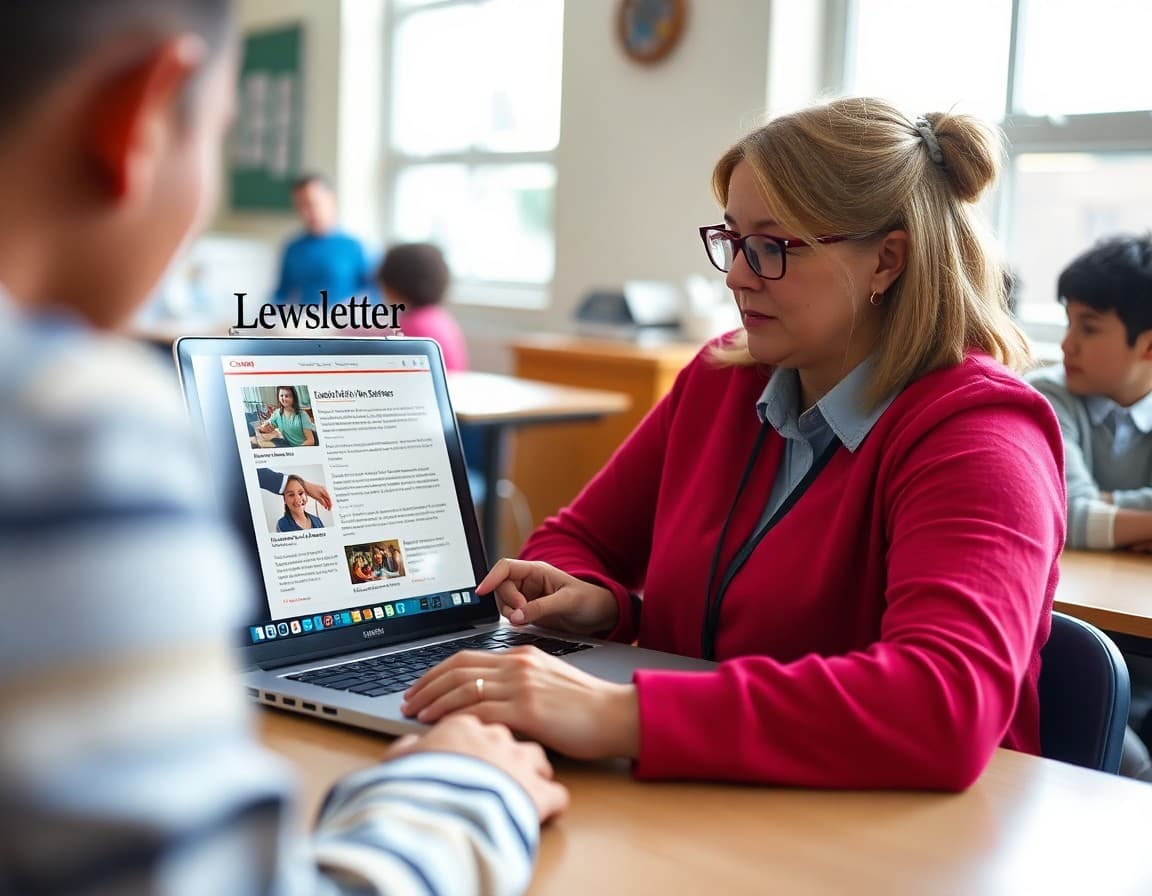
Most parents read school emails on a phone. A newsletter designed in a word processor and sent as a PDF looks like a disaster on a 6-inch screen. Use a platform built for email formatting, keep images under 600 pixels wide, and test on your own phone before sending. If you have to pinch and zoom to read it, so does everyone else.
6. Irregular Sending Schedule
When newsletters arrive randomly, parents learn not to look for them. Families who know to expect a newsletter every Sunday night will actually read it. Pick a day and time and protect it. Even when it's a short week or a quiet month, send something. Consistency builds the habit in your readers.
7. No Call to Action
Too many school newsletters are pure information dumps with nothing for parents to do. Even if the action is small, include one clear next step per issue. Something like: "Reply to this email to confirm your volunteer slot" or "Click here to see photos from last week's science fair." Families who act on a newsletter are far more likely to open the next one.
Template Excerpt: Strong Opening Block
Here is what a well-structured opening looks like in practice:
Subject: Field trip forms due Wednesday + Book Fair starts Monday
Header: Room 12 News | Week of October 7
Action Needed This Week: Field trip permission forms must be returned by Wednesday, October 9. No form, no trip. Download and print from the link below or pick one up at the front office.
This opening takes 10 seconds to read and tells parents exactly what to do before they even scroll.
8. Ignoring Unsubscribes and Bounces
If 30 percent of your list never opens, your emails may start landing in spam for everyone. Most email platforms flag senders with high bounce rates. Once a quarter, review which addresses haven't opened in three months and remove them. A smaller, engaged list performs better than a large unresponsive one.
9. All Text, No Photos
A single classroom photo from last week's project or a picture of student work increases the chance parents actually read the text around it. You don't need professional photography. A quick phone shot of the science experiment on the table is enough. Photos make the newsletter feel personal, not institutional.
10. No Archive or Way to Catch Up
Families who join mid-year or miss a few issues have no way to get current. Keep a simple archive on your school website or share past issues on request. Some platforms let families access a web-hosted version of every past newsletter, which also helps new families feel oriented quickly.
Get one newsletter idea every week.
Free. For teachers. No spam.
Frequently asked questions
What is the biggest mistake schools make with newsletters?
Sending too much information in a single issue is the most common problem. When families see a wall of text, they stop reading after the first few lines. Limit each newsletter to 3 to 5 focused topics and cut anything that can be shared another way.
How often should a school newsletter be sent?
Most elementary schools see the best open rates with a weekly or biweekly cadence. Middle and high schools can often get away with biweekly or monthly if the content is high-value. The key is consistency: families should know exactly when to expect it.
Does a newsletter subject line really matter that much?
Yes, dramatically. A generic subject line like 'Westfield Elementary Newsletter - Week 14' tells parents nothing useful. A specific line like 'Spring concert tickets go on sale Friday' gives a reason to open right now. Test two subject lines on a small group if your platform allows it.
What should be excluded from a school newsletter?
Avoid announcements that have already passed, jargon that parents outside education may not recognize, and internal staff business that families don't need to act on. Every item should pass a simple test: does a parent need to know this, do something about it, or does it celebrate student work?
Is there a tool that makes it easier to avoid these mistakes?
Daystage is built specifically for school newsletters and has templates that enforce good structure by default. The platform limits block types so you can't accidentally create a 2,000-word wall of text, and it shows a real-time preview so you can check readability before sending.

Adi Ackerman
Author
Adi Ackerman is a former classroom teacher and curriculum writer with 8 years in K-8 schools. She writes about school communication, parent engagement, and what actually works in real classrooms.
More for Guides
Ready to send your first newsletter?
3 newsletters free. No credit card. First one ready in under 5 minutes.
Get started free