
Images vs. Text in School Newsletters: What Works Better
The images-versus-text question comes up regularly when schools are building newsletter templates. The practical answer is that both matter, neither should dominate, and the specific type of image matters more than the count. Here is what actually affects how families engage with your newsletter.
What Images Do Well
A photo from last week's third-grade science fair does something no text can: it shows families something that happened when they were not there. Images create an emotional connection to the school that text alone cannot produce. For families receiving newsletters on phones during their lunch break, a compelling image is often what stops the scroll and gets them to read the text.
Photos of specific students (with appropriate permission), events in progress, classroom activities, and staff introductions all perform well. They are specific, they are real, and they reflect the school community families care about.
What Images Do Poorly
Generic stock photos add visual weight without adding meaning. A photo of a generic student at a generic desk communicates nothing specific and does not give families a reason to look closely. Over time, stock photos train families to skim past the images in your newsletter because they have learned the images do not contain real information.
Large banner images at the top of every newsletter, especially ones that are purely decorative, also slow load times and eat up mobile screen space before families have encountered any content. If the first thing a mobile reader sees requires scrolling past a large graphic to get to actual information, some portion of them will not make it.
The Deliverability Reality
Email spam filters use image-to-text ratio as one of many signals. An email that is primarily images with minimal text is more likely to be filtered. The exact threshold varies by platform and email provider, but a reasonable guideline is that text should account for at least 60 percent of your newsletter's content by character count. This does not mean avoiding images; it means making sure each image section is accompanied by meaningful text.
Another deliverability factor: some families use email clients that block images by default, particularly in school district or corporate email environments. For those readers, alt text is what they see. An image with no alt text is literally invisible to them.
Alt Text Is Not Optional
Every image in your newsletter should have descriptive alt text. Not "image" or "photo" but a real description: "Students in Ms. Rivera's third-grade class presenting their volcano projects at the science fair." Alt text serves two audiences: families using screen readers for accessibility, and families whose email clients are blocking images. Writing good alt text takes 10 seconds and ensures your message is complete for every reader.
The Right Ratio for School Newsletters
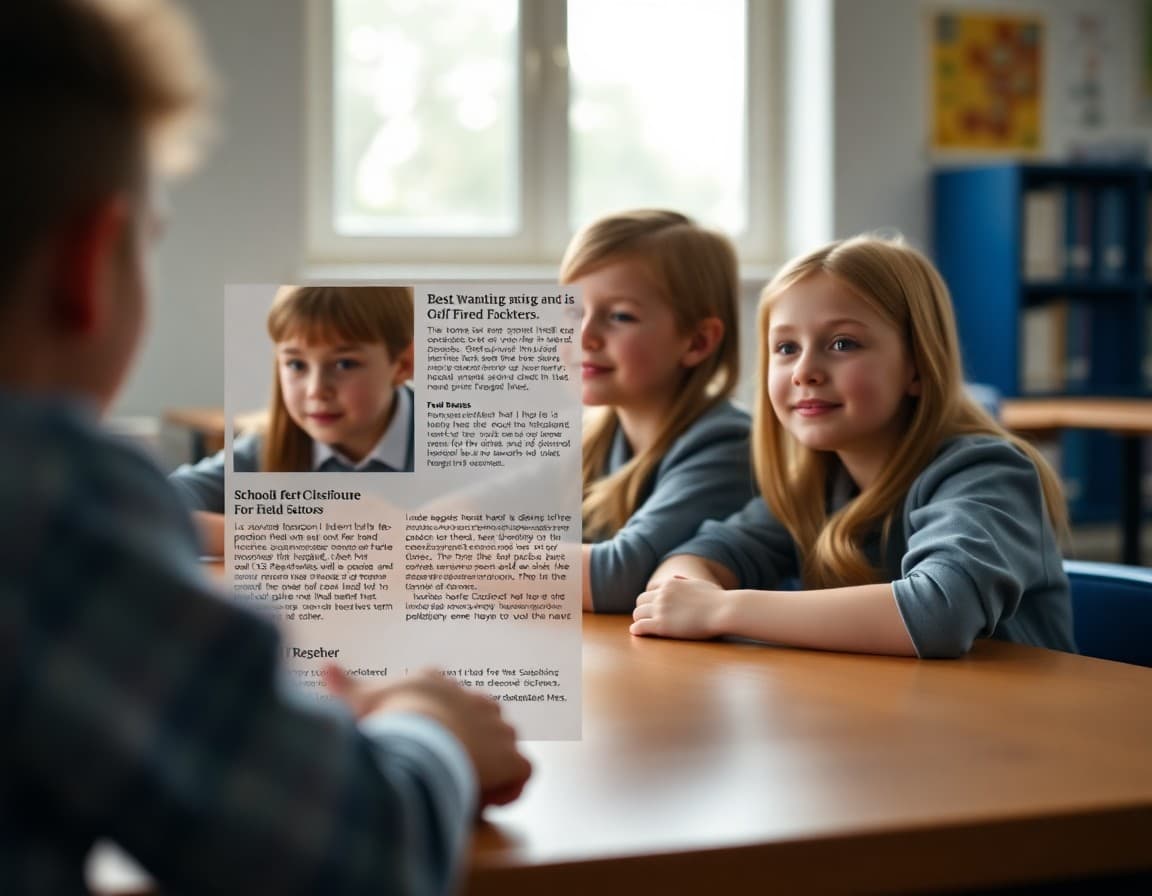
Most school newsletters that perform well land somewhere in this range: one to three photos per newsletter, placed to illustrate specific sections rather than decorating the header. A feature story about a school event is well served by one photo. A sports season preview might include one team photo. A newsletter announcing a new staff member benefits from one headshot.
The images that work best are earned: they exist because there is something worth showing, not because the template has a slot for a photo.
Mobile Rendering Changes the Equation
On mobile, images typically display full-width in a single-column layout. An image that looks like a reasonable proportion next to text on desktop becomes a large interruption on mobile, requiring the reader to scroll past it to reach the next section of text. Preview every newsletter on a mobile device before sending. If the images feel like they are taking up too much space relative to the content, they probably are.
When Text-Only Newsletters Work
For some types of school communications, a text-only or minimal-image approach is actually better. Emergency notifications, schedule change announcements, and brief reminders about deadlines are clearer as plain, focused text. Adding an image to "School is closed tomorrow for a weather day" adds nothing and slightly delays the message reaching families. Save the images for newsletters where they add genuine value.
A Framework for Deciding
Before adding an image to a section, ask: does this image show something specific that families would want to see? Does it support the text in a way the text cannot accomplish alone? If the answer is yes, use it. If you are adding it because newsletters are supposed to have images, reconsider. The families who engage most consistently with school newsletters are the ones who have learned that every element of the newsletter is worth reading.
Get one newsletter idea every week.
Free. For teachers. No spam.
Frequently asked questions
Do school newsletters with more images get better engagement?
Not necessarily. Newsletters with one or two well-placed images often perform better than heavily image-based newsletters. Images attract attention and add warmth, but they also increase loading time on slow connections, may not display in some email clients by default, and can trigger spam filters when the image-to-text ratio is too high. A balanced approach works best.
Do images hurt email deliverability for school newsletters?
Emails that are mostly images and contain very little text are more likely to be flagged by spam filters. Email providers look at image-to-text ratio as one of many signals. A newsletter that is 80 percent images with minimal text may end up in the promotions tab or spam folder. Aim for a ratio where text makes up at least 60 to 70 percent of the email content.
What are the best types of images to include in a school newsletter?
Photos of students doing school activities (with appropriate permission), photos from events families attended, teacher headshots for introductions, and event flyers perform well. Stock photos tend to feel impersonal and are often skipped by readers. Real images from real school moments are almost always more effective than generic visuals.
What happens when families have image loading disabled in their email client?
Some email clients, particularly corporate and government email systems, block images by default. Families using these systems will see alt text in place of images. Always write descriptive alt text for every image in your newsletter. Alt text should describe what is in the image, not just say 'photo.' This serves accessibility needs and ensures your message still communicates when images do not load.
What newsletter platform makes it easy to balance images and text for schools?
Daystage is designed specifically for school newsletters and uses a block-based layout that makes it easy to pair text sections with supporting images. You can see a live preview of how the newsletter looks before sending and check the mobile rendering, which is where most parents will read it.

Adi Ackerman
Author
Adi Ackerman is a former classroom teacher and curriculum writer with 8 years in K-8 schools. She writes about school communication, parent engagement, and what actually works in real classrooms.
More for Guides
Ready to send your first newsletter?
3 newsletters free. No credit card. First one ready in under 5 minutes.
Get started free