

School Newsletter Editing Checklist: Never Send with Errors Again
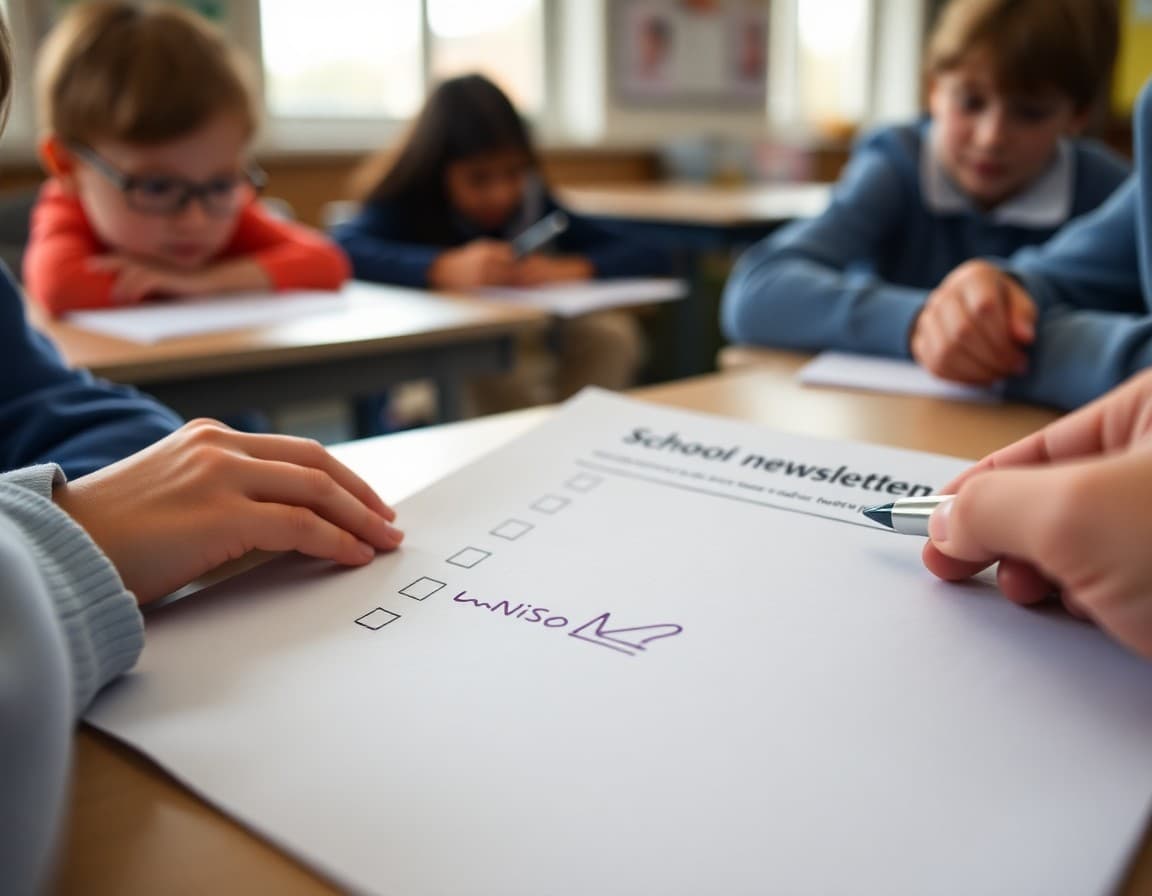
The newsletter went out with a broken RSVP link. Then one with the wrong conference room number. Then one that still had "[INSERT DATE HERE]" in the second paragraph. None of these errors made it past a checklist. All of them made it past a rushed re-read. Here is a checklist that catches both, organized in the order that matters most.
Category One: Accuracy (Check These First)
These items cause the most problems when wrong. Check them before anything else:
All dates and times are verified against the school calendar. Every student, staff, and parent name is spelled correctly and consistently. Every phone number and email address is current. Every link is clicked and confirmed to load the correct page. No placeholder text like "[DATE]" or "TBD" remains in the final version. Room numbers, locations, and addresses are confirmed accurate.
Category Two: Content Completeness
After confirming accuracy, check that nothing important is missing:
Every action item has a deadline and a clear next step for parents. Any upcoming event that requires a parent response has a link or contact method. The newsletter includes only content that is current and relevant to this send date. If a correction from a previous newsletter was promised, it appears here.
Category Three: Tone and Appropriateness
Read through once with these specific questions:
Does the tone match the content? (A safety notice should not read like a field trip announcement.) Is any language potentially offensive, exclusive, or insensitive to families with different backgrounds? Does any content about a student or family require permission that you have not confirmed? Is there any topic that requires administrator review before publication?
Category Four: Clarity and Readability
Check that the newsletter communicates clearly:
The most important information appears in the first section. Section headers make it easy to find specific content by scanning. Sentences are under 25 words on average. Educational jargon is either explained or replaced with plain language. There are no pronouns without clear antecedents. The newsletter makes sense to someone who has not read previous newsletters.
Category Five: Formatting and Visual Quality
Before sending, open the preview in the same format families will receive:
Images load correctly and are not broken. Image captions are present where images show students. The mobile view is readable and nothing is cut off or overlapping. The school name, logo, and contact information are visible. Font sizes and colors are consistent throughout. The newsletter looks complete, not like a draft.
The Final Check: Send to Yourself First
If your newsletter tool allows it, send a test copy to yourself and open it on your phone. This is the single most effective quality check available. Read it as a parent would: scanning quickly, looking for the essential information. If anything feels confusing or hard to find on the phone screen, fix it before the real send.
Making the Checklist a Habit
Print the checklist and keep it next to your computer, or add it as a template note at the bottom of every newsletter draft. The goal is that checking becomes automatic before sending, not something you do when you have extra time. The five minutes the checklist takes is always cheaper than the time you spend responding to parent questions about errors in the newsletter.
After the Send
When an error does get through despite the checklist, note which item you missed and add a more specific check for that type of error. A checklist should improve each time you use it. Over one school year, a checklist that started with 12 items often grows to 20, each addition representing one error that did not make it to families twice.
Get one newsletter idea every week.
Free. For teachers. No spam.
Frequently asked questions
Why use a checklist instead of just re-reading the newsletter?
A checklist prevents the most expensive kind of error: the one you read past because your brain filled it in correctly. When you re-read something you wrote, your brain predicts what comes next and skips over small errors. A checklist forces you to look at specific elements deliberately, which is how accuracy errors like wrong dates and broken links get caught.
How often should I use the newsletter editing checklist?
Every time you send a newsletter. The checklist is most valuable precisely in the moments when you feel rushed and tempted to skip it. The errors that generate the most parent complaints come from newsletters sent in a hurry. A five-minute checklist run is always worth it, even when you are certain the newsletter is ready.
Should the editing checklist be different for different newsletter types?
The core checklist applies to every newsletter. You can add items for specific newsletter types: a crisis communication checklist adds items about legal review and tone sensitivity; a back-to-school newsletter checklist adds items about contact information and school year dates. Build a core checklist and extend it with type-specific additions as needed.
What is the most commonly skipped item on a newsletter checklist?
Link verification is skipped most often. It seems trivial until a parent cannot sign up for the field trip because the link goes to a 404 page. Clicking every link takes 60 seconds. That 60 seconds prevents one of the most common sources of follow-up emails and parent frustration.
Does Daystage have any built-in quality checks for newsletters?
Daystage provides a send preview that shows you exactly what the newsletter will look like in a family's inbox before it goes out. This catches visual and formatting issues that are invisible in the editing view. Pairing the Daystage preview with your editing checklist creates a two-layer quality review that catches both content and formatting problems.

Adi Ackerman
Author
Adi Ackerman is a former classroom teacher and curriculum writer with 8 years in K-8 schools. She writes about school communication, parent engagement, and what actually works in real classrooms.
More for Guides
Ready to send your first newsletter?
3 newsletters free. No credit card. First one ready in under 5 minutes.
Get started free