

School Newsletter Compliance Audit: Are You Meeting Requirements?
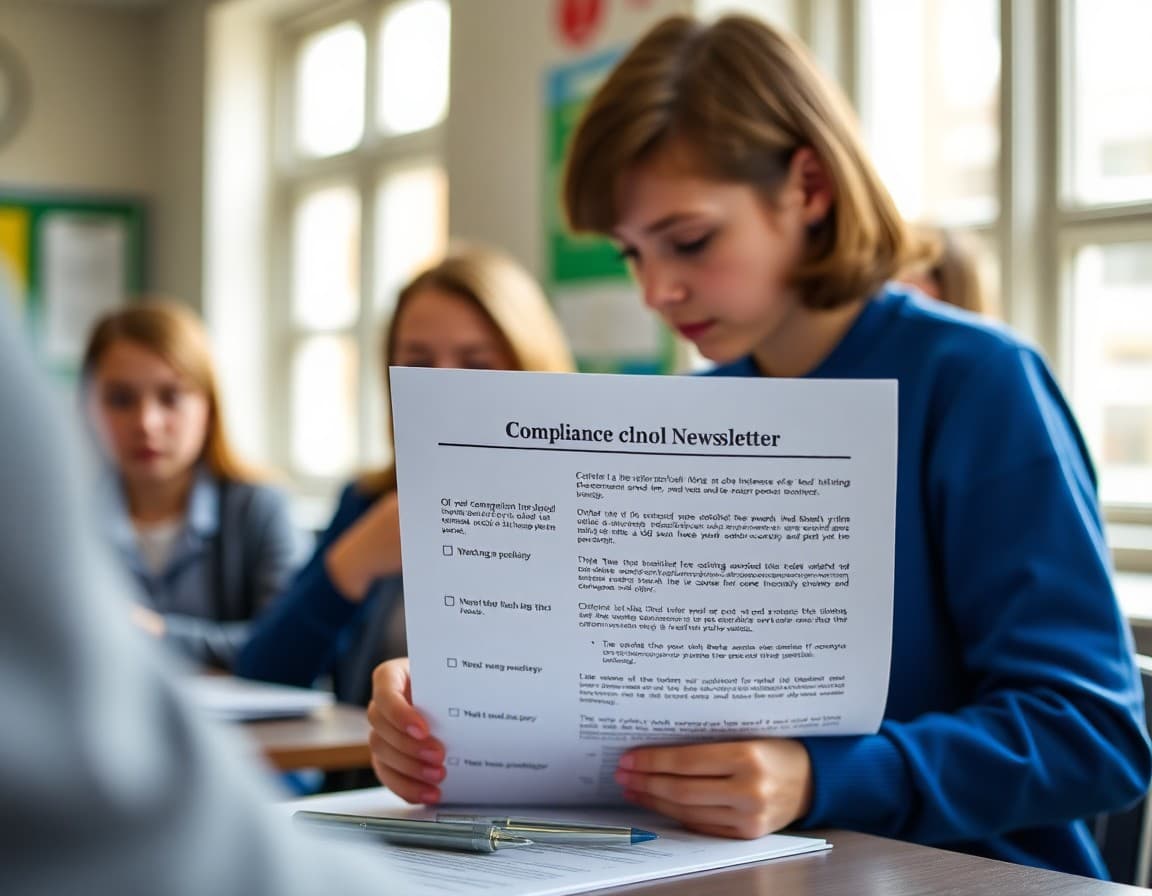
Most schools publish newsletters without ever formally reviewing them for compliance. That works until it does not. A privacy complaint, an accessibility lawsuit, or a CAN-SPAM deliverability issue can surface years of non-compliant newsletters at once. Running an annual compliance audit takes about two hours and prevents problems that are both legally serious and reputationally damaging. Here is how to do it.
CAN-SPAM Compliance Check
Pull the last five newsletters sent from your primary newsletter email address and check each one for these requirements. Every newsletter must include: a valid physical postal address (your school's mailing address, not a P.O. box only if your district does not maintain one), an unsubscribe link or mechanism, accurate sender information (the "From" name must identify the school or district, not a personal name with no school identifier), and a subject line that is not deceptive. If any of these are missing from your newsletter template, add them before the next send. Most newsletter platforms add the address and unsubscribe automatically; confirm yours is doing so.
FERPA Student Information Review
Review the last 12 newsletter issues for any of these FERPA red flags: a student's full name alongside academic performance data, attendance records published by individual student name, discipline information that identifies a student, grade comparisons that reveal individual student data, or any personally identifiable student information shared with parents who are not that student's guardian. If you find any of these, document and delete them from any publicly accessible archive. For future issues, establish a clear internal rule: first name and grade level are permitted with a media release; any additional identifying information requires explicit written parental consent beyond the standard media release.
Media Release Status Check
Create a simple list of every student who has appeared in your newsletter by name or photo in the past year. For each student, verify that a current media release is on file in your student information system. Any students who appeared without a valid media release should be flagged. Contact those families to retroactively obtain consent or note the issue in your records. Going forward, build a pre-publication step into your newsletter workflow: before any newsletter goes out with student photos or names, the editor checks the media release status for every student appearing in the issue.
Accessibility Compliance
School newsletters are covered by the Americans with Disabilities Act (ADA) and Section 504, which require that public communications be accessible to individuals with disabilities. For email newsletters, this means: all images must have descriptive alt text, color is not the only way to convey information (do not write "click the red button" if the button's function is not otherwise labeled), the font size is at least 14px for body text, the email renders correctly with a screen reader, and link text is descriptive ("view the March calendar" rather than "click here"). Test your newsletter template in an email accessibility tool like WAVE or Check My Colours annually.
District Policy Compliance
Request a copy of your district's official communication policy, which may be in the staff handbook, the board policy manual, or on the district website. Check whether your newsletter includes all required elements (often the district logo and a specific disclaimer for official communications) and avoids all prohibited content. Common district-prohibited newsletter content includes: partisan political material, religious endorsements, commercial advertising for non-school entities, content that could be construed as legal advice, and content about pending litigation involving the district. If your newsletter has ever included any of these, note it and confirm with your district communications office whether corrective action is needed.
Email Deliverability Audit
A deliverability audit is technically separate from legal compliance but affects whether your newsletter reaches families. Check these indicators in your newsletter platform: bounce rate (should be under 2%), spam complaint rate (should be under 0.1%), unsubscribe rate (review significant spikes that might indicate a content or frequency problem), and open rate trend over the past six months. A rising bounce rate indicates you have stale email addresses in your list that need to be cleaned. A rising spam complaint rate suggests your newsletter is landing in spam for some recipients, which can eventually affect deliverability for all recipients.
Building an Annual Compliance Calendar
Compliance review should happen on a schedule, not just when a problem surfaces. Schedule two review points per year: one in August before the school year begins (check the template, update staff contacts, verify district policy hasn't changed) and one in January at the start of the second semester (spot-check the previous semester's issues for any compliance gaps, update subscriber list, review any new state or district requirements). These two reviews take under four hours annually and keep your newsletter program compliant without requiring a full-time communications compliance officer.
Who Should Own Compliance
Assign clear ownership for newsletter compliance. In most elementary schools this is the principal or their designee. In districts with a communications office, a district communications coordinator should own district-level compliance and school principals should own school-level compliance. Everyone who publishes a school newsletter should have completed at least a one-hour orientation on FERPA basics, CAN-SPAM requirements, media release rules, and accessibility standards. Without clear ownership, compliance gaps accumulate unnoticed until they become problems.
Get one newsletter idea every week.
Free. For teachers. No spam.
Frequently asked questions
Is a school newsletter subject to CAN-SPAM regulations?
The CAN-SPAM Act applies to commercial emails. Most school newsletters are informational rather than commercial, which places them in a gray area. However, since most schools use email service providers (ESPs) that operate under CAN-SPAM, the law's requirements effectively apply: you need a physical address in the email, an unsubscribe mechanism, and no deceptive subject lines. Following CAN-SPAM rules is also best practice for maintaining email deliverability and parent trust regardless of strict legal applicability.
What does FERPA require for school newsletters?
FERPA (Family Educational Rights and Privacy Act) prohibits sharing personally identifiable student information without written consent. For newsletters, this means you cannot include a student's full name alongside grade, performance data, attendance records, or disciplinary information without explicit parental consent. Student spotlights that include a first name and grade-level achievement are generally permissible with a media release. Full-name academic rankings, honor roll lists with GPA data, and discipline-related student identification are not appropriate newsletter content.
What is a media release and how does it affect newsletter content?
A media release (also called a photo or media consent form) is a document parents sign at enrollment giving the school permission to publish photos and identifying information about their child in official communications. The release scope varies by district: some cover print and digital, some cover only print, some are time-limited. Before publishing any student photo, name, or identifiable information in a newsletter, verify that family has a current media release on file. Maintain a simple spreadsheet or flag in your student information system for families without releases.
What district-level policies commonly affect school newsletters?
Common district newsletter policies include: required unsubscribe language, mandated footer content (physical address, district logo, accessibility contact), prohibited content (specific student discipline information, medical records, attorney communications), approval workflows (does the principal or district communications office need to approve before send?), mandated language for specific communications (special education rights notices, Title I parent involvement policies), and data retention requirements for how long newsletter records must be kept.
Does Daystage help schools meet newsletter compliance requirements automatically?
Yes. Daystage automatically includes a physical address and unsubscribe link in every newsletter footer, which satisfies the CAN-SPAM requirements that apply to most school newsletters. The platform also maintains a subscriber management system that processes unsubscribe requests automatically without requiring manual list management. For FERPA and media release compliance, those are content decisions that staff must make before adding student information to any newsletter, but Daystage's access controls can limit which staff members can publish student-identifying content.

Adi Ackerman
Author
Adi Ackerman is a former classroom teacher and curriculum writer with 8 years in K-8 schools. She writes about school communication, parent engagement, and what actually works in real classrooms.
More for Guides
Ready to send your first newsletter?
3 newsletters free. No credit card. First one ready in under 5 minutes.
Get started free